
rodneylane888
Copy paste from different OSes
Awesome - I'll download the update and give it a try
Cheers
Copy paste from different OSes
Hi Simon - Thanks for the update - very much appreciated :)
Copy paste from different OSes
Hi Simon
Thanks for the response
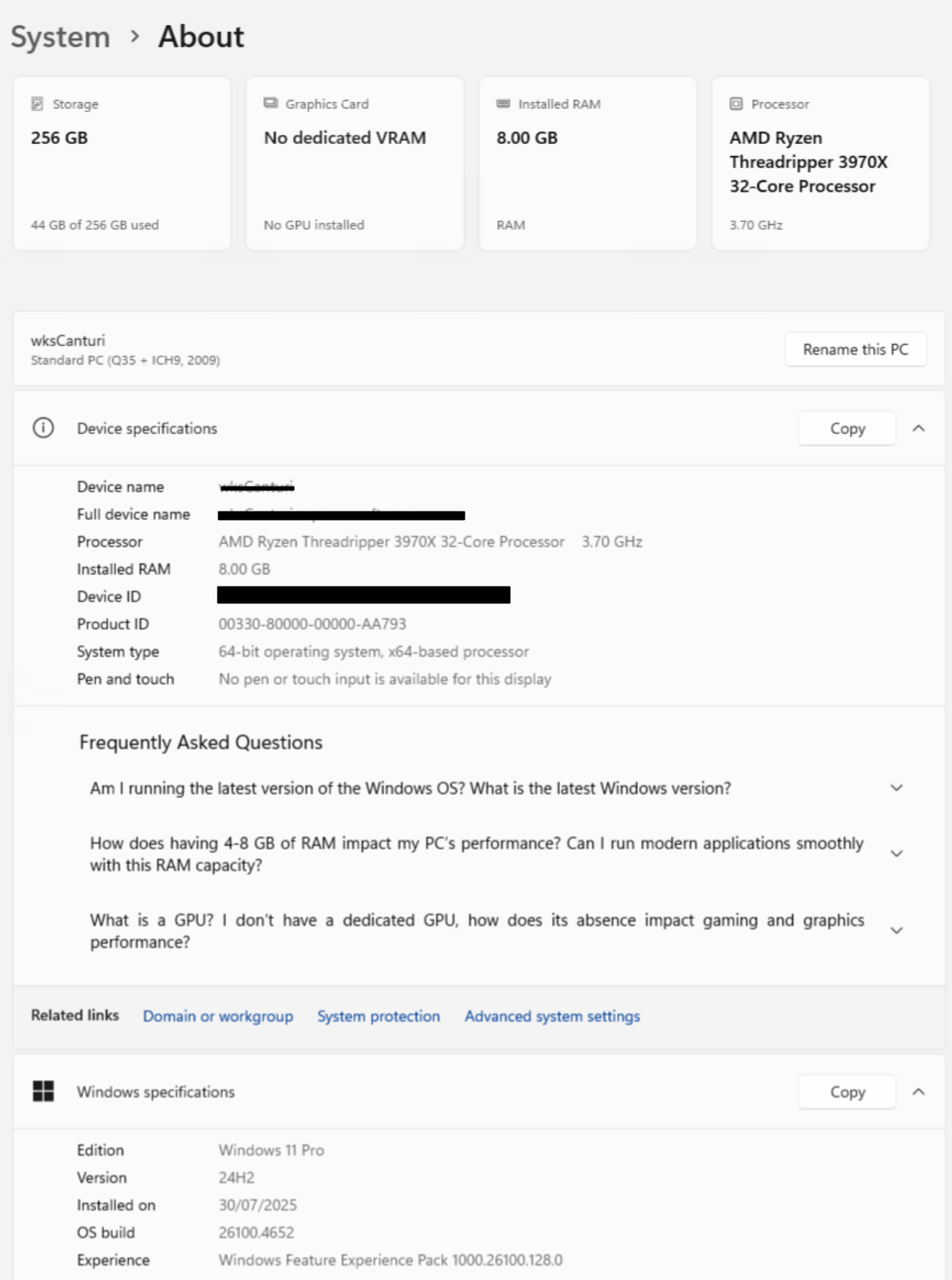
Its a Windows 10 VM, and I have the same issue with a Windows 11 VM. Both are pro versions and both connected to a windows domain.
I can remote desktop to them and paste content when i RDP from a Windows machine.
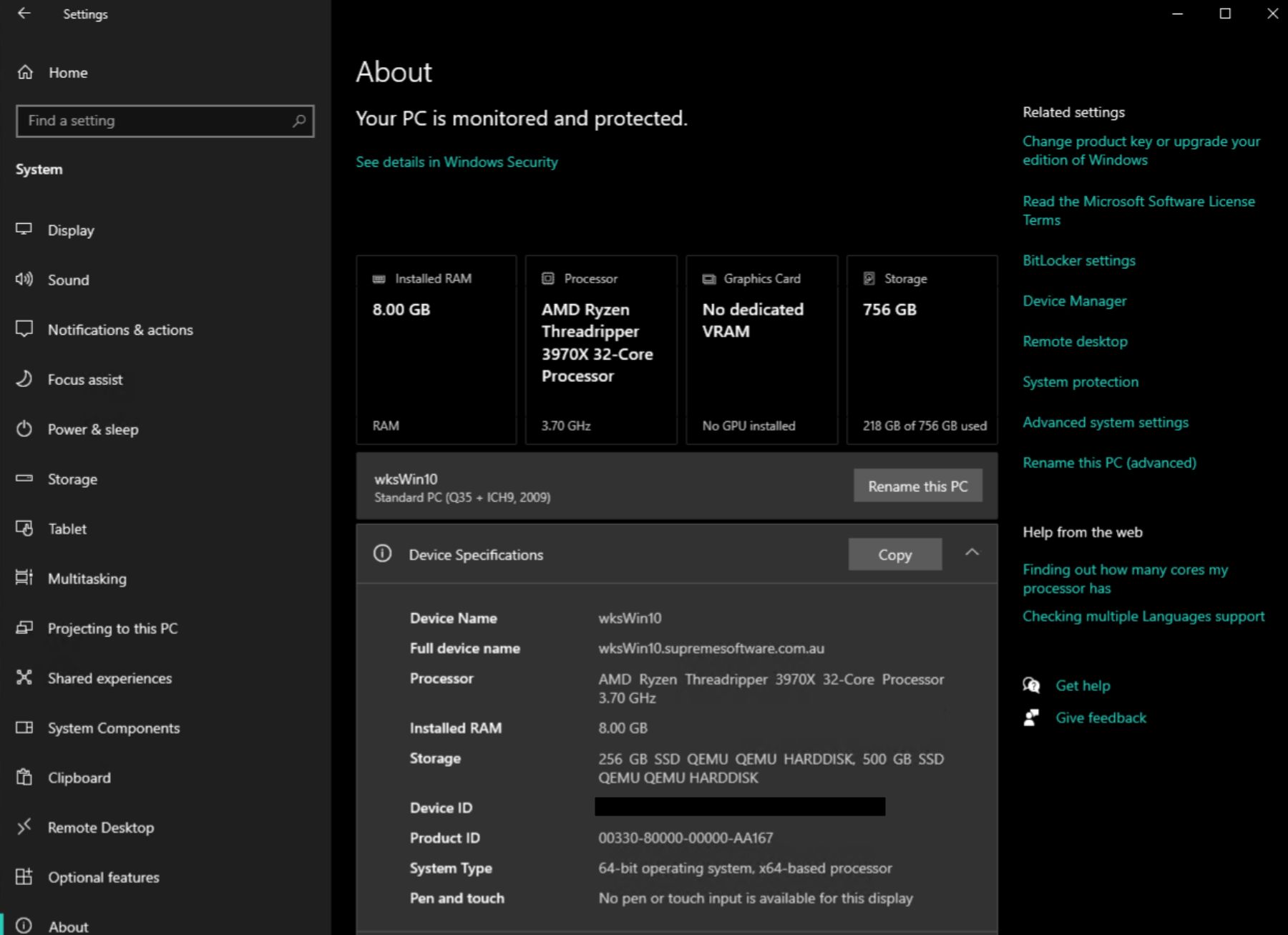
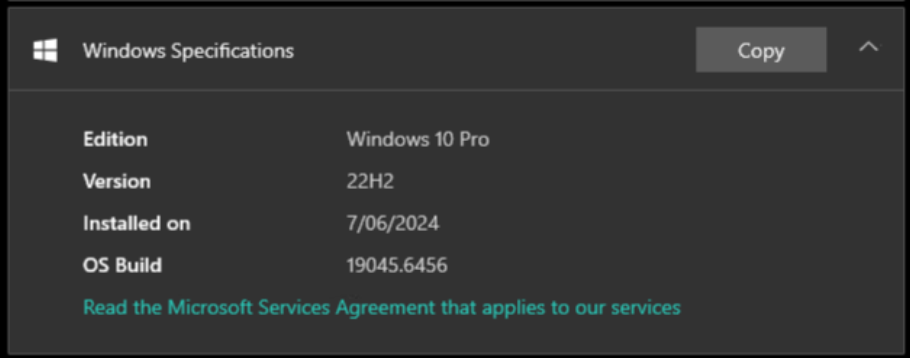
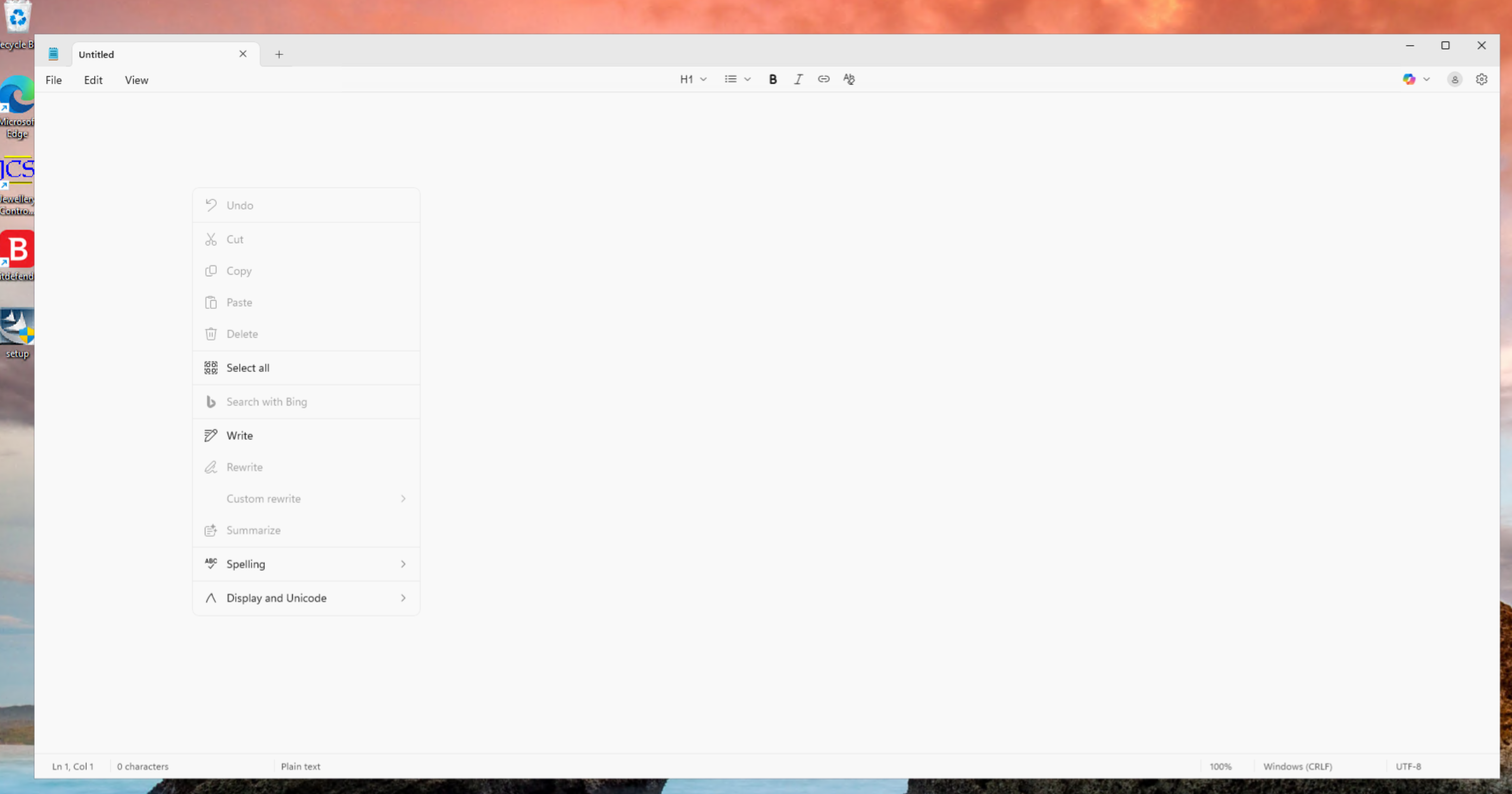
in applications like Paint and Notepad - basic copy paste wont work.
ie, copy this content as shown in image...
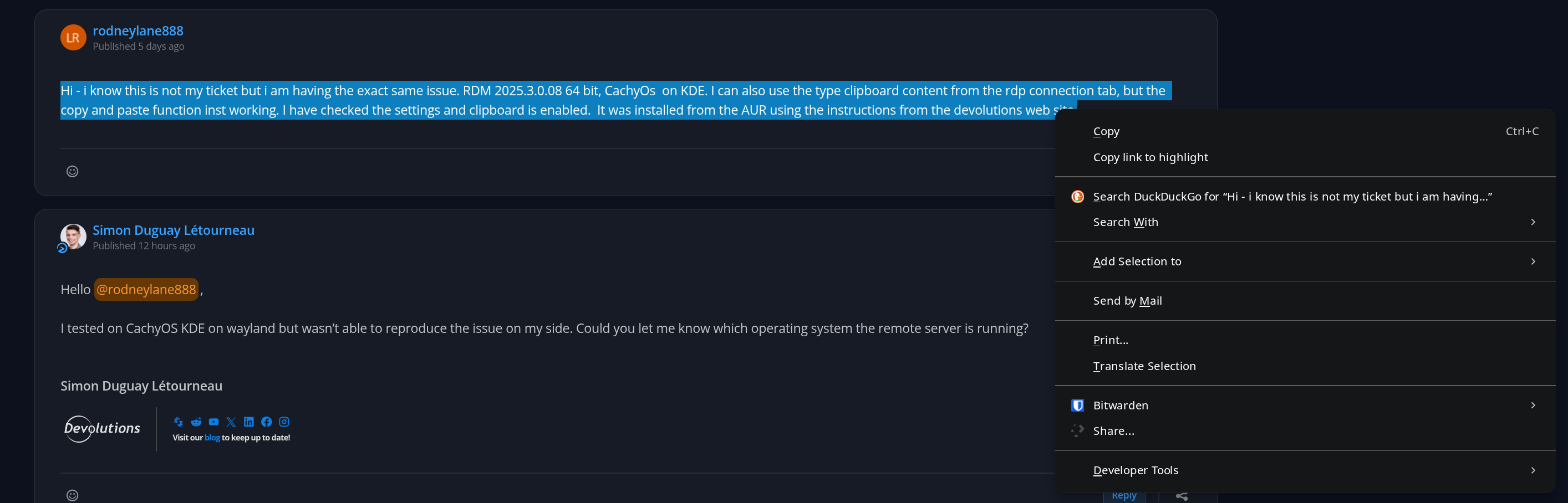
and in the VM, the paste option is not available
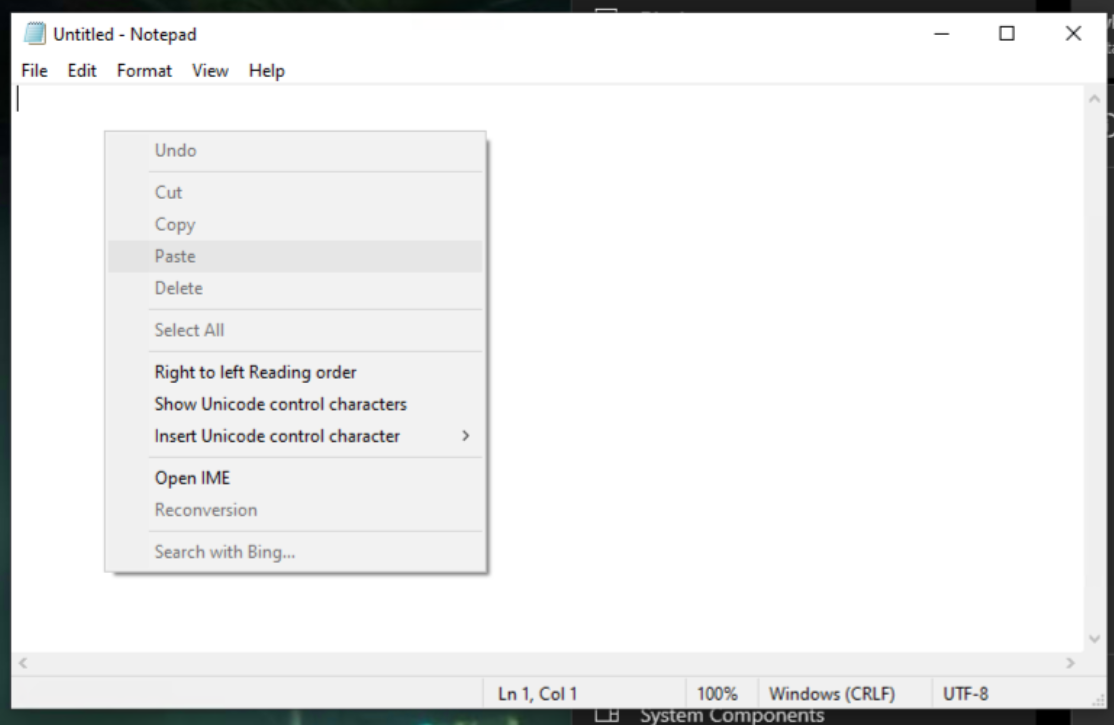
I have the same problem in Windows 11 VMs
Cheers
Rod
Copy paste from different OSes
Hi - i know this is not my ticket but i am having the exact same issue. RDM 2025.3.0.08 64 bit, CachyOs on KDE. I can also use the type clipboard content from the rdp connection tab, but the copy and paste function inst working. I have checked the settings and clipboard is enabled. It was installed from the AUR using the instructions from the devolutions web site.
Trying to configure connection to local HyperV machines
Hi - thanks for your response
Unfortunately no it didn't work - but its ok - I am used to using the Hyper-V console now.
RemoteFX has been discontinued, so I am referring to the vGPU which is all done through powershell commands and copying driver files (the slightly more difficult one)
However - it works remarkably well - I tend to use the VM to watch youtube videos and concerts instead of the main desktop. Its not as good as bare metal dedicated GPU's - but I have several vGPU enabled VM's all running accelerated graphics (Develeopment VM's along with Test VM's to test software etc.
I have seen people game in the VM's as well but i havent tried.
Few key things to note - if you have multiple GPU's, you need to drivers for all GPU's added to the VM guest machine. The VGPU assignment is not static - so you may get GPU1 one day and GPU2 the next time - depending on what VMs are running - haven't found a way to specify which vGPU yet. Windows allocated from the unused secondary GPU first, then from the primary, then from the secondary and so un - it seems to be the order of the VM startup.
Also - 1080P is the highest resolution - so don't bother trying 4K - I think this is a hyper-v limitation though not vGPU
I also use VOICE MEETER to bring the sound back from the VM to the HOST as in basic session, there no audio.
Here are the instructions I used to get it working - but if you are having difficulty let me know and I will post some detailed instructions that I made as well.
https://www.reddit.com/r/sysadmin/comments/jym8xz/gpu_partitioning_is_finally_possible_in_hyperv/
Cheers
Rod.
Trying to configure connection to local HyperV machines
Hi David
I'm not sure of any settings that would be missing.
I use accelerated VGPU in Hyper-V and have to run the Hyper-V VMConnection manager in Basic Mode, not enhanced.
I do this through the local Hyper-V admin console by just connecting to the VM. The graphical throughput is very fast, so its great for work VM's and test machines to have this accelerated graphics as the lag is reduced a lot.
As for any special settings, I don't know of any - I just launch open the connection in Hyper-V manager, make sure the Basic session (not enhanced) is selected, then log in and I get accelerated graphics.
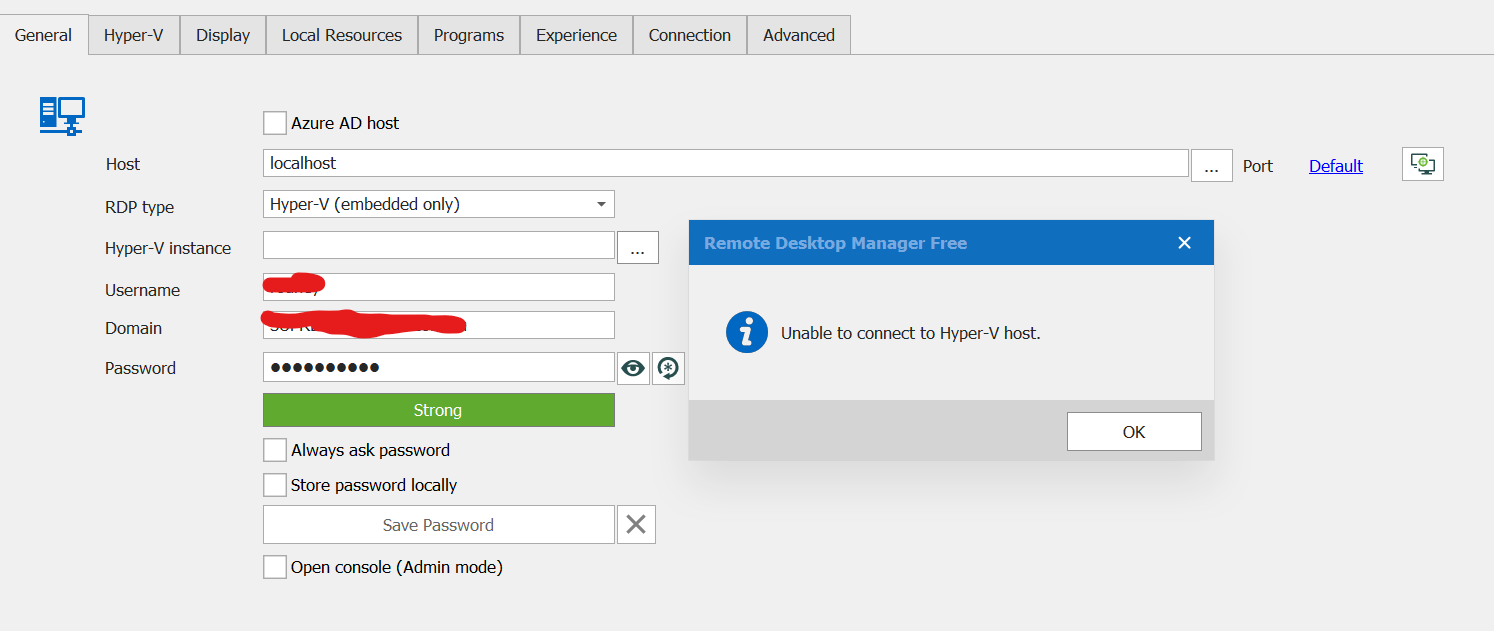
I tried connecting to localhost using Remote Desktop Manager when choosing embedded Hyper-V and entering my credentials, it just keeps telling me it cannot connect to host.
What it appears to be is some some sort of local restriction on Remote Desktop Manager trying to connect to the Hyper-V host in Windows 10. I can enter the hostname of another windows 10 computer running Hyper-V and I can list the VM's on that machine.
That's all I can offer - I don't know of any missing settings on the ActiveX object I'm afraid. Below is a snip of what I am talking about...
Cheers
Rod.
Trying to configure connection to local HyperV machines
I know this is an old post and not mine - but wondering if this feature was ever enabled.
I have a Threadripper 3970X with 128GB Ram and multiple local VM's that are used for development and testing with assigned VGPU's to each VM for accelerated graphics.
This is why I need to use the VMConnection manager - to take advantage of the accelerated GPU performance.
The ability to connect to hyper-v host and then use the vm-connection link just like Hyper-V manager can would be very useful.
I have stopped using RDM because I cant do this and have reverted to just using the hyper-v connection manager.
If this functionality was available now - I would buy another subscription.