
aweight
Unable to launch applications after update to 2025.1.29
Hello,
Thank you for getting in touch with us. To better assist you, could you kindly provide us with the following information:
If you try to create a new PowerShell Terminal (Local) entry, does it work?
No change in behavior
If you configure the credentials instead of prompting for them, is the behavior different?
No change in behavior
Do you receive a message saying "Unable to execute application"?
No
Thank you for letting us know. If you have any other questions, feel free to let us know.
Best regards,
I have tried the following to troubleshoot the issue:
I have a few different admin accounts that I used to launch these applications (depending on domain I need access to).
Using most of the accounts works as intended. The application launches under the context of that user account as it always has.
The issue appeared at first to be with only one of my accounts. Whenever I launch any application with that account (whether manually specified or not), it does not launch the application, nor does it throw any errors.
I do know the password in our passwordstate system has the correct password for this account so that is not the issue.
I can connect via RDP to any server using that credential in the same manner from RDM without any issues.
The account is not locked, the password does not need to be changed, and the permissions for that account within my local machine or the domain have not changed.
To determine if this was a problem with the local profile for that account, I purged the user profile from my machine and re-created it. Still the same issue persists. Any application launched using that account simply fails to launch without any errors.
I logged into a different machine running RDM version 2024.3.15.0 and launch the same application using the same account credential entry and it launches successfully under that user context.
To test if it was the machine or not, I updated the second machine from 2024.3.15.0 to 2025.1.29. After the update, I am having issues on that machine launching applications as well. Only this time, no applications are launching for any of the accounts I try. Including the ones that work on the other machine which was updated previously.
I then attempted to see if something was bugged with the appdata, so I purged the Devolutions folder under the %userprofile%appdata\local directory. Again, launching any application using any credential on the 2nd system fails to launch with no errors.
The behavior seems a bit inconsistent. Since on the first machine I only get the problem with one of my credentials, but on the second one it happens with any of my credentials I choose. Additionally, I confirmed the credentials that appear to not work did (and still do) function just fine when using version 2024.3.15, but as soon as I update to 2025.1.29 it no longer works. It does not appear to be a user profile issue on the machine, nor a problem with the appdata folder as both have been purged and attempted again.
Unable to launch applications after update to 2025.1.29
Hello,
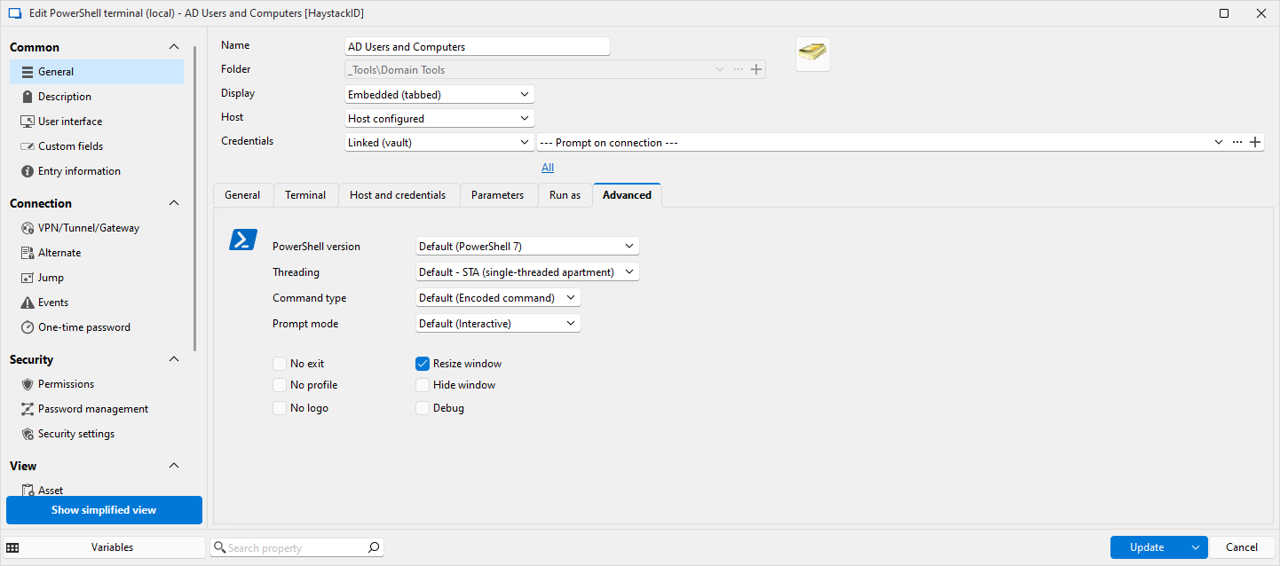
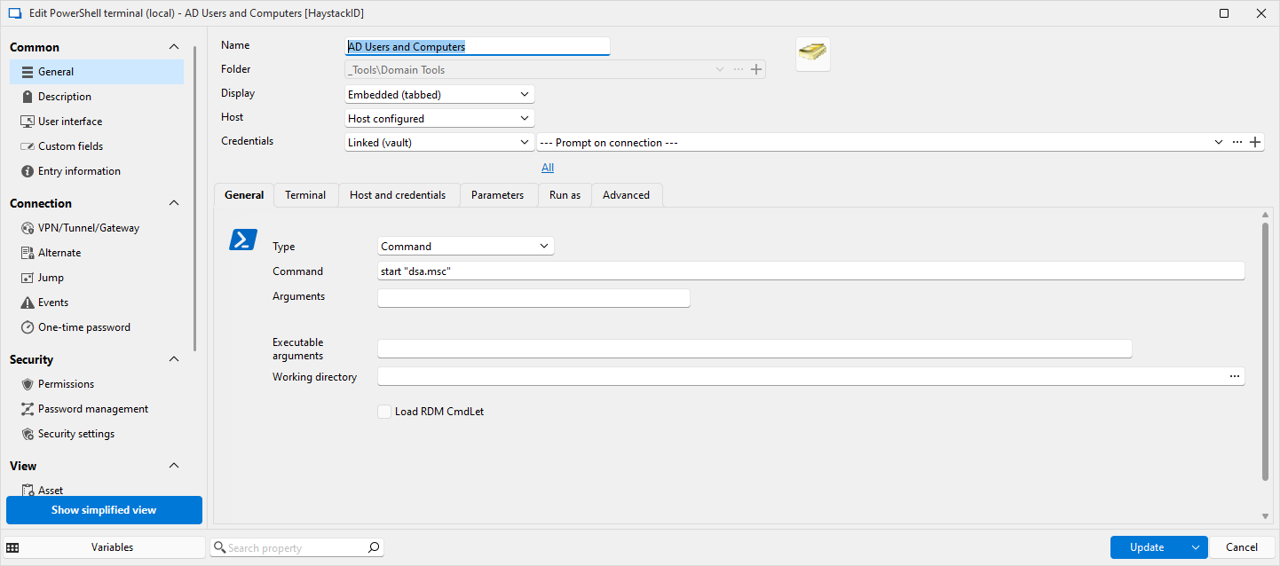
I am running into an issue after updating to version 2025.1.29 (previously on version 2024.3). We have multiple application entries in our database that use a PowerShell command such as: start "pathtoapplication.exe"
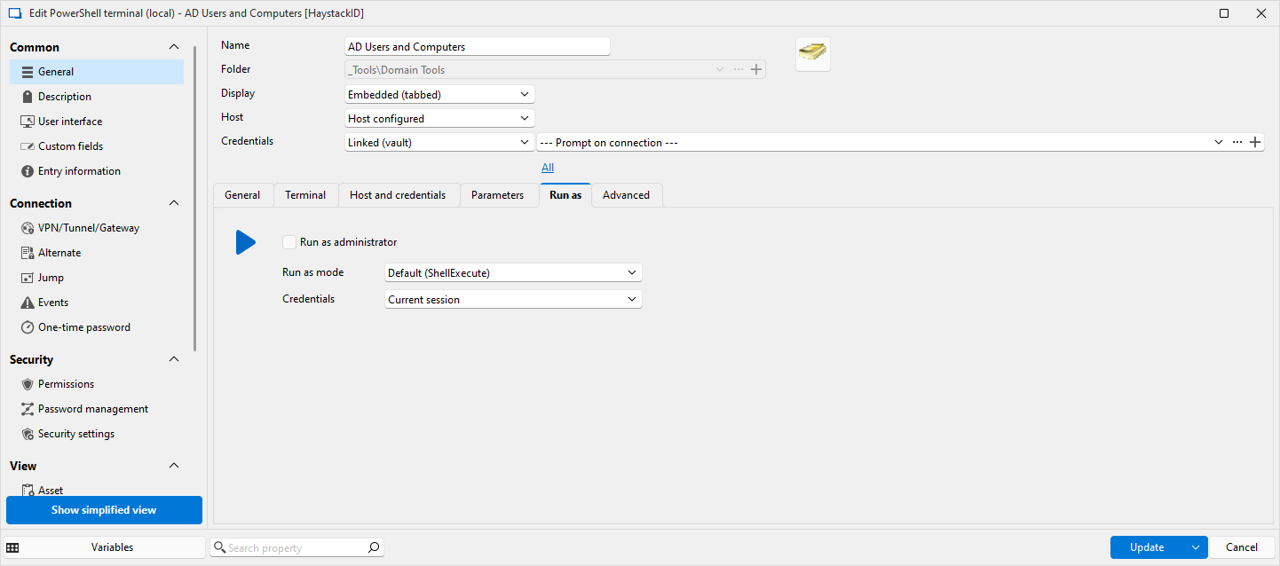
These entries are set to prompt the user for the credential object from their personal vault. The entries in their personal vault are API links to our Passwordstate system where credentials are stored. This worked in the past without issue. However, after the update, no users are able to launch any application created like this. There are no errors displayed, and there are no entries in the application log in RDM. The application simply never launches.
Unable to launch application after update to 2024.2.14
Hello.
I am running into an issue with one user launching a session. We have a licensed Enterprise version and are using SQL as the vault database. This particular session is an application (microsoft SSMS) that is launched via a PowerShell entry in RDM that launches the application (Config screenshots below). What this does is allows a user to select a credential from their list to launch the application as (effectively using the "run as different user" windows function).


When attempting to launch this connection, the user is getting the following error:

The user is selecting a credential to use with has a profile on the local machine (verified) and has access to run applications on that machine (verified). The application is installed on that machine (verified). We have had several other users test this same entry and nobody other than this user appears to be experiencing this issue.
We recently updated all our clients to version 2024.2.14, and all users are on the same version. The issue did not start until after the upgrade to his system. However, no other users have reported this issue after the upgrade, and we have not been able to replicate it on other user accounts or machines.
The user has rebooted their machine, and I also had them reset their RDM configuration by:
Deleting the folder "C:\users\%username%\AppData\Local\Devolutions"
Restarting the application and re-configuring to point to the database.
I am out of ideas at this point other than maybe having him uninstall RDM completely and purge all associated data, then re-install.
Unable to execute embedded script
After working through this, it appears what I wanted to do will not work anyway. Even though I have the commands for the script running as a separate account, and a local admin, it successfully terminates Windows Explorer, however, when it launches it again it does so only under the context of the logged in user session. What I was hoping to be able to do was launch explorer with a different user account to elevate permissions within explorer for specific purposes. However, that does not appear to be possible.
I should note, that doing this with nearly any other application other than Windows Explorer appears to work correctly, and the application will run under the context of the credentials selected instead of the logged in user. But Windows explorer, does not appear to behave that way.
Unable to execute embedded script
Update on this issue.
The portable version has the same issue. However, I found something interesting.
More Background
We are using the application to run as admin using a different account than the user logged into the machine. Normally, that works without any issues. In this setup, I have two different admin accounts (each in a different domain that has a trust setup). Both of these accounts are local admins on the machine I am running RDM on. The account I am logged into Windows and RDM with is not a local admin.
When I use one of the admin accounts to launch this script it works as expected without any issues. When I use the other admin account to launch the script is when I get the displayed error.
After realizing this, I checked the ntfs permissions on the c:\users\username folder, and found that the account that was working was specifically listed with Full Control, while the one that was not working was not listed. Even though local administrators group (which both accounts are a member of) was listed with full control, the second account did not work. Once I manually added the second admin account with Full Control to that directory, both accounts work to launch the script.
So the issue here was that the account being used to launch the script did not have security access to c:\users\username\appdata\local\temp\rdm
Unable to execute embedded script
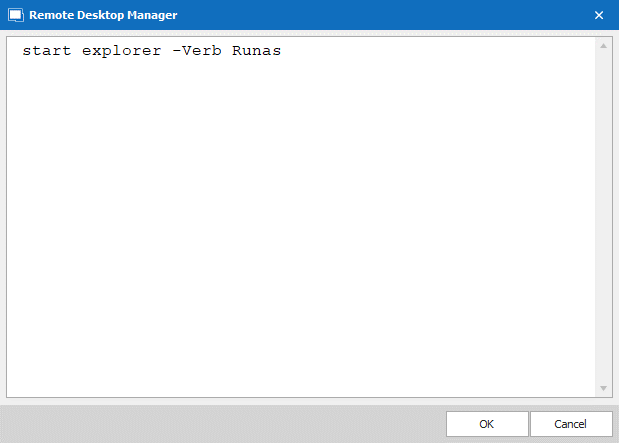
There are no trailing spaces. As far as creating a new one, I tested that and same issue.
In addition, just as a test, I created a new one that only has one line (same line that works when not an embedded script). It still has the same error. There are no trailing or prepended spaces.
Unable to execute embedded script
That does not work. I get the same error message.
Unable to execute embedded script
The version is 2021.1.36.0
Data source is internal SQL Server database.
Unable to execute embedded script
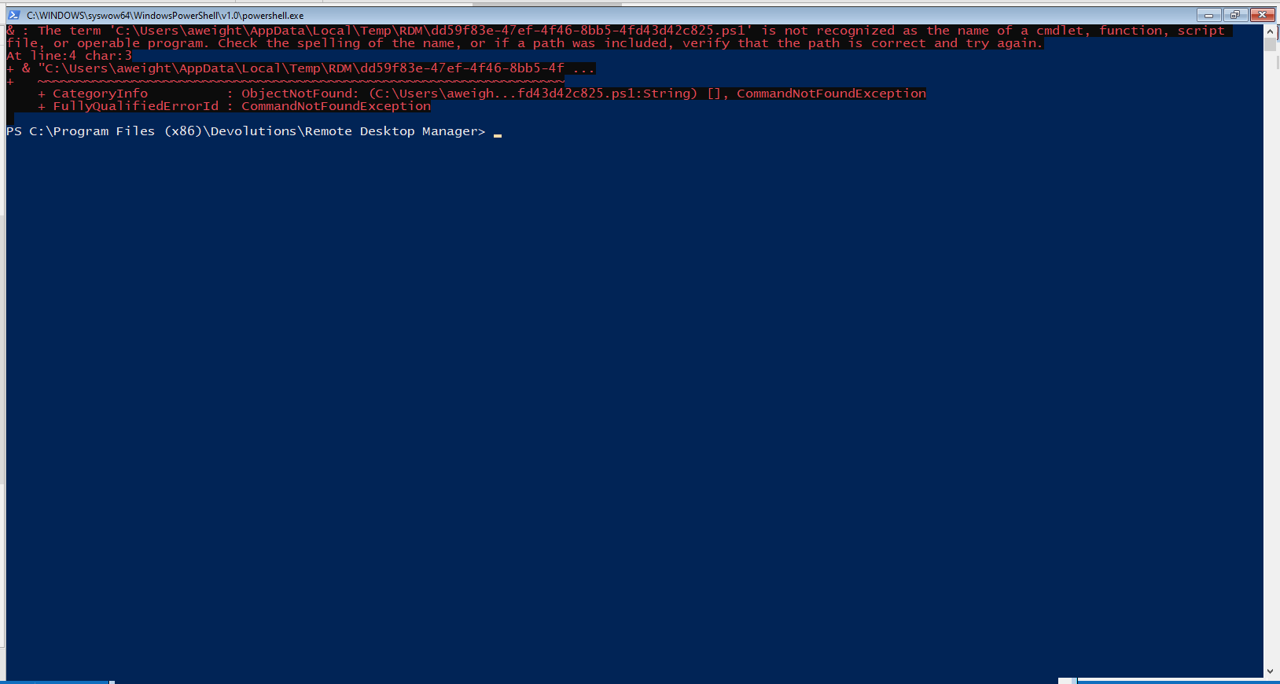
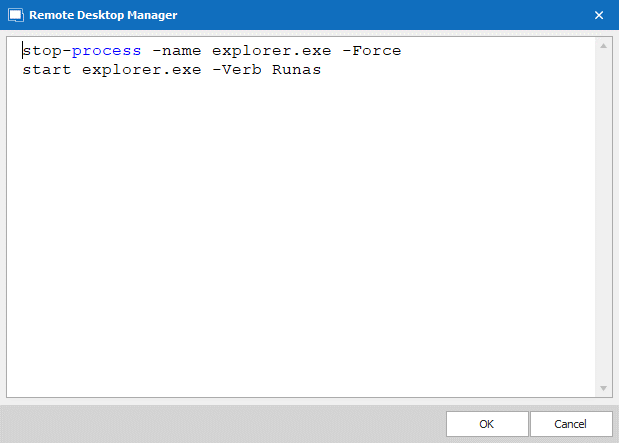
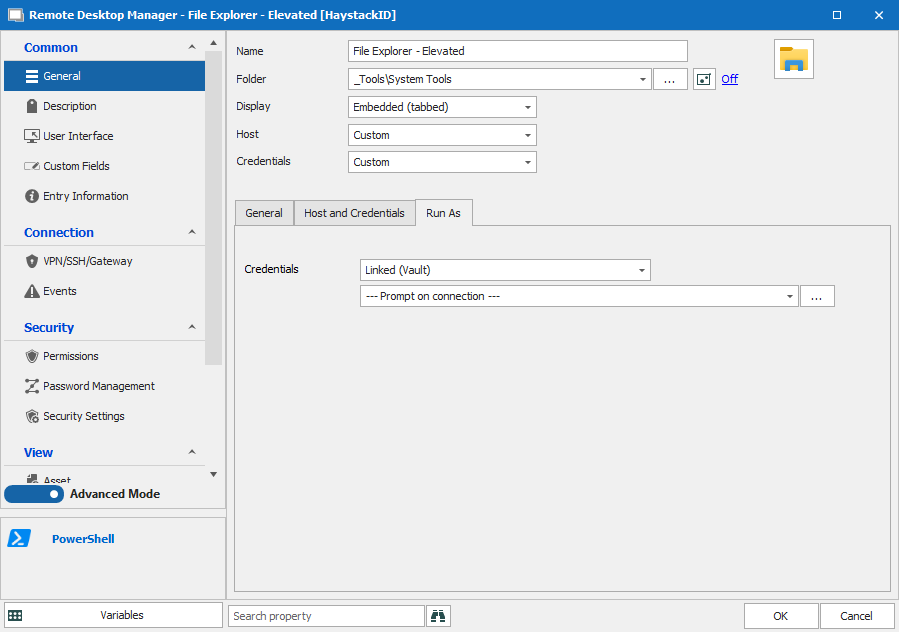
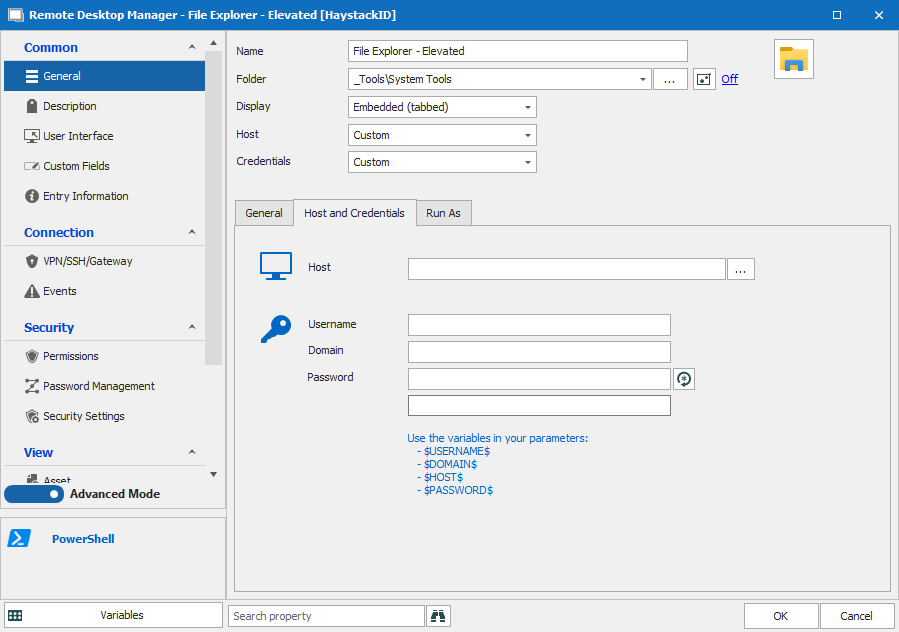
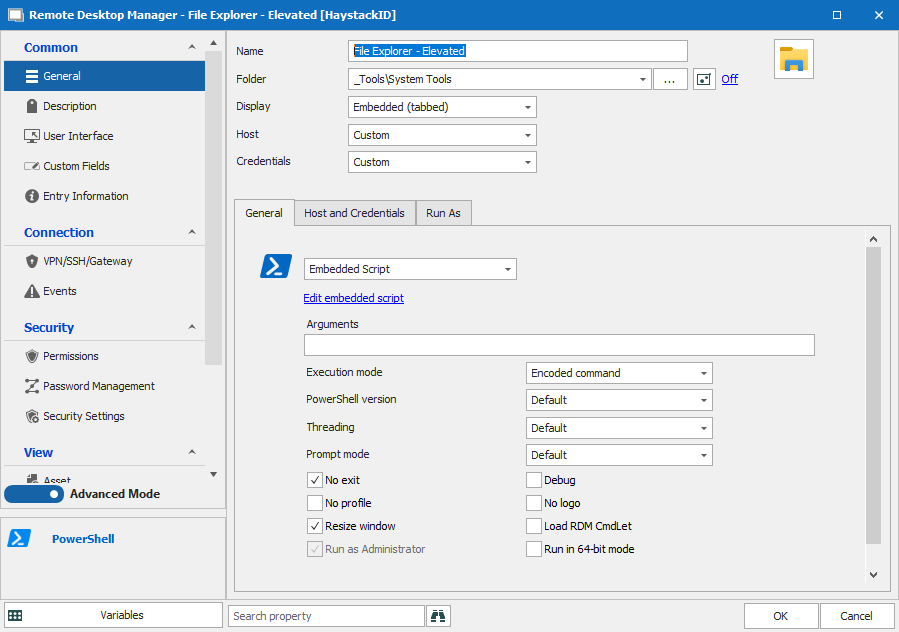
I have a PS embedded script in RDM I am trying to run which terminates explorer.exe then launches it again as admin using a credential from a repository.
When I launch the entry, I receive the error:
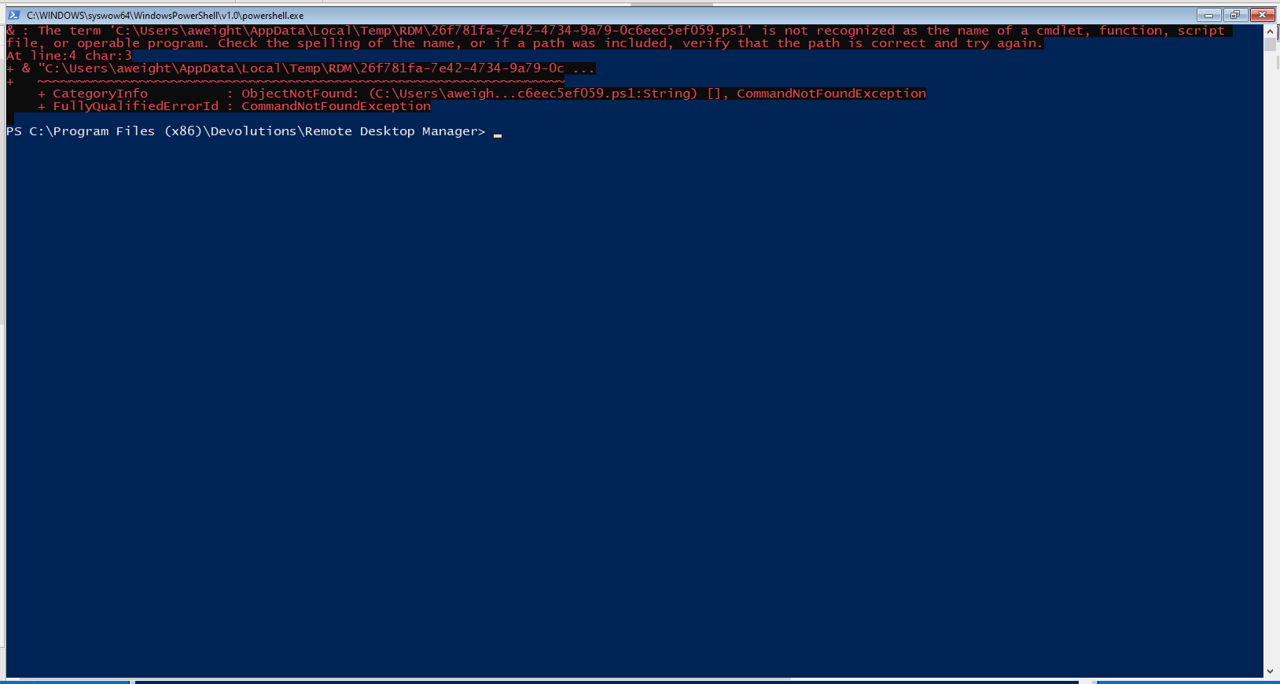
The term 'C:\Users\aweight\AppData\Local\Temp\RDM\54084fdc-c19f-43b8-9835-a1ce6811176f.ps1' is not recognized as the name of a cmdlet, function, script file, or operable program.
This seems to happen whenever I use the embedded script option in RDM regardless of the commands run. I can execute a single line command (not embedded script) without any issues.
I checked the directory it is pointing out, and the file does exist. Attached screenshots of configuration and error.