
Heshmatkhah
Run Port Knocking command
Hi Xavier,
Thanks a-lot.
It's working now!
Run Port Knocking command
Hi,
Thank you.
I'm using Enterprise Edition version 2021.1.2.0
Run Port Knocking command
$ type curl
curl is /usr/bin/curl
$ which curl
/usr/bin/curl
$ type /usr/bin/curl
/usr/bin/curl is /usr/bin/curl
$ which /usr/bin/curl
/usr/bin/curl
Run Port Knocking command
Hi,
Thanks for your reply.
this gives me the same error:
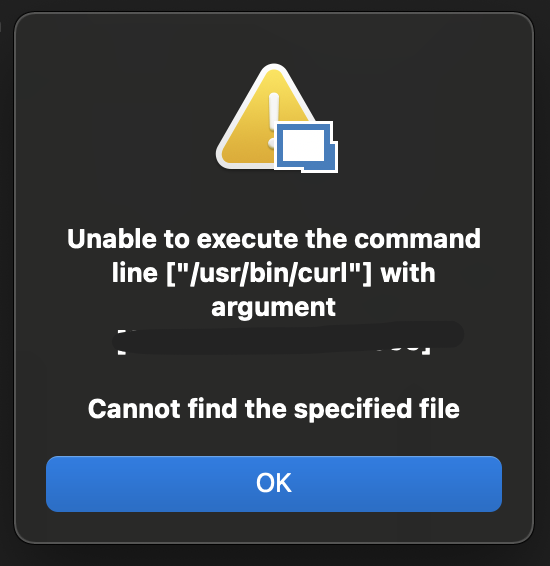
but I can run the CURL with bot "curl" and "/usr/bin/curl".
Run Port Knocking command
Hi
In our environment, we should run multiple CURL and PING commands in a specific sequence in order to do a port knock and then firewalls will allow us to connect using RDP or SSH
How can I do this in RDM.
I remember that I do a simpler scenario using "events > before connection > command line" before,
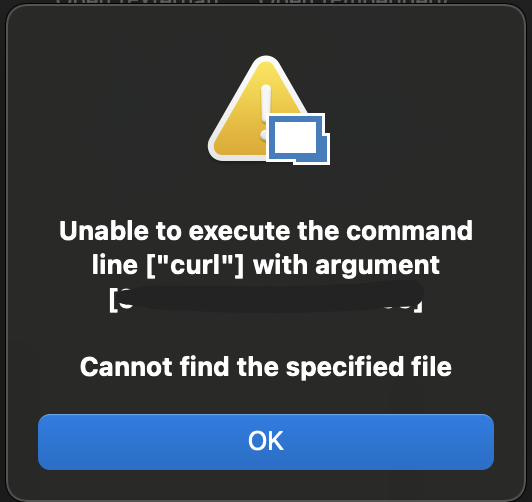
But I can't find that connection now and my new Connection gives me this error:
RDM using MariaDB wants to create database user
Thanks for your reply.
I do the following:
Create a Database as I said in my previous post,
enter my database information in the RDM Database section
Test my connection to the host:
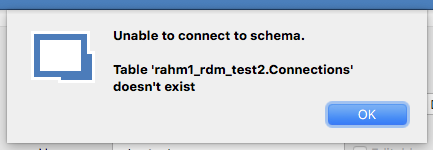
Test the Schema: Test fails:
Update the Schema
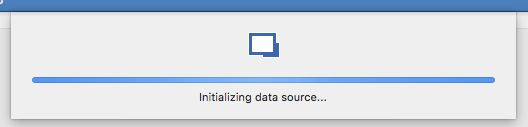
->
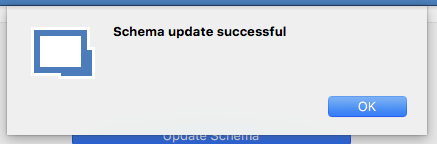
Then I press the OK button of the database create dialog
Then I press the OK button of the data source dialog and the RDM gives me these errors:
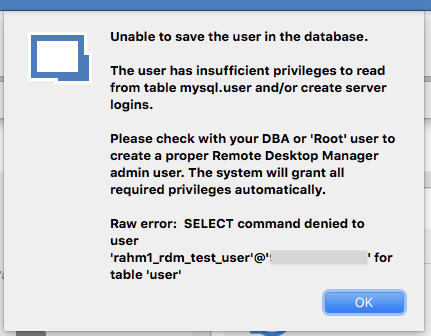
->
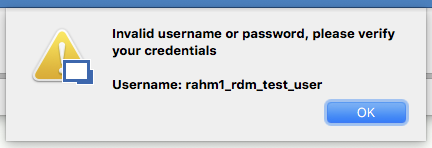
But as we know the username and password are correct and RDM can connect to the database using them!!
The Administration section containing nothing:
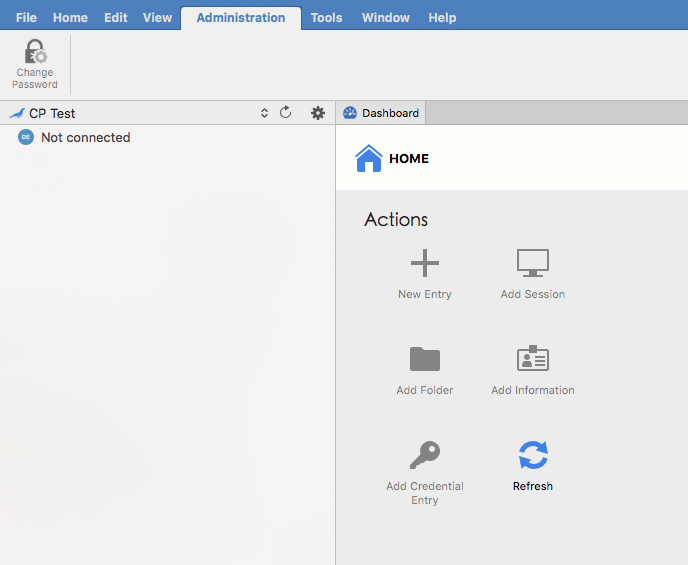
and here is what in my database:
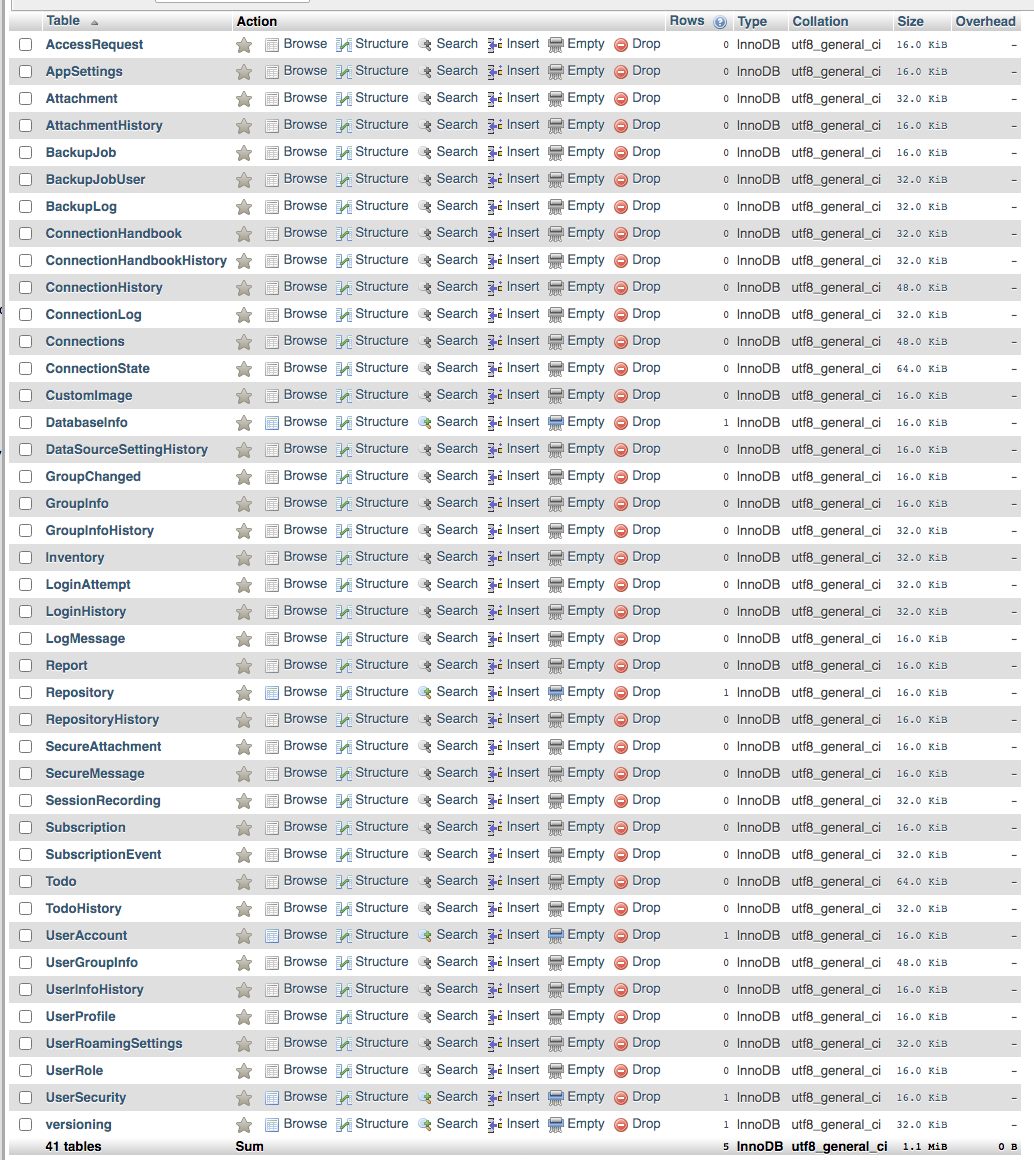
Also, the Test Schema Button says that the Schema is OK
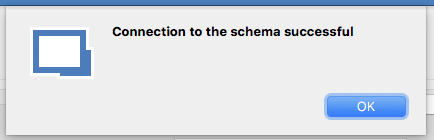
RDM using MariaDB wants to create database user
Thanks a lot
RDM using MariaDB wants to create database user
Do you have access to the Root credentials?
If yes, could you use this user and try to create a test database from RDM directly?
I Don't have root access to the database, I can just create databases and users using the cPanel interface,
then I provide the database name, username, and password to RDM:
Creating a database:

Creating a User

the error messages on this screenshot show that I can only create 2 databases and this was my second database.
Giving full access to the user on the database:

Then I use rahm1_rdm_test_user and rahm1_rdm_test2 as my ceredentials for RDM
RDM using MariaDB wants to create database user
The Create Schema button says

but all I did is creating a database and a user for that database in my cPanel.
RDM using MariaDB wants to create database user
Hi,
I was using a remote database on a cPanel server as my data source.
when I want to create a new Data Source on the same server, I provide the server address and port and username and password of the database table I created in my cPanel account.
the RDM can access the database and I create the required tables by clicking "DataSource settings -> upgrade -> update schema"
then when I clicking on "okay" it starts loading and give me this error:
Unable to save the user in the database.
The user has insufficient privileges to read from table mysql.user and/or create server logins.
Please check with your DBA or 'Root' user to create a proper Remote Desktop Manager admin user. The system will grant all required privileges automatically.
Raw error: SELECT command denied to user '<my username>'@'<my internel ip>' for table 'user'
then I press okay and it says:
Invalid username or password, please verify your credentials
Username: <my username>
The RDM works fine with another database on the SAME cPanel Server.
what should I do?
I'm using Remote Desktop Manager 2020.3.3.0