RDM using MariaDB wants to create database user

Hi,
I was using a remote database on a cPanel server as my data source.
when I want to create a new Data Source on the same server, I provide the server address and port and username and password of the database table I created in my cPanel account.
the RDM can access the database and I create the required tables by clicking "DataSource settings -> upgrade -> update schema"
then when I clicking on "okay" it starts loading and give me this error:
Unable to save the user in the database.
The user has insufficient privileges to read from table mysql.user and/or create server logins.
Please check with your DBA or 'Root' user to create a proper Remote Desktop Manager admin user. The system will grant all required privileges automatically.
Raw error: SELECT command denied to user '<my username>'@'<my internel ip>' for table 'user'
then I press okay and it says:
Invalid username or password, please verify your credentials
Username: <my username>
The RDM works fine with another database on the SAME cPanel Server.
what should I do?
I'm using Remote Desktop Manager 2020.3.3.0
All Comments (10)
Hi,
Have you used the "Create Schema" button from the same panel to create your database? Here is the option I'm referring to: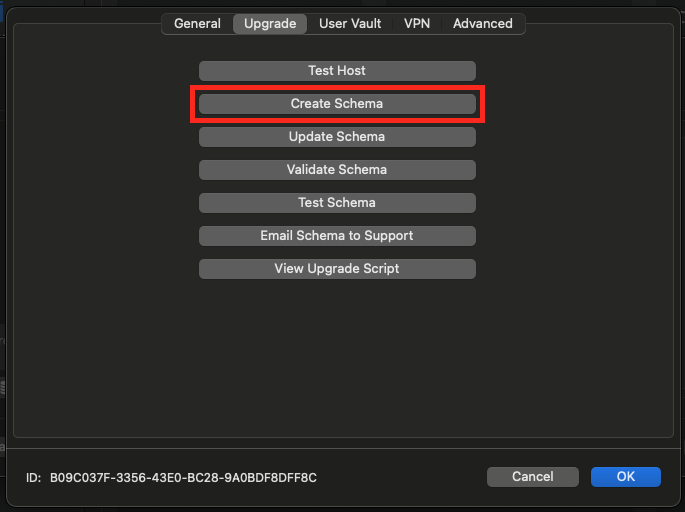
Best regards,
Xavier Fortin
CreateSchema.png
The Create Schema button says
but all I did is creating a database and a user for that database in my cPanel.
It's normal to get this error if you've already created the schema. I'm only familiar with building the schema directly from RDM, I don't know if we support upgrading a schema manually created, I'll have to investigate. I'll get back in touch.
Best regards,
Xavier Fortin
Hello,
The creation and the update of the schema should be handled by RDM.
Do you have access to the Root credentials?
If yes, could you use this user and try to create a test database from RDM directly?
Let us know if that work.
Best regards,
Jeff Dagenais
Do you have access to the Root credentials?
If yes, could you use this user and try to create a test database from RDM directly?
I Don't have root access to the database, I can just create databases and users using the cPanel interface,
then I provide the database name, username, and password to RDM:
Creating a database:
Creating a User
the error messages on this screenshot show that I can only create 2 databases and this was my second database.
Giving full access to the user on the database:
Then I use rahm1_rdm_test_user and rahm1_rdm_test2 as my ceredentials for RDM
Hello,
I would need to have a conversation with our database specialist. However, I know that he's on vacation this week, but I will do my best to reply before the end of the week.
Best regards,
Jeff Dagenais
Thanks a lot
So cPanel can be an issue, it somewhat complicates things. But we can get around them. The database exists but doesn't yet have the schema objects in the schema to make RDM work. So first step is to create those.
Please do the following:
- Press the "Update Schema" button this will upgrade the schema
- Go to Administration > Users
- You should see the user "rahm1_rdm_test_user", if not add it
- Now you should be OK to work with this new database
Let me know if that works for you.
We will try to improve the process for cPanel, where you have to pre-create the schema outside of RDM.
Best regards,
Stéfane Lavergne
Thanks for your reply.
I do the following:
- Create a Database as I said in my previous post,
- enter my database information in the RDM Database section
- Test my connection to the host:
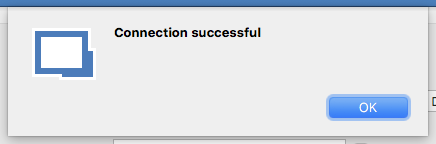
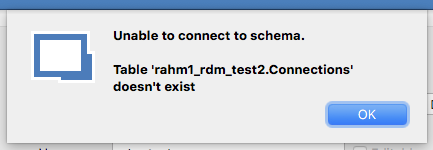
- Test the Schema: Test fails:
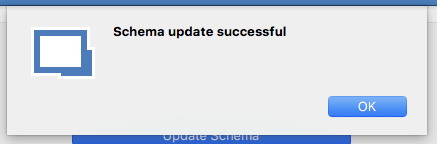
- Update the Schema
 ->
-> 
- Then I press the OK button of the database create dialog
- Then I press the OK button of the data source dialog and the RDM gives me these errors:
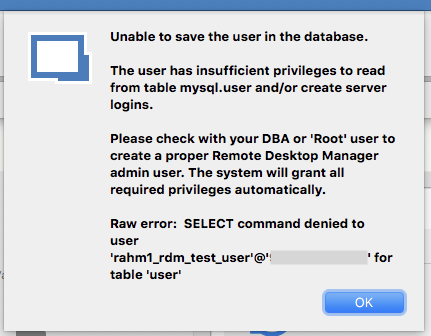 ->
-> 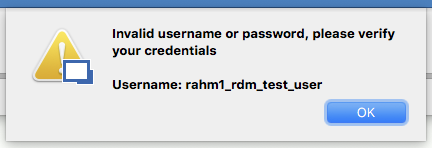
But as we know the username and password are correct and RDM can connect to the database using them!!
The Administration section containing nothing: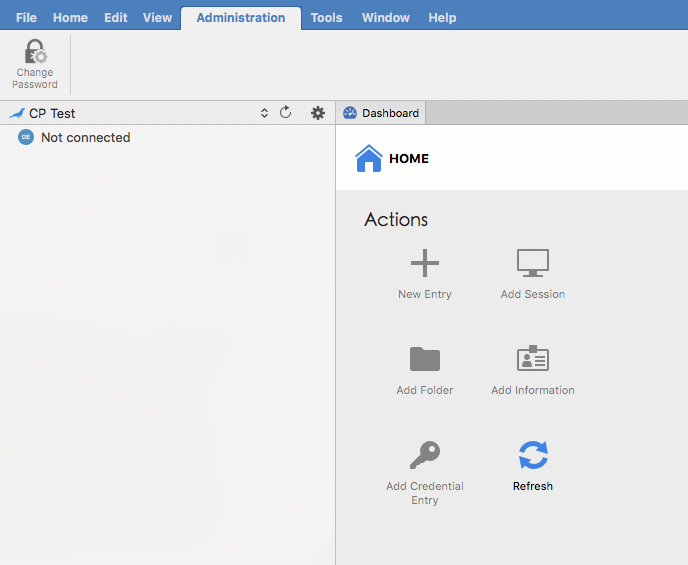
and here is what in my database: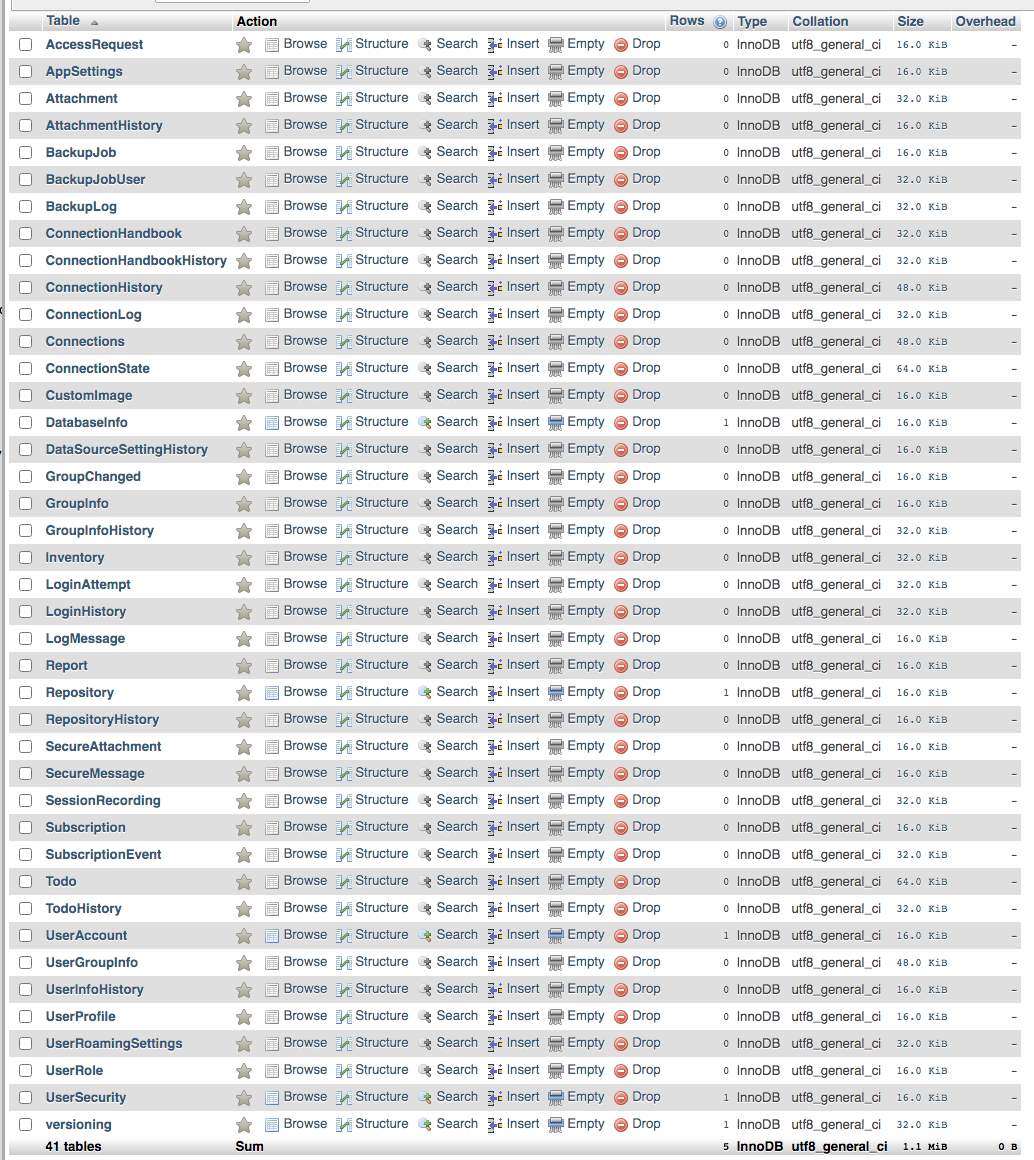
Also, the Test Schema Button says that the Schema is OK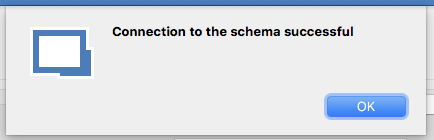
Screen Shot 2021-03-09 at 10.42.58 AM.png
Screen Shot 2021-03-09 at 9.11.55 AM.png
Screen Shot 2021-03-09 at 10.41.12 AM.png
Screen Shot 2021-03-09 at 9.09.09 AM.png
Screen Shot 2021-03-09 at 9.07.14 AM.png
Screen Shot 2021-03-09 at 9.04.24 AM.png
Screen Shot 2021-03-09 at 9.01.51 AM.png
Screen Shot 2021-03-09 at 9.01.04 AM.png
Screen Shot 2021-03-09 at 9.00.52 AM.png
Thank you for the detail information. It looks like you cPanel/MariaDB is locked down pretty good.
So here is what I suggest. I will send you the SQL statements (via forum direct message) to create the rahm1_rdm_test_user user in the RDM tables. Given that you've already created the user in cPanel things should start working. From here you can try the following steps on with the first user, stop when it works:
- Create the second user via RDM
- Create the user in cPanel + create the second user via RDM with "Create database login/user" unchecked
- Use the same script that I sent you to create the second user
Note: I will discuss this issue with the RDM mac team to see if the recent changes to stream line cPanel type configurations have been already been merged from the RDM Windows branch. Things should be this complicated.
Best regards,
Stéfane Lavergne