
ajacobs
Browser Extension does not work since Windows update (+ Framwork from today)
The problem seems solved after installation this from Windows Update.
Update for Windows Security platform - KB5007651 (Version 10.0.29429.1000)
HttpListenerException (50) When trying to authenticate on Azure database
The problem seems solved after installation of
Update for Windows Security platform - KB5007651 (Version 10.0.29429.1000)
HttpListenerException (50) When trying to authenticate on Azure database
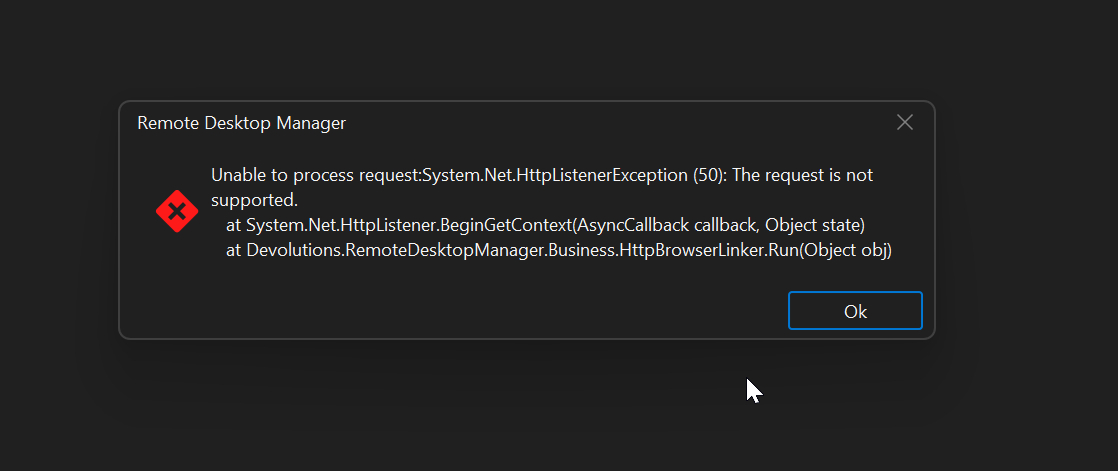
When I open an Azure datasource, the webbrowser open to authenticate on Microsoft. After authentication, Remote Desktop Manager throw an error:
Unable to process request:System.NetHttpListenerException (50). The request is not supported.
This error is new and since two days ago, everything was working normally.
OS Windows 11: OS build 26100.6899
RDM: 2025.3.16.0 64bit
.NET: 9.0.10
RDM is running on a non admin user
I did run command in an elevated prompt
netsh http add listen iplisten 127.0.0.1It did not fix the issue.
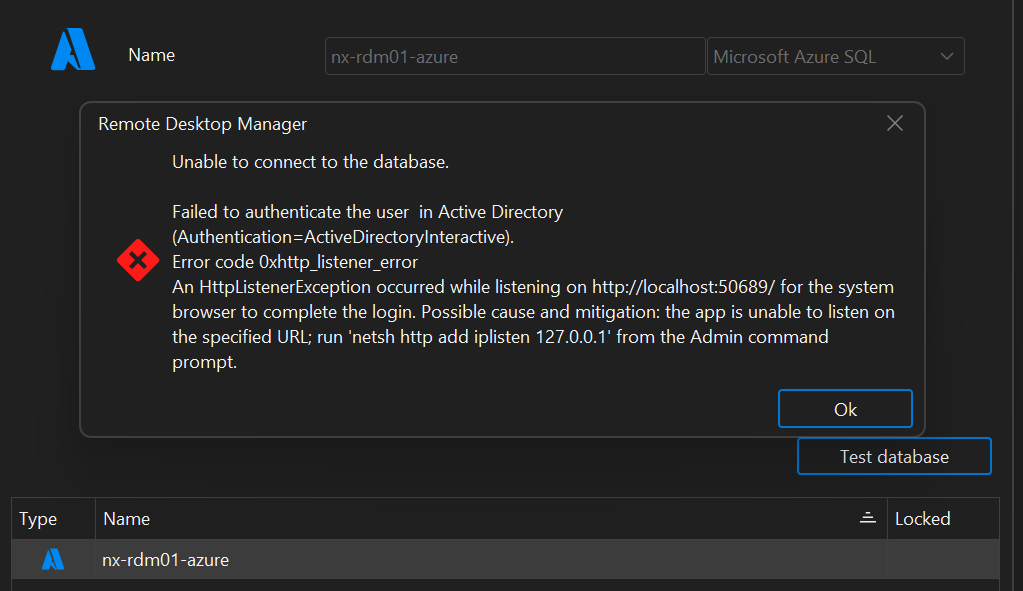
When I test the database connection I get an other error message, cfr attch snap2
Thanks for your help.
Regards
Conditional connection based on a test (ie ping)
Thanks !!
Accessing objects from a other vault
Is there a way to access objects from an other vault ?
We have a collection of scripts.
I want to store them in a vault accessible from all members of the team(s) (not my private vault) and have the possibility to execute a script from this vault on a session from an other vault.
Thanks
Conditional connection based on a test (ie ping)
Hello,
Is there a way to initial a connection based on some condition ?
I explain what i would like to achieve...
A simple example: a server could be accessed at a customer site via it's local ip and default port (ie SSH 10.0.0.1:22), and from a remote location trough a NAT using the wan ip and a custom port (customer.site.com:2223)
I would like to create only one session object in RDM and when I open the session RDM would first run a test (or some tests):
ping local IP
OK -> connect using local ip 10.0.0.1 and port 22
NOT OK -> connect using the hostname customer.site.com and custom port 2223
I already use the VPN/SSH/Gateway feature on some connection but here it would not involve connection a tunnel, vpn, ...
Thanks