starbingle
Cannot login using Microsoft Account
👍
Cannot login using Microsoft Account
I am curious, why when using RDM and Microsoft RD, the operation and rendering of Microsoft RD is faster, and RDM always renders block by block, is that because Microsoft RD uses some private protocol to accelerate the screen.
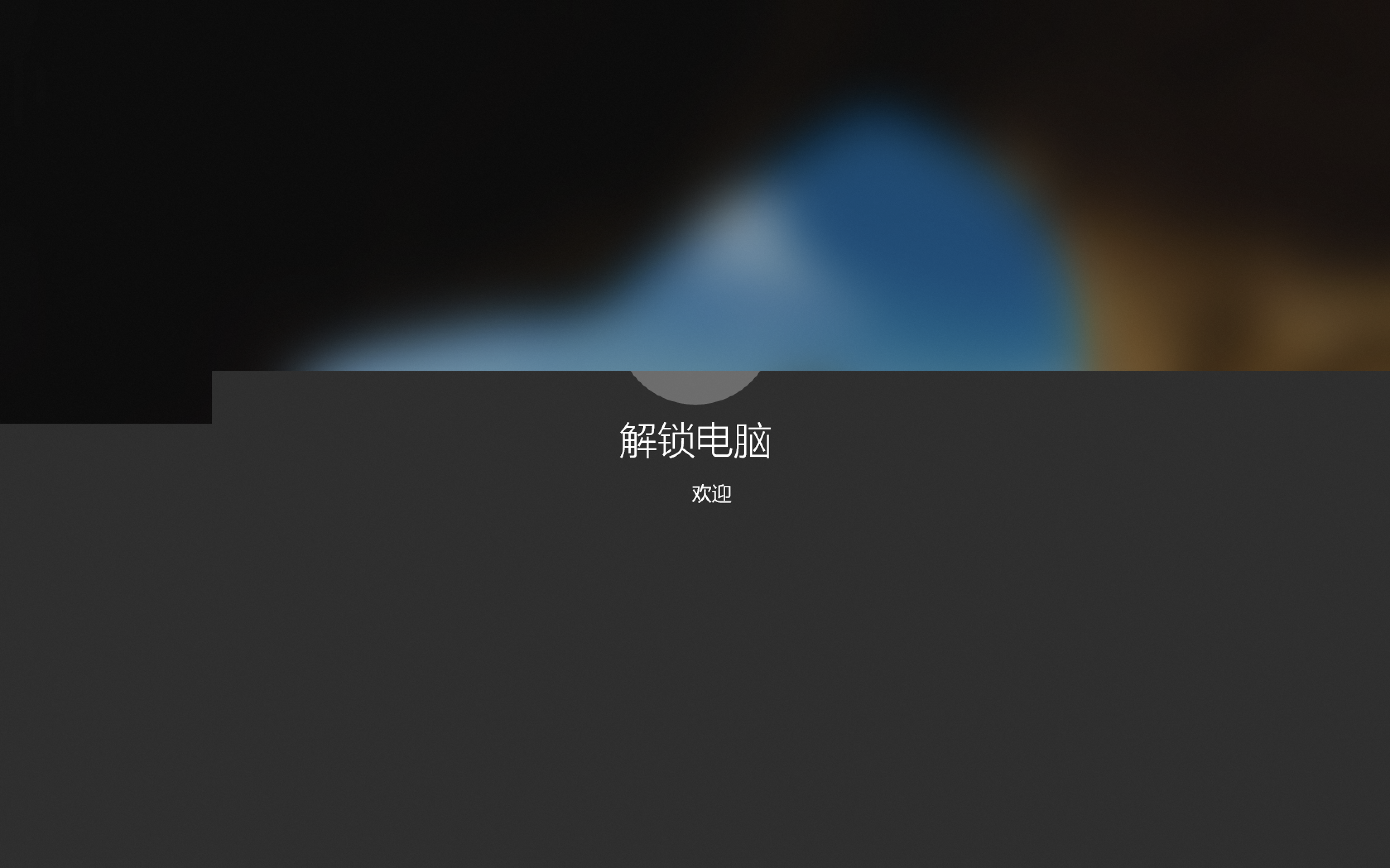
Cannot login using Microsoft Account
Wooow!
I tried Free version and it worked!
I did not try the enterprise version since I've no authorization。
Thank you bro!
Cannot login using Microsoft Account
But RDM still got the problem....
Cannot login using Microsoft Account
Oh sorryyyyyy... minutes ago I was testing some parameters and forgot to delete.
"I'm curious, are you able to launch your session externally (right click -> Open with Parameters -> Open (External)) with Microsoft Remote Desktop?"
Yes, Microsoft Remote Desktop can connect normally
Cannot login using Microsoft Account
Hello~
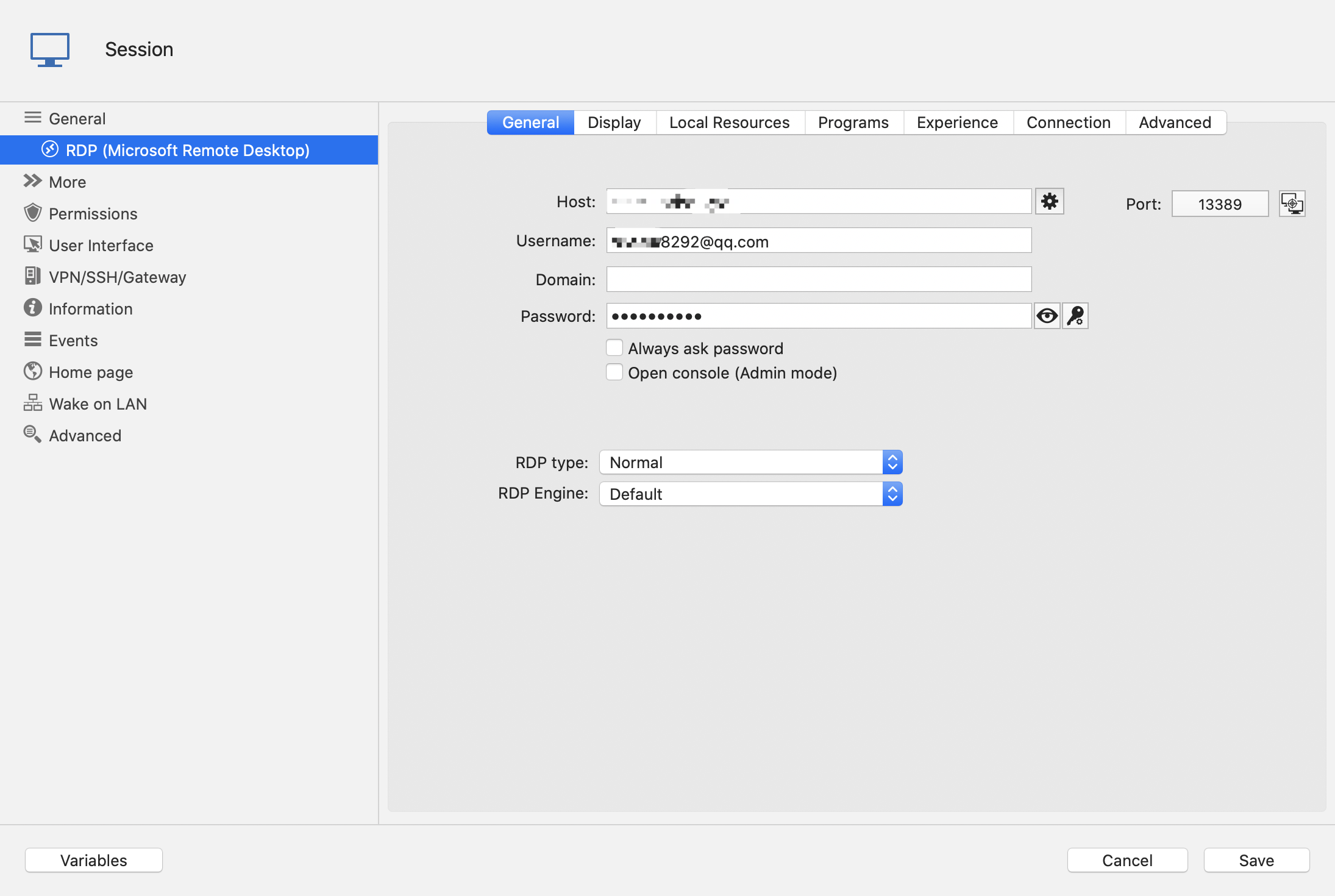
This is the default configuration
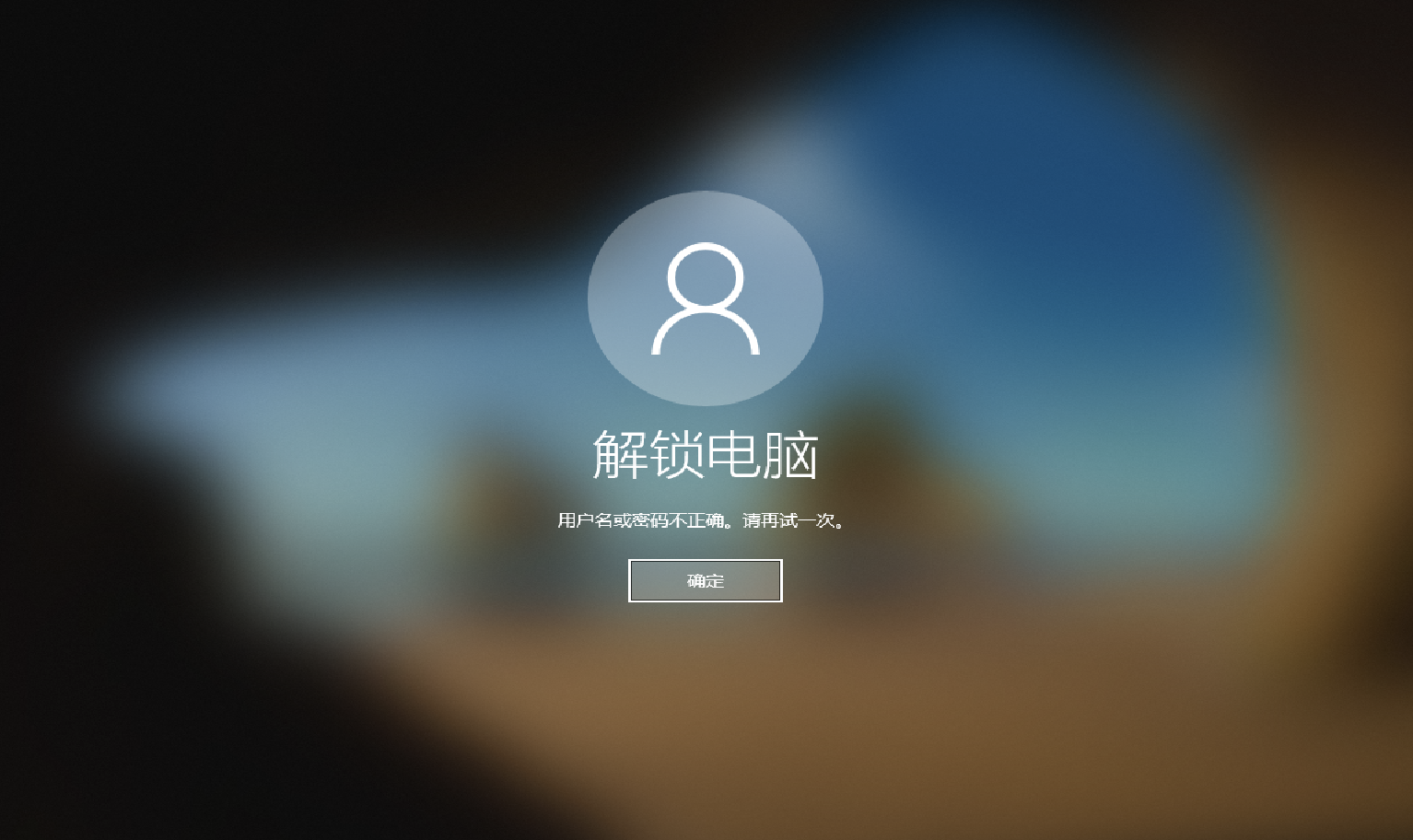
The system displays: The User Account Did Not Work
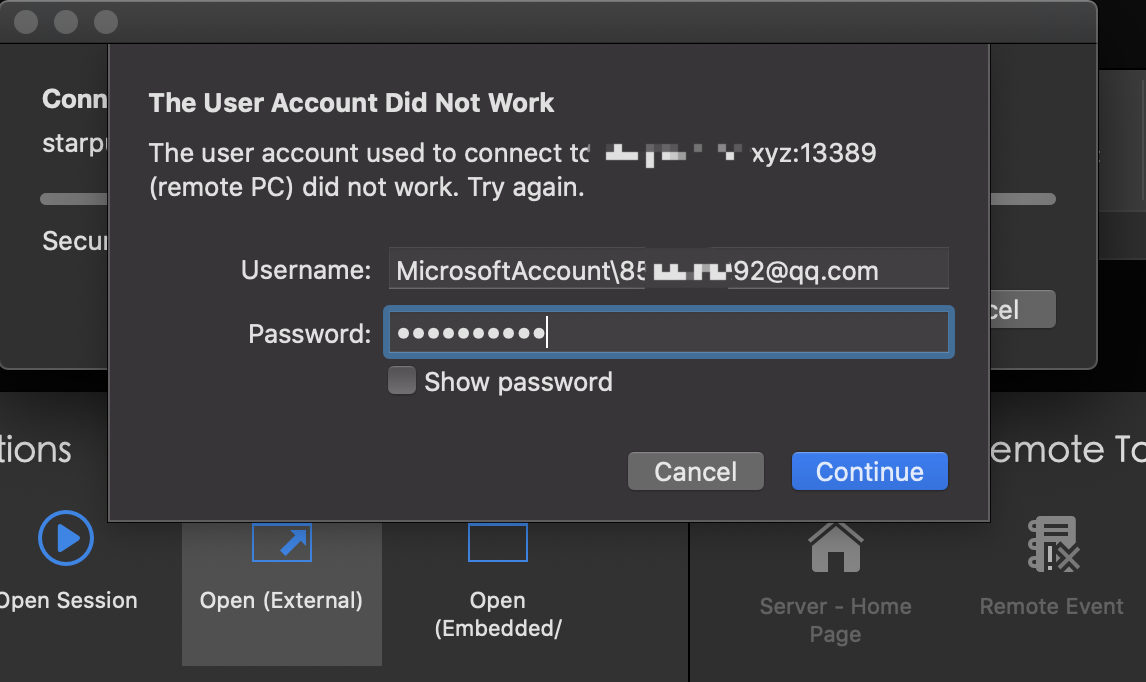
But if I remove "MicrosoftAccount\" from Username, connection succeeded
Cannot login using Microsoft Account
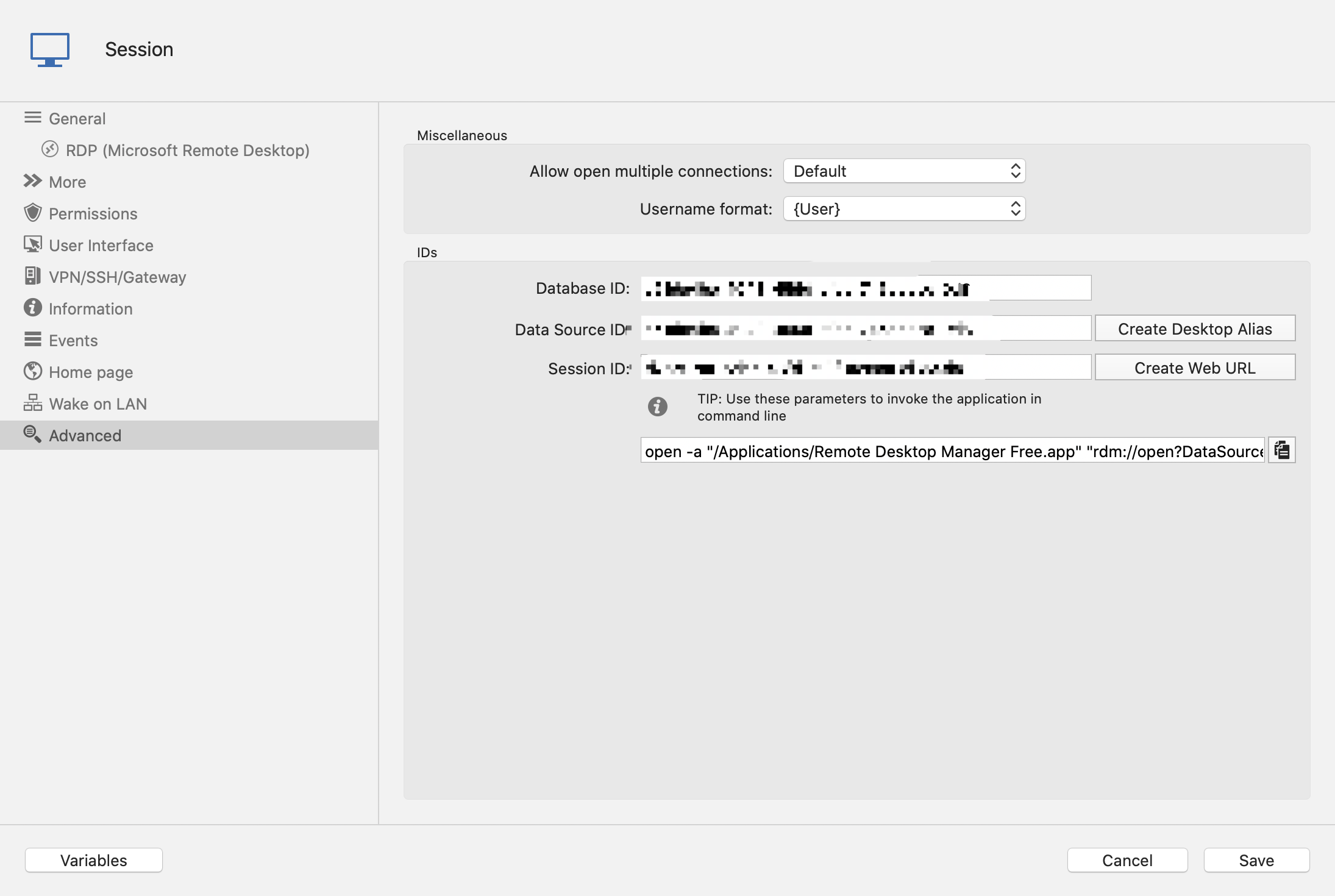
And if I set username format to DEFAULT
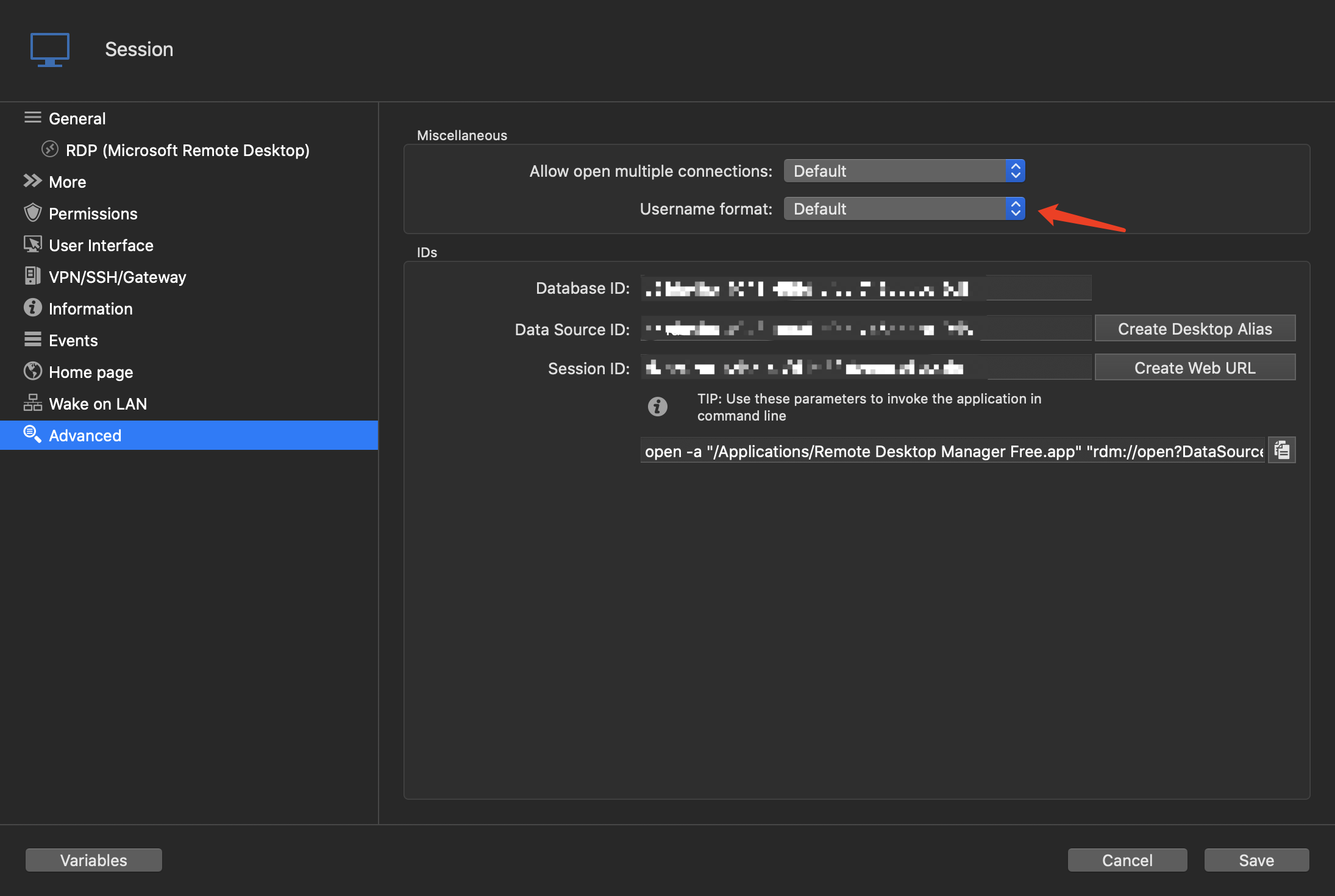
the session can be connected normally, but the suffix of username "@qq.com" was removed by mistake, I cannot login into desktop.
Cannot login using Microsoft Account
[21:04:25:896] [11474:0939a000] [INFO][com.freerdp.client.common.cmdline] - loading channelEx rdpdr
[21:04:25:896] [11474:0939a000] [INFO][com.freerdp.client.common.cmdline] - loading channelEx rdpsnd
[21:04:25:896] [11474:0939a000] [INFO][com.freerdp.client.common.cmdline] - loading channelEx RDMJump
[21:04:25:896] [11474:0939a000] [INFO][com.freerdp.client.common.cmdline] - loading channelEx RDMCmd
[21:04:25:896] [11474:0939a000] [INFO][com.freerdp.client.common.cmdline] - loading channelEx RDMLog
[21:04:25:896] [11474:0939a000] [DEBUG][com.freerdp.channels.cliprdr.client] - VirtualChannelEntryEx
[21:04:25:896] [11474:0939a000] [INFO][com.freerdp.client.common.cmdline] - loading channelEx cliprdr
[21:04:25:896] [11474:0939a000] [ERROR][com.freerdp.channels.virtual.channel] - Unhandled event type 0
[21:04:25:896] [11474:0939a000] [ERROR][com.freerdp.channels.virtual.channel] - Unhandled event type 0
[21:04:25:896] [11474:0939a000] [ERROR][com.freerdp.channels.virtual.channel] - Unhandled event type 0
[21:04:25:103] [11474:0939a000] [DEBUG][com.freerdp.primitives] - primitives benchmark result:
[21:04:25:266] [11474:0939a000] [DEBUG][com.freerdp.primitives] - * generic= 15
[21:04:25:418] [11474:0939a000] [DEBUG][com.freerdp.primitives] - * optimized= 96
[21:04:25:418] [11474:0939a000] [INFO][com.freerdp.primitives] - primitives autodetect, using optimized
[21:04:25:421] [11474:0939a000] [DEBUG][com.freerdp.core.nego] - Enabling security layer negotiation: TRUE
[21:04:25:421] [11474:0939a000] [DEBUG][com.freerdp.core.nego] - Enabling restricted admin mode: FALSE
[21:04:25:421] [11474:0939a000] [DEBUG][com.freerdp.core.nego] - Enabling RDP security: TRUE
[21:04:25:421] [11474:0939a000] [DEBUG][com.freerdp.core.nego] - Enabling TLS security: TRUE
[21:04:25:421] [11474:0939a000] [DEBUG][com.freerdp.core.nego] - Enabling NLA security: TRUE
[21:04:25:421] [11474:0939a000] [DEBUG][com.freerdp.core.nego] - Enabling NLA extended security: FALSE
[21:04:25:421] [11474:0939a000] [DEBUG][com.freerdp.core.nego] - state: NEGO_STATE_NLA
[21:04:25:421] [11474:0939a000] [DEBUG][com.freerdp.core.nego] - Attempting NLA security
[21:04:25:423] [11474:0939a000] [INFO][com.freerdp.core] - freerdp_set_last_error resetting error state
[21:04:25:423] [11474:0939a000] [INFO][com.freerdp.core] - freerdp_set_last_error resetting error state
[21:04:25:424] [11474:0939a000] [DEBUG][com.freerdp.core] - connecting to peer 115.200.20.hide
[21:04:25:638] [11474:0939a000] [DEBUG][com.freerdp.core.nego] - RequestedProtocols: 3
[21:04:26:797] [11474:0939a000] [DEBUG][com.freerdp.core.nego] - RDP_NEG_RSP
[21:04:26:797] [11474:0939a000] [DEBUG][com.freerdp.core.nego] - selected_protocol: 2
[21:04:26:797] [11474:0939a000] [DEBUG][com.freerdp.core.nego] - state: NEGO_STATE_FINAL
[21:04:26:797] [11474:0939a000] [DEBUG][com.freerdp.core.nego] - Negotiated NLA security
[21:04:26:797] [11474:0939a000] [DEBUG][com.freerdp.core.nego] - nego_security_connect with PROTOCOL_HYBRID
[21:04:28:034] [11474:0939a000] [DEBUG][com.winpr.sspi] - InitSecurityInterfaceExA
[21:04:28:034] [11474:0939a000] [DEBUG][com.freerdp.core.nla] - nla_client_init 399 : packageName=Negotiate ; cbMaxToken=12256
[21:04:28:034] [11474:0939a000] [DEBUG][com.freerdp.core.nla] - Sending Authentication Token
[21:04:28:092] [11474:0939a000] [DEBUG][com.freerdp.core.nla] - CredSSP protocol support 6, peer supports 6
[21:04:28:093] [11474:0939a000] [DEBUG][com.freerdp.core.nla] - Sending Authentication Token
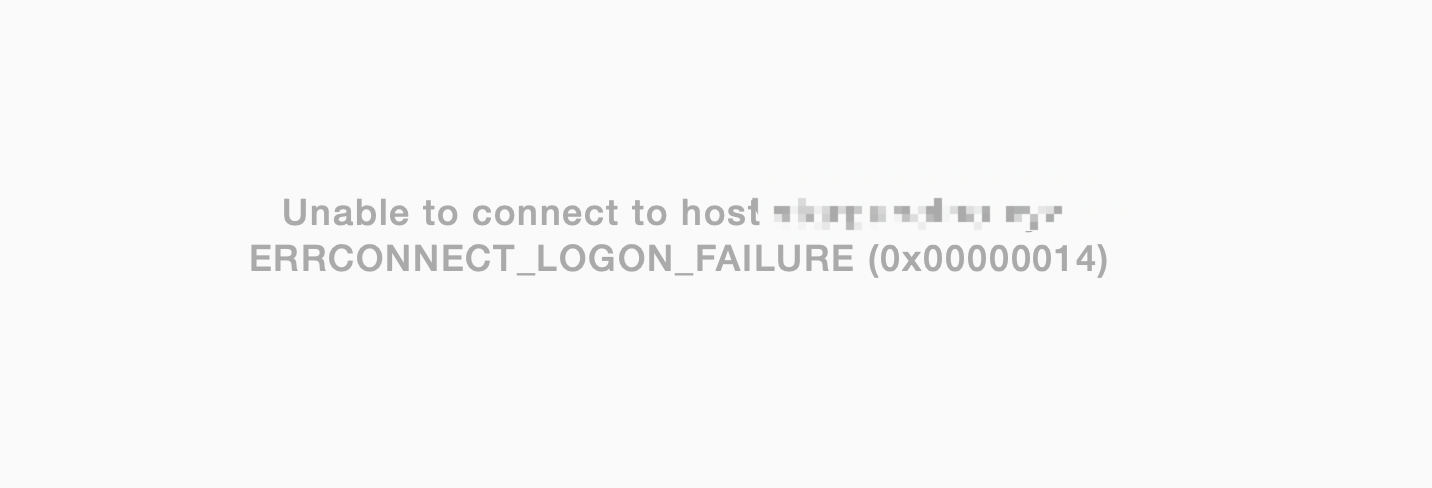
[21:04:28:199] [11474:0939a000] [ERROR][com.freerdp.core] - freerdp_set_last_error ERRCONNECT_LOGON_FAILURE [0x00020014]
[21:04:28:199] [11474:0939a000] [ERROR][com.freerdp.core.rdp] - rdp_recv_callback: CONNECTION_STATE_NLA - nla_recv_pdu() fail
[21:04:28:199] [11474:0939a000] [ERROR][com.freerdp.core.transport] - transport_check_fds: transport->ReceiveCallback() - -1
[21:04:28:199] [11474:0939a000] [DEBUG][com.freerdp.core.rdp] - transport_check_fds() - -1
Cannot login using Microsoft Account
RDM version 2020.1.8.0
os win10
then I see
Cannot resolve host
Thank you for your reply.
Looking forward to the update❤️
Cannot resolve host
I use my iPhone to connect Macbook in the same LAN 192.168.1.0/24
configure host as leledeMacBook-Pro.local.
but cannot connect because the hostname wasn't converted correctly to IP(I guess)
below is the ping result of RDM:
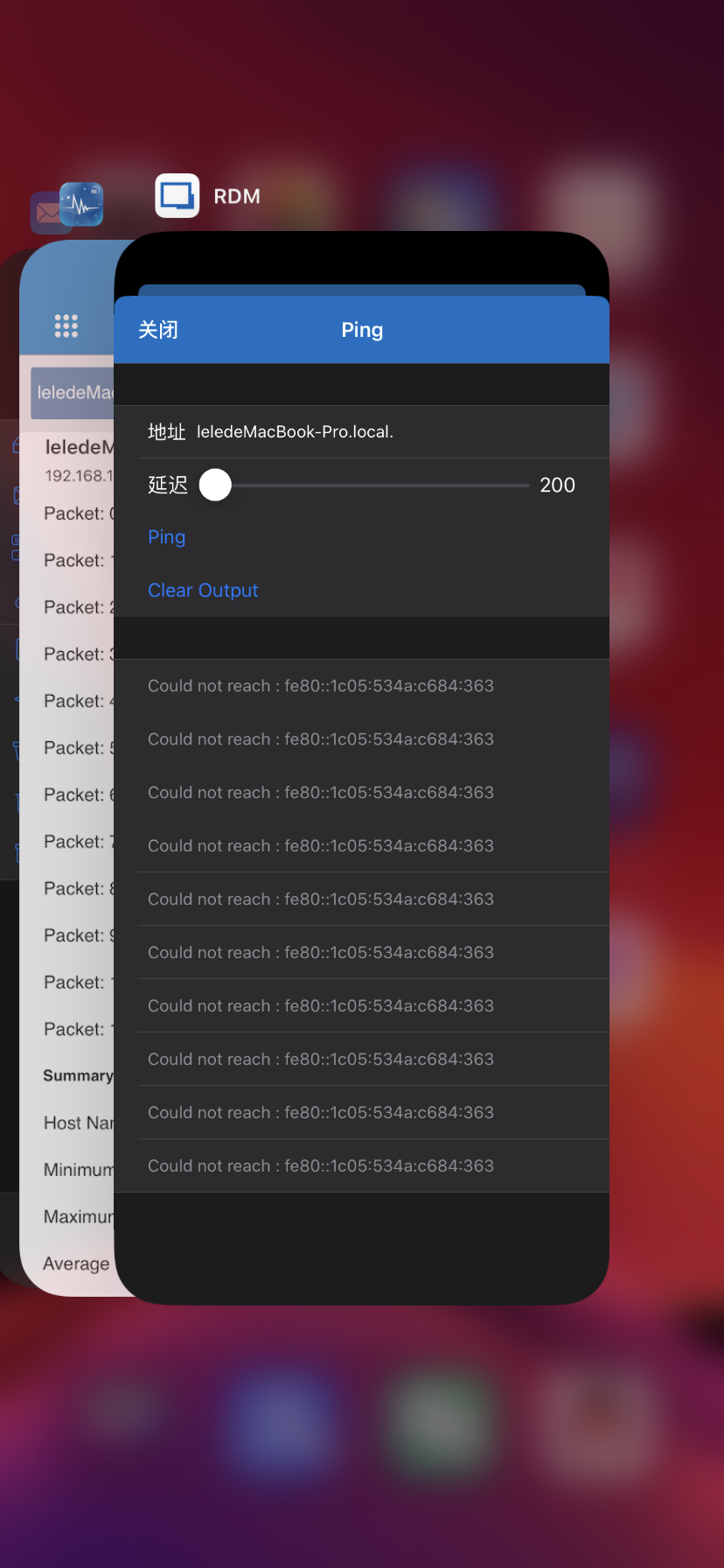
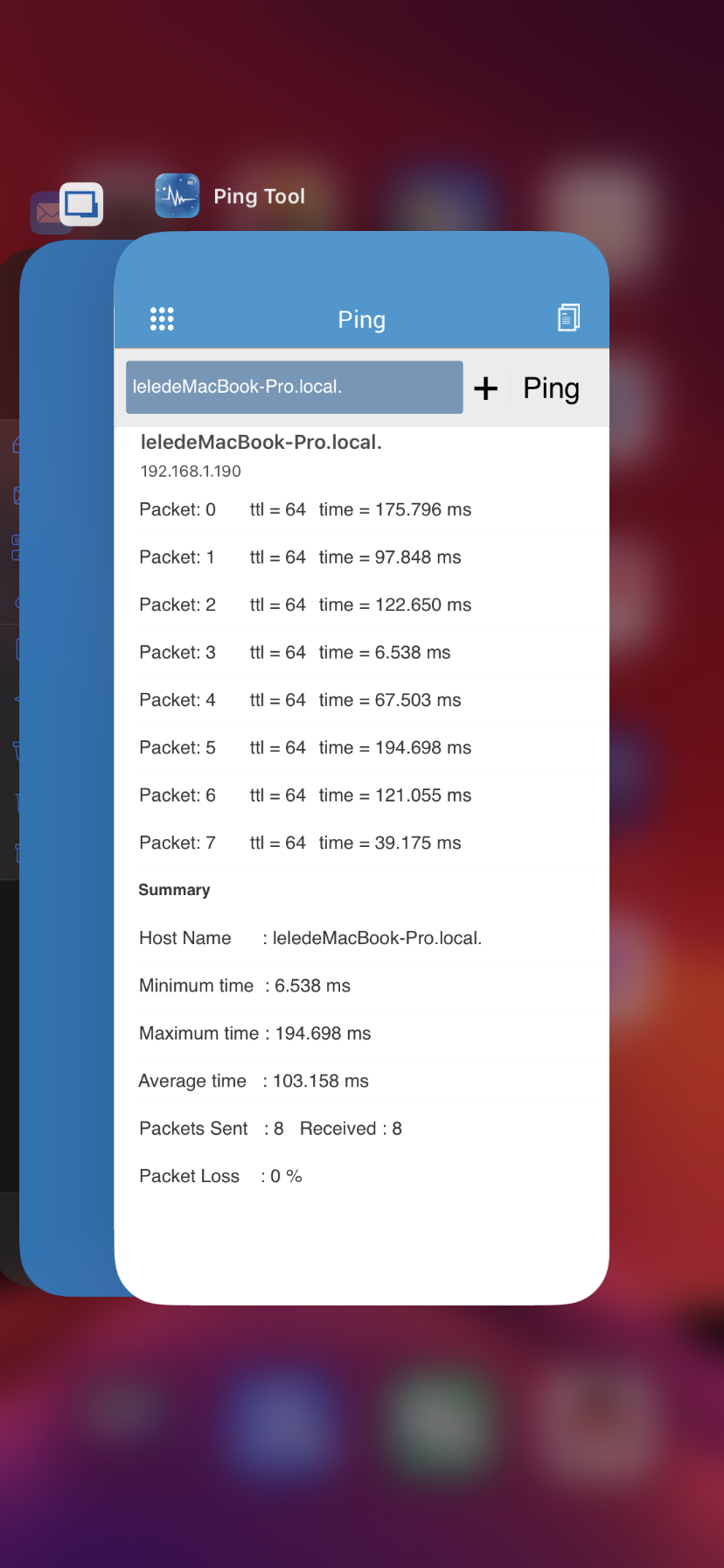
meanwhile I use Ping Tool and ping the same host: