glenn02
Keepass not working after update
Hi, i also did a new keepass database and put in one entry.
And doesnt seems to work for me
I got 114 entry in my original keepass database
Hi again.
I make some more testing.. and I'm confused. I created clean, new Keepass database. Put one entry copied from main database. And then change in RDM credential to this one. Aaaand... it works. Without any problems. Direct and plugin mode. Everything is ok. Glenn02 could you please check if this works for you too? I definitely don't know why new database works ok. Maybe number of entries in keepass database matters?
And yes. Next I change to old database and that database not work :(
Marcin
Keepass not working after update
Hi, my email is correct in my profile but im not available today or tomorrow. Going to attend MS ignite
/Glenn
Hello Marcin, Glenn,
Thank you for your replies,
I want to open cases for both of you so that we can perform a remote session and I can have a look at the issue with you, If you can confirm that the email used for your Account would be the correct email to use, I can open the cases myself.
Alternatively, you can open one by sending an email to service@devolutions.net. Mention this thread so that it can be easily identified.
Let me know,
Best regards,
Keepass not working after update
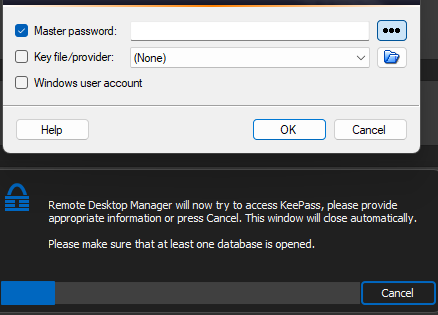
Hi, i did as you requested and when i try to view password it launch keepass even though keepass is started
Hello Glenn,
Thank you for your patience,
After doing some additional testing with the help of our development team, we've found a workaround that will hopefully also work for you,
Could you go into your KeePass installation folder under the "Plugin" folder and move all the files from this folder to another folder on your desktop,
Once done, restart RDM, when RDM is restarted, go back in your entry "Properties" and use the 'Install Plugin" button, with this completed try the "View Password" button from the navigation pane.
Let me know if the issue persists for you,
Best regards,
Keepass not working after update
Hi, none of the suggstions works.
Same behaviour as before.
This was working before i updated
/Glenn
Hello,
Have you tried this troubleshooting topic?
https://docs.devolutions.net/kb/remote-desktop-manager/troubleshooting-articles/keepass/
Regards
Keepass not working after update
any news on this?
Keepass not working after update
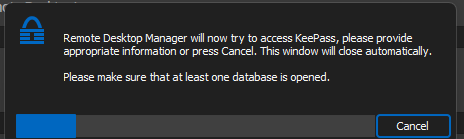
Hi, i dont receive any error, it just tries to load keepass and then nothing happens.
This was working before the upgrade
IM using keepass version 2.55
Keepass not working after update
Upgraded to latest version 2023.3.24.0 64-bit and now keepass isnt working
KeePass plugin installation failed. Error
Everything fixed and working after latest update,
Version 2022.3.35.0 64-bit
and keepass 2.1.2.0
THX
KeePass plugin installation failed. Error
Same for me, shows keepass installed. License bound and when i try to connect to keepass it just search and then closes the searchbar
Hello,
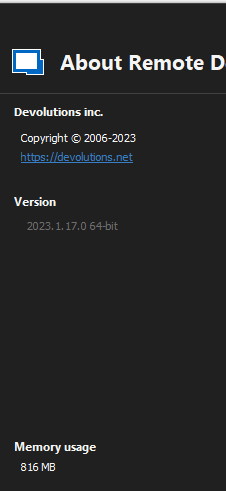
This is simply to let you know we managed to fix multiple potential issues with KeePass on the latest version of RDM (2023.1.17.0)
Could you attempt to update to the latest version of RDM ?
You can find the executable for this version here: https://devolutions.net/remote-desktop-manager/home/thankyou/rdmsetup
Best regards,
Hi Zachary
I have only just been able to upgrade and I cant even get into a Keepass DB anymore. All i get is the password prompt for Keepass, it open Keepass but RD Manager just display a message that it is trying to read the db.
I have upgraded and then also fully re-installed RD Manager and still the same.
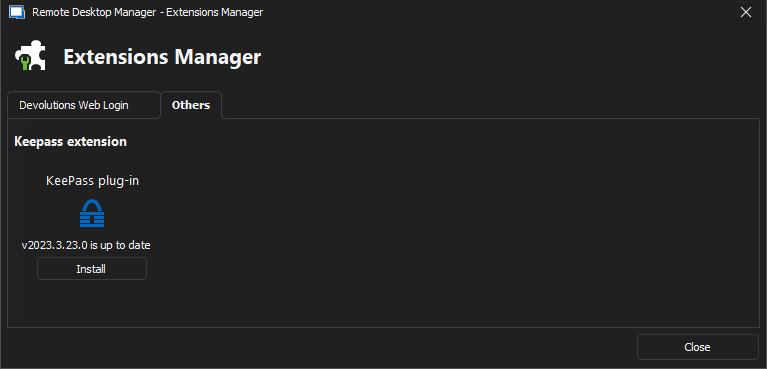
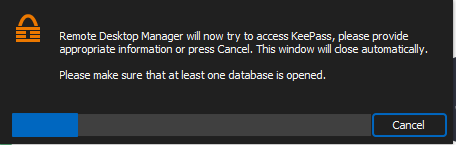
Kind Regards
Grant
KeePass plugin installation failed. Error
Hi,
Maybe limiting to 1000 entries in KeePass DB?
This information is for this problem...
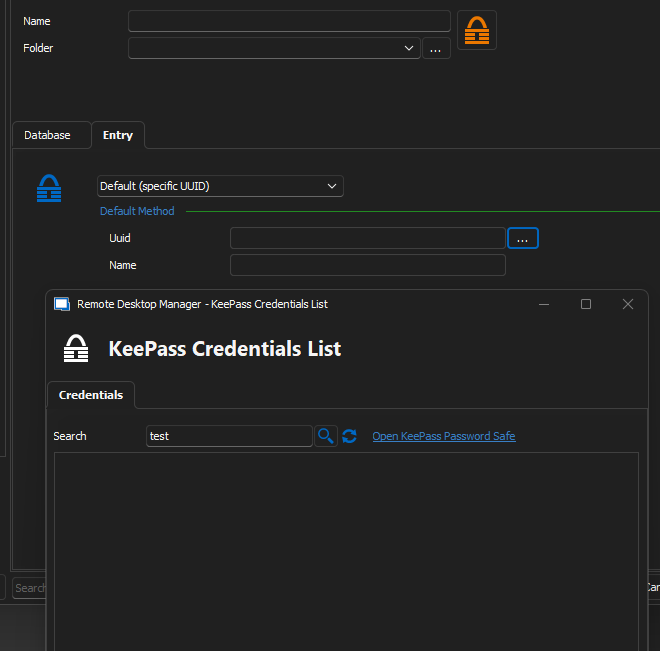
Where do you see this screen?
Im using local keepass and im not able to choose keepass as credential entry.
Even removed and reinstalled RDM but it didnt help
KeePass plugin installation failed. Error
No i only have 101 entries in db
KeePass plugin installation failed. Error
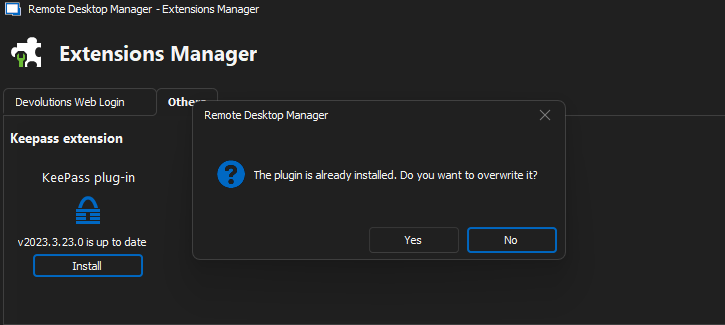
KeePass plugin installation failed. Error
Hi, after upgrade to latest RDM im not even see keypass