
arek.chojak
Unable to connect to TeamPass over HTTPS
Thanks for the information David.
I will follow the instructions and let you know.
Regards,
Arek
Unable to connect to TeamPass over HTTPS
Hi David,
Thanks for your message, I'll need a bit more time to bring my Apache config to a previous state and retest with debug logs in RDM.
Please standby for updates.
Regards,
Arek
Unable to connect to TeamPass over HTTPS
Hi Jeff,
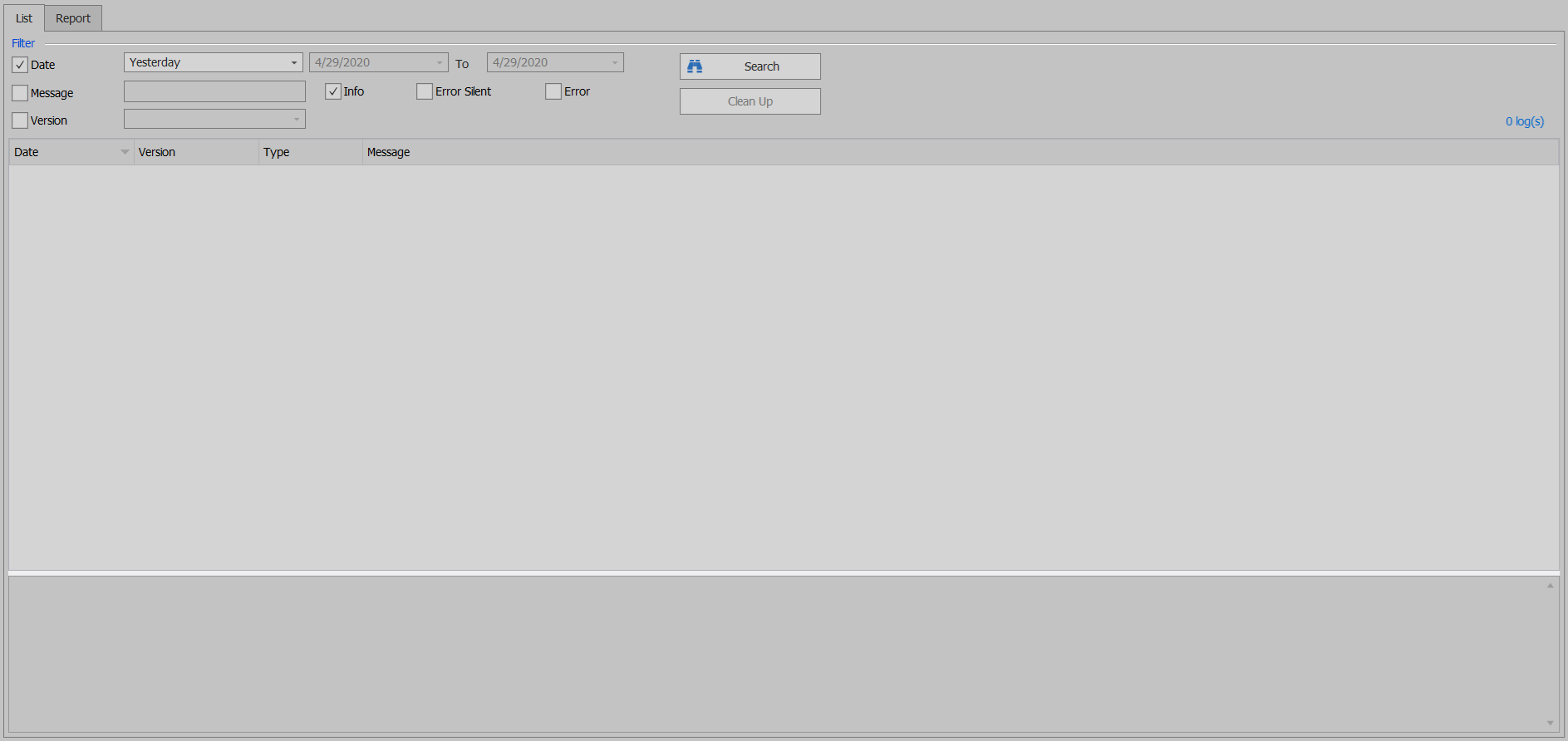
I'm running latest version 2020.1.20.0. I have sorted this out by giving my TeamPass server valid SSL certificate, it appears that RDM doesn't connect to TeamPass API over HTTPS if server has self-signed certificate. Unfortunately I've not seen anything related to this in Applications Logs, in fact the list is empty (see attached screenshot).
It's worth pointing that after attempts to connect to TeamPass API over HTTPs with self signed certificate RDM Window froze and was stuck at Retrieving Data message, I had to kill RDM process from Task Manager because it didn't let me do anything.
I think the expectation here would be to alert the user that TeamPass server is using self signed certificate and give an option to allow or disallow the connection without crashing. My TeamPass deployment is hidden behind firewall without internet access for security purposes but I worked around certificate validation by getting one from Let's Encrypt. The challenge here will be to renew this certificate programmatically because I won't be able to allow any inbound traffic from let's encrypt to validate my domain.
Regards,
Arek
Unable to connect to TeamPass over HTTPS
Hi, I'm having problems with connecting to my TeamPass password repository over HTTPS protocol, it works fine when connecting over HTTP but this defeats the whole purpose of having secure password store.
I had to remove domain names for security purposes here, however you will see here that API works fine in a browser over https protocol but when attempting to query the same API key in RDM with host configured with https:// protocol the server responds with HTTP 408 error which indicates a timeout. .
API GET request over HTTPs works fine in Firefox or any other browser
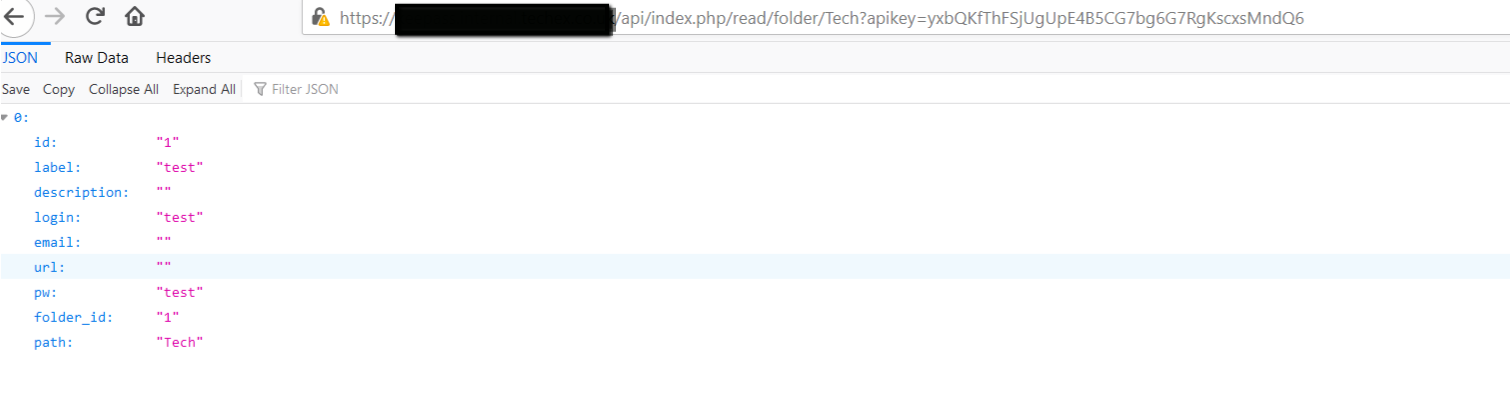
You can see corresponding 200 OK responses in Apache log

When querying TeamPass API via RDM over HTTPS, the Window will stop corresponding and get stuck with loading bar. "Retrieving Data"
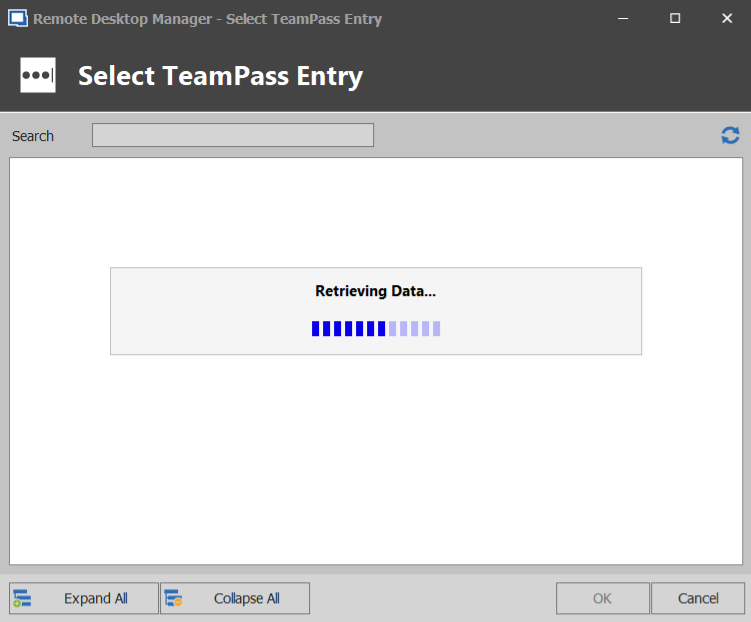
and Apache log returns 408 timeout error soon after

Could you please advise what could cause this issue here? I'm running latest TeamPass version on my server 2.1.27.36. It's worth pointing I don't have valid SSL certificate yet because it is just PoC, it's just self signed cert for the time being.
Regards,
Arek
RDM Enterprise 13.0.6.0 - Chrome Web Browser session in embedded mode throw getUserMedia()error
Hi Hubert,
That's great news. Many thanks for your help with sorting this out. I'll update this thread as soon as I test new release.
Best Regards,
Arek
RDM Enterprise 13.0.6.0 - Chrome Web Browser session in embedded mode throw getUserMedia()error
Hi Hubert,
Thanks, I can see the feature to Allow or Deny microphone usage is now in place, however, I see the same issue as you have the page turns blank when I hit Allow button. I noticed that you rolled few new releases since 13.5.0.0 but the fix for a blank page is still not implemented. Could you please let me know when you expect a response from 3rd party regarding this issue?
Best Regards,
Arek
RDM Enterprise 13.0.6.0 - Chrome Web Browser session in embedded mode throw getUserMedia()error
Hi All,
Thank you very much for prompt responses and support with my request. I'm looking forward to hearing from you once the feature is available.
Kind Regards,
Arek
RDM Enterprise 13.0.6.0 - Chrome Web Browser session in embedded mode throw getUserMedia()error
Hi Mark,
The page doesn't open in embedded mode Firefox at all and it throws javascript errors in Internet Explorer. I know that this particular website was built for Chrome and works best with this browser.
Are there any logs I can send you for troubleshooting?
Regards,
Arek
RDM Enterprise 13.0.6.0 - Chrome Web Browser session in embedded mode throw getUserMedia()error
I'm having an issue with RDM Enterprise 13.0.6.0 where Chrome Web Browser session in embedded mode throw getUserMedia()error: NotAllowedError on a website with build in WebRTC player. The website works fine when launched in external mode. The website requires to allow microphone usage, however, I don't get a choice to allow microphone usage in embedded mode.
1. Is WebRTC supported at all in embedded mode?
2. If it is why do I get this error message, how can I possibly fix it?
3. If it's not, are you planning to support webRTC in the future?
Best Regards,
Arek