Unable to connect to TeamPass over HTTPS

Hi, I'm having problems with connecting to my TeamPass password repository over HTTPS protocol, it works fine when connecting over HTTP but this defeats the whole purpose of having secure password store.
I had to remove domain names for security purposes here, however you will see here that API works fine in a browser over https protocol but when attempting to query the same API key in RDM with host configured with https:// protocol the server responds with HTTP 408 error which indicates a timeout. .
API GET request over HTTPs works fine in Firefox or any other browser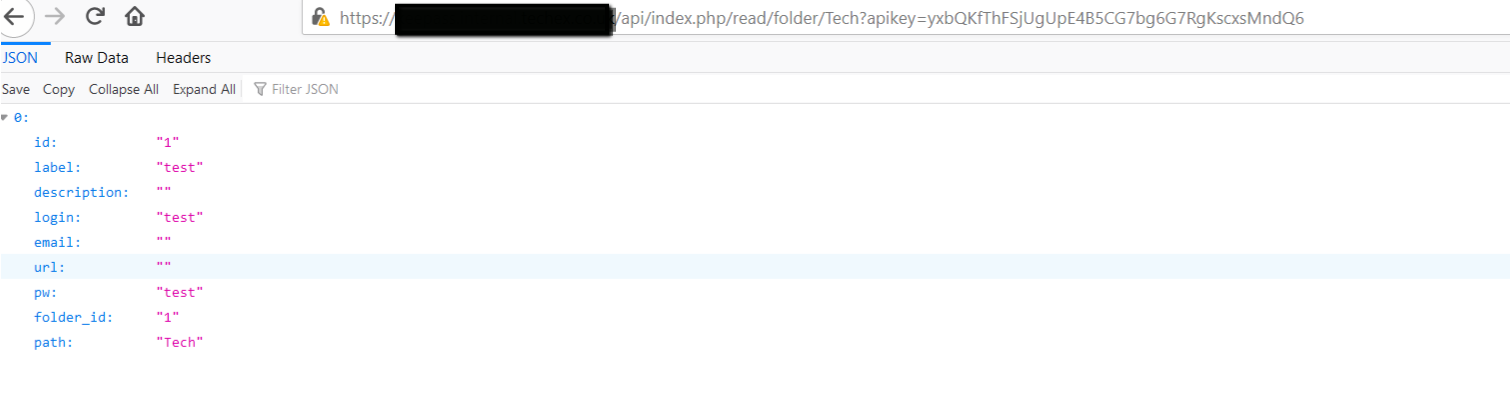
You can see corresponding 200 OK responses in Apache log
When querying TeamPass API via RDM over HTTPS, the Window will stop corresponding and get stuck with loading bar. "Retrieving Data"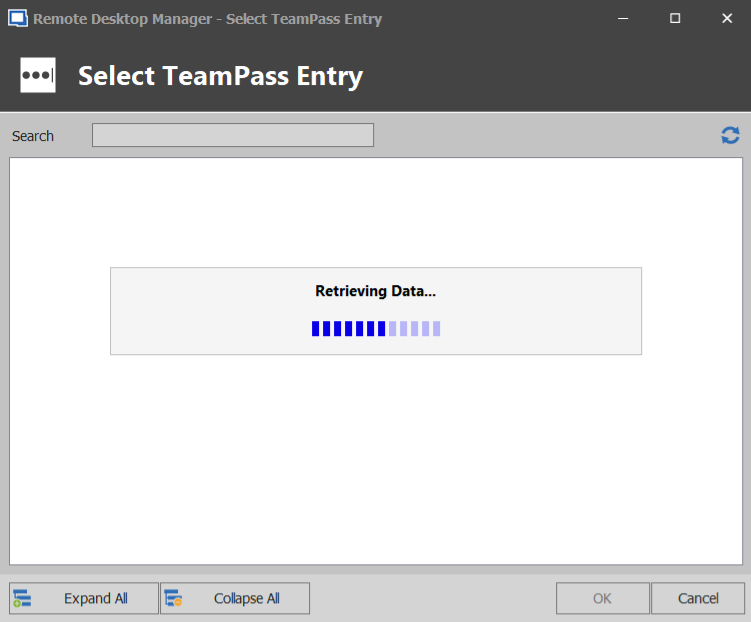
and Apache log returns 408 timeout error soon after
Could you please advise what could cause this issue here? I'm running latest TeamPass version on my server 2.1.27.36. It's worth pointing I don't have valid SSL certificate yet because it is just PoC, it's just self signed cert for the time being.
Regards,
Arek
2020-04-29_18-57-24.png
2020-04-29_18-39-37.png
2020-04-29_18-52-27.png
2020-04-29_18-43-01.png
All Comments (6)
Hello,
What version of RDM are you running?
Do you have something relevant in Help -> Application Logs?
Best regards,
Jeff Dagenais
Hi Jeff,
I'm running latest version 2020.1.20.0. I have sorted this out by giving my TeamPass server valid SSL certificate, it appears that RDM doesn't connect to TeamPass API over HTTPS if server has self-signed certificate. Unfortunately I've not seen anything related to this in Applications Logs, in fact the list is empty (see attached screenshot).
It's worth pointing that after attempts to connect to TeamPass API over HTTPs with self signed certificate RDM Window froze and was stuck at Retrieving Data message, I had to kill RDM process from Task Manager because it didn't let me do anything.
I think the expectation here would be to alert the user that TeamPass server is using self signed certificate and give an option to allow or disallow the connection without crashing. My TeamPass deployment is hidden behind firewall without internet access for security purposes but I worked around certificate validation by getting one from Let's Encrypt. The challenge here will be to renew this certificate programmatically because I won't be able to allow any inbound traffic from let's encrypt to validate my domain.
Regards,
Arek
2020-04-30_10-59-01.png
Hi,
Thanks for the explaination, before looking on how we can manage the warning here, could you go to Help -- Profiler. Then in the Debug Only section, set the value to 3 and try again?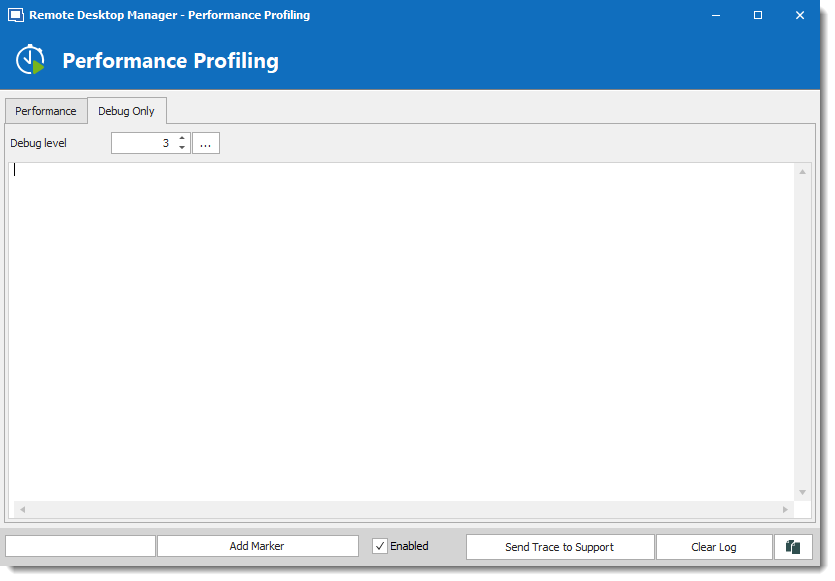
It's possible that we already receive the information but just not them when the debug is on.
Regards,
David Grandolfo
Profiler_3.png
Hi David,
Thanks for your message, I'll need a bit more time to bring my Apache config to a previous state and retest with debug logs in RDM.
Please standby for updates.
Regards,
Arek
Hi,
Thanks for testing it. When you will perform the test could you also try to uncheck Check for server certificate revocation under File -- Options -- Security ?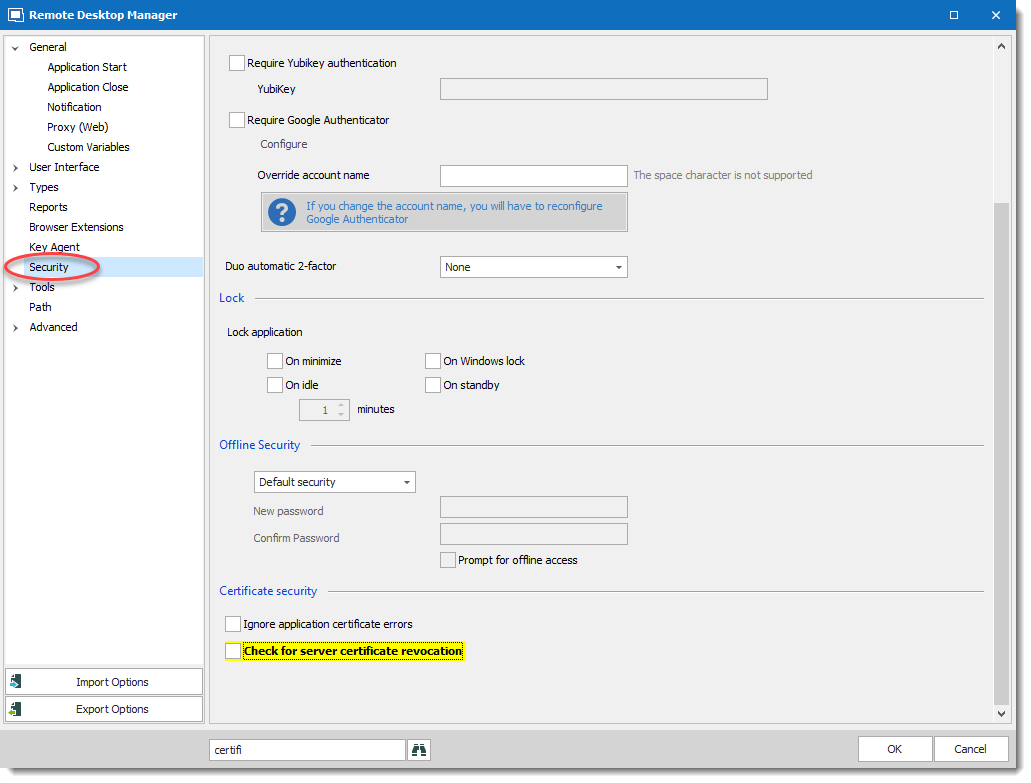
Regards,
David Grandolfo
certificate.png
Thanks for the information David.
I will follow the instructions and let you know.
Regards,
Arek