
(user deleted)
Add support for SSO in LastPass integration in RDM
Hello,
Yes, the idea is to access credentials stored within a LastPass vault.
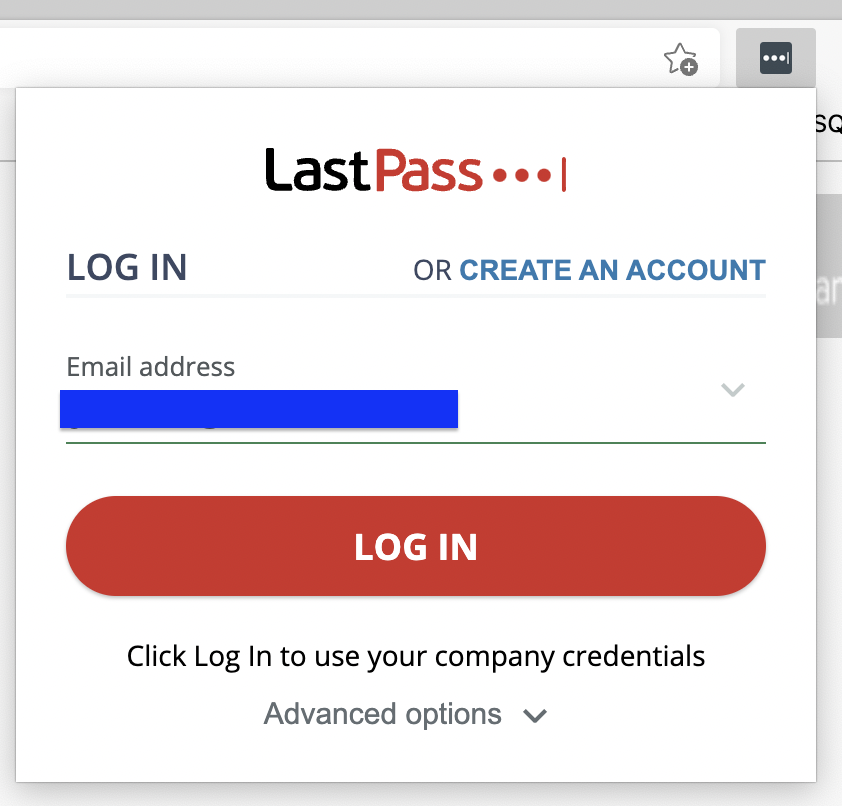
The workflow is pretty much the same as a regular LastPass account, but instead of asking for the master password, there is a login button, which then initiates the SSO using the configured provider. In my case it's Azure AD SSO:
After clicking "Log In", I get presented with the MS account sign in process:
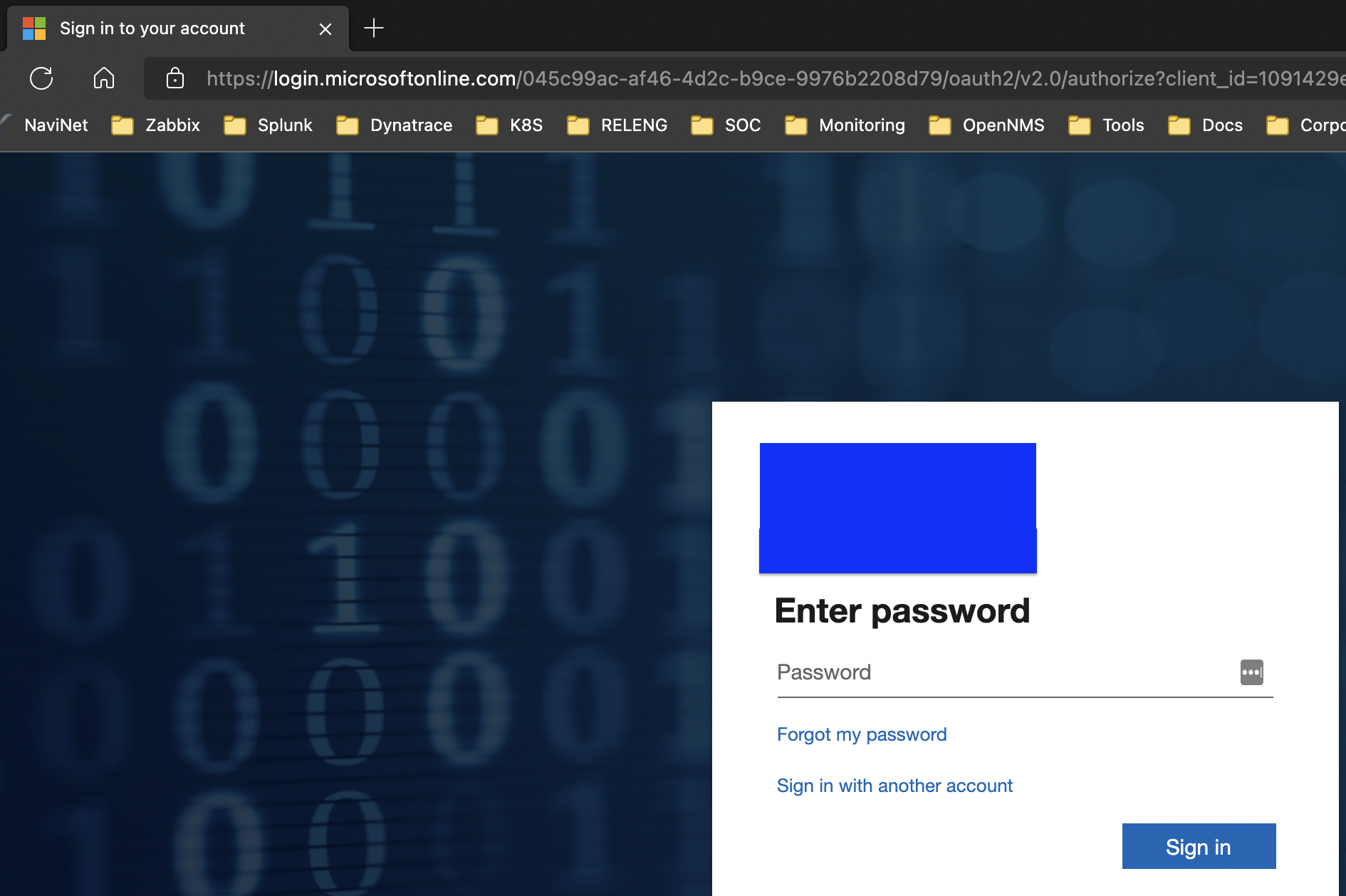
And then after signing in, the vault is unlocked and ready to be used.
From a layman's perspective, it seems like only the process of unlocking the vault changes, accessing the vault should be the same, regardless of the unlock mechanism.
Thank you,
Gustavo
Add support for SSO in LastPass integration in RDM
Currently LastPass integration is only possible by means of using a master password. When LastPass is configured to authenticate using an SSO (common when used in companies), it's not possible to integrate it with RDM.
[SOLVED] SSH jump host: cannot enter credentials, cannot connect, and RDM hangs
Confirmed it works for me as well after changing the default port to 22. Thanks!
[SOLVED] SSH jump host: cannot enter credentials, cannot connect, and RDM hangs
Same for me, was already using IP addresses and the jump host works fine with Rebex (which is what I've been using).
[SOLVED] SSH jump host: cannot enter credentials, cannot connect, and RDM hangs
I use saved credentials so I never get prompted for anything. I get the black terminal and I am able to close the tab, but can't do anything afterwards, and the sidebar still shows up as connected.
[SOLVED] SSH jump host: cannot enter credentials, cannot connect, and RDM hangs
I had the same hang problem on 12.6.0.0, just updated to 12.6.1.0 and the problem persists.
SSH color
I downloaded the beta version and indeed the colors and font are now being honored.
Thanks for the help.
SSH color
Hello
I am using 11.6.2.0 64-bit Enterprise Edition (Trial) on a Windows 7 machine and the Devolutions Online Drive as my data source.
My session is set to use defaults pretty much everywhere. I attached some screenshots and also an export of the session in an rdm file.
Please let me know if you need anything else.
Thank you
SSH color
I have the exact same problem with all my SSH sessions. I am currently on a fresh install importing sessions from the online drive, and all I get is the black background and white text (wrong font also), very Putty-like. When on my previous computer I also had the exact same issue, however it seems since the recent updates this was fixed and I got the colors/font I set in the options, but my fresh install doesn't.
Another symptom I found when I had it working on my previous computer is it seems like launching a session which will become "Putty-like" takes a few seconds longer when compared to a session that has the proper colors/font. It sort of feels like RDM is failing back to Putty since whatever it was trying to do to get the internal SSH session to come up didn't work.
Does anyone have any clues about getting this fixed for got?