
Mimm
RDM icon in Windows taskbar
Hi,
this is something I've to fix after every RDM update.
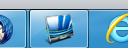
Before the update RDM is pinned to my Windows taskbar and looks like this:
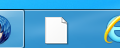
After the update the icon got changed to this:
Even if RDM is open, the icon is still the same:
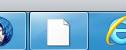
So I have to unpin und repin the icon to the taskbar. Is there a workaround avaliable for this?
Regards,
Mimm
Keep Tabs Opened -> Connect When Available
Hi,
http://help.remotedesktopmanager.com/index.html?tipsandtricks_keeptabsopened.htm
There seems to be a problem with the "Connect When Available" feature.
I'm using this feature to auto-reconnect after server restart. So RDM is waiting until the machine is available but can't reconnect to this host. I'm getting this error message instead of a RDP window:
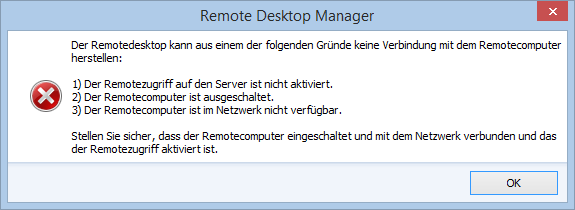
After waiting a few seconds I can click on the "Connect" button by myself -> now it's connecting.
So I suppose RDM is reconnecting to early (before the RDP service is available)?
Regards,
Mimm
Keep Tabs Opened
Hi,
http://blog.devolutions.net/2013/10/new-in-remote-desktop-manager-9-keeping.html
How can I set this setting globally for all saved sessions? Is there a batch edit option available for this?
Regards,
Mimm