
jvidal
How to hide the “Search Everywhere” bar in Remote Desktop Manager 2026.3?
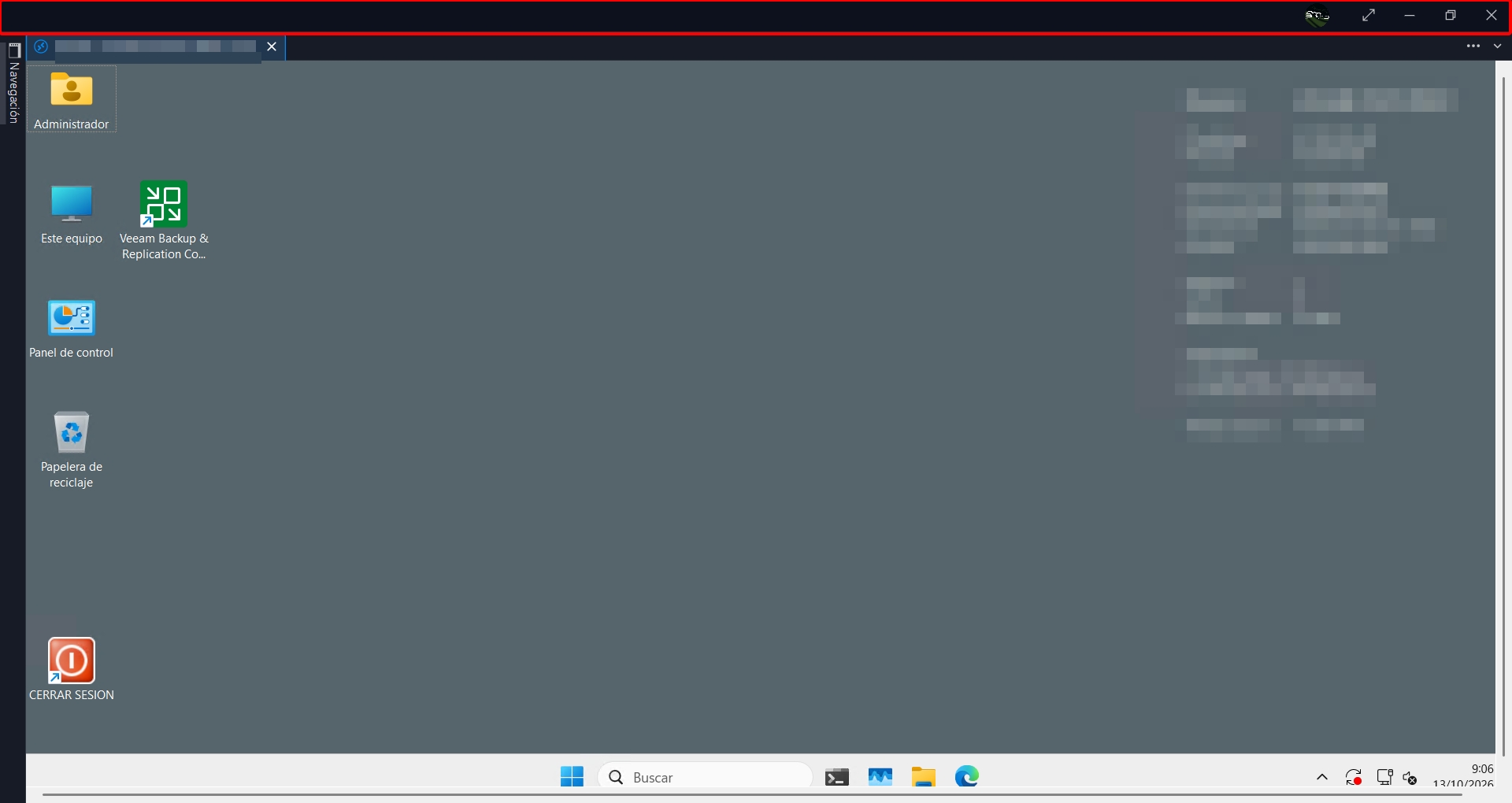
I thought that if I hid ‘Search Everywhere’, the top bar would also disappear to free up some space.
How to hide the “Search Everywhere” bar in Remote Desktop Manager 2026.3?
Hello. Thank you for the update, but like others, I can’t find the option to hide that search bar.
How to hide the “Search Everywhere” bar in Remote Desktop Manager 2026.3?
Hi,
I’m using Remote Desktop Manager 2026.3.12.0 and I would like to hide the “Search Everywhere” box that appears in the top bar of the main window.
I have checked the application settings but I haven’t found any option to disable or hide this search box.
Is there currently a setting to remove it from the interface?
If it cannot be hidden from the GUI, is there any configuration file, registry setting, or advanced option that can be used to disable it?
I’ve attached a screenshot showing the search bar I’m referring to.
Thanks in advance.
