
jakemike99
How to show a list of all connections?
Oh yeh! I didn't even see that.
Thanks!
How to show a list of all connections?
What I am trying to do is to select multiple sessions and have them open together rather than 1 at a time. I can do this from the folder selected, entries tab, shift select / ctrl select a group of servers, right click - Open Selection (4 entries).
It then opens 4 sessions, perfect.
I noticed you can do the same ctrl select from the navigation panel which I could probably work with, but I need to ensure all the folders are expanded.
It would be nice to see ALL entries at the root level or even have an option to show/hide folder level items.
Data source type: SQLite
How to show a list of all connections?
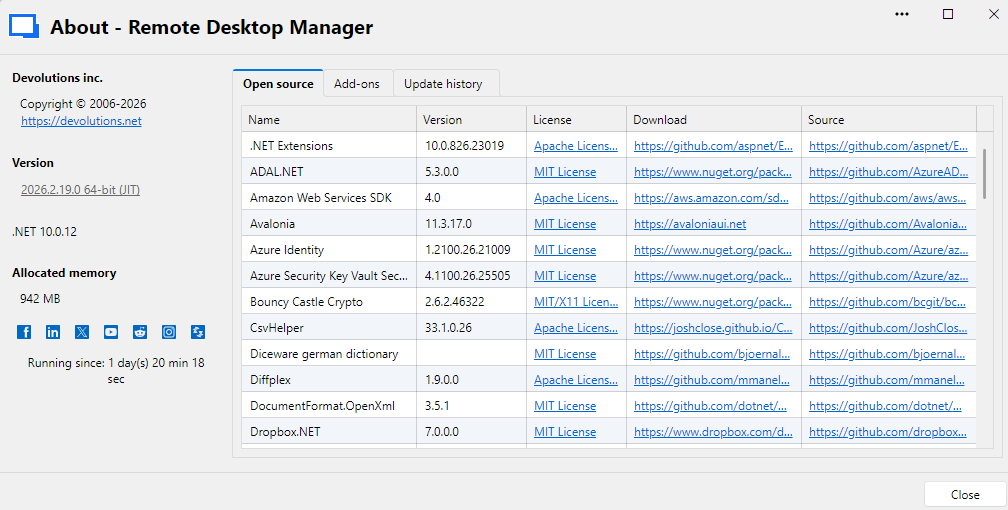
How do I tell which workspace type I'm using?
How to show a list of all connections?
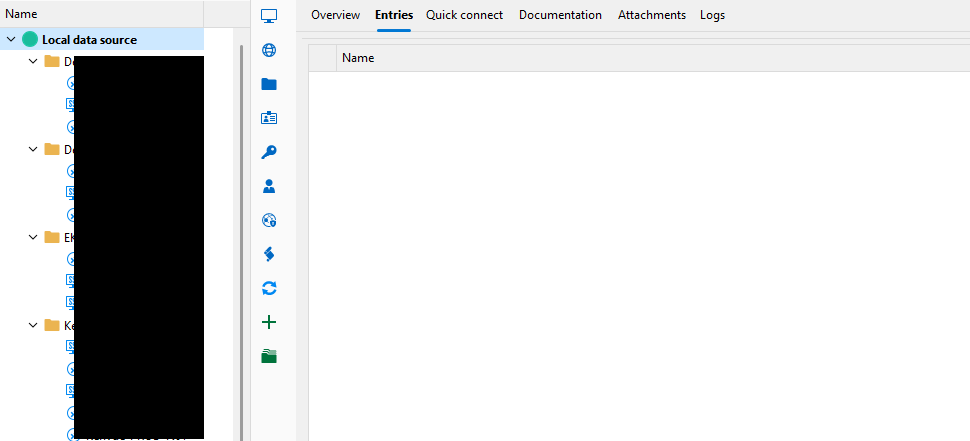
On the left side navigation panel I have my RDP connections within their own folders, but how can I see a list of all my connections?
If I click on a folder I can see all the entries for that folder on the right side panel under the "Entries" tab.
At the top of the navigation tree I have "Local Workspace" but when I click on that, and then on the right panel select "Entries" the panel is empty.