
dimx
Error message - "your Devolutions Cloud is disabled. Please contact your administrator".
@Carl Marien the clear of appdata folder works , now I am ok thanks!
@Maxime Morin if you want the logs before fix were like the below
=== Thread 5 (.NET TP Worker) ===
GET https://cloud.devolutions.app/00000000-0000-0000-0000-000000000000/api/healthz
[R 490.7 ms] GET https://cloud.devolutions.app/00000000-0000-0000-0000-000000000000/api/healthz
POST https://cloud.devolutions.app/00000000-0000-0000-0000-000000000000/api/authentication/pre-login
[R 175.2 ms] POST https://cloud.devolutions.app/00000000-0000-0000-0000-000000000000/api/authentication/pre-login => 403 Forbidden
=== Thread 7 (.NET TP Worker) ===
GET https://cloud.devolutions.app/00000000-0000-0000-0000-000000000000/api/server-configurations
=== Thread 32 (.NET TP Worker) ===
[R 226.2 ms] GET https://login.devolutions.com/api/v1/account/encryption-context?deviceKeyId=1747290XXXXXHIDEN
GET https://cloud.devolutions.app/00000000-0000-0000-0000-000000000000/api/version
=== Thread 33 (.NET TP Worker) ===
[R 492.4 ms] GET https://cloud.devolutions.app/00000000-0000-0000-0000-000000000000/api/server-configurations
GET https://login.devolutions.com/api/v1/account/encryption-context?deviceKeyId=1747290XXXXXHIDEN
[R 491.8 ms] GET https://cloud.devolutions.app/00000000-0000-0000-0000-000000000000/api/version
POST https://cloud.devolutions.app/00000000-0000-0000-0000-000000000000/api/authentication/pre-login
[R 186.4 ms] POST https://cloud.devolutions.app/00000000-0000-0000-0000-000000000000/api/authentication/pre-login => 403 Forbidden
I simply changed the deviceKeyId. I'm not sure whether that information is considered sensitive.
Error message - "your Devolutions Cloud is disabled. Please contact your administrator".
@Jeff Dagenais
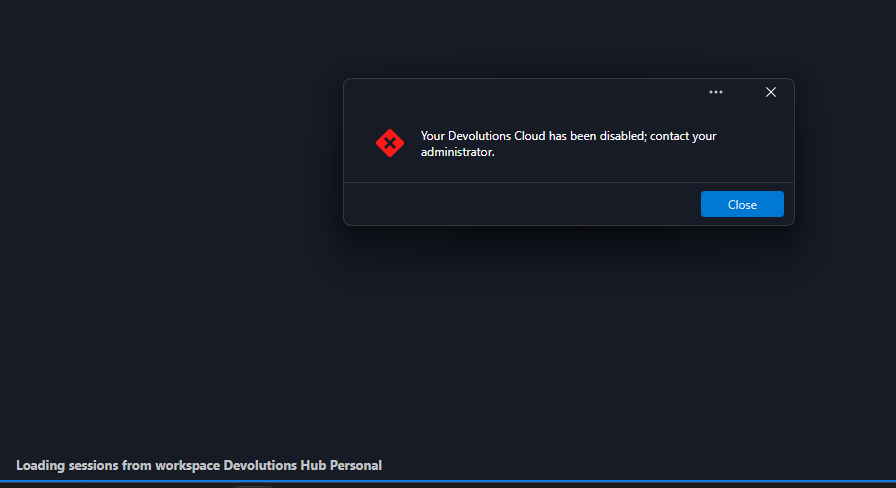
In that case, could you help me understand why I only see this message on one of my installations that is running the latest version?
I'm connected to a free Hub Personal workspace and there is no user management capability available, so I wouldn't expect to see any options related to enabling or disabling users.
Error message - "your Devolutions Cloud is disabled. Please contact your administrator".
Hi , I have the same error , on Administration → Users
I have the below:
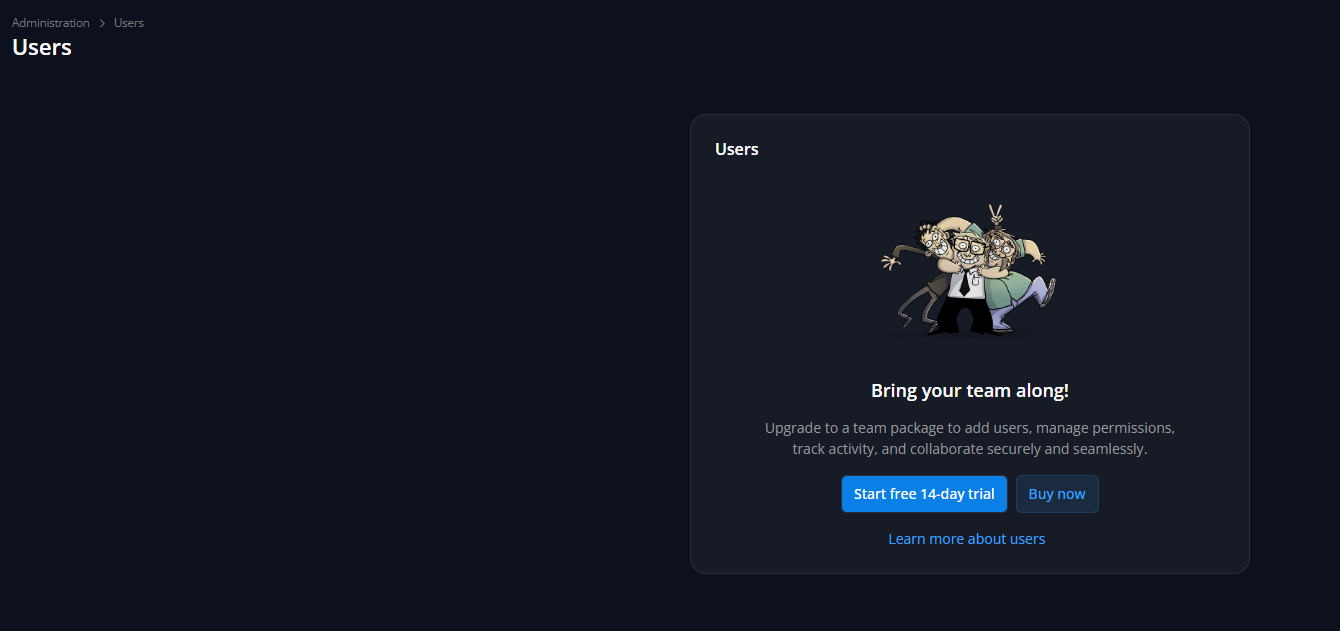
my version is
Remote Desktop Manager 2026.3.8.0 64-bit (PreJIT)
Runtime: .NET 10.0.12
Platform: Microsoft Windows 10.0.26200
Workspace: Devolutions Hub Personal
Allocated memory: 326 MB
when I try it on my laptop with 2026.2.16.0 everything works perfectly