
michawuethrich
Copy Username and Password" button not working after update to 2026.3.5.0
Hello,
Perfect, Thank you for your Information.
Best Regards
Micha
Copy Username and Password" button not working after update to 2026.3.5.0
Hello Léon,
Thank you for your reply. Here are the answers to your questions:
Do the separate Copy Username and Copy Password actions work correctly when the combined Copy Username and Password action does not?
Yes, that's correct. I can copy the username and the password separately without any issues. Only the combined "Copy Username and Password" action does not work.
When the issue occurs, does Copy Username and Password work when launched from the session's context menu rather than the toolbar/button?
No, it doesn't work there either. It fails both from the toolbar and from the context menu.
Could you also verify the configured clipboard-clearing delay?
I checked this as well. You can see my settings in the attached screenshot. I also applied the settings you suggested and tested again, but unfortunately without success.
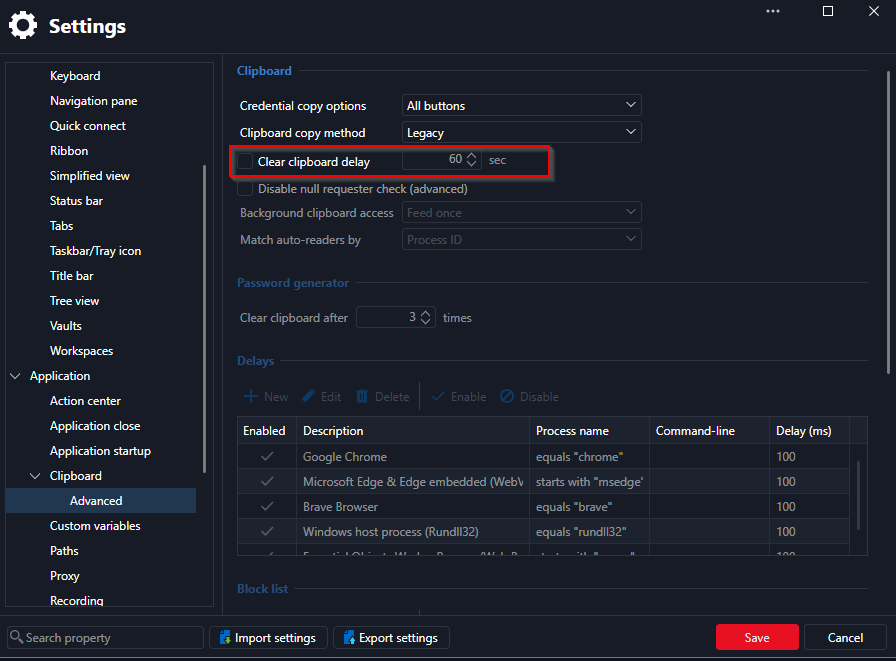
Since it works for some users and not for others, I assume it is a local issue on the affected laptops.
Best regards,
Micha
Copy Username and Password" button not working after update to 2026.3.5.0
Hi everyone,
I'm reaching out regarding an issue with the "Copy Username and Password" button
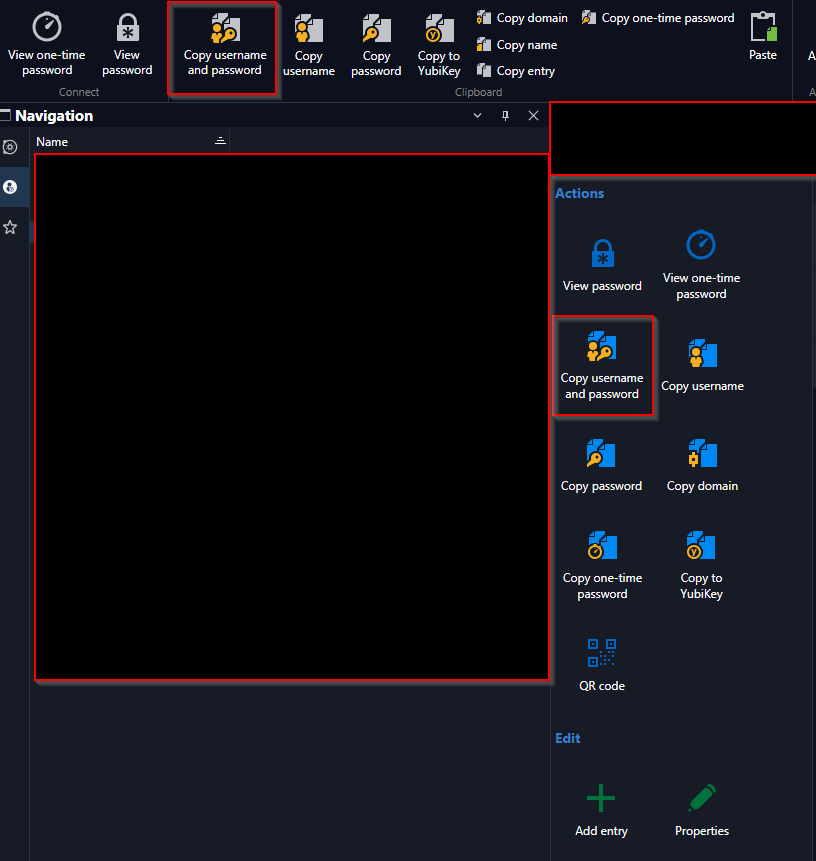
We've had this problem for quite some time now (roughly 1 year).
Yesterday we updated to version 2026.3.5.0 (64-bit), which according to the changelog includes the copy fix – unfortunately without success on our end.
For some of our users, the issue was already resolved with version 2026.2.18.0, but for many others it wasn't.
I tried troubleshooting it myself: in the "Devolutions" folder (under %localappdata%), I renamed the RDM folder to "RemoteDesktopManager_bak" and restarted RDM. Right after that, the copy button worked briefly, but after about 2 hours the issue came back.
Current status: since the update, it works for a few more users, but for the majority it still doesn't work.
Thank you for your feedback.
Best regards,
Micha