
johnmarkwilliams
2026.3.4 - Error Saving User Preferences
Yep, they had sticky sessions turned on but not WebSockets. I had them turn them on and instantly fixed. Mystery solved. Thanks for your support, Michel.
2026.3.4 - Error Saving User Preferences
Thanks for the quick response! And yep, this looks to be it. I don't control our load balancers so I'm requesting that team look into this now for us and will report back. I had asked for web sockets and sticky sessions to be enabled, but clearly, one or both are not.
I tried with a local account on the VIP. Same error happens when clicking Save Preferences.

2026.3.4 - Error Saving User Preferences
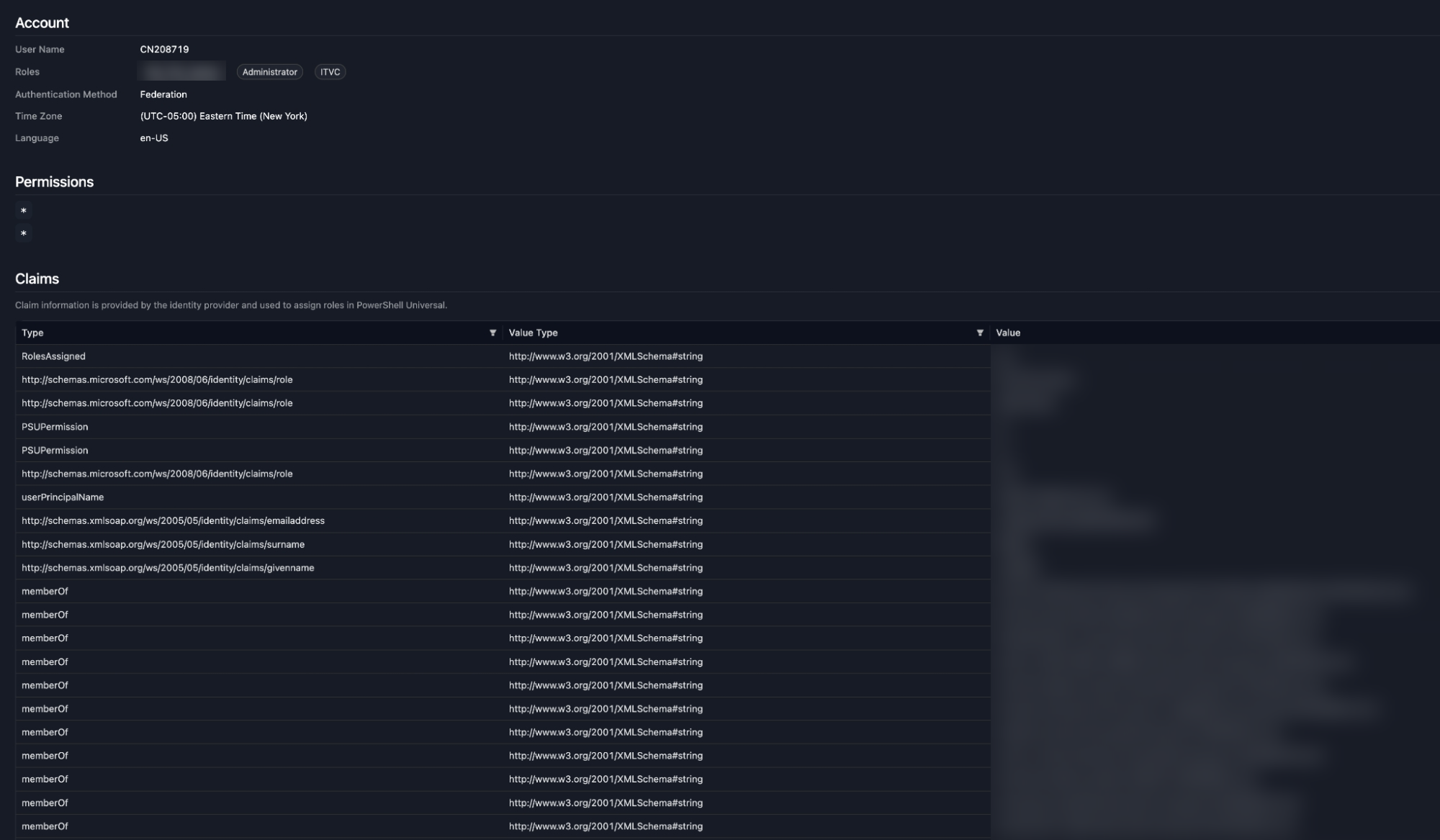
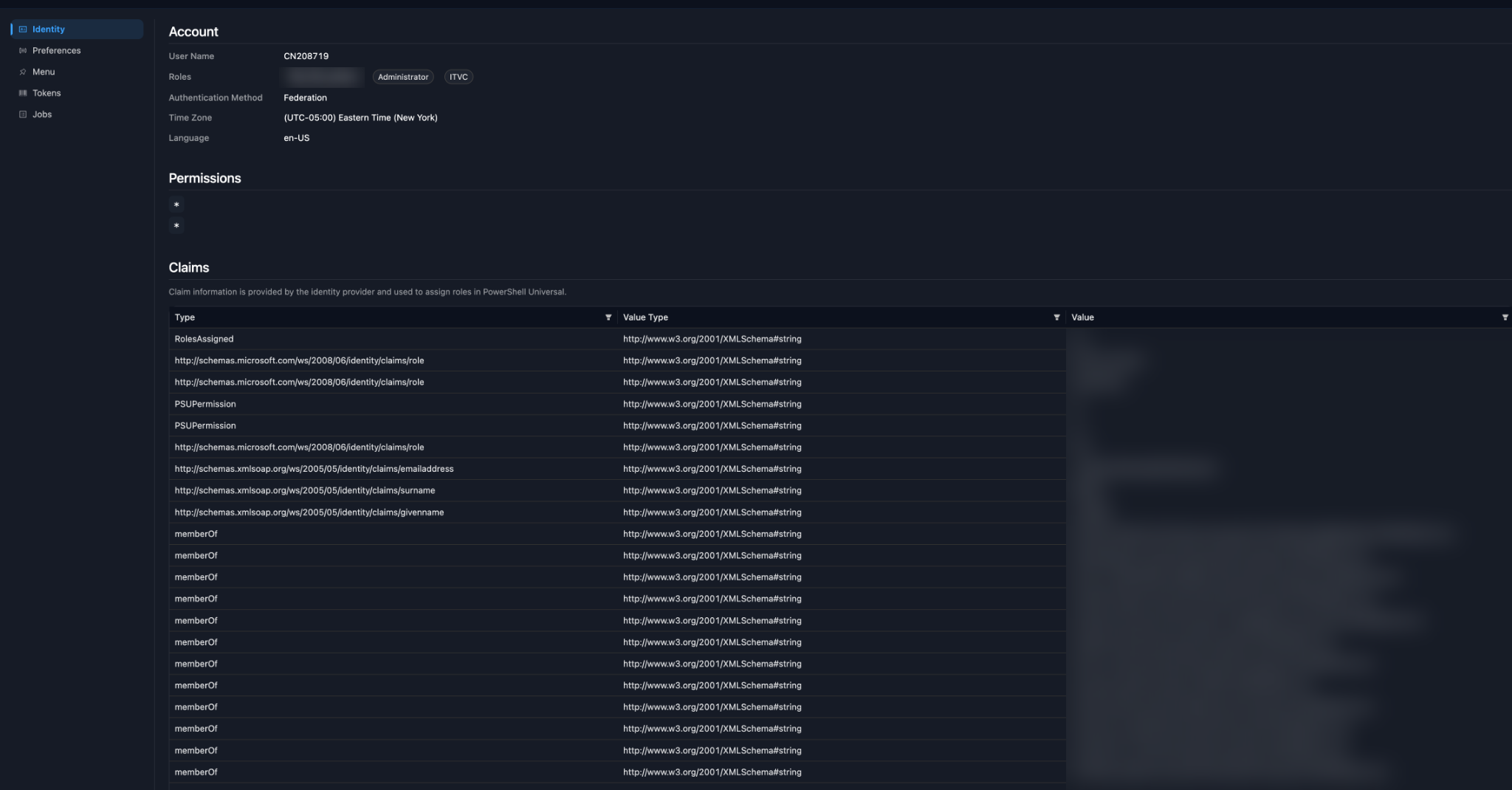
Hi Michel. I've attached Prod and Test screenshots. They do look very similar. I noticed Prod lists user principal name whereas Test does not. Not sure if that is significant.
The error happens across the 4 Prod server I have (2 Win and 2 Lnx), but works on both servers in Test. Another piece of info that might be relevant is that the 4 Prod servers are behind a VIP and SSO only authenticates on the VIP URL, but Test does not have a VIP at the moment due to reasons not related to PSU. The 2 Test servers use their direct URLs to authenticate with our Test SSO.
I had noticed clicking the sun icon by the language selection does permanently switch. This is not reflected under the User Preferences, but it does work.
I broke the screenshots up since they were multiple pages of nearly 100 memberof values, and I left off a majority of those rows. The other types are shown though.
PROD:


TEST:


2026.3.4 - Error Saving User Preferences
So, I had this issue happen back in 2026.3.0, and ultimately working in my lab environment, I reinstalled PSU and the problem disappeared. Now on 2026.3.4, I just upgraded my Prod environment which is a mix of Windows 2025 and RHEL9 servers, and I was using only local accounts waiting on my SSO team to get their portion for OIDC authentication configured. No issues whatsoever with local accounts and saving any user preferences, e.g re-order the menu, change dark/light mode, etc.
I hooked SSO into Prod, and the new accounts now have this problem. The really fun part is that my Test environment with an identical config does NOT have this issue. New SSO user accounts in Test can adjust their user settings.
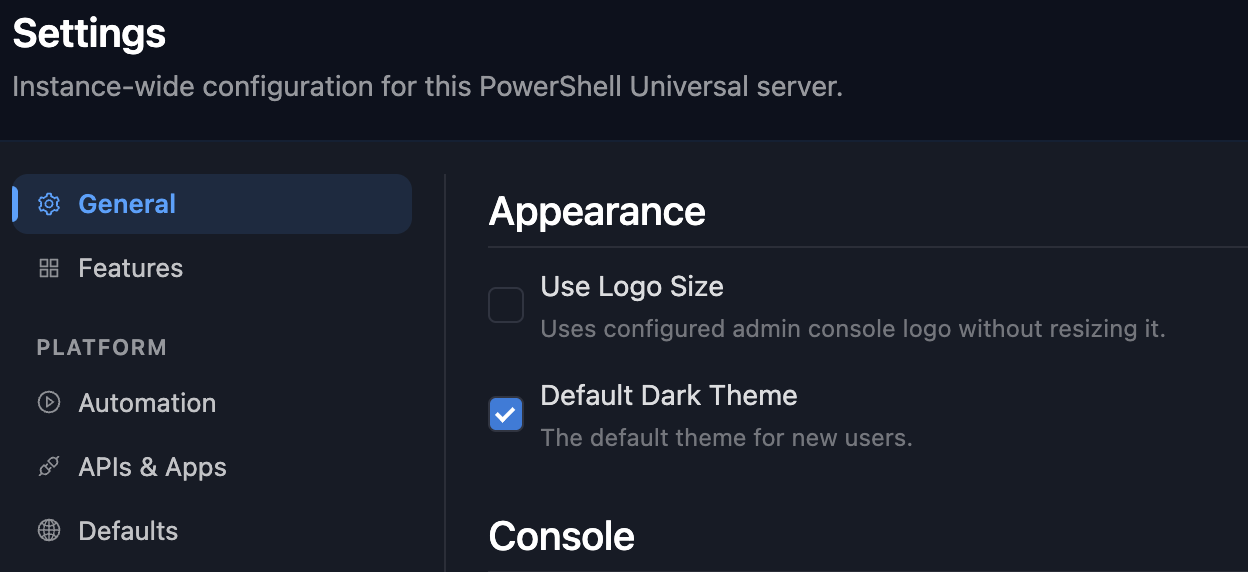
I also have Dark Mode set as the default for all new users, and this settings seems to have no effect either. All users get light mode.
I know the below error is a not really specific. I'm not totally sure what else to check here. Looking for some guidance on what to try next. Thanks!
General Error below:
Item with ID 0 not found.

   at PowerShellUniversal.Extensibility.EFTable`2.UpdateAsync(Int64 id, Action`1 update) in D:\a\powershell-universal\powershell-universal\src\PowerShellUniversal.Extensibility\Persistence\EFTable.cs:line 502
   at PowerShellUniversal.Extensibility.EFTable`2.UpdateAsync(Int64 id, Action`1 update) in D:\a\powershell-universal\powershell-universal\src\PowerShellUniversal.Extensibility\Persistence\EFTable.cs:line 514
   at PowerShellUniversal.Authentication.IdentityService.UpdateIdentitySettingsAsync(Int64 identityId, Action`1 update) in D:\a\powershell-universal\powershell-universal\src\PowerShellUniversal.Authentication\IdentityService.cs:line 350
   at Universal.Server.Pages.User.UserPreferences.Save() in D:\a\powershell-universal\powershell-universal\src\Universal.Server\Pages\User\UserPreferences.razor:line 129
   at Microsoft.AspNetCore.Components.ComponentBase.CallStateHasChangedOnAsyncCompletion(Task task)
   at PowerShellUniversal.SaveButton.Run() in D:\a\powershell-universal\powershell-universal\src\Universal.Server\Shared\Settings\SaveButton.razor:line 36
   at Microsoft.AspNetCore.Components.ComponentBase.CallStateHasChangedOnAsyncCompletion(Task task)
   at AntDesign.Button.HandleOnClick(MouseEventArgs args)
   at Microsoft.AspNetCore.Components.ComponentBase.CallStateHasChangedOnAsyncCompletion(Task task)
   at Microsoft.AspNetCore.Components.RenderTree.Renderer.GetErrorHandledTask(Task taskToHandle, ComponentState owningComponentState)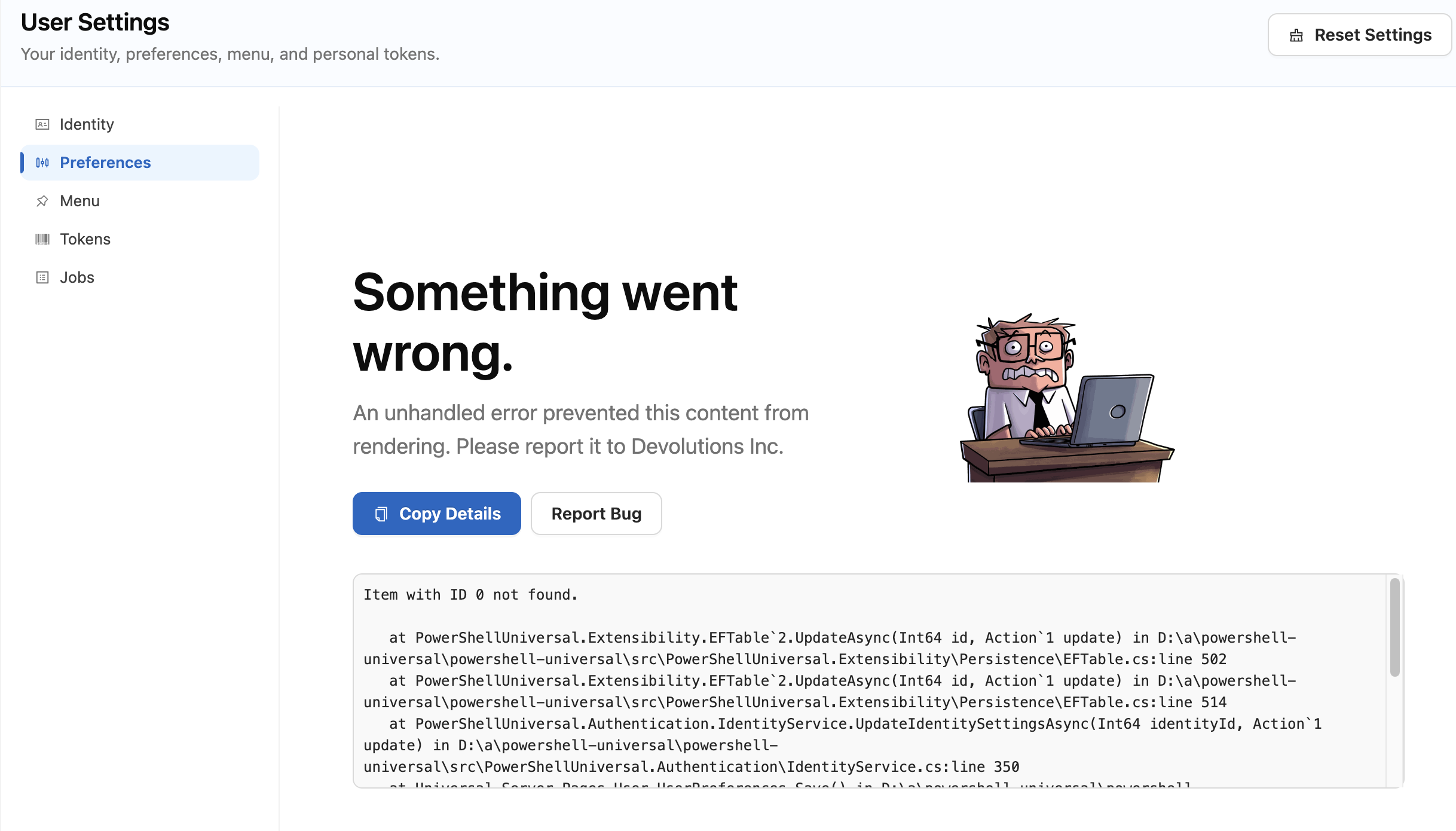
Pin Sidebar Menu Items
@Marco Thank you! I did indeed miss that, and now that you've pointed it out, I don't know how I did. :D
2026.3.0 - Error Saving User Preferences
Thanks for the quick response, Patrick. I have this deployed via IIS with OIDC authentication, but I ended up building out another server to test with and did another fresh install. And it works as expected... I'm not sure why it didn't work in the first place still. I imagine there was a setting I missed along the way, but it seems fine on the new server. Thanks for the thorough explanation on this though.
2026.3.0 - Error Saving User Preferences
I get the following error (no matter what I change) if I click the Save button under User Settings and Preferences. Mainly, I noticed it when trying to set the default them to dark mode after a fresh install of 2026.3.0. Running on Windows Server 2022.
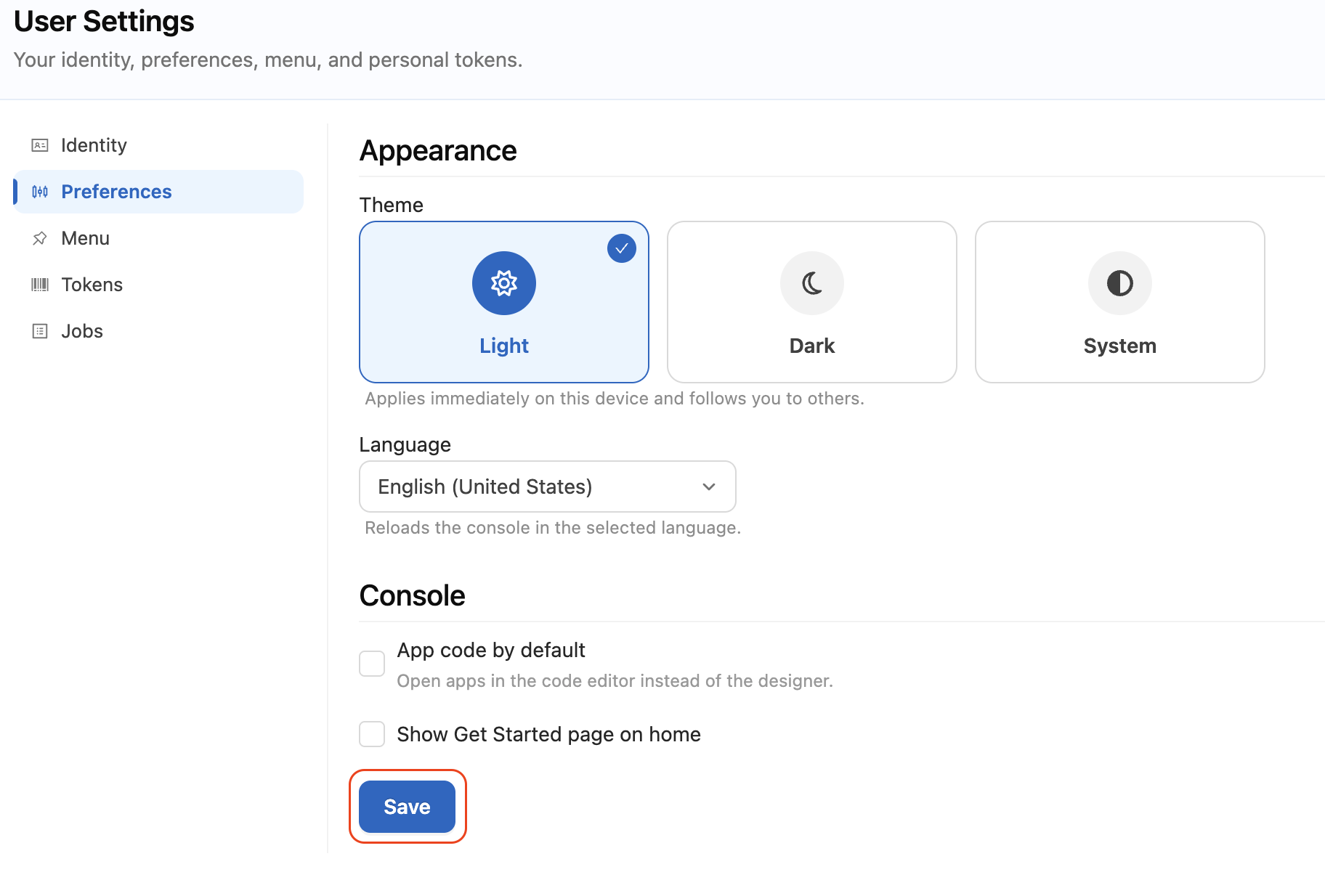
Item with ID 0 not found.

   at PowerShellUniversal.Extensibility.EFTable`2.UpdateAsync(Int64 id, Action`1 update) in D:\a\powershell-universal\powershell-universal\src\PowerShellUniversal.Extensibility\Persistence\EFTable.cs:line 502
   at PowerShellUniversal.Extensibility.EFTable`2.UpdateAsync(Int64 id, Action`1 update) in D:\a\powershell-universal\powershell-universal\src\PowerShellUniversal.Extensibility\Persistence\EFTable.cs:line 514
   at PowerShellUniversal.Authentication.IdentityService.UpdateIdentitySettingsAsync(Int64 identityId, Action`1 update) in D:\a\powershell-universal\powershell-universal\src\PowerShellUniversal.Authentication\IdentityService.cs:line 342
   at Universal.Server.Pages.User.UserPreferences.Save() in D:\a\powershell-universal\powershell-universal\src\Universal.Server\Pages\User\UserPreferences.razor:line 129
   at Microsoft.AspNetCore.Components.ComponentBase.CallStateHasChangedOnAsyncCompletion(Task task)
   at PowerShellUniversal.SaveButton.Run() in D:\a\powershell-universal\powershell-universal\src\Universal.Server\Shared\Settings\SaveButton.razor:line 36
   at Microsoft.AspNetCore.Components.ComponentBase.CallStateHasChangedOnAsyncCompletion(Task task)
   at AntDesign.Button.HandleOnClick(MouseEventArgs args)
   at Microsoft.AspNetCore.Components.ComponentBase.CallStateHasChangedOnAsyncCompletion(Task task)
at Microsoft.AspNetCore.Components.RenderTree.Renderer.GetErrorHandledTask(Task taskToHandle, ComponentState owningComponentState)Pin Sidebar Menu Items
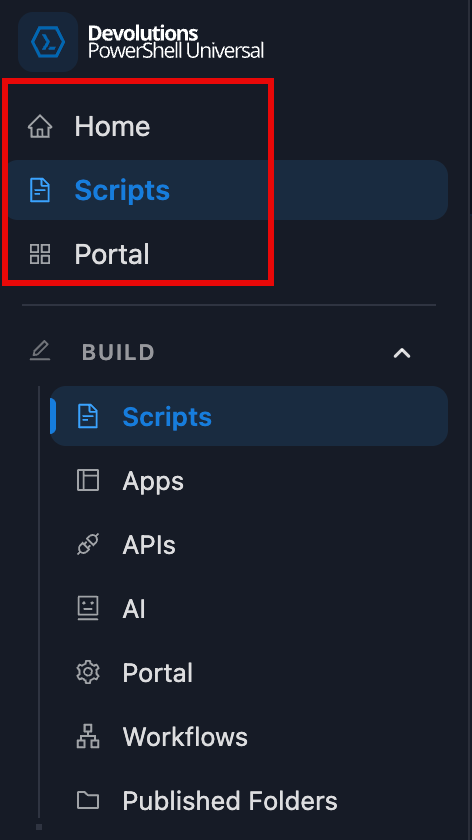
With the new layout of 2026.3, it'd be great if we could pin menu items in the space at the top of the left side menu bar and make it a bit more customized.
Terminals not working beyond 2026.1.3
Yep, terminals now work as expected after upgrading to 2026.2.3. Thanks!
Terminals not working beyond 2026.1.3
I've currently tested terminals on multiple versions of PSU on Windows Server 2022 and 2026 as well as Ubuntu 24.04.4. I start a fresh install, and without fail so far, every version beyond 2026.1.3 will fail to launch any terminal other than one tied to the Integrated environment. This includes the current latest, 2026.2.1 with the built-in PS7 environment as well as the Windows PowerShell environment on Windows.
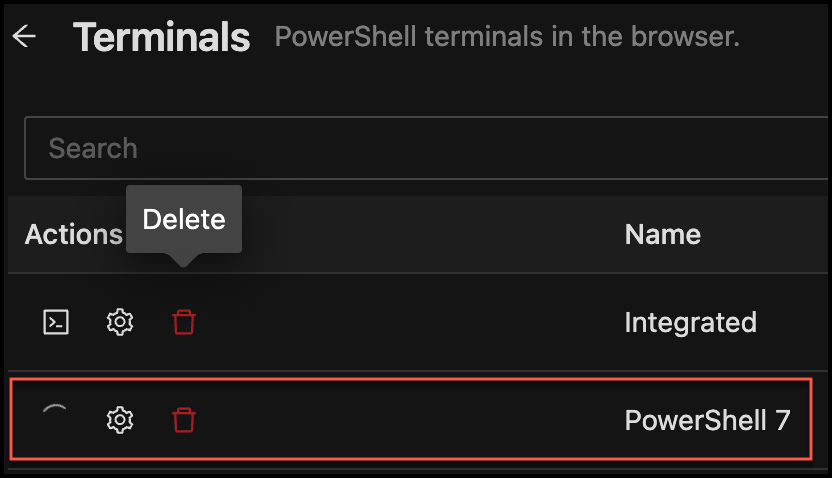
The logs seem to show that it is launching successfully but it does not show this in the GUI:
[11:47:56 INF] PowerShellUniversal.Automation.JobProcessManager Starting job using Process as interactive.
[11:47:56 DBG] PowerShellUniversal.Automation.JobProcessManager Agent Output: Received: ParentProcessId: 18064 UniversalPort: 62209 InstanceId: 9
[11:47:56 DBG] PowerShellUniversal.Automation.JobProcessManager Agent Output: Connecting to universal.
[11:47:56 DBG] PowerShellUniversal.Automation.JobProcessManager Agent Output: D0629 11:47:56.370232 Grpc.Core.Internal.UnmanagedLibrary Attempting to load native library "D:\psu\versions\Universal.win-x64.2026.2.1\Hosts\7.5\grpc_csharp_ext.x64.dll"
[11:47:56 DBG] PowerShellUniversal.Automation.JobProcessManager Agent Output: D0629 11:47:56.429861 Grpc.Core.Internal.NativeExtension gRPC native library loaded successfully.
[11:47:56 DBG] PowerShellUniversal.Automation.JobProcessManager Agent Output: Server port:61507
I've not been able to find anyone else reporting this happening, but it's been pretty consistent for me across multiple servers and OSes. Anyone else see this or know of a solution?