
michaelcutts
Authenticated zero trust network access - ZTNA
Should add - ZTNA also works with the browser plugin.
Authenticated zero trust network access - ZTNA
We use ZTNA to authenticate connections to our Devolutions server over the WAN. This works fine with both RDM and the web GUI, however, the Workspace App seems to require a VPN connection - there is no way to choose or set the ZTNA certificate to allow the connection.
Is this something that is on the roadmap?
Password policy setting
It's only in the app --> Tools --> Password Generator.
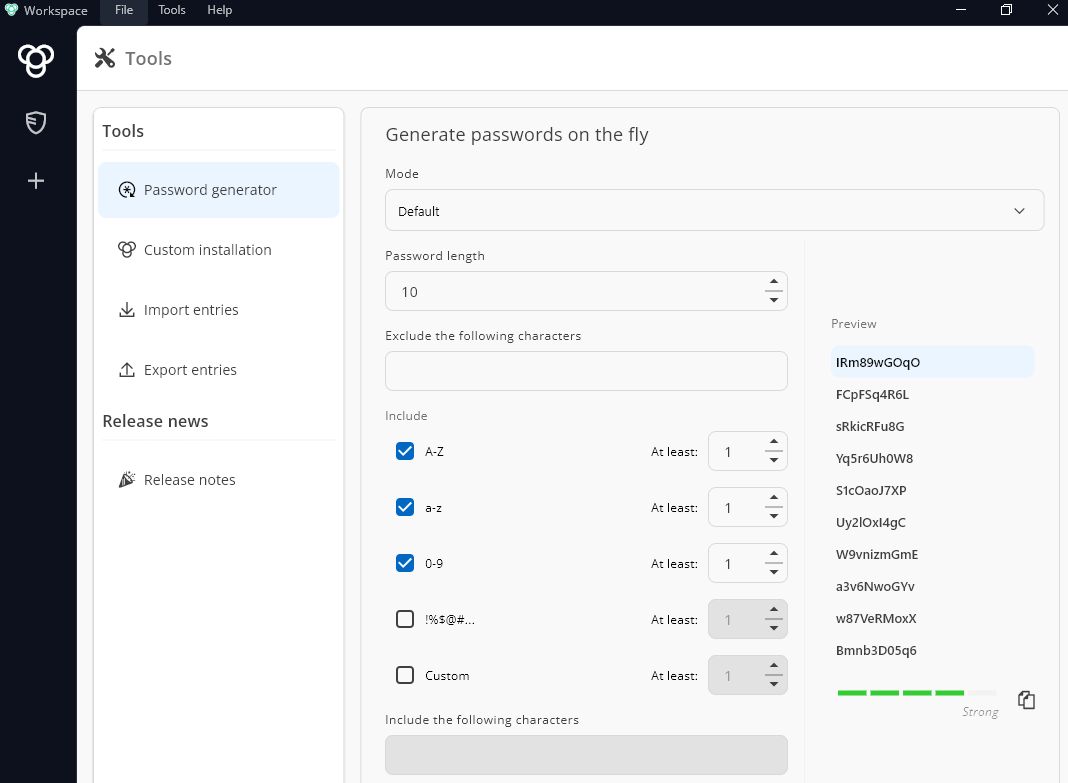
I see this as a very useful tool but only if we can enforce our default password policy.
Password policy setting
Is it possible to make password creation adhere to the default password policy defined on the Devolutions server?
This works OK on the browser plugin, but in the app it seems to be up to the end user.