
zbigniewpowroznik
RDM uses a lot of RAM
Yes, I had the old version
RDM uses a lot of RAM
It uses a lot of RAM:

Opened only:

Entry Host -Event after opening dosn't work
Thank you, It works very well.
Best regards.
Markdown - mermaind charts
Thank you—It was missing this feature. It works very well.
Best regards
Filter or sort by status in a port scan
Is it possible to add a filter or sort by status in a port scan?

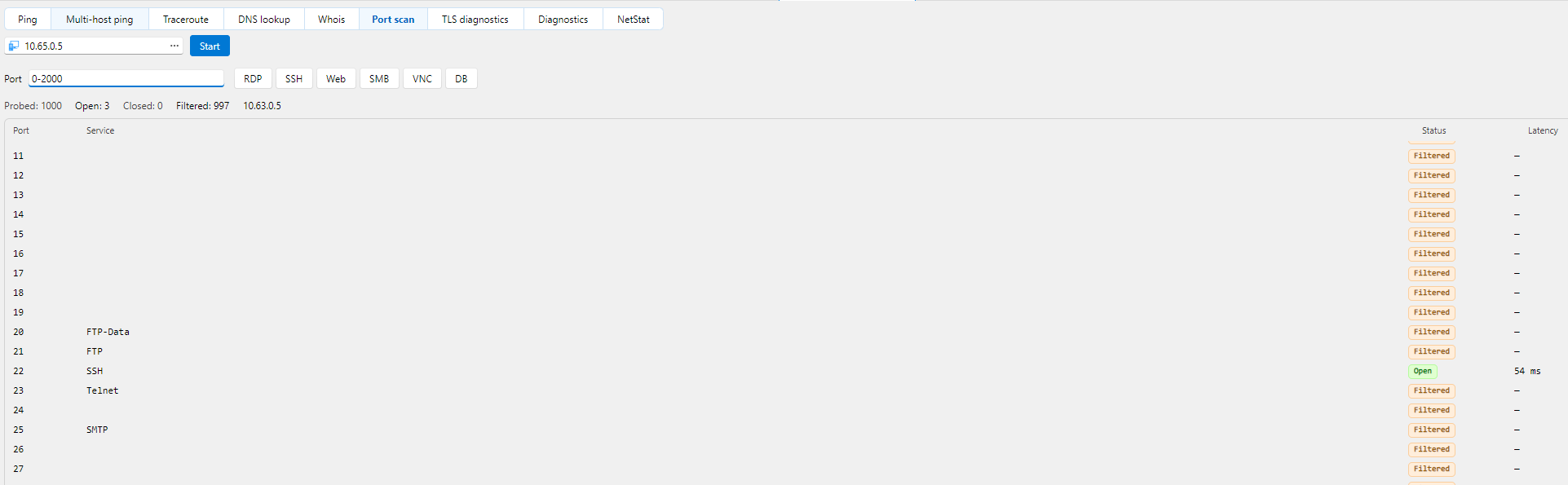
Port scan completely freezes the application
Running a port scan—for example, from 0 to 20,000—completely freezes the application; you can't do anything. Could the scan run in the background?
Entry Host -Event after opening dosn't work
Hello,
Thank you for the details and screenshots.
Your configuration looks correct. What you describe matches a known regression in Remote Desktop Manager 2026.3.11 and 2026.3.12, where events under Events, After opening, do not run when an entry is opened. A fix is planned for version 2026.3.13.0.
To confirm your entries are covered by that fix, could you tell us:
The entry type of each of the two entries (for example, SSH Shell, RDP, Website)
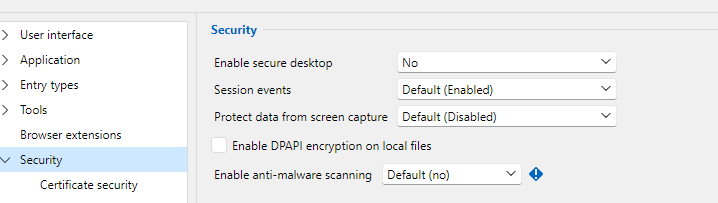
What "Session events execution" is set to under File, Settings, Security
Thank you in advance!
Best regards,
@Sam Moynihan
SSH Sell
Best reagards
Entry Host -Event after opening dosn't work
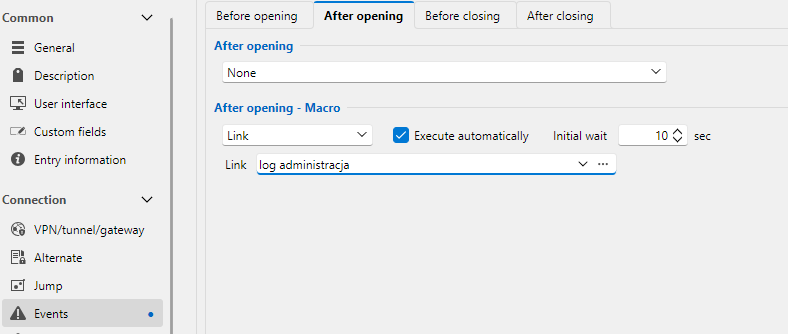
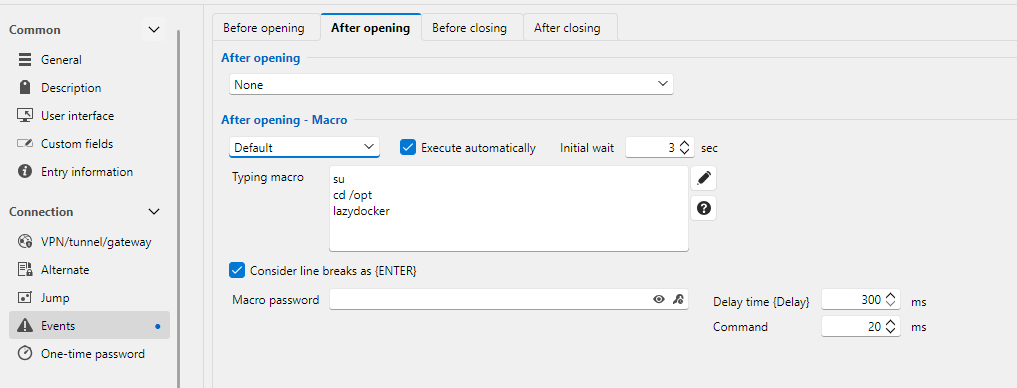
In the latest version, events triggered upon opening no longer work.
this is example of configuration:
Remote Desktop Manager 2026.3.12.0 64-bit (PreJIT)
Runtime: .NET 10.0.3
Platform: Microsoft Windows 10.0.26200
Workspace: Local data source
Allocated memory: 1046 MB
Markdown - mermaind charts
It would be useful to extend Markdown's functionality to include the rendering of Mermaid charts and diagrams.
SSH Port Forward reconnect problem
Hello,
Thanks, now works perfectly.
Best regards,
Zbigniew Powroźnik
SSH Port Forward reconnect problem
Hello,
Unfortunately, the same problem occurs in the latest version.
This problem has been occurring since I started using RDM about 8 months ago.
The easiest way to reproduce this error is to:
disconnect the Ethernet cable or turn Wi-Fi off and on. Even after a short break, it does not establish a connection.
Best regards,
Zbigniew Powroźnik
SSH Port Forward reconnect problem
Hello,
Nothing has improved. It cannot connect. I am receiving the following logs:

After selecting ‘Reconnect’ from the menu, the connection is established without any problems.
This situation occurs after a connection failure, mainly with mobile/wifi connections.
best regards,
Zbigniew Powroźnik
SSH Port Forward reconnect problem
Hello,
I'm using version 2025.3.16.0 64 bit(PreJIT)
I'm using "SSH port forward".
I've set:

Best regards,
Zbigniew Powroźnik
SSH Port Forward reconnect problem
After losing connection to the server, "SSH Port Forward" attempts to reconnect but fails. Only closing and reopening the application or selecting the Reconnect function from the menu re-establishes the connection.
Although ‘New connection on’ appears, the connection is not established.
