sebastianreeh
SOTI MDM Managed App Config
Hello,
thank you. I will try it next week.
Best regards
Sebastian
SOTI MDM Managed App Config
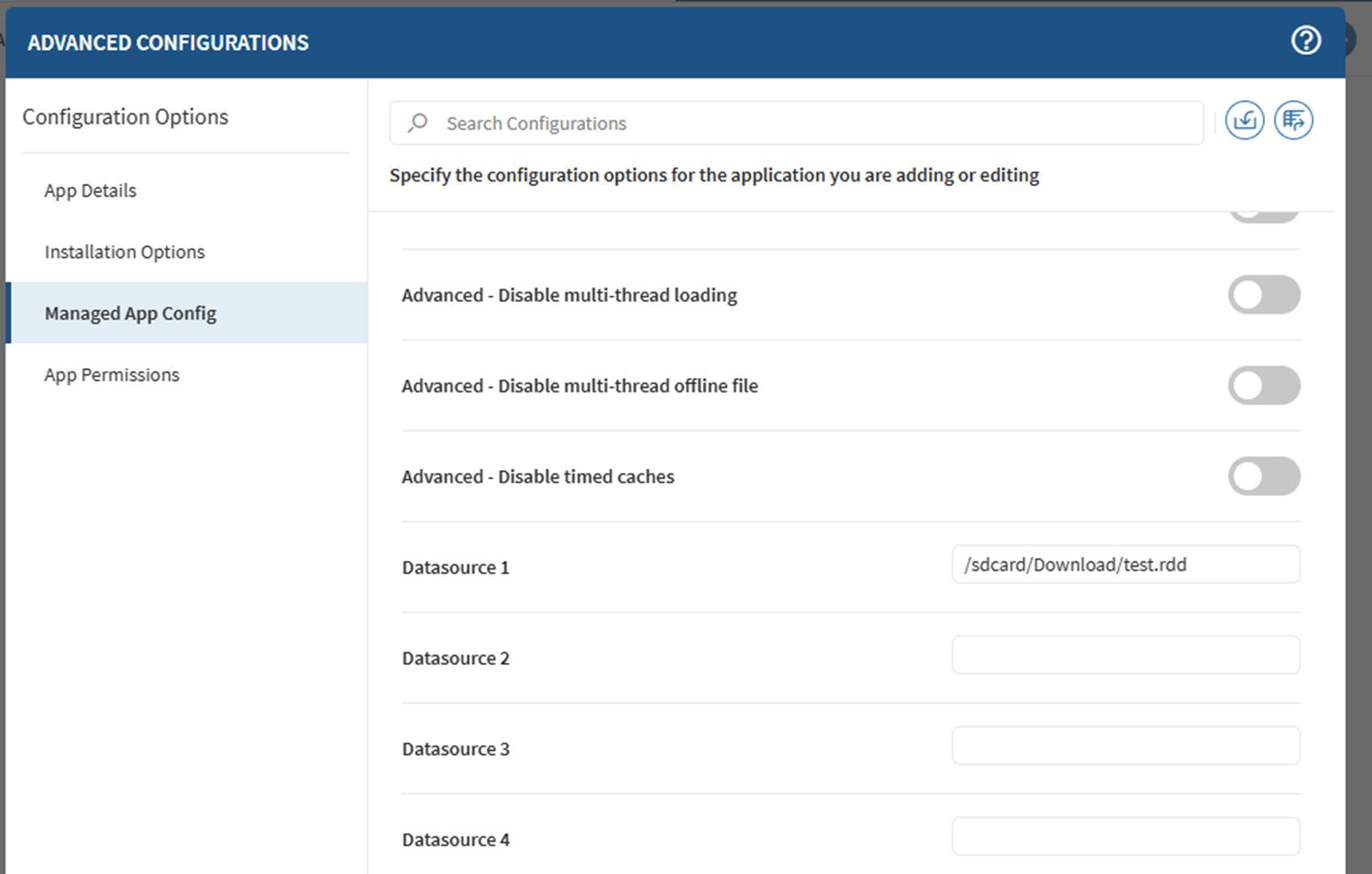
Thank you. In the meantime, can you tell me in which format the field "Datasource 1" must be filled in? I want to configure the path to the XML connection file.
Best regards
Sebastian
SOTI MDM Managed App Config
Hello Johann,
ok, I have exported the Managed App Configuration, but I can´t import it. SOTI reports an error, that it is not compatible. We use SOTI MobiControl 2025.1. Do you have an idea?
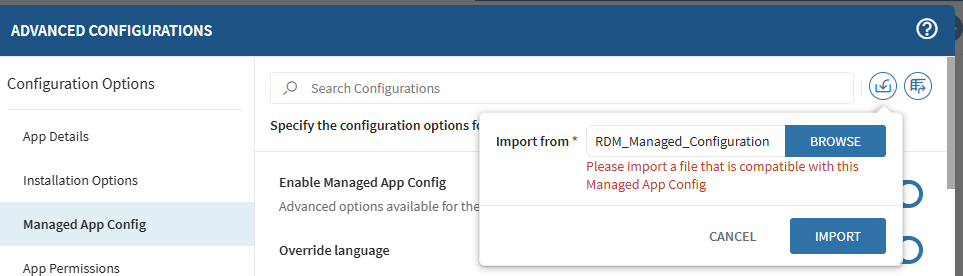
Thank you.
Best regards
Sebastian
SOTI MDM Managed App Config
Hello Johann,
where in the app can I find the option "Advanced → Generate Managed App Configuration File (XML, plist)"?
I have searched all options in the Android app, but cant find the option you descripted.
Thank you very much.
Kind regards
Sebastian
SOTI MDM Managed App Config
Hello,
I´m trying to configure the Remote Desktop Manager app for Android in the SOTI Managed App Config. My purpose is to create a configuration and share it with our devices.
I created a test configuration on one device, exported it as rdm and rdd file and copied it to another device. I assigned a Managed App Config in Soti and tried different variations in the field “Datasource 1”, but when I start the app I got the message “An error has occurred”.
What steps are required to use the Managed App Config?
The article at https://docs.devolutions.net/rdm/kb/how-to-articles/mobile-device-management-configuration/?tab=android doesn´t help me. I can’t find the option mentioned there.
Thank you very much for your help.