
garysmithuk
Preview of the clipboard
Hi , Is there any way to enable a preview of the clipboard / what you are about to paste ? like secure CRT does.
SSH Sessions PuTTY to SSH Shell
OK Figured it out Highlight multiple Putty sessions go to Edit menu > Edit (Special actions)
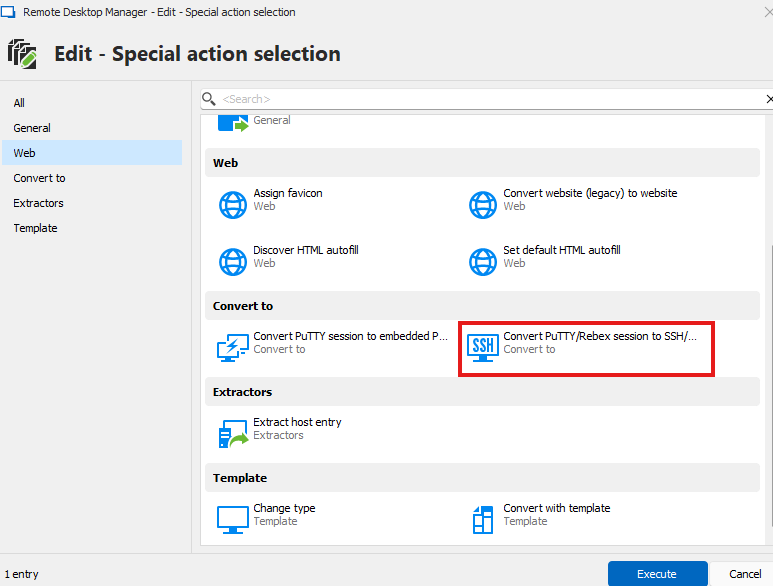
Execute
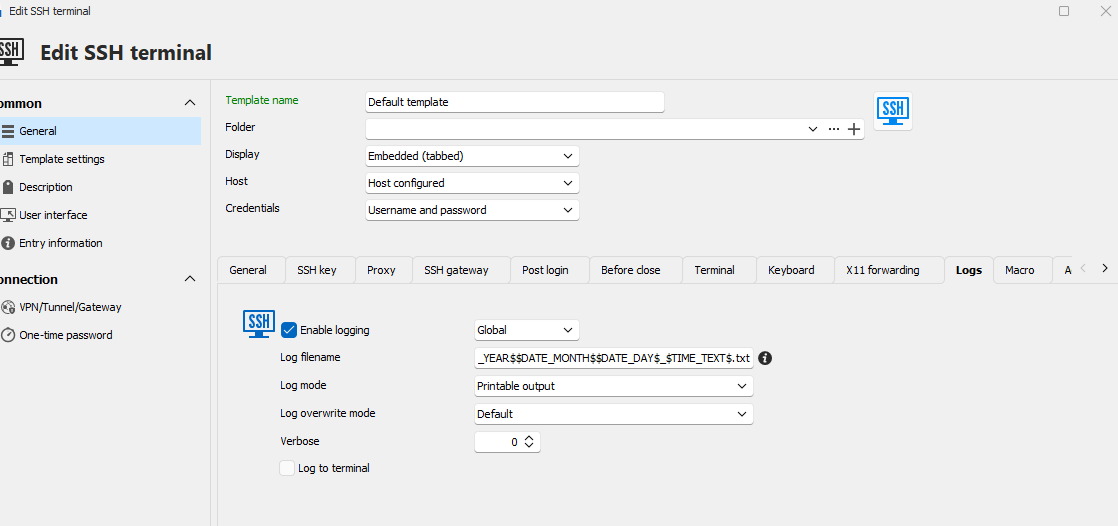
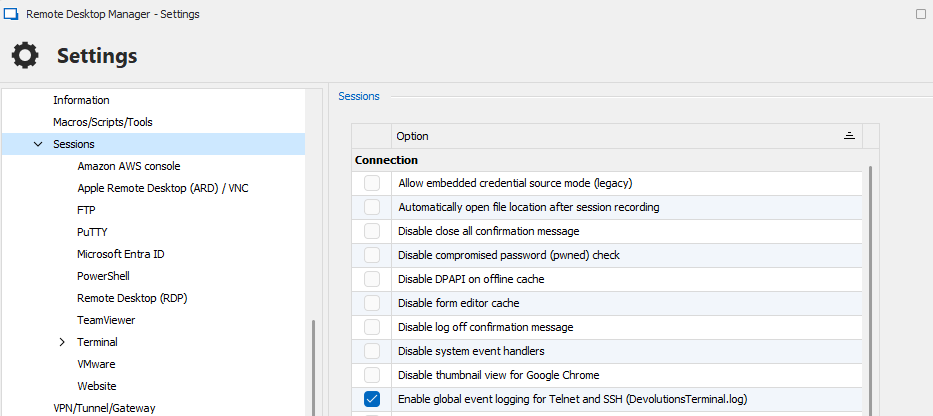
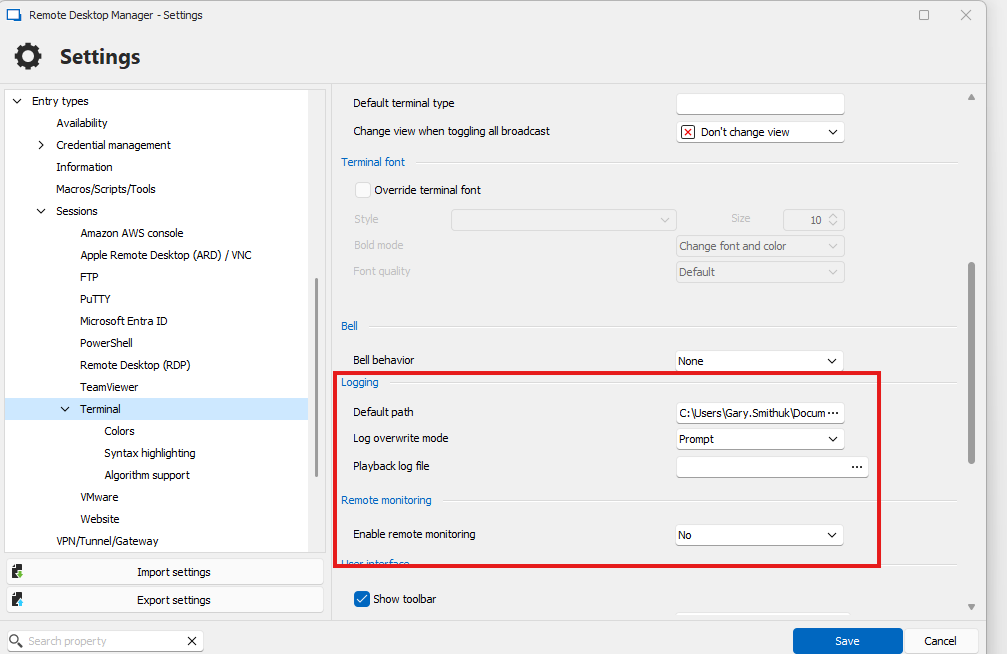
But still not able to get the loggings working i have the following configured for it:
File > templates > SSH terminal.
File > Settings > Sessions
File > Settings > Sessions > Terminal
Ideas? have I missed something?
Gary
SSH Sessions PuTTY to SSH Shell
BTW I really like the product but was use to SecureCRT
SSH Sessions PuTTY to SSH Shell
Hi,
I'm on version 2024.3.26.0 64-bit , when setting up RDM some months ago I imported my ssh sessions from PuTTy using the sessions.xml. i want to be able to log sessions to a .txt or .log file but cannot get it to work. thinking i need to change my ssh session to use SSH shell. all my sesssions currenly are using puTTy can you let me know how to do that ? then also setup the session logging.
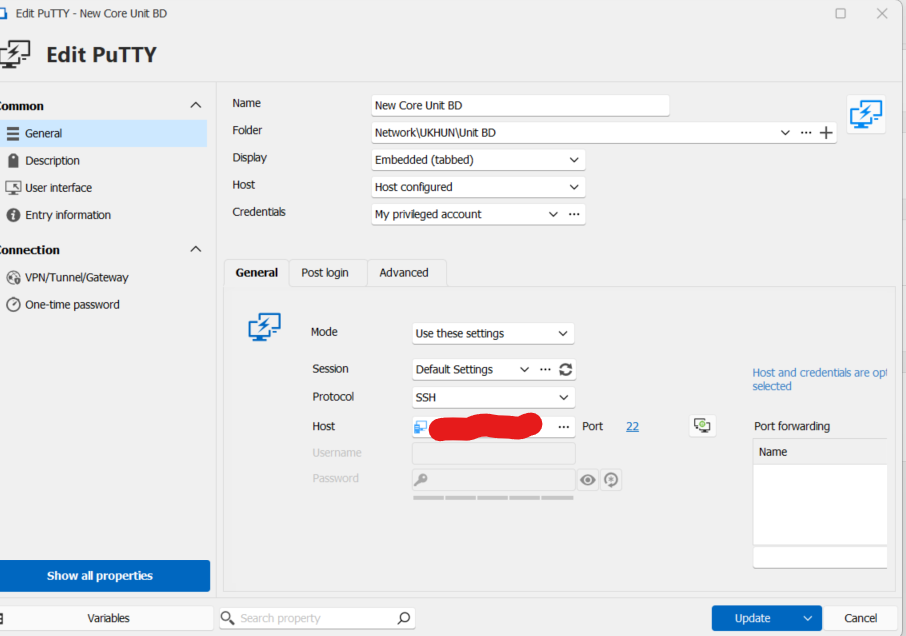
thanks
Gary