WJ
VPN/Tunnel/Gateway - Subscription ID and Resource Group are reverted to Default after setting Connect to "Inherited".
Hi Samual,
Local Data source is the type.
I don't know when the issue began as it's quite subtle, but I know the issue wasn't present with version 2024.3.15.0
VPN/Tunnel/Gateway - Subscription ID and Resource Group are reverted to Default after setting Connect to "Inherited".
We encountered an issue with versions 2025.2.13.1.1 and 2025.2.14.0.
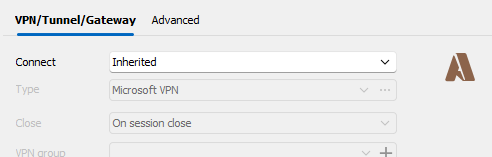
The symptom is whenever settings the VPN/Tunnel/Gateway "Connect" value to Inherited the Subscription ID and Resource Group value are reverted to Default after saving.
If we manually set Connect to Always Connect and re-input the Subscription ID and Resource Group values, then save, the values remain as desired.
Since we always use Connect:Inherited we noticed this would manifest after any edit and save to the object properties. Our existing objects which are using Inheritance work without issue unless resaving the object.
Manually Set

Inherited - Before saving

Inherited -After saving and checking properties

RDP via Azure Bastion (native client) broken after update to 2024.3.16.0 when using Inheritance
Confirmed as well. v2024.3.20 is now working as expected.
RDP via Azure Bastion (native client) broken after update to 2024.3.16.0 when using Inheritance
That is correct.
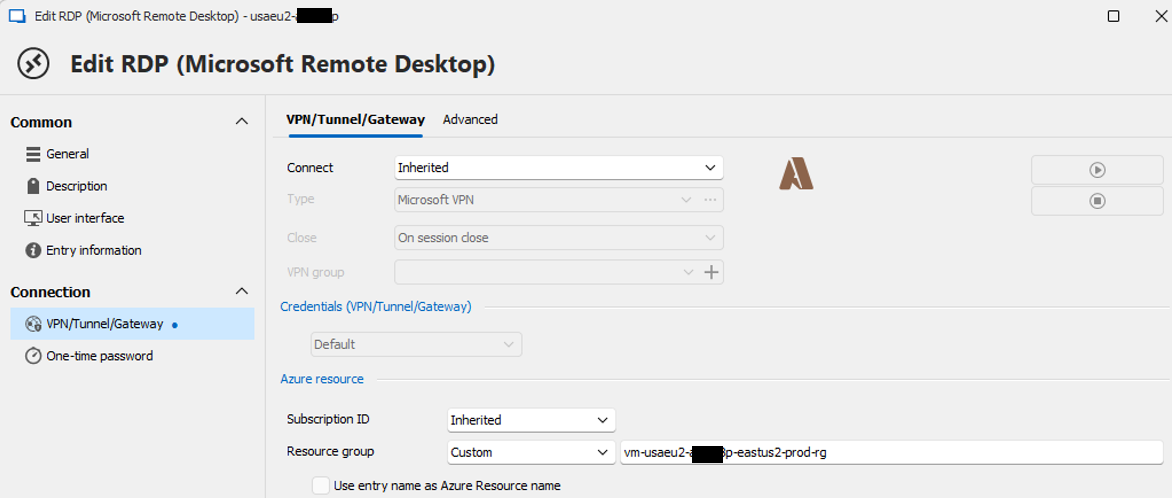
We set the resource group on the server connection.
RDP via Azure Bastion (native client) broken after update to 2024.3.16.0 when using Inheritance
After installing RDM v2024.3.16.0 on Oct 30, 2024 all our RDP connections using Azure Bastion failed to open.
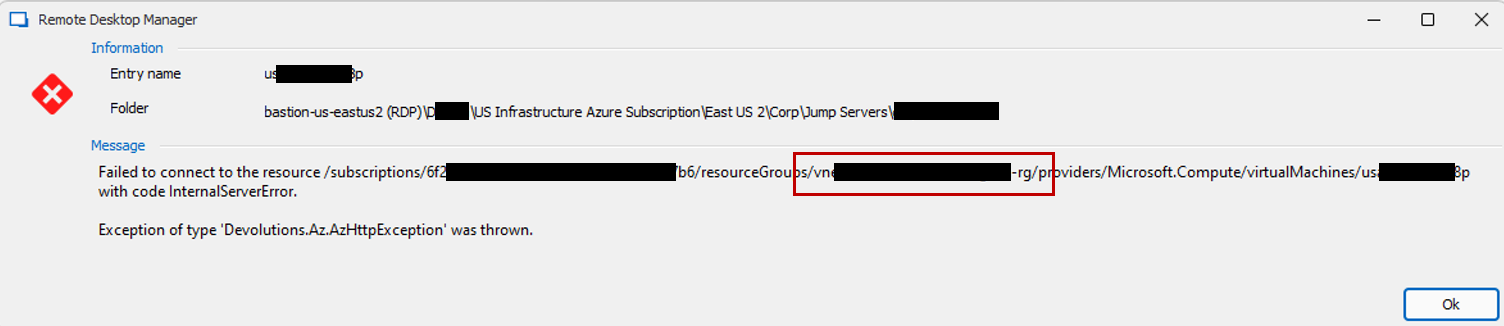
Error message: Exception of type 'Devolutions.Az.AzHttpException' was thrown.
We noticed this occurs if the VPN/Tunnel/Gateway Connect setting is configured as "Inherited".
We also noticed within the error message that the Resource Group specified in the resource path was erroneous.
If we switched the gateway from Inherited to a manually specified gateway the issue no longer occurred.
Rolling back to version 2023.3.15.0 resolved the issue.