
haukeschillemat
Verknüpfung Kontakt mit Software
Verknüpfung Kontakt mit Software
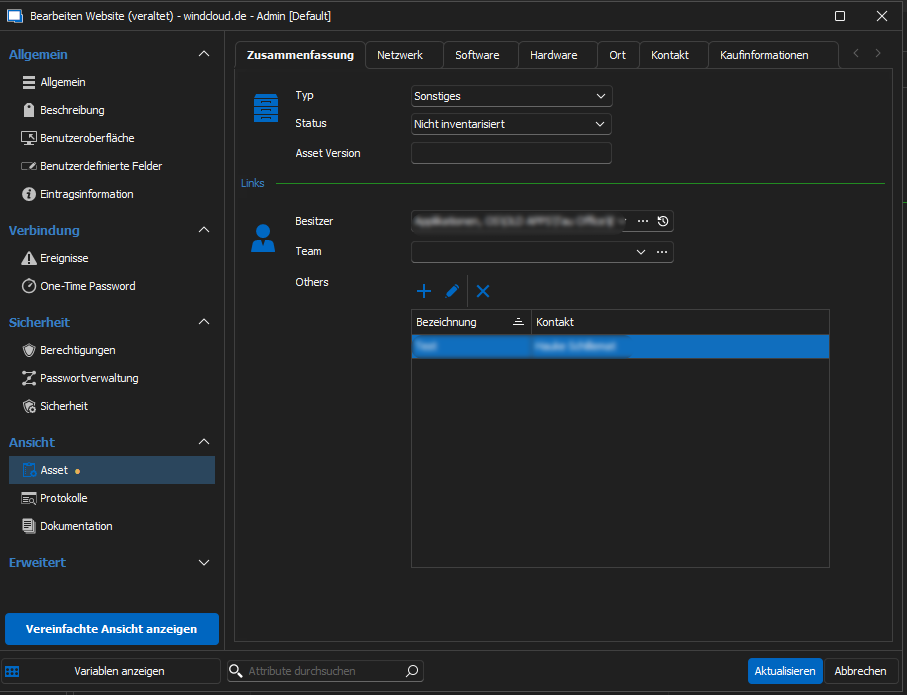
Hallo, vielen Dank. Das wäre ja zunächst schon mal ein Workaround. Dazu habe ich noch einige Anmerkungen.
Warum kann ich in dem Feld nicht nach einem Kontakt suchen, sondern muss ihn manuell auswählen?
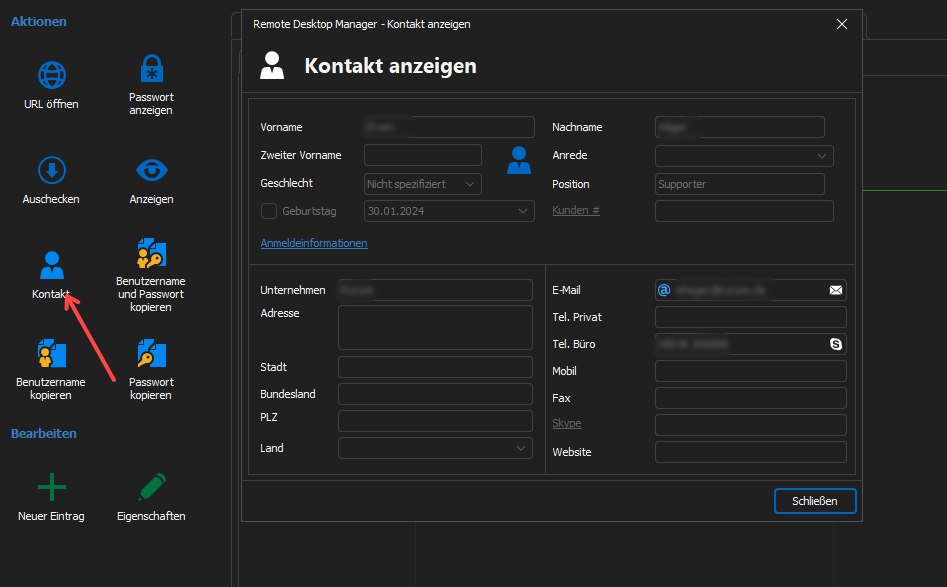
Mir fehlt eine Funktionalität, um mir die "Others"-Accounts anzeigen zu lassen. Könnte man diese nicht ebenfalls in den Kontakten durch einen weiteren Pfeil anzeigen lassen?
Verknüpfung Kontakt mit Software
Hallo,
vielen Dank für die Rückmeldung. Grundsätzlich würden wir gerne bereits bestehende Ansprechpartner verlinken, um klar zu zeigen, wer der Ansprechpartner für das Produkt ist.
Leider muss man im Asset-System die Daten manuell hinterlegen.
Verknüpfung Kontakt mit Software
Vielen Dank für die Information.
Für mich fehlt die Funktion, vorhandene Kontakte unter "Asset" zu verknüpfen. Dies würde erheblich Zeit sparen, insbesondere da einige in mehreren Produkten hinterlegt sind.
Verknüpfung Kontakt mit Software
Hallo,
wir suchen eine Funktion um Softwareobjekte mit Ansprechpartnern Intern/Extern zu verknüpfen. Gedanke dabei ist, dass die Ansprechpartner zu den Produkten leichter gefunden werden können. Hier wäre auch eine Mehrfachnennung gut.
Session Recording
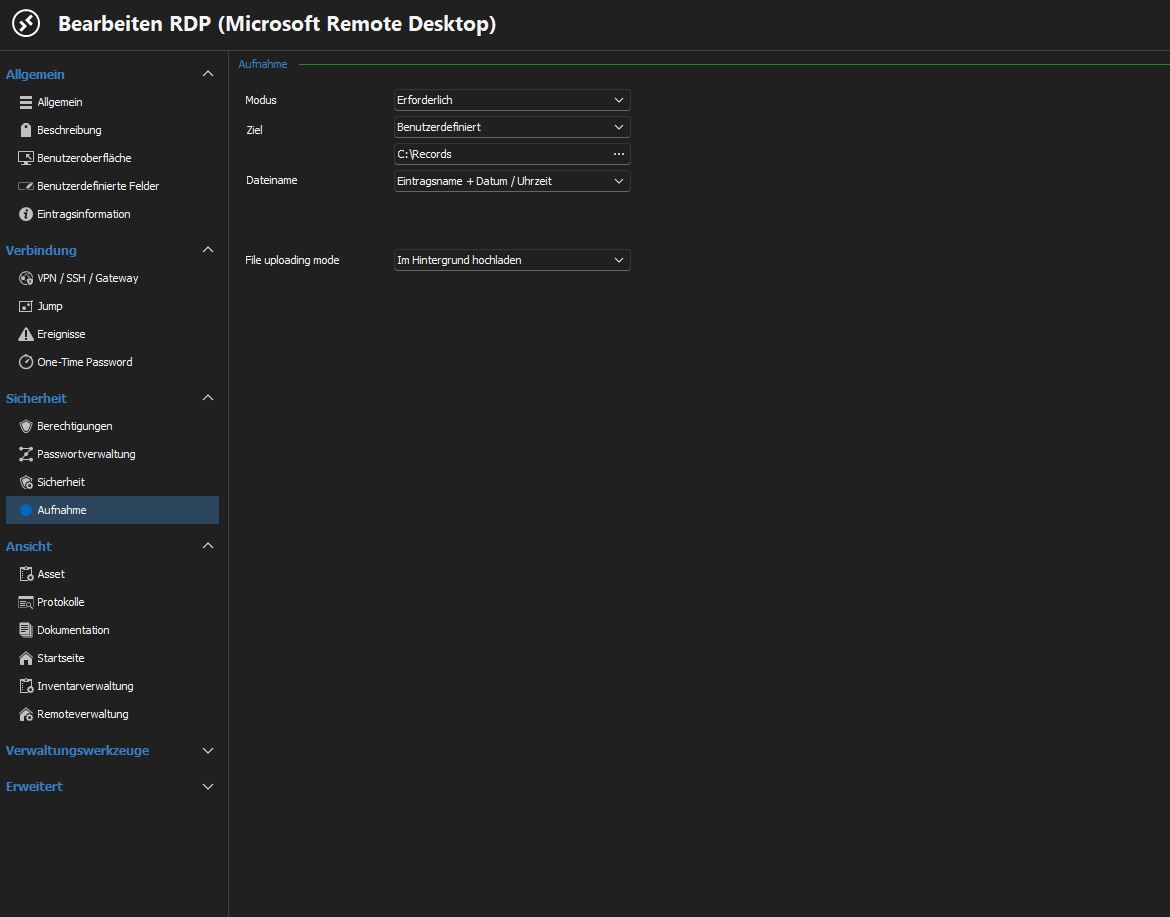
Ok i found the settings.
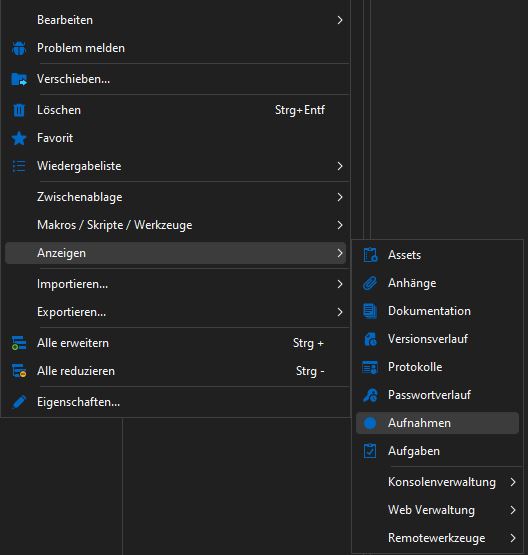
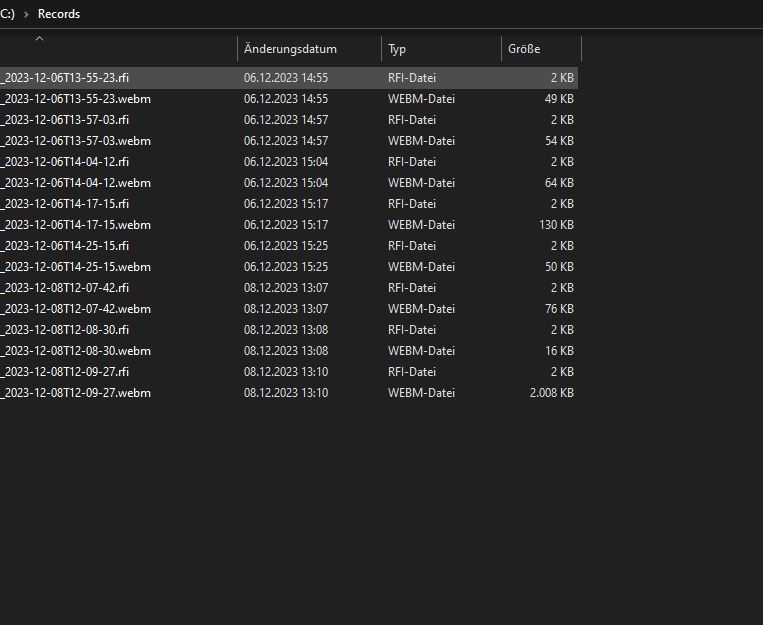
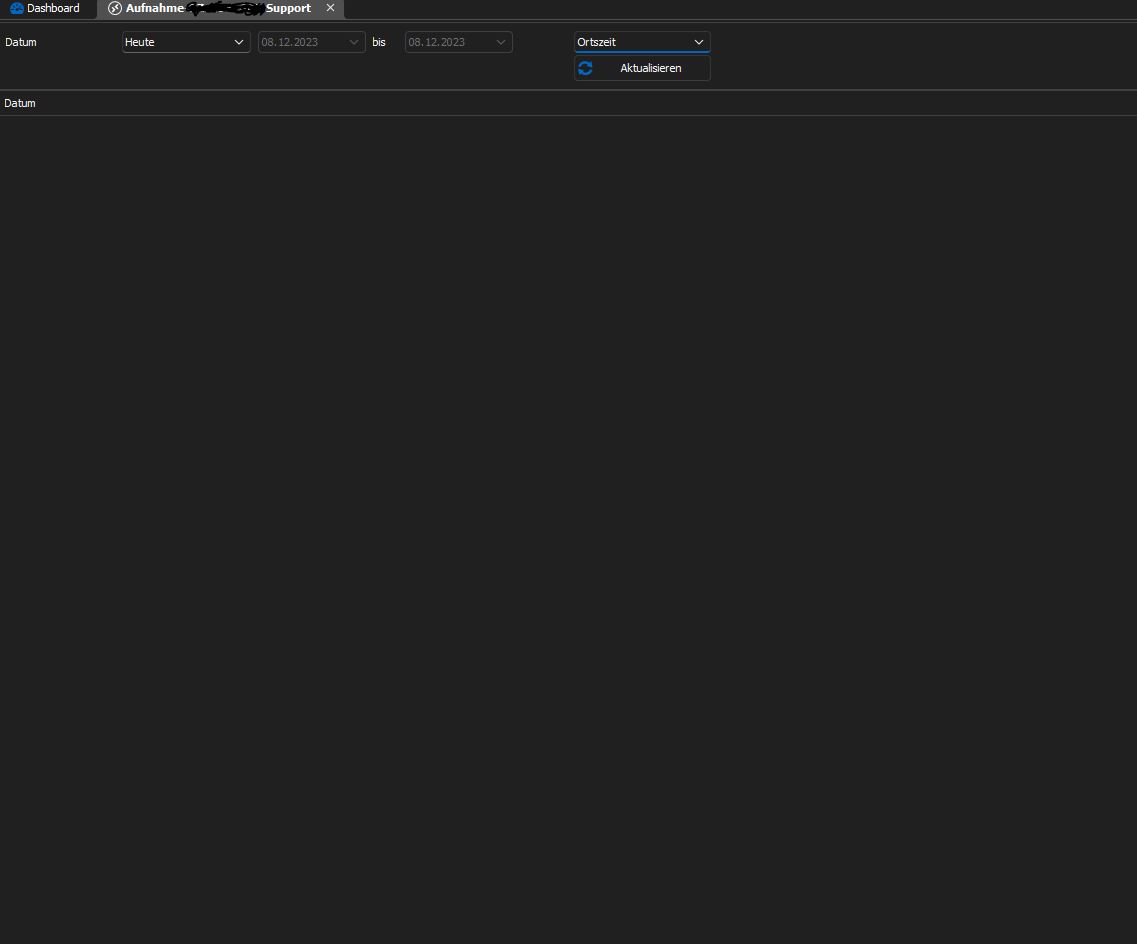
I have got another question, i made records in the folder but when i go on the object in rd manager and the on View-> Records i cannot see any records.
Session Recording
Hello,
We are trying to use the recording session while external support connects to our environment. Our goal is to record only the session since sometimes it's unnecessary to monitor their actions within it. To achieve this, we've set up an RDP session to a host with session recording settings. However, the recorded quality is notably poor. Is there a way to configure settings, similar to using ffmpeg for recording, without capturing the entire software interface? There are situations where we grant them access to the server, and we switch to another tab in the RDP Manager while the external support continues their tasks in the other session.
The recorded quality is significantly subpar.
We look forward to your response.
Authorization Password Copy for Users
This Problem i solved by my own.
I changed securty setting at the root tree
Authorization Password Copy for Users
We are currently exploring the possibility of granting or denying users or groups the permission to view or copy passwords. Currently, users do not have the "Show Password" button in the imported KeePass within Remote Desktop Manager.