Session Recording

Hello,
We are trying to use the recording session while external support connects to our environment. Our goal is to record only the session since sometimes it's unnecessary to monitor their actions within it. To achieve this, we've set up an RDP session to a host with session recording settings. However, the recorded quality is notably poor. Is there a way to configure settings, similar to using ffmpeg for recording, without capturing the entire software interface? There are situations where we grant them access to the server, and we switch to another tab in the RDP Manager while the external support continues their tasks in the other session.
The recorded quality is significantly subpar.
We look forward to your response.
All Comments (4)
Hello,
You can select the recording quality, the FPS, and the resolution by going to File > Options > Application > Session Recording: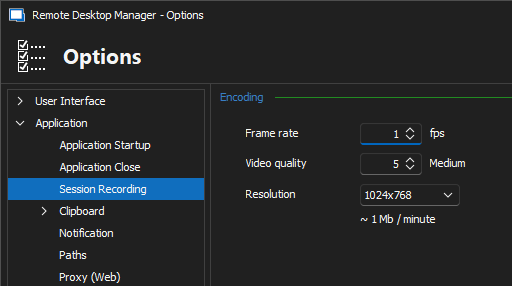
The values above are the default values (1FPS / 5 quality / 1024x768). The FPS has the biggest impact on the resource while recording; I recommend changing the 2 other values before and verifying if you are satisfied with the quality.
Best regards,
Richard Boisvert
8cc151ee-81ca-4f88-9402-4a2d97fef21d.png
Ok i found the settings.
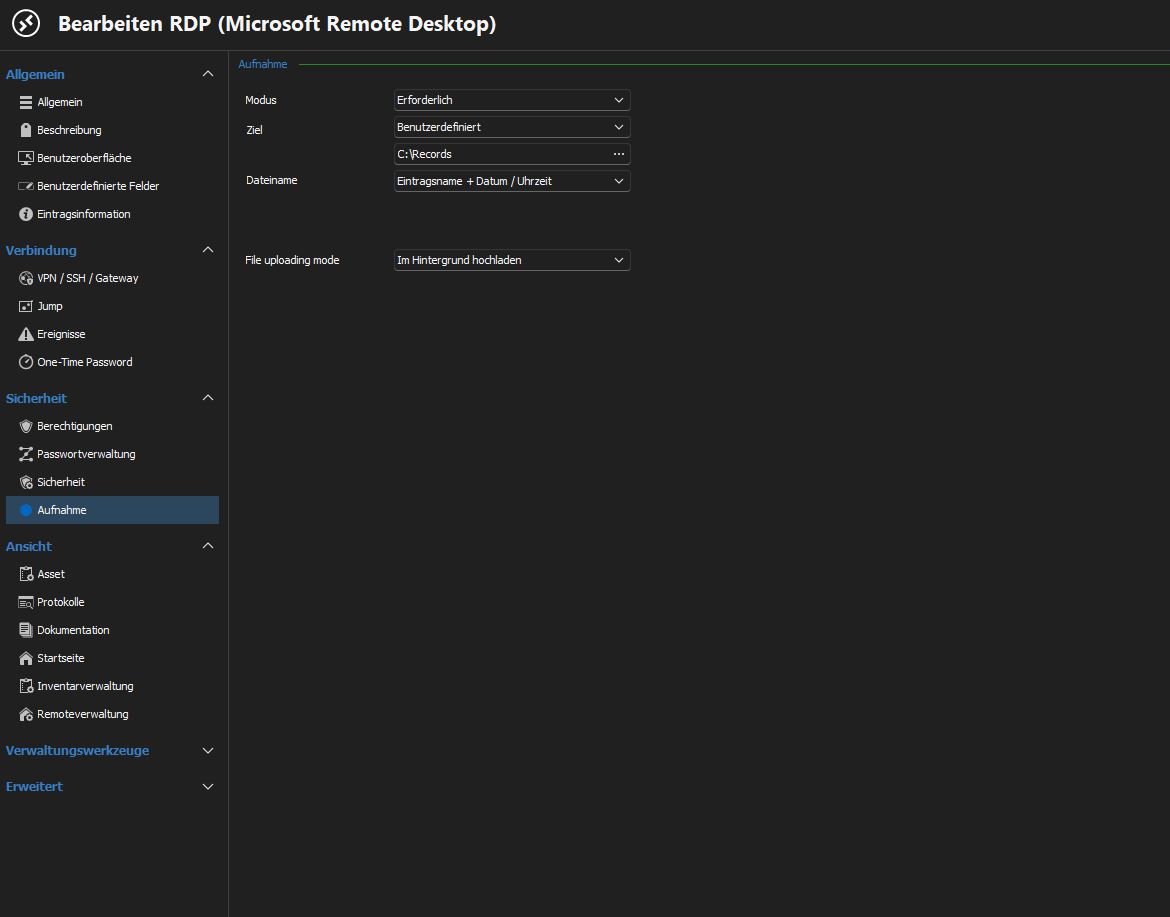
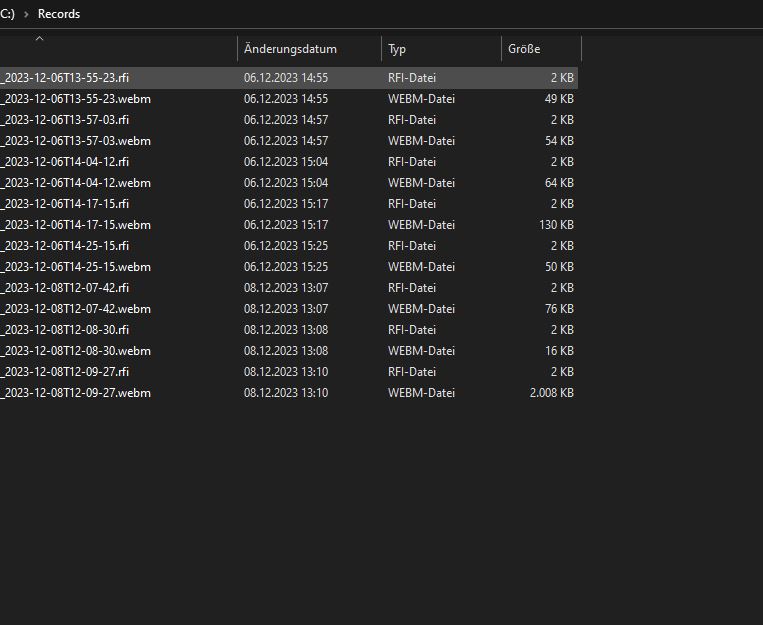
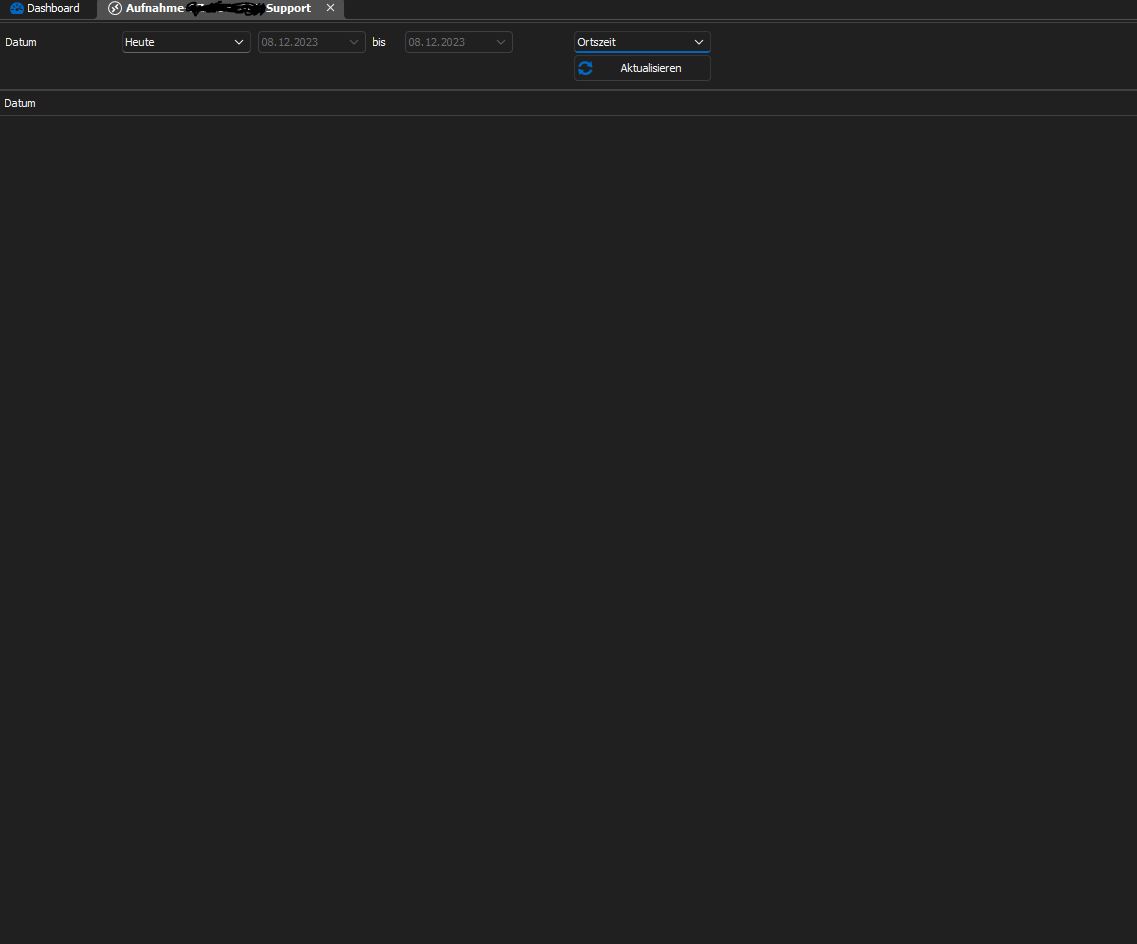
I have got another question, i made records in the folder but when i go on the object in rd manager and the on View-> Records i cannot see any records. 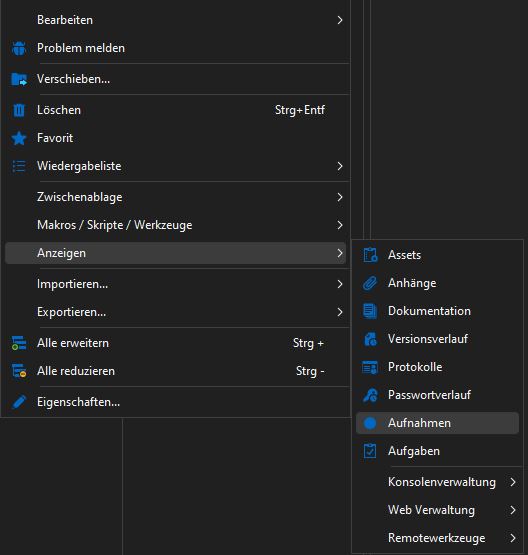
View_Records.JPG
Settings_Records.JPG
folder.JPG
Empty.JPG
Hello,
I was able to reproduce the issue with RDM 2023.3.32 and an SQL Server data source. Looking at the our internal ticketing system, we already have a case opened for this, I will link this thread to it and keep you posted.
Best regards,
Richard Boisvert
Hello,
After verification, the recording tab should only be present with a Devolutions Server data source, with the remote recording enabled. For local recordings, you need to go directly in the folder to consult the recordings. The tab will be removed in a future version of RDM.
Best regards,
Richard Boisvert