
fernandobueno
How to use PuTTY colorization settings in an SSH session?
Hi Alexis.
Perfect. Thank you so much for the clarification!
Best regards,
Fernando
How to use PuTTY colorization settings in an SSH session?
Hi,
We are currently using:
Remote Desktop Manager 2026.2.17.0 64-bit
Devolutions Server (DVLS) as the workspace/data source
The session entry type is SSH Shell
Thanks.
Fernando
How to use PuTTY colorization settings in an SSH session?
Hi,
We are trying to use PuTTY colorization settings with an SSH session in Remote Desktop Manager.
When we launch PuTTY directly, the colors work correctly. In PuTTY we configured:
Window > Colours > Colorization > Enable Colorization
and the terminal output is displayed with the expected colors.
In RDM, we configured the same PuTTY installation under:
Settings > Application > Paths > Configure installation path > PuTTY
RDM detects the application correctly and shows Application is ready.
However, when we launch and authenticate to our SSH session from RDM, the PuTTY colorization settings are not applied.
I found this previous topic:
https://forum.devolutions.net/topics/42416/colors-are-not-transferred-from-putty-to-ssh
The feature/request there is marked as Implemented, so I assume there is now a way to transfer or use the PuTTY color settings in an RDM SSH session.
Could you please explain exactly how this should be configured?
Our goal is simply to have the SSH session launched from RDM display the same colors that we see when launching PuTTY directly.
Thanks!
Fernando Bueno
Update Method
Hello team,
Just to confirm: Is it correct that RDM updates can only be applied by reinstalling the entire application? In other words, there's no option to apply only "differential update files" to speed up the update process?
Thank you so much,
Fernando
Locked out of Console Administration
Hi William,
It worked. Would it be possible to open a request to address this specific configuration scenario in a future release?
Kind Regards,
Fernando
Locked out of Console Administration
Hello everyone,
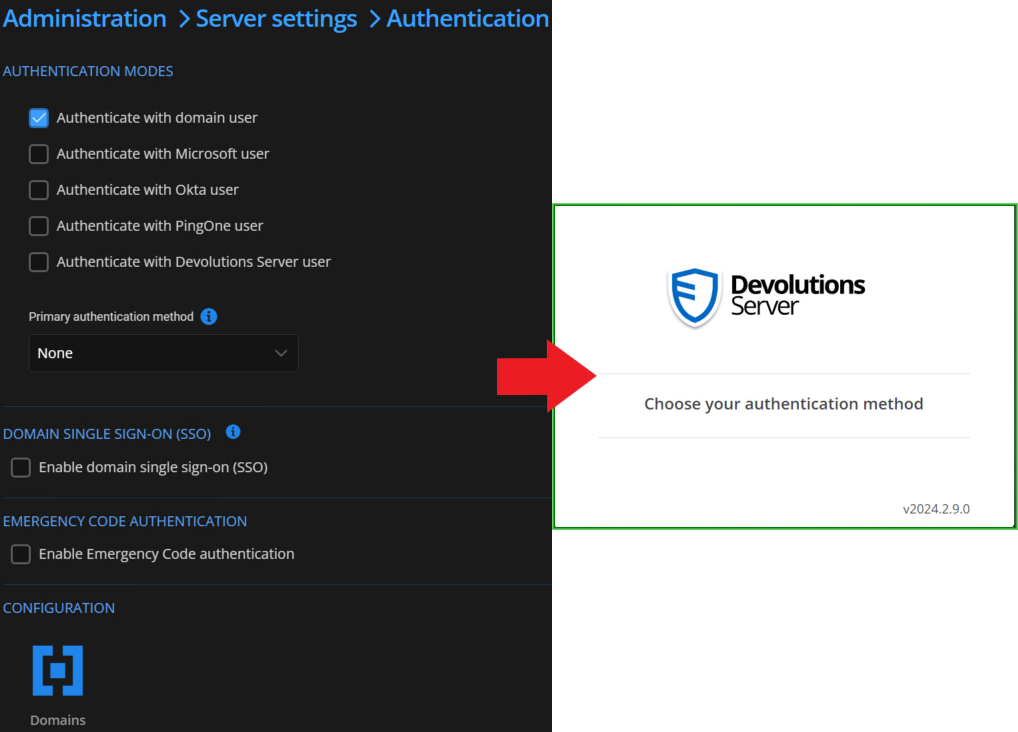
I need some guidance. I was about to configure domain authentication, so I unchecked the option to authenticate with the Devolutions Server user and selected the option to authenticate with a domain user, without having any domain configured. As a result, I am now locked out and unable to log in.
I understand that I should have configured the domain first, but I also believe the system should prevent this from happening.
Is there a way to re-enable the Devolutions Server user authentication method?
Thank you so much,
Fernando Bueno
Search available configs in 'Administration'
Hello François.
Yes, I wish I could find anything I want under administration. For example, I had to memorize that the 'Minimal version custom message' option is at Administration > System Settings > Version Management. Instead, I'd like to type 'minimal' or 'version' and see all the matching results.
Thank you for your attention.
Fernando
Search available configs in 'Administration'
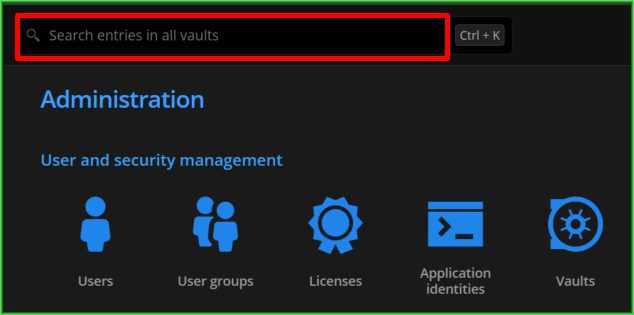
It would be very beneficial to have the ability to search for existing settings in "Administration" by keyword. Currently, we can only search for entries in all vaults.
Thank you so much,
Fernando
Perform a thorough pwned check...
Hi there!
How do I perform a pwned password check in one credential that is already stored?
Detail: the user set the RDM to 'Always Ignore'. How to revert that?
Issue with Arranging Assets in RDM 2024.1.31.0
Hello Samuel!
No problem at all, I'm glad that this option exists. That will do it.
Thank you so much!
Fernando Bueno
Issue with Arranging Assets in RDM 2024.1.31.0
Hello,
Is setting the priority the only way to move assets around? We would like to arrange the entries in a folder freely, but when we try to drag an asset, it only nests one inside another.
Setting the priority is not a great solution when we have folders with a high number of assets, so setting each one individually would be very time-consuming.
We are using RDM 2024.1.31.0 and Devolutions Server 2024.1.14.0.
Request for Enhanced Video Quality in Recorded Sessions
Mr. Moreu,
if it is faster in terms of development, good video quality through RDM's own functions would be sufficient initially. I appreciate your attention to the matter.
Kind Regards,
Fernando
Request for Enhanced Video Quality in Recorded Sessions
Hello Mr. Moreu.
The tech team already collected the information required. We had a meeting together. "00032490: Issues with blurry recording" is the information I have on the subject of my message through e-mail, and the person ahead of this task was Yannick Leblanc.
If I understood correctly, during the meeting we've migrated to Devolutions Gateway. Still same results.
Kind Regards,
Fernando
Request for Enhanced Video Quality in Recorded Sessions
We are writing to request your assistance in addressing a concern regarding the video quality of the recorded sessions using your software. Currently, the generated videos appear blurry.
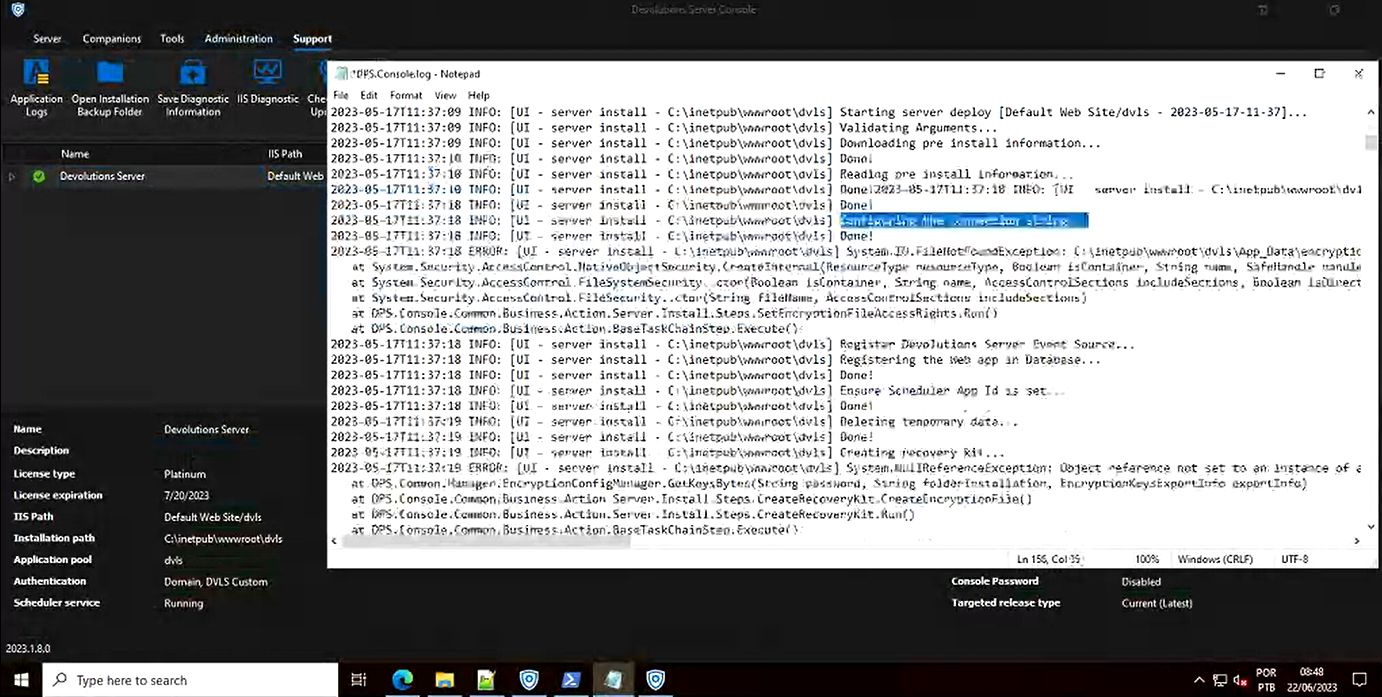
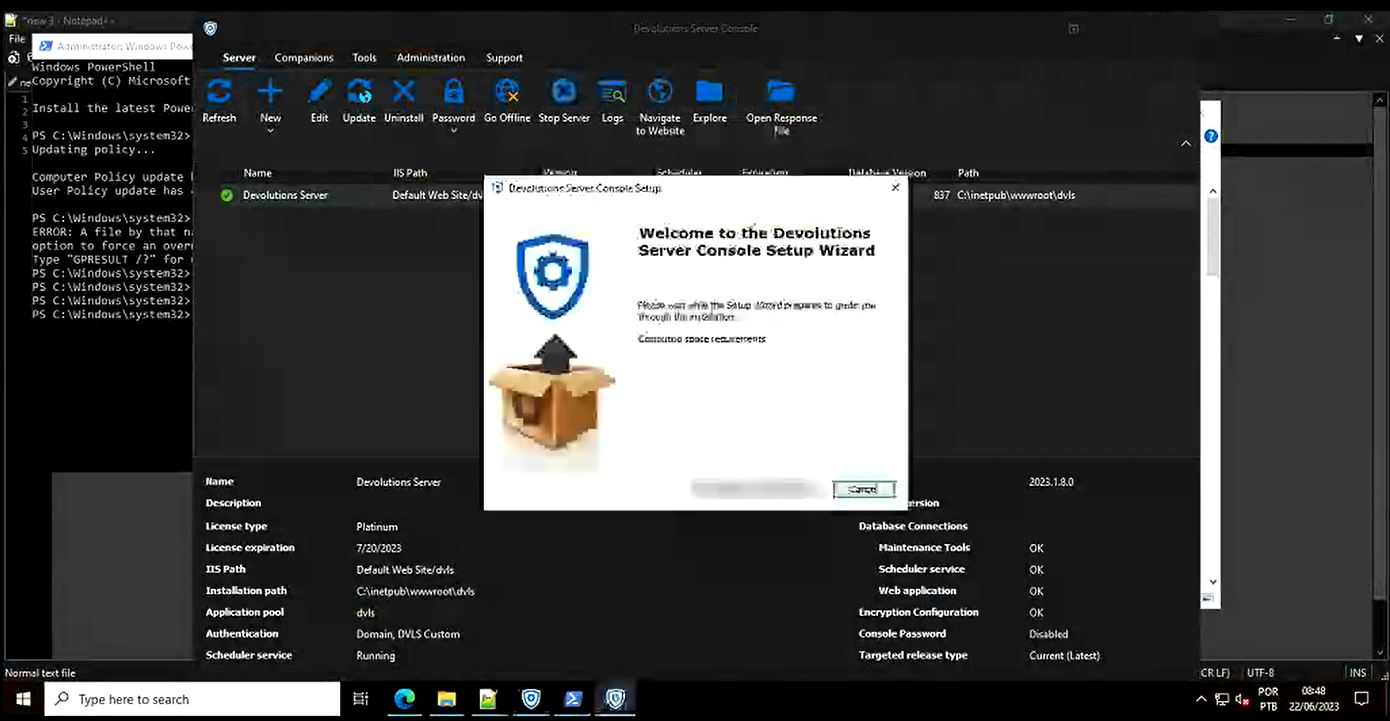
While we appreciate the functionality and features your software offers, the visual clarity is of utmost importance in our line of work. Therefore, we kindly ask for an upgrade in the video quality to ensure clear and crisp recordings.
Your software has been a valuable asset to our organization, and we believe that enhancing the video quality will further strengthen our satisfaction and confidence in your product. We understand that such improvements may require time and resources, but we are eager to discuss the feasibility and potential timelines for implementing this enhancement.