hurkpdx
How to configure a connection to Azure Virtual Desktop
I completely understand and I had all those settings, except for the "external" mode set. Once I changed that it is now working thank you. I understand the hook, it's just nice being able to launch the session from within RDM instead of having to explicitly start MS Remote Desktop and launch the connection. Thanks again.
How to configure a connection to Azure Virtual Desktop
I am using version 2023.2.5.1 for MacOS. And I'm using just a local data source. No, this is something new I was trying to get to work. I have an AVD that I use for work. I created a new RDP session then imported in the working config from the Microsoft Remote Desktop. From what I read through this thread that seemed to be the correct way to do it.
All prior attempts failed, but once I configured it this way I can actually make the connection, but as I mention the login is just in a failure loop.
How to configure a connection to Azure Virtual Desktop
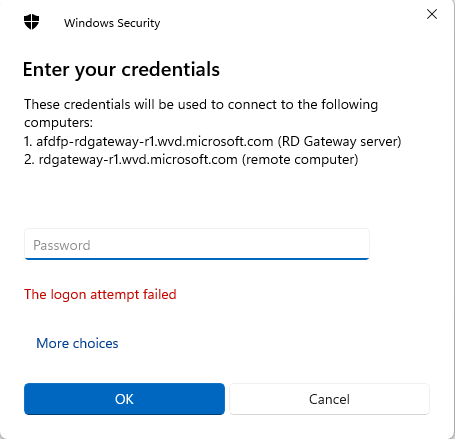
I know it's been a couple months since the last entry but I to was trying to do the same thing here. I read the thread and followed the instructions. I imported in my RDP sessions from my AVD, change the RDP Version to MSRDC but when I try and log in it's just a cyclical error about the login attempt failing. If I go right to the actual MS RDP application I can log right in.
Just looking for a solution if there is one.