
dmtinklenb
Batch Edit - Password Only
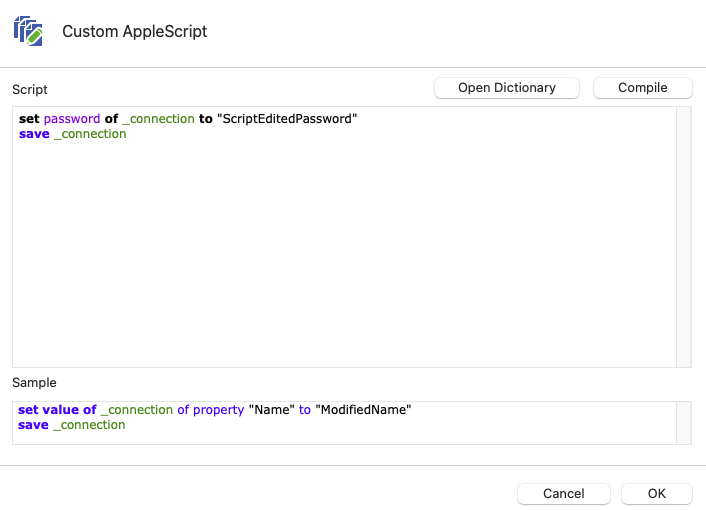
Had a call with support today and we figured out that the script doesn't work with the XML data source. We changed to a SQLite data source and then the script worked correctly. Batch Edit still didn't work but he acknowledged it was a bug that will be fixed in the next version.
Batch Edit - Password Only
Yes. I am completely free today and Monday.
Batch Edit - Password Only
Tried that it didn't work either. So you're saying the code is correct, what am I supposed to do now? Open a support ticket? I have 374 sessions that need to be updated and it sure would be nice if it worked like it was supposed to.
Batch Edit - Password Only
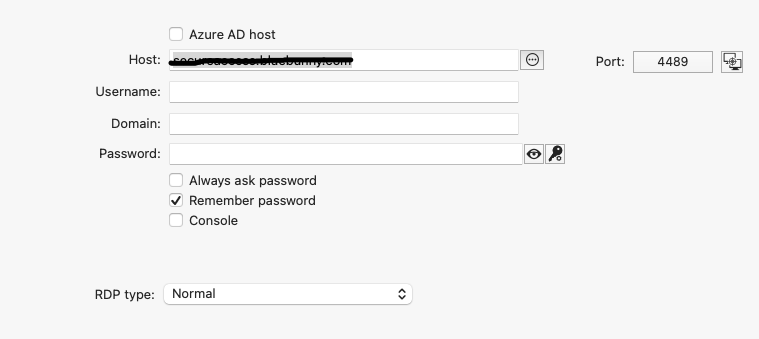
Created a new session, added a username and password, ran the script and it blanked out the username and password.
Batch Edit - Password Only
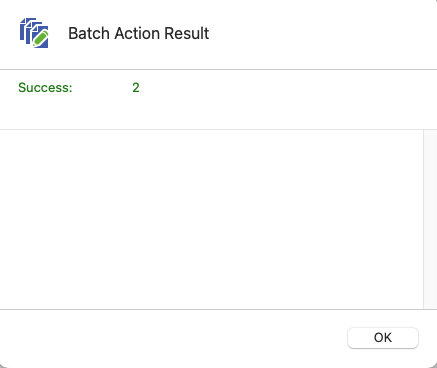
I'm sorry, I don't know what to tell you. I watched the video and that is exactly what I'm doing. But after checking sessions the username and password is blank.
Batch Edit - Password Only
That didn't work either. It blanked out both the username and password.
Batch Edit - Password Only
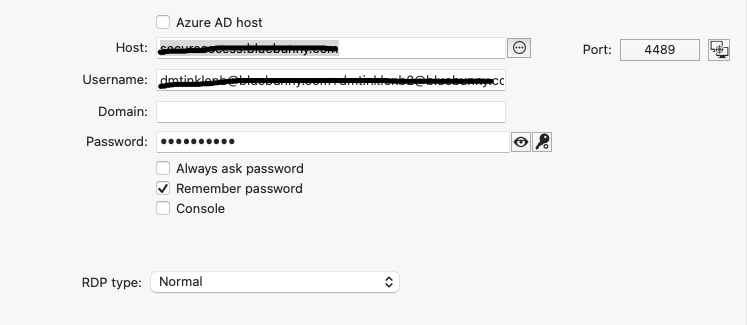
I'm trying to batch edit the password I have saved in all of my RDP and SSH sessions. Because we use Beyond Trust's Password Safe, the username is a direct connect string that is unique to each session, so that can't change.
When I do a Batch Edit -> Change Saved Credentials, the username gets changed as well as the password. I've tried unchecking the username box, but then it blanks out the password for all the sessions. If I leave it checked it sets the username on all sessions to the first session of the group I've selected.
Is there another way to batch edit just the password and leave the username intact?