
rickhensley
Screenshot taking capture of whole screen, not just remote session
I went ahead and confirmed that in v2026.2.24.0 it worked as expected, capturing only the in-RDM RDP conenction rather than the host-level RDP screen.
Screenshot taking capture of whole screen, not just remote session
Tommy,
Thanks for your follow-up. To your last question, I am using local.
1 > This is from macOS via Windows App using these settings, on a single monitor. The RDP window is sized to 1778 x 1042, and scaling is set to 100% on both the host macOS and Windows bastion host.
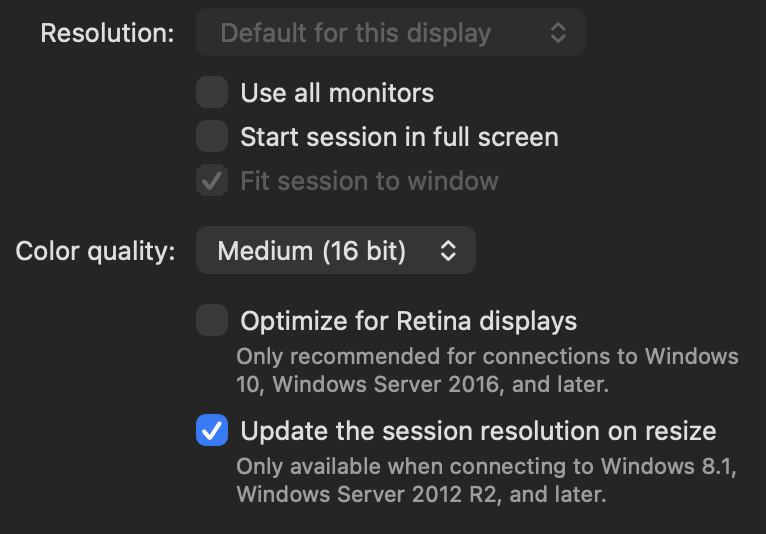
2 > When undocked it returns a screenshot of my Windows App RDP connection as before, although in this case the undocked window is not in focus so that is not even shown.
3 > I cannot use a physical machine to verify this question, but I can confirm this functionality is a "recent" change (v2026.3.16.0 and v2026.3.13.0 also does this) but I cannot pinpoint based on my usage when it changed, but I suspect it changed in the 2026.3 branch. I may be able to reinstall an older version and verify if that's helpful.
Screenshot taking capture of whole screen, not just remote session
v2026.3.18.0
Expected: when right-clicking on a session name and choosing Screenshot>Send to clipboard, only the remote session within RDM would be captured to the clipboard.
Experienced: When right-clicking on a session name and choosing Screenshot>Send to clipboard, the expected result is a copy of the remote session (only) on the clipboard. However, what is rendered to the clipboard is a full screen capture of my host OS (accessed via RDP) and everything shown on my [RDP session's] screen including the RDM app and the remote-RDP session to be captured.
Further: confirmed that choosing Screenshot>Save to file and Save to file and open produces the same whole-screen capture.
2022.3.26.0 Show Credential Entries has no effect
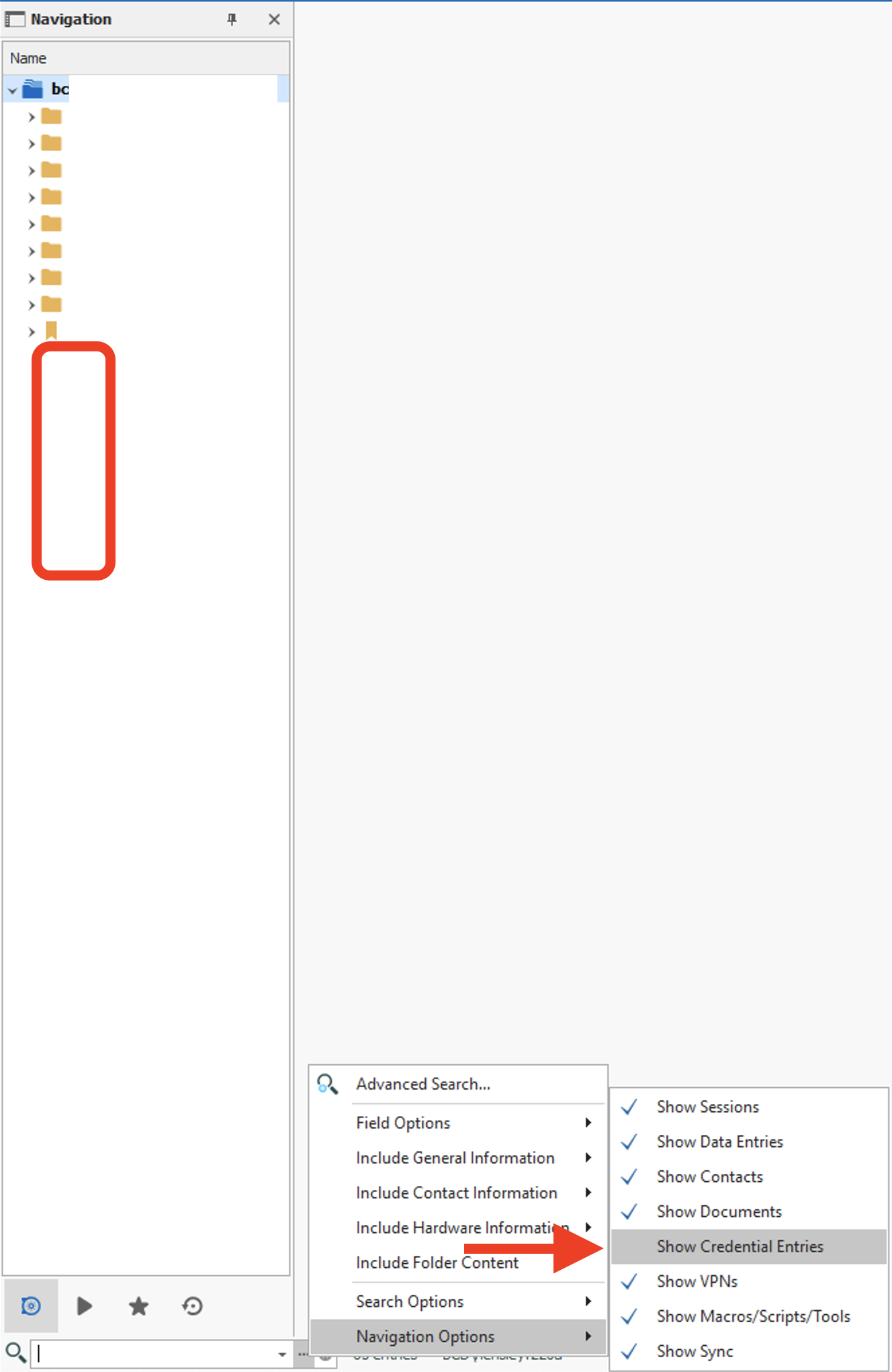
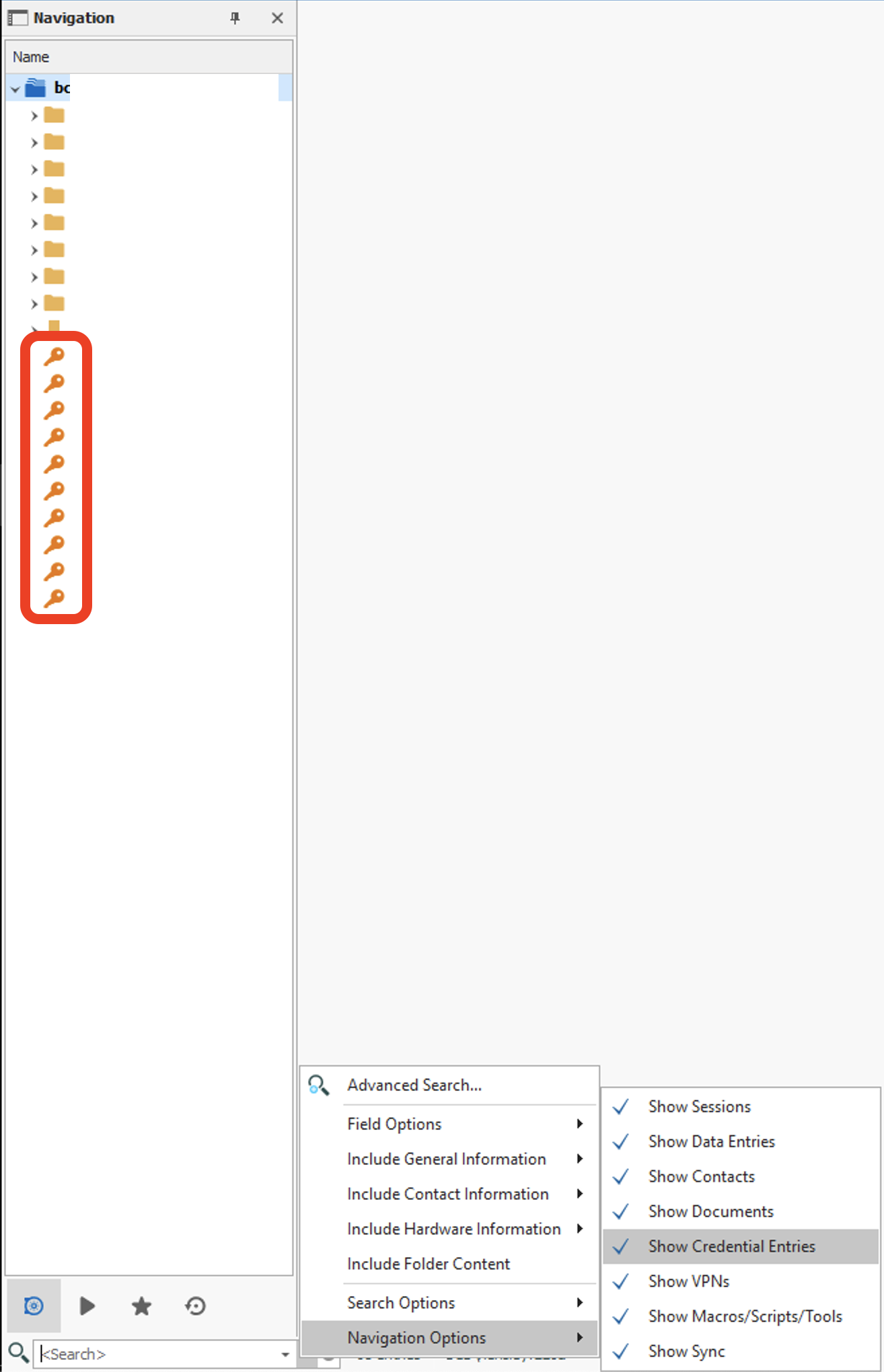
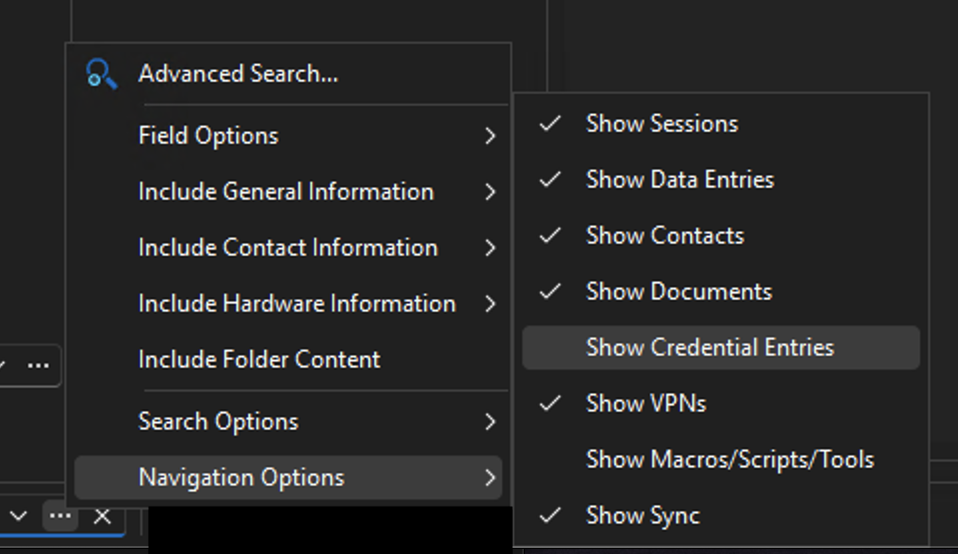
The screen shot actually showed what I meant (I said search results) but I meant navigation options. When versions prior, when navigation options setting "Show Credential Entries" is unchecked any credential entries do not appear in the navigation pane whether searching or not. It is only when checking the box in Navigation Options that credentials are shown and searchable in the Navigation pane.
2022.3.26.0 Show Credential Entries has no effect
2022.3.26.0 Show Credential Entries has no effect
Arg! I found the issue: I've been using an XML data source which worked fine in 2022.2.x, but I noticed in your link above the note saying
The license menu to register Remote Desktop Manager is available for SQLite and Password Hub Personal, but not for other individual data sources.
I created a new data source as SQLite, imported all of my entries from the XML and the register now shows up in the 2022.3.x install. However, the credentials still don't show/hide with the option as in 2022.2.x builds.
2022.3.26.0 Show Credential Entries has no effect
It looks like this version doesn't recognize my license, thus the missing features. I uninstalled and reinstalled a previous version to get the features back.
2022.3.26.0 Show Credential Entries has no effect
After installing 2022.3.26.0 64-bit my credentials no longer respect the Navigation Options > Show Credential Entries and they remain visible in the navigation pane. Stand-alone install with local data source.