
jveronese
AD Dashboard (MacOS) - Not showing all OUs
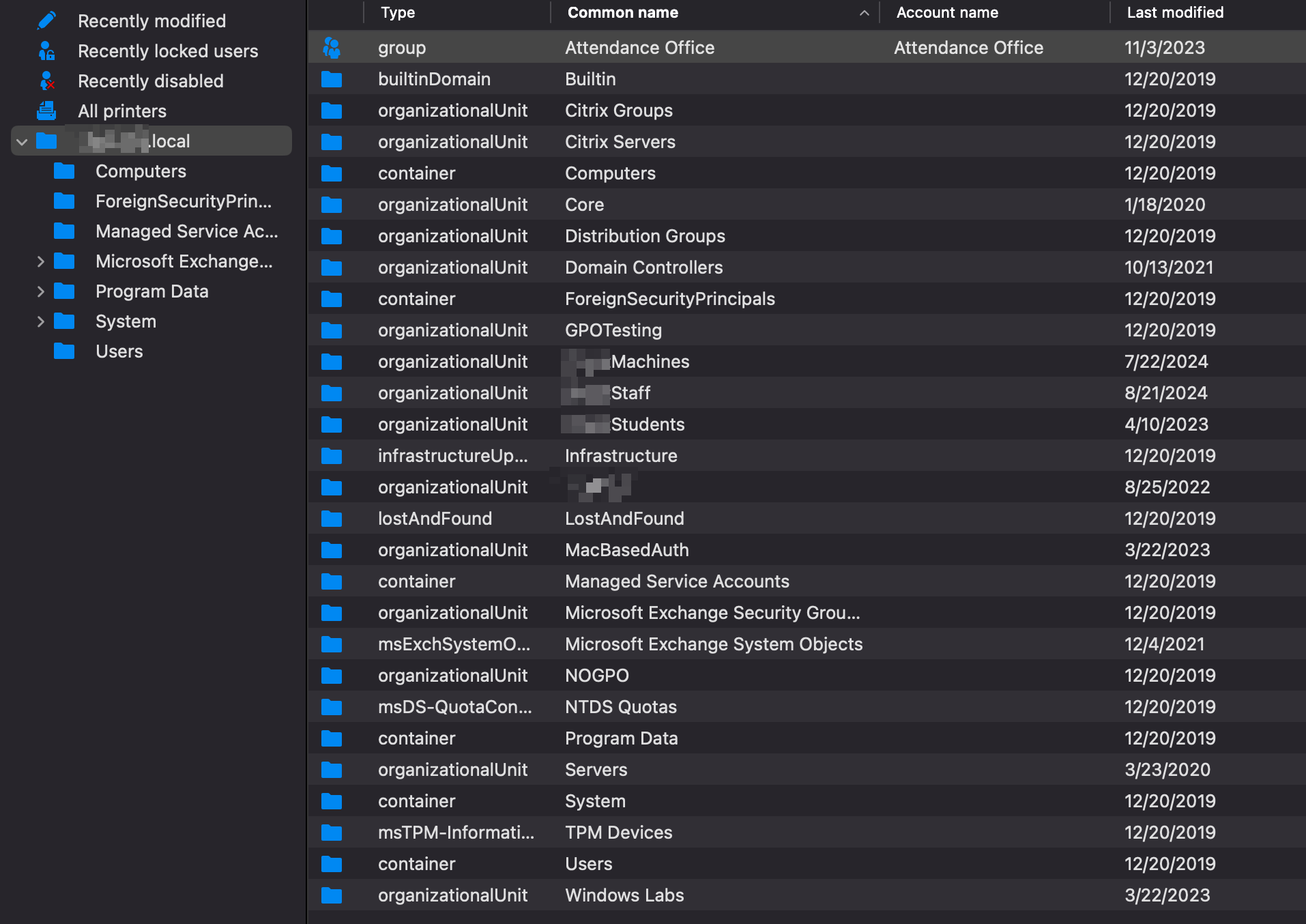
Thank you, I have uploaded a video showing how I am connected in RDM, what my AD Dashboard shows, and my AD tree that shows all the OUs in our domain.
Thanks!
Joe
AD Dashboard (MacOS) - Not showing all OUs
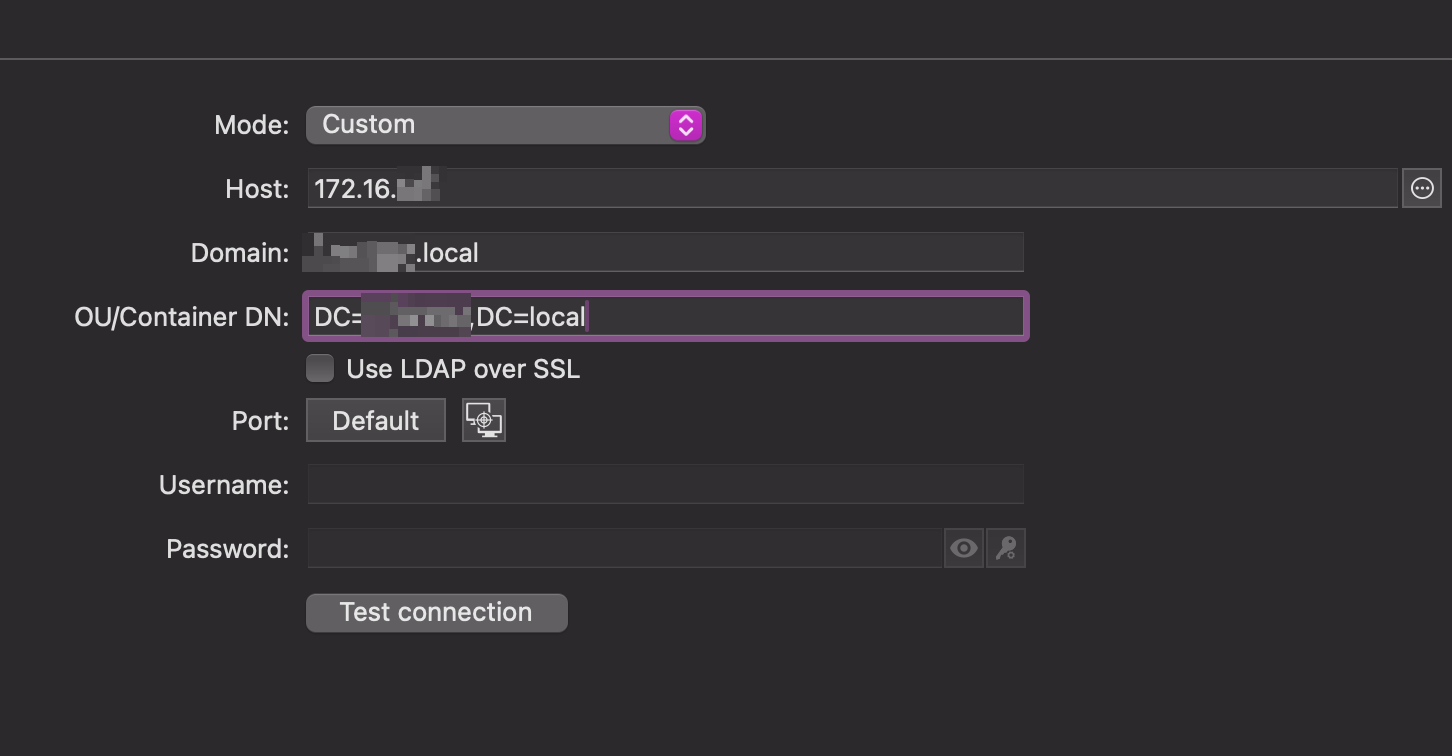
Just been playing around with this today and saw that it was an option. I have it configured and it seems to connect, but not all the OUs seems accessible. It looks like I can see some OUs as objects, but can't go into them. The only thing I seem to be able to access is the root OU (in our case the Computers OU) that things fall into by default. Is there something I need to configure to be able to manage the entire tree through this? Or is this just a limit of the MacOS version?
Settings:
Installing on non-Ubuntu system
I wanted to install this on a system running Solus 4.1. Is it as simple as just extracting the .deb file, or is there another way to install it?
Connections close immediately
This worked, let me figure out is was something with the credentials. Entered them in manually for the connections that weren't working and all good now.
Thanks!
Connections close immediately
So I have RDM installed on Ubuntu 20.04. Imported data from an XML from my Windows install and when I open an RDP connection it closes immediately. Tried to open RDM via terminal, but get the error that there is no command for "remotedesktopmanager". Anyone have suggestions? Running version 2020.2.1.0.
Import data from Windows
Got it! Thank you so much!
Import data from Windows
So I have a fresh install of RDM on Ubuntu 20.04. Was just wondering if there is a way to transfer my data from my Windows install? I know on Mac I can just login and restore. Can I restore via an XML file on Ubuntu or is this feature not implemented yet?
Thanks!