
randall
Quick Connect issues on Windows 11 22H2
I am using version 2022.3.29.0 64-bit. Disabling the API hooking did not resolve the issue. Running the portable installation did not fix the issue. I did try the local installation and the portable installation with a different user profile on the same system, and those worked. It looks like it's isolated to just the one user profile I was using it with. Since it works with a different profile, I can live with that and we can consider this resolved.
Quick Connect issues on Windows 11 22H2
Since upgrading Windows 11 to 22H2, trying to connect to anything with Quick Connect using RDP gives the following error.
An authentication error has occurred (Code:0x800706be)
At the same time, I get the following error in the event log
Faulting application name: CredentialUIBroker.exe, version: 10.0.22621.1, time stamp: 0x1a80a4b0
Faulting module name: Windows.UI.XamlHost.dll, version: 10.0.22621.608, time stamp: 0x6d3357a5
Exception code: 0xc0000409
Fault offset: 0x0000000000006bea
Faulting process id: 0x0x200C
Faulting application start time: 0x0x1D921DE4D17A94E
Faulting application path: C:\Windows\System32\CredentialUIBroker.exe
Faulting module path: C:\Windows\System32\Windows.UI.XamlHost.dll
Report Id: 109cdf77-bdea-488d-be18-b47c4241fa56
If I create an entry for the system in the Navigation tree to connect with RDP, it works.
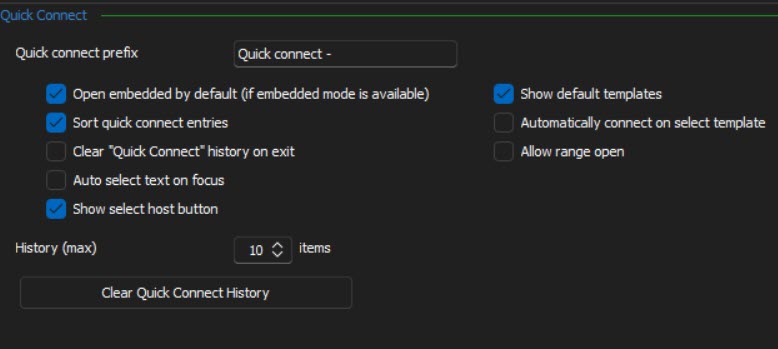
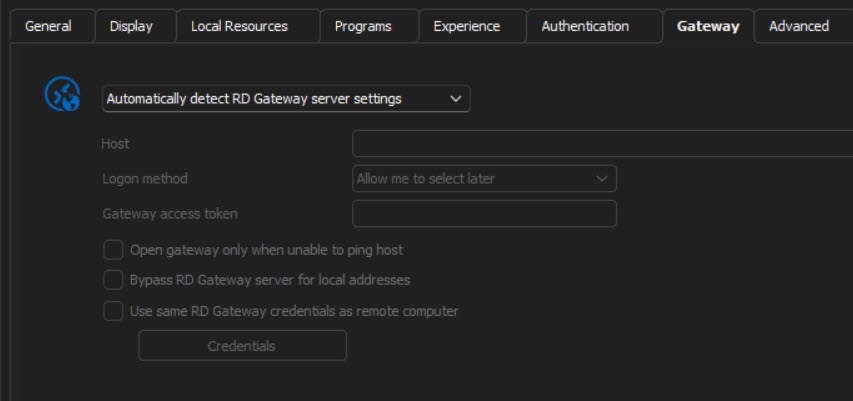
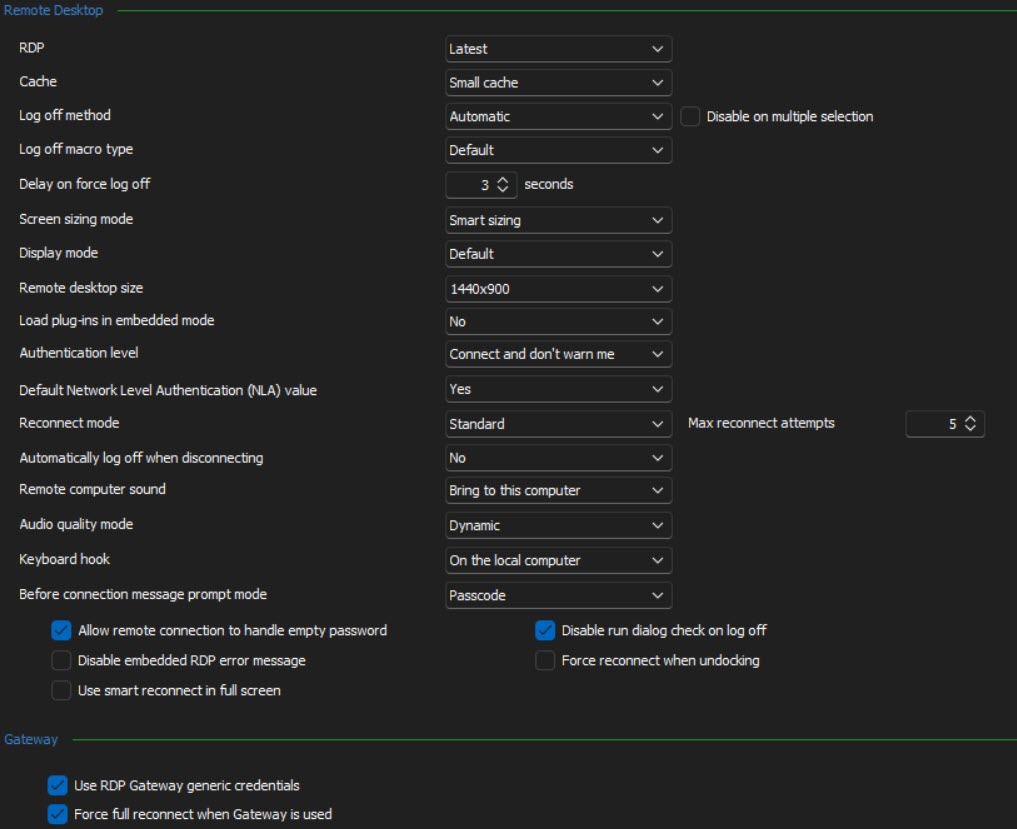
I had seen another post where it had to do with the RD Gateway. In my Navigation tree entry, this is set to Automatically detect RD Gateway server settings. I don't see any options under quick connect, but under the Remote Desktop section in settings, I see a number of options regarding the gateway, but changing these hasn't had an effect. Any thoughts?
Windows Admin Center Compatibility
It does not ask for a login when going to the main portal or directly to managing a specific server. The credentials are passed through the browser.
Windows Admin Center Compatibility
The Windows Admin Center entry type will displays the Admin Center page and pass the correct credentials, however, it does not load individual sever URLS. If I enter the addres https://admincenter/servermanager/connections/server/server1.domain.local/tools/overview in the Admin Center entry type and open the session, I end up at https://admincenter.
Windows Admin Center Compatibility
With the formal release of Windows Admin Center (formerly project Honolulu) RDM should be able to open the primary Admin Center page, individual server pages, and automatically log you in. Currently RDM has the following issues that prevent this from happening.
Loading Admin Center pages only work in external mode. They will load in Embedded mode using Google Chrome as the browser, but you receive a page cannot be displayed error when it first loads and if you refresh it or hit the home button, the page will load correctly.
Admin Center does not properly authenticate the user RDM is run under. If you run any browser as a user with permission to Admin Center, it will automatically log you in, but if you run RDM with the same user and launch the web browser session in either embedded or external mode, Admin Center says the credentials are invalid.
Add the ability for RDM to auto log in as a specified user. If the user account is not accepted by Admin Center, it will display a form with radio buttons to allow you to log in with a different user. The second (non default) radio button has to be selected and then a username and password need to be entered into form fields that do not have an ID associated to them.