
Kaj Graficom
Support for Passkeys
Any update on this, anno 2024 it is time to use passkeys and certificate based authentication.
Also to use within 365 login.
Change login name
But not in SQL datasource?
Change login name
Can the SQL query be shared?
Template - Credentials Username/password - Template Settings
When using template it is not possible to use template settings with default templates like custom-termplates
Custom:
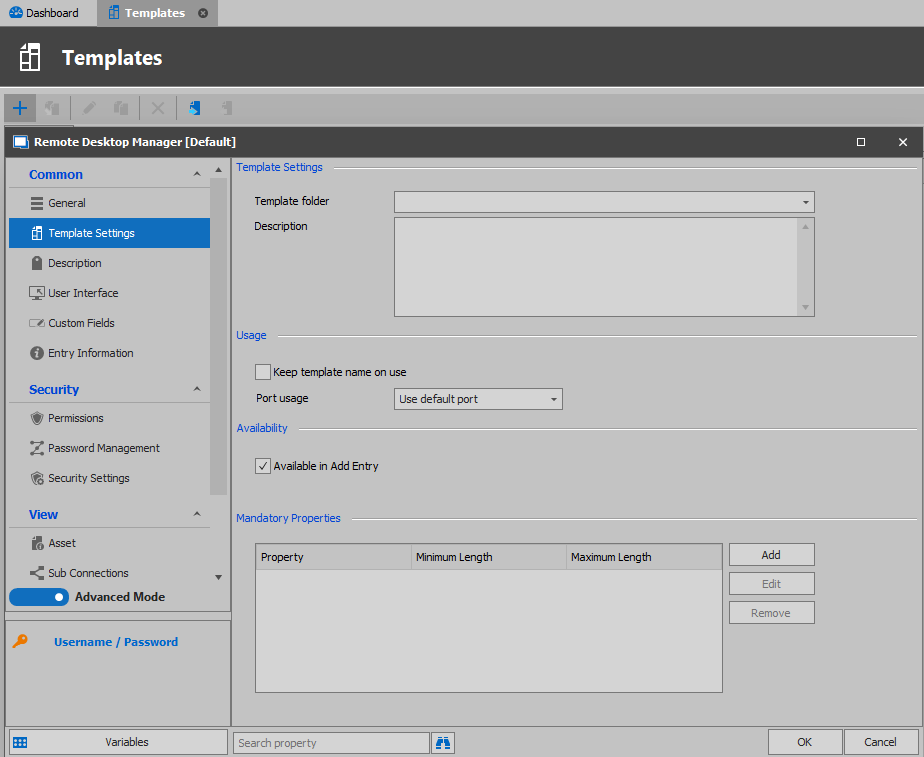
Default:
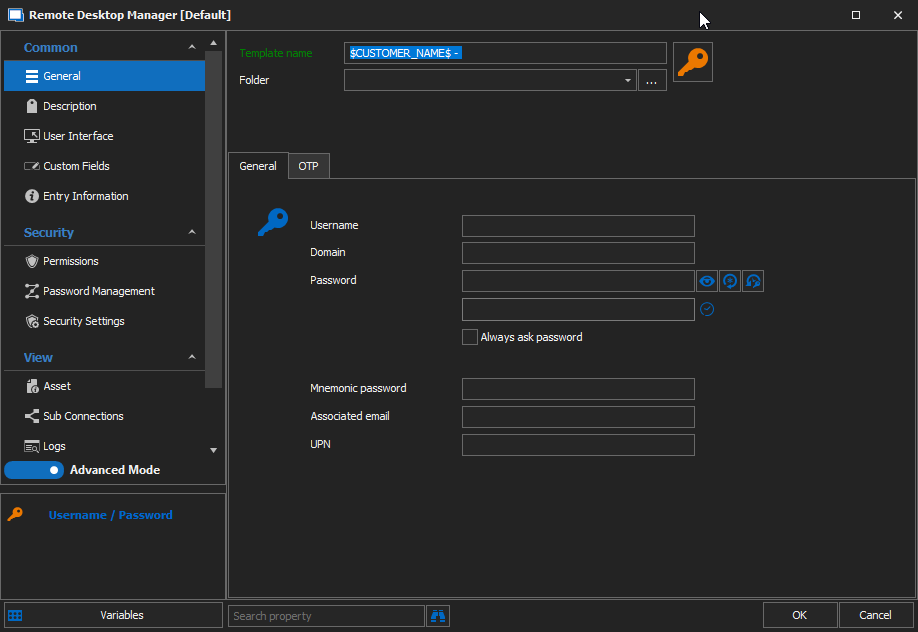
We like to keep the template name in all username and password credentials.
Remote Desktop Manager 2021.1 BETA
Is there any ETA for the release?
Template settings also in the default settings
Add the "Template Settings" also in the default settings:

Now it is missing in the default templates:

So you can force an name syntax for future use
Password Pop-Up
Okay thanks
Password Pop-Up
I updated to the early update from this year, but the option is not there:

SSH Shell error after RDM update
Hello Kaj,
My pleasure, let us know if you encounter any issue after running the script.
Best regards,
Do you know how we can fix the switches, so RDM does not need to be modified?
SSH Shell error after RDM update
Thank you we will do this
Hello Kaj,
You can modify multiple SSH entry at the same time, you simply need to select all the SSH entries in RDM, do a right-click, Edit, Edit (special Actions)
Select Custom PowerShell Command:
Enter the following script and press ok:
$Connection.Terminal.AlgorithmSupportMode = "Custom"
$Connection.Terminal.SshAlgorithmCipherList = "aes256-gcm@openssh.com=True;aes128-gcm@openssh.com=True;aes128-cbc=True;aes192-cbc=True;aes256-cbc=True;rijndael-cbc@lysator.liu.se=True;3des-cbc=True"
$Connection.Terminal.SshAlgorithmHostKeyList = "ssh-dss=True"
$Connection.Terminal.SshAlgorithmKexList = "diffie-hellman-group14-sha1=True;diffie-hellman-group-exchange-sha1=True;diffie-hellman-group1-sha1=True"
$Connection.Terminal.SshAlgorithmMaclist = "hmac-sha1-96=True;hmac-sha1=True;hmac-md5-96=True;hmac-md5=True"
$RDM.Save();
You should then be able to connect normally to your SSH connections.
Best regards,
SSH Shell error after RDM update
What can we do to fix this so RDM can connect to an SSH session(switch)?
SSH Shell error after RDM update
Hello,
I saw that but we have more then one user.. We want to enable this through datasource our something.
SSH Shell error after RDM update
Okay that works, but it is not something we want! Is there an option to force this for everyone?
SSH Shell error after RDM update
So we need to change all the SSH entries?
Documentation - Change for normal editing
Thank you, it is not like plain text but more like just enter some text and de HTML code is being generated in the back ground.
Also we like to have more controle like customizing pictures sizes
Documentation - Change for normal editing
Hi,
Is it possible that the Documentation tab uses an editor without HTML but still able to sort everything like office word(notepad)?
SSH Shell error after RDM update
Hi, We got the same error in the update 2020.3.23.0 64bit
When using your advice to change to legacy it works.
The following error does occur:
Password Pop-Up
Thnx, waiting voor de the update
Help is gone
https://help.remotedesktopmanager.com/index.html?howto_typingmacro.htm found it on google
Help is gone
The help portal is gone: https://help.remotedesktopmanager.com/index.html?howto_typingmacro.htm
Where can we find it
Password Pop-Up
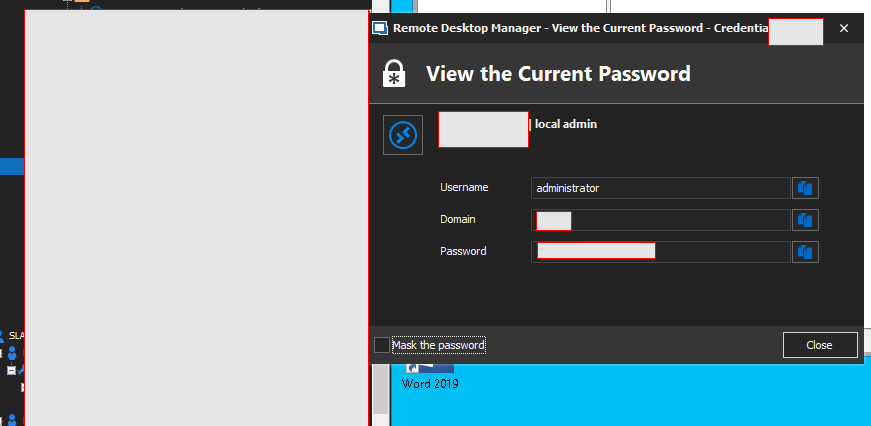
Possibilitie to make the password pop-up always on top.
Active Directory Dashboard
Yes what want to achieve is searching for an user in AD quickly now we need to wait for the hundreds of users being loaded.
Active Directory Dashboard
Not friendly tool :) We want that you don't have to login if setting a users password.
Active Directory Dashboard
Hi James,
It Works after long wait, is there a solutions that not all users are loading but only when you search?
Active Directory Dashboard
Hi James,
I tried that and we are able to connect through LDP.exe with no problem