
(user deleted)
How to deny save passwords on RDP
Thank you for your time. I continue use KeePass Credantial for other sessions, and default credantial for RDP sessions.
May be to late, in future there will be an opportunity.
How to deny save passwords on RDP
Hello,
What version of RDM are you running?
Could you delete the credential from the Windows Credential Manager and see if your RDM re-creates it?
Not going through the Windows Credential Manager will mean that you will not be able to use external RDP. Is this a viable solution?
1) Version - 12.5.4.0 64-bit
2) Yes, i manual delete data from Windows Credential, and after connect to RDP again i see entry my data in Windows Credential.
3) What you mean? In RDP settings - Display -> Embedded (tabbed), Unlocked? If i set settings to Embedded (tabbed) or Unlocked, yes, no any1 date save in sotrage Windows Credantial. Data save only if Display = External. We can fix this problem to work with External and don't storage in Windows Credential?
Or maybe you post "mechanisms in place to delete the credential after a certain time"?
How to deny save passwords on RDP
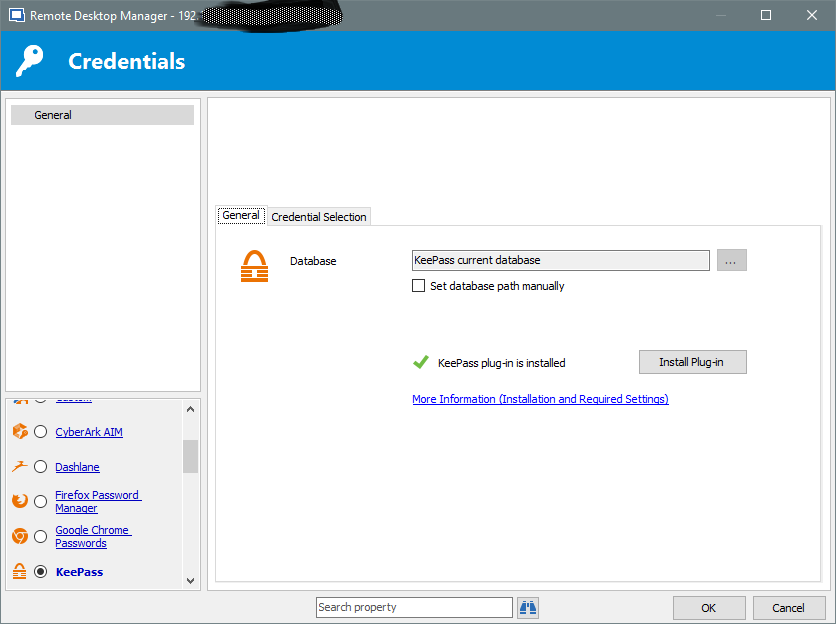
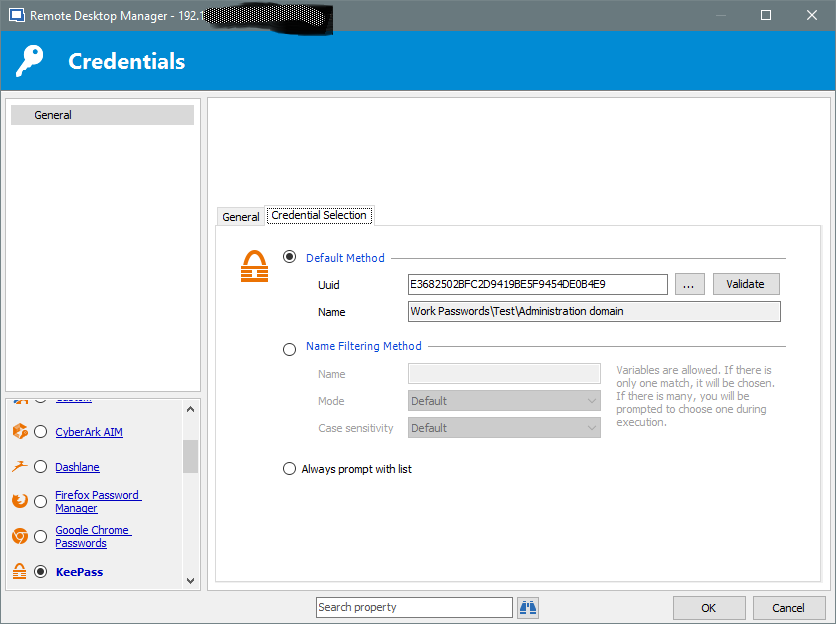
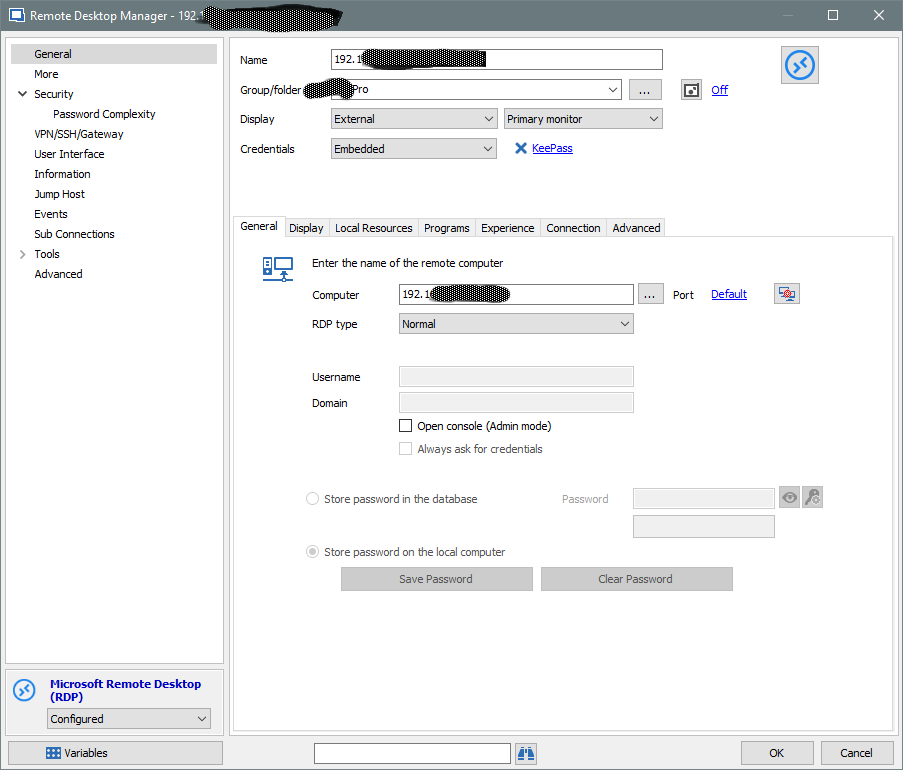
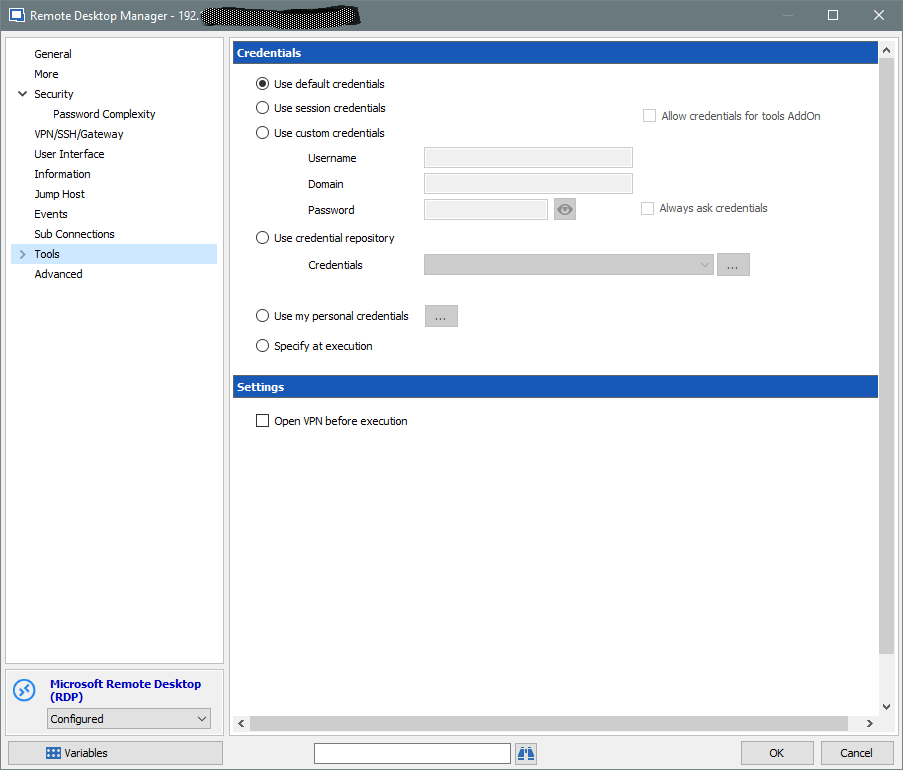
Please at look
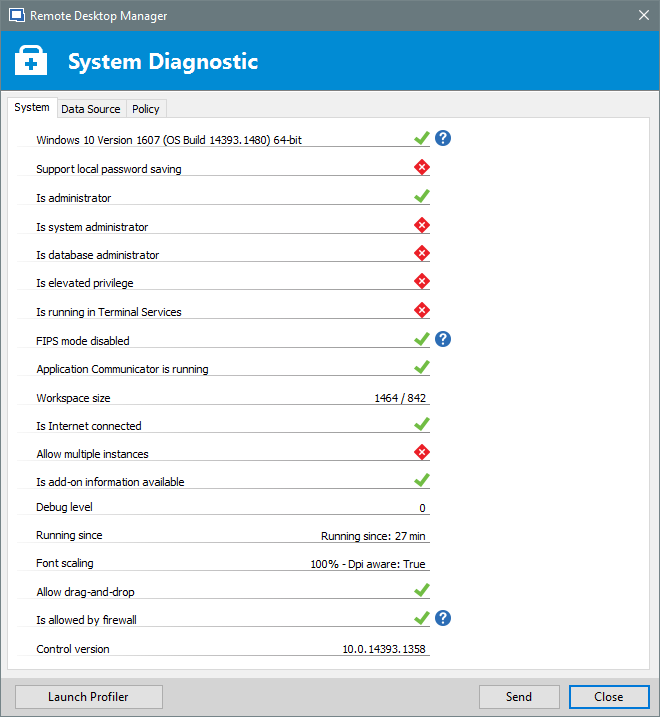
(RDM 12.5.4.0 64-bit; KeePass 2.35; RDM KeePass Plugin 2.1.2.0)
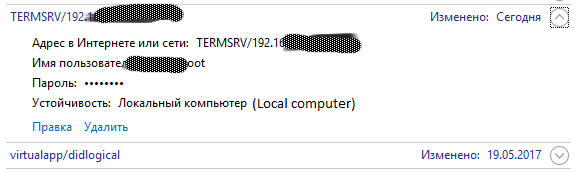
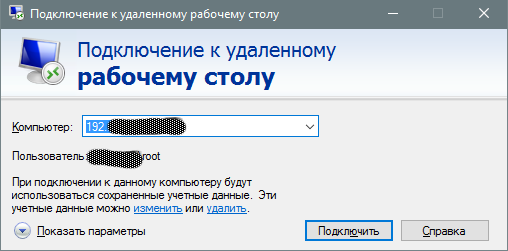
Something else?
How to deny save passwords on RDP
Maurice Cote
you just want to link KeePass with RDM without any save of the username and password in the Windows Credential
Yes, i want click RDP connection to server, write password to keepass and connect to server without input windows login and password, and without save any information to windows cretantial.
Is this possible?
How to deny save passwords on RDP
Hello.
If i use rdp connection with "Credentials" = embedded. And use KeePass for link accont+password, i automatically connection to server w/o input login, password, but all login and password save and storage on local comuter on Windows Credantial. How to pass save data to windows credation?
Losing all meaning in use RDM + KeePass. I want conntect to RDP server and use linked login and password over KeePass without any save to system.
How to implement it correctly?
I use GPO for don't save rdp client passwords, but dont work.