Copy Username and Password not working

Running RDM 2024.2.20.0 64-Bit and a MsSQL database.
Up until a few versions ago, if I select an session > right click and select "Copy Username and Password", your next two pastes will be the username followed by the password.
Now, when doing it, I get nothing. If I copy the username and password separately, they work fine. But when I use the combined "Copy Username and Password", I mostly get nothing (Sometimes I get just the password but most of the time it is nothing).
The test session I am using to test it does have a username and password.
Any idea what is going on?
All Comments (6)
Chances are another app is taking the content of the clipboard.
You can us the clipboard diagnostic window to test and configure RDM to block the offending app.
see here: https://forum.devolutions.net/topics/39323/password-generator-copy-to-clipboard-doesnt-work#189860
Stéfane Lavergne
Ok, found a fix but it is bloody weird.
Looking at the Clipboard Diagnostic, there are only 2 applications accessing the clipboard. One was Notepad (Which I was pasting into) and the other was RDM itself. If I block RDM, it works perfectly fine so it looks like RDM is interfering with itself.
Screenshots attached
Working: 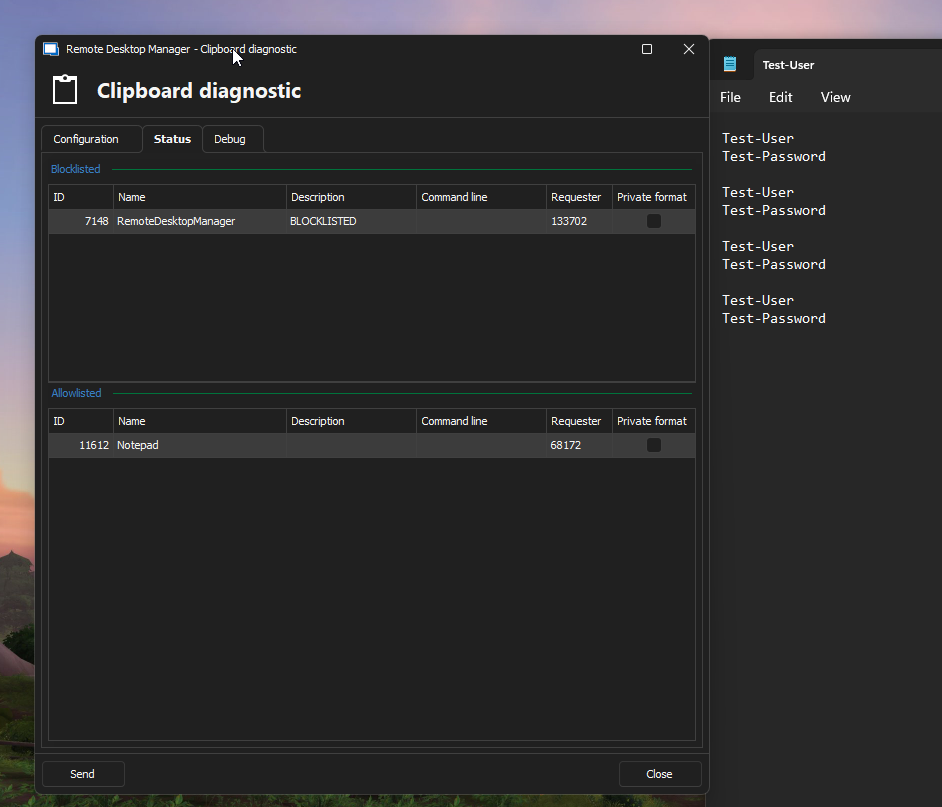
Not working: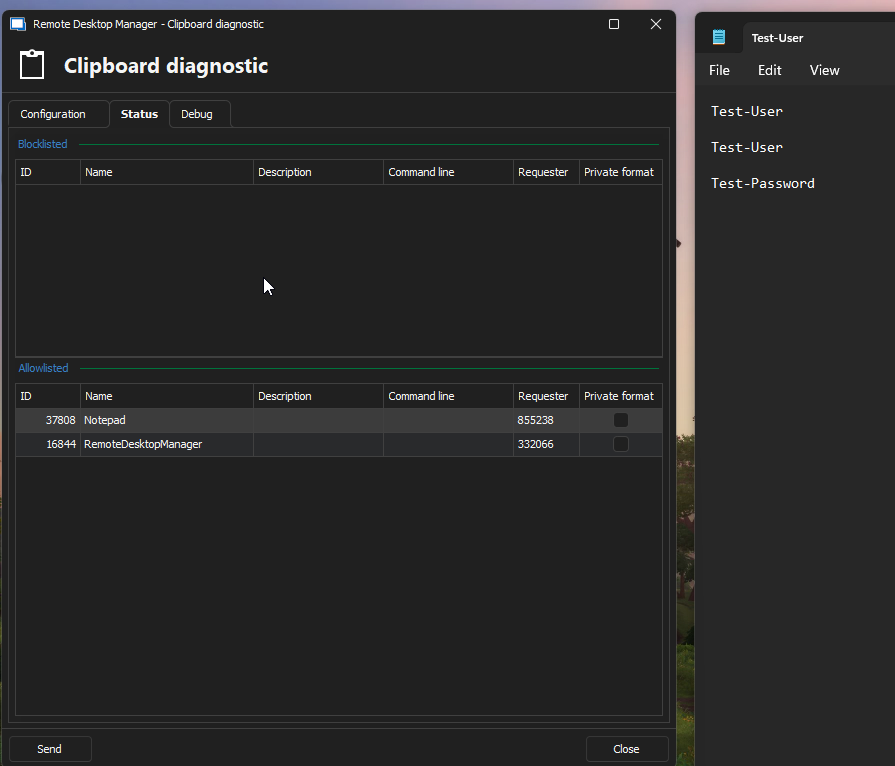
Block:
Block.png
Not Working.png
Working.png
What that is indeed very odd.
Can you please try the following?
- clear you disallow list
- on the Debug (tab)
- click
Paste once - 2 items - paste both values into Notepad
- send me the output of the debug window
should look something like this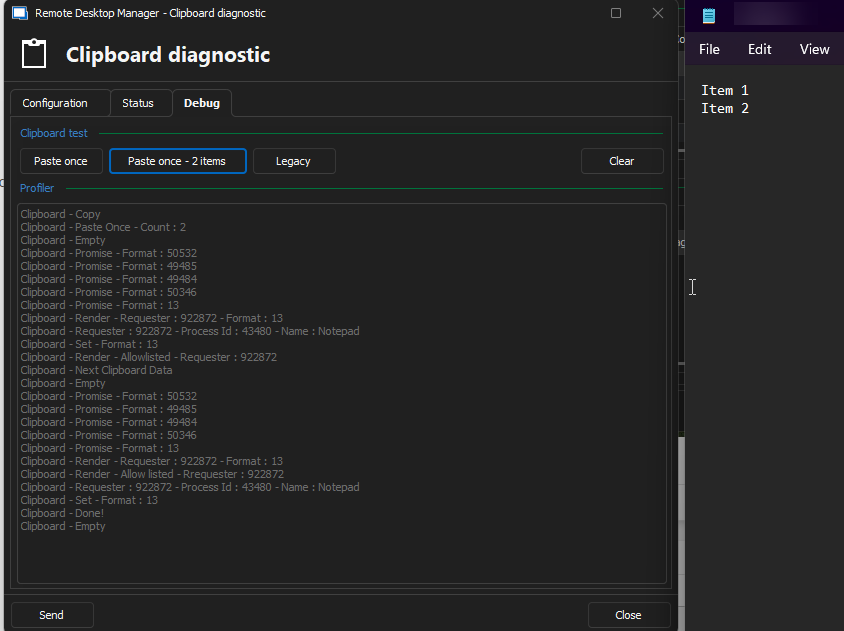
Stéfane Lavergne
c4345df8-9531-4b92-9e71-ee3533d1bc72.png
Ok, this is just weird. I do not understand it but it is working again. There must be something hijacking the clipboard. Thanks for you help :)
Ok, narrowed it down. It only happened if I was connected to one computer. When I installed RDM on that machine and did a clipboard debug, it turns out AnyDesk on that machine was interfering. Removed it (Not really needed, just as a backup) and boom, working fine now :) Thanks heaps for the help.
Nice, good find. Glad I could help.
Best regards,
Stéfane Lavergne