
Matthew Morrow
Git Sync Handle frequency on a clock
Right now it is an interval, like every 1 min. It would be nice to set it to 12:00 noon and 5:00 pm, so 2 times a day to pick up a PR
set clipboard is sometimes causing a fall back pop up
ope, i just found out its an issue where the button click to the set- clipboard causes the psu fall back to happen, shame there isnt a 'help' link in the pop up to explain why i am seeing that because the time between click and set clip is too far apart.
set clipboard is sometimes causing a fall back pop up
if i keep clicking it, at some point it will just put it on the clipboard instead of doing this pop up
set clipboard is sometimes causing a fall back pop up
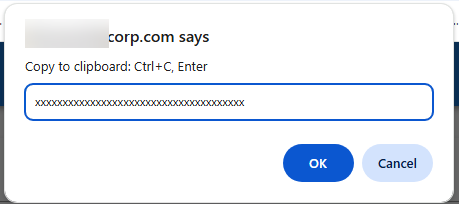
its really a bother
set clipboard is sometimes causing a fall back pop up
so i have a set clipboard with text and sometimes chrome pops up like an alert box with a textbox inside it and you have to copy your stuff out of that pop up, after you use it a few times the pop up will top showing, i am asked my llm and it says it is some kind of fallback thing in psu
user impersonation for qa/dev.
ok, so maybe better yet, give me a way to click my profile pick and say apply roles or effective permissions as if i was 'xyz' person. thus giving me everything they would have.
- like let me see the page as if i was this person.
having trouble with identity when using invoke-udendpoint
ya so for me to get around it, i have been adding a header for X-PSU-User-OVERRIDE = "username" to bypass it, i hate it.
does this help?
"Api": {
"SecurityModel": "Integrated",
so some things i need to pass the identity to. maybe if invoke-udendpoint had -Claims $claims and -Identity $user or something like that where you could send the object down when you wanted. thus allow endpoints to run as the system and endpoints to run as the user
yes & ./path/to/endpoint/get-something.ps1 -parms $x does work, its a shame i cannot use the internal stuff without friction.
user impersonation for qa/dev.
as an administrator, i need to be able to support the role based security, in dev i need to be able to click on my picture and select a user that i need to debug their roles. it would be nice to have this feature built in so i could just click change persona to xyz user and then i could quickly fix the rbac error. i could try to code it into my app but it would be way easier if i could just do 'switch user', click the button (OH look there is the error) code fix (test, oh look it works) push to prod. Obviously i dont want to expose a security issue but, i could delete my domain user from the identity table and recreate his account with bob as the password, but that is alot of trouble.
having trouble with identity when using invoke-udendpoint
i am in the dashboard my $user is me
when i invoke-udendpoint the $identity inside it is 'system'
i have to funny things like add a header with $user in to override the wrong identity
the role system should handle my identity through the entire system without me having to work around everything
Add Intelligent Session Timeout
@DevBot move this from feature request to bug report
Add Intelligent Session Timeout
ya we might move this to bug if it really is a bug ;)
MCP Tuning: cannot find job to start so it went to admin site
maybe it would be better to have a list of tools that can be turned on and off. like
Jobs
get
....
scripts (all)
only this one
or this one
...
custom
new tool call for x
MCP Tuning: cannot find job to start so it went to admin site
yes please move it to the feature request area
MCP Tuning: cannot find job to start so it went to admin site
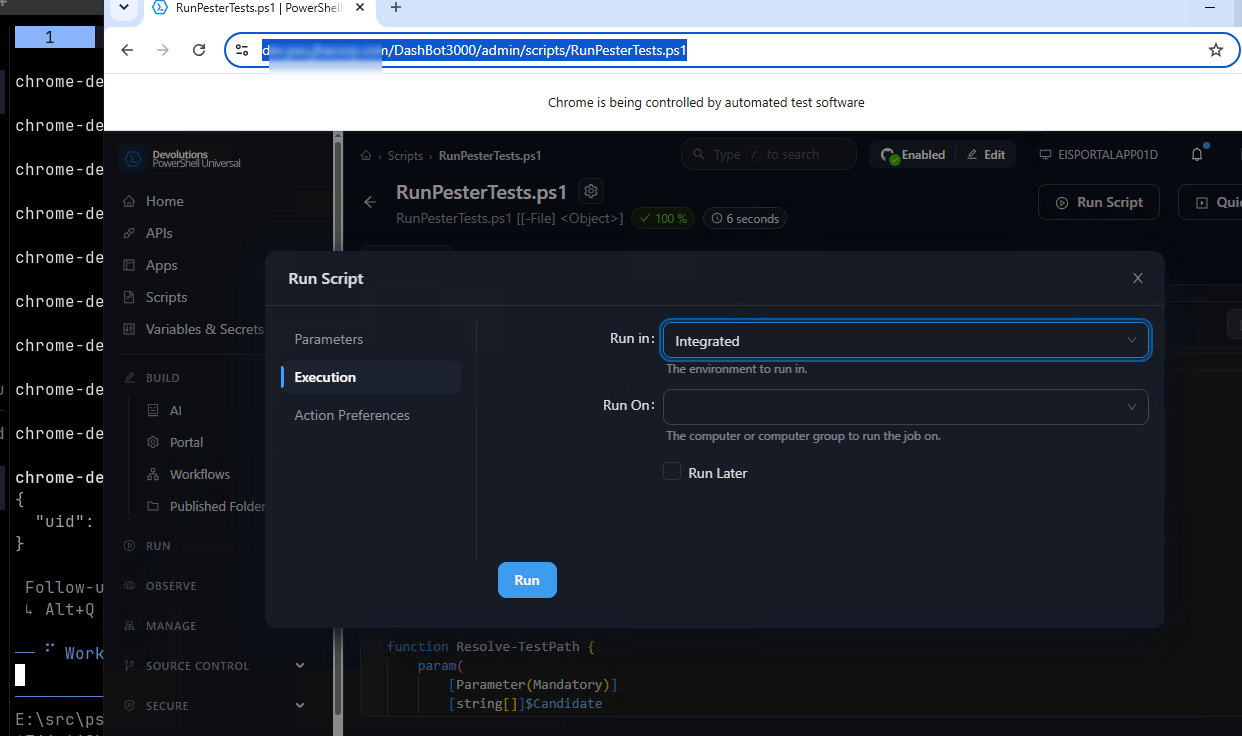
table needs sub sort
it would be nice to be able to double and triple sort with like CTRL+ click the sort, right now you can only sort 1 column at a time
git sync restarts apps many times
ya if we could somehow smooth this out, that would be great.
We have another problem, as some of our old tech ages, we have been migrating to PSU. but now it is getting so large i think we are starting to break in places.
git sync restarts apps many times
i do many PR's in a day and push to prod so, i am 99% sure it was probly a PR. they will ask me to move a button or whatever, we are super active on the PR's.
i have a server on the dev branch
and
i have a prod server on the prod branch
we PR from dev->prod and then the git sync runs and picks it up, sometimes i go click the download button to hurry it up
git sync restarts apps many times
ope, it just started happening
git sync restarts apps many times
/sigh, trying to make it happen is a problem
Add Intelligent Session Timeout
My users work a support que, they need their dashboard up for like 8 hours or as long as they are working the dashboard. have it reset every so often is not good, if they are connected they shouldn't time out. if they disconnect from the session then the session cleaner should go through and kill sessions but if the users need the app up, they do not want to reset the screen and choose all their filters every 2 hours. i guess i could increase the SessionTimeout to 480 but i am not sure that is good idea.
Improve MCP Server tools: Add Restart app/resource
my agent keep opening the /admin site and finding the /apps to go click the restart button
it would be nice if we could reduce this branch and expose that ability in the MCP server so that after it makes a change and then something doesnt go the right way in a playwright test it can go restart stuff on its own without opening chrome dev tools and going after it there.
git sync restarts apps many times
2026.3.4.0 auto deploy in prod is on, send me an upload link
git sync restarts apps many times
if you have 150 api's
50 apps | change 5 files in 1 app
45 scripts
and git sync does a git pull
it restarts your app a bunch of time
this happens after a PR from dev->main while prod sits on main
---
suggested fix
Group app restarts with all the files in that app
restart those api's in that group of files
find parent child and restart that way instead of restarting on each file changed
[26.3.3] Nested IIS boot theme is not being applied
i will be watching
Add Environment Variables to Variables & Secrets
Navigate to Variables & Secrets
there are 2 tabs currently, Variables and Vaults
Add a new tab called Environment Variables
OR
Navigate to Environments
Click [view variables] on the environment that is loaded
Side quest:
And then that would allow you to go into that resource and add an env var if there isnt one in your OS.