
jparker919
screenshot functionality inside RDM for MacOS
Hello,
After some discussion, we agree that local session recording makes sense to be allowed for free users. I will open a ticket so we can change this for our next major version.
Please note that I'm mentioning specifically local session recording, as we also support remote session recording through our Gateway, but this will not be available for free users at present.
Regards,
@Hubert Mireault
That's great to hear Hubert! I really appreciate the Devolutions team listening to feedback of their customers and striving to enhance the end-user experience. Looking forward to the next release!
screenshot functionality inside RDM for MacOS
That's really unfortunate and would request you guys review and make that a standard functionality in the Solo edition.
screenshot functionality inside RDM for MacOS
Hi Maxim,
Thanks for the response. Yes, "screen recording" meaning the same as "session recording" the active connection tab.
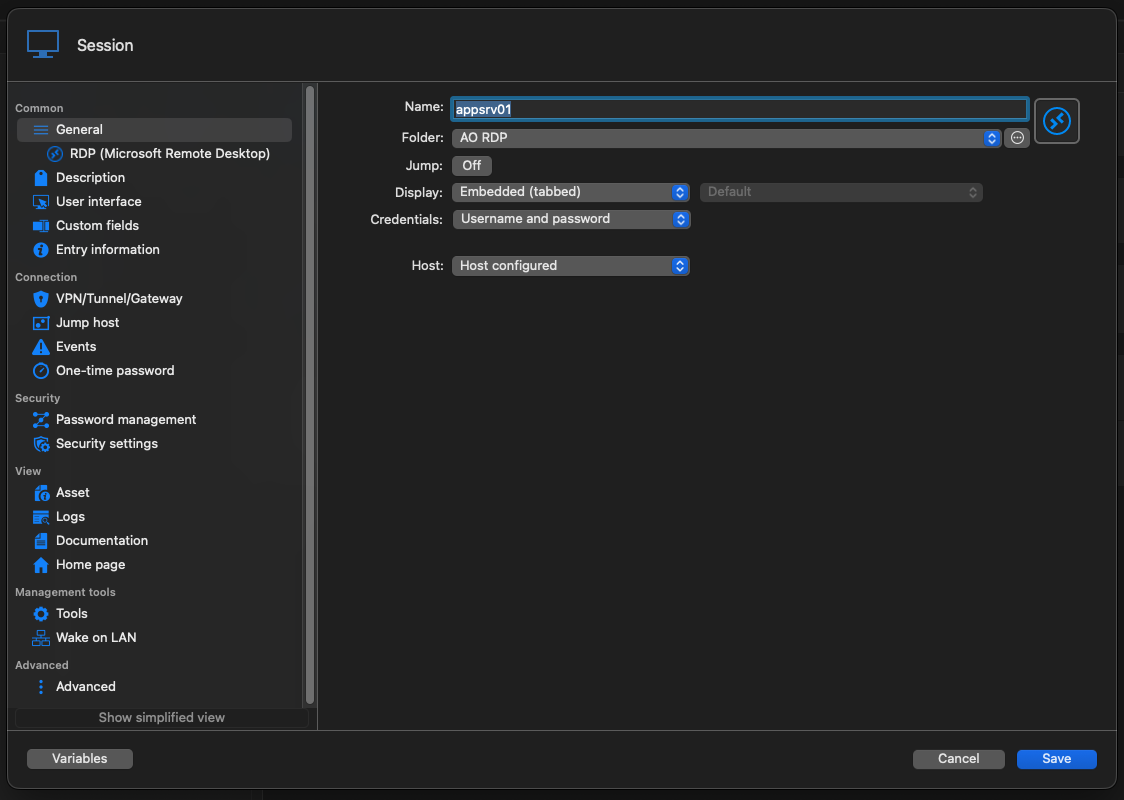
Is the "session recording" available in the Free Solo edition? I do not see "Session Recording" listed on the entry properties window (see below screenshot). Yet, I do see the Session Recording listed in the General Settings. I am updated to the latest version 2025.3.9.2
Thanks!
screenshot functionality inside RDM for MacOS
Hello
For RDM Mac there some feature we do on the "On demand" basis so to not strech ourselve too much.
Feature request tickets were made for both the local recorder and the screenshot options.
Best regards,
@Michel Lambert
Great, thanks @Michel Lambert. Much appreciated
screenshot functionality inside RDM for MacOS
screenshot functionality for the active open session should be a standard for any remote desktop solution. the majority of RDM applications available on the market include this standard feature and it is extremely useful for creating documentation.
would also like to see the screen recording feature added to the MacOS version of RDM. screen recording is available for the Windows version, so why not Mac?