
matmurdock
Cannot set scaling default for quick connect RDP connections
Ok, that seems to do the trick. It probably would make sense to show the currently applied template somewhere in the bottom bar. Once set I don't think there is any indication it is being applied.
Mat
Cannot set scaling default for quick connect RDP connections
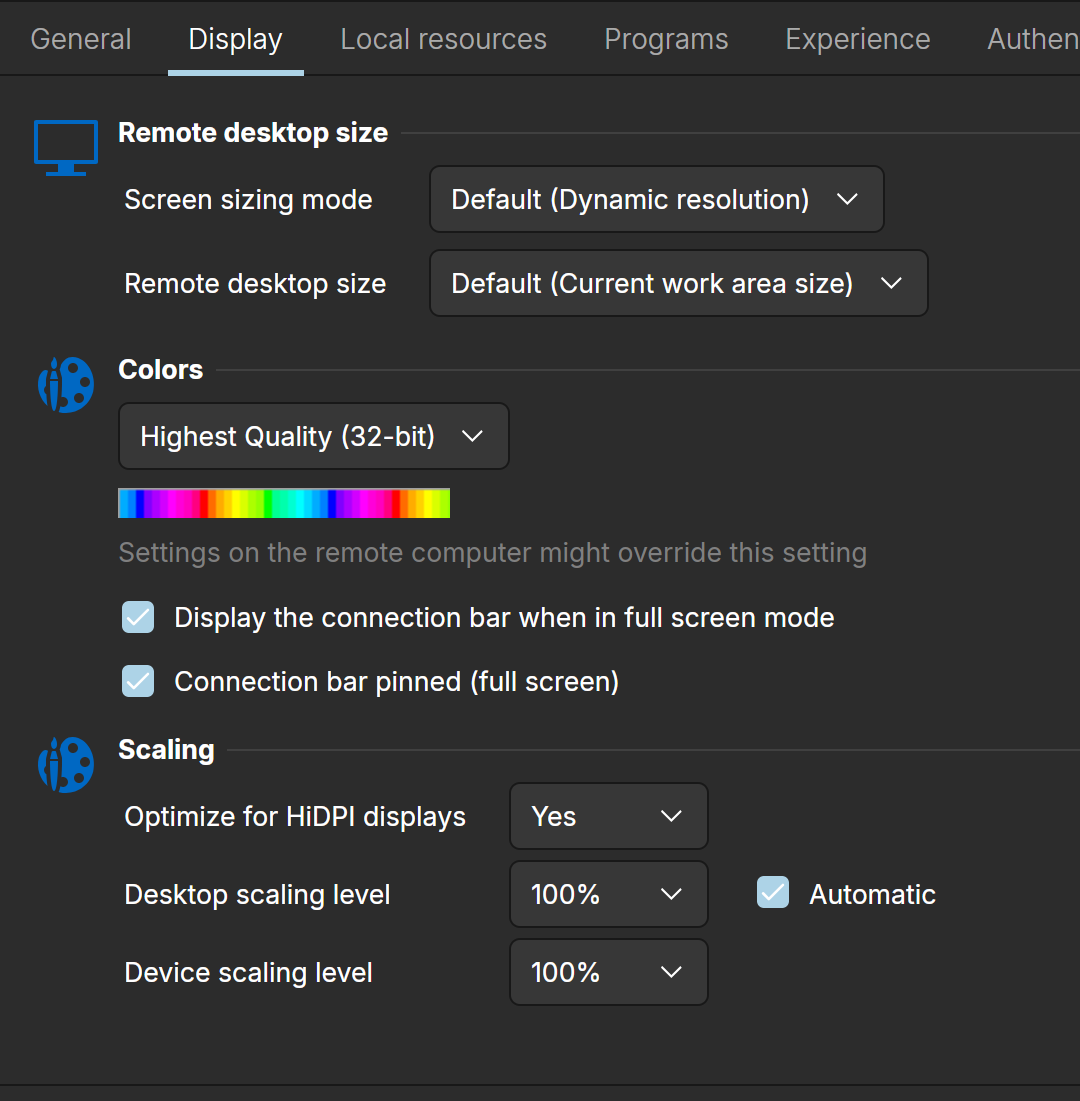
I'm running Zorin OS 18.1 Pro on a Framework 13. I have to edit my connections to optimize for HiDPI connections as shown below.
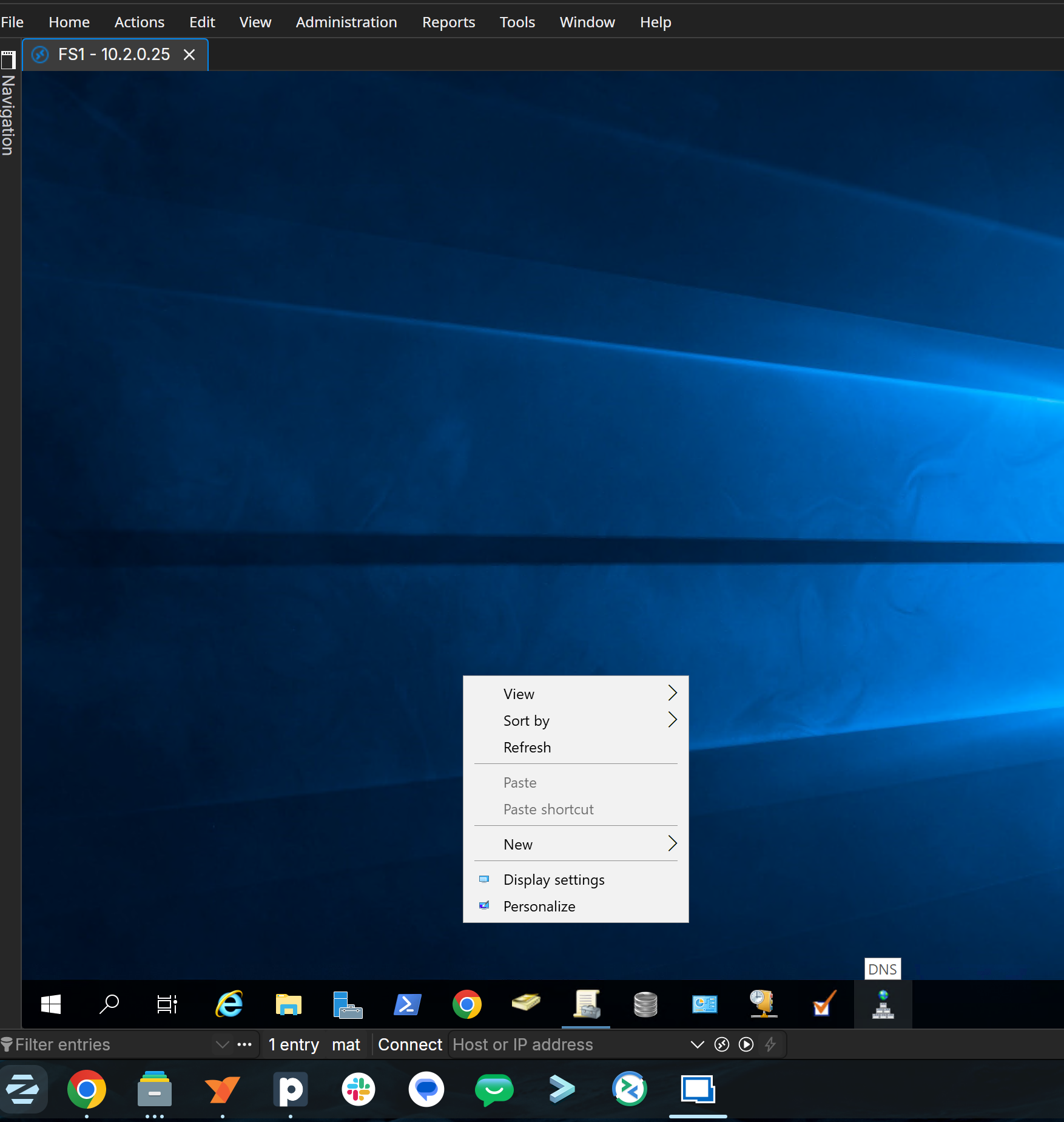
And as you can see, everything looks great.
However when I do a quick connect I get this:
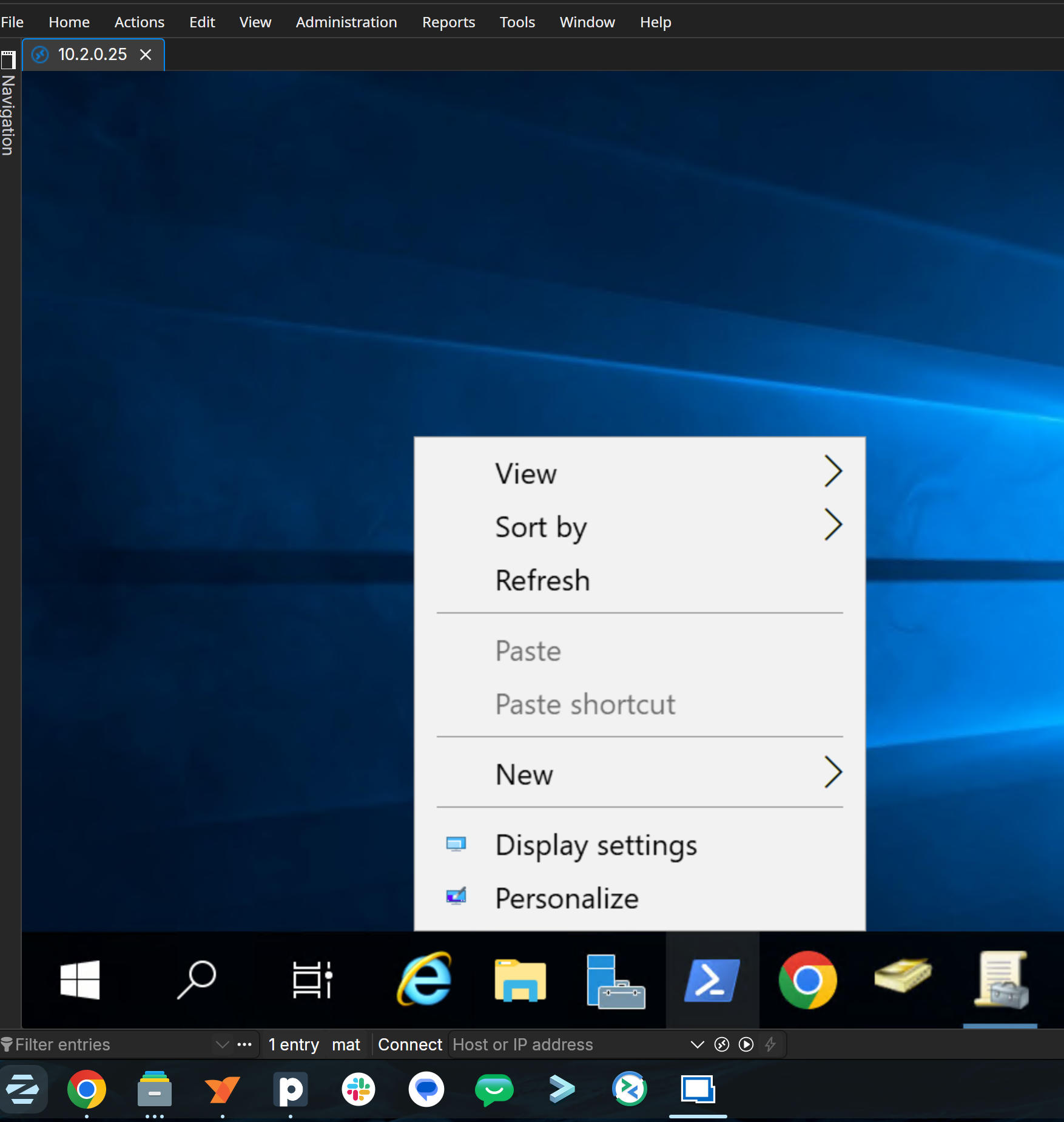
Everything is huge. I cannot seem to find the same HiDPI setting in the preferences.
Thanks again for fixing the cursor not changing when trying to resize windows in an rdp session!
Thanks for looking into this as well.
Mat