
blaham
Windows 365 Cloud PC
How to use RDM to create a connection to a Windows 365 cloud PC. That is, not an Azure Virtual Desktop PC. By default, I connect using the Windows App. Can this be solved somehow through RDM? With the end of Microsoft support for MSRDC, this application will also be required for AVD
FortiClient IPsec
Unfortunately, none of the links you provided solve my problem.
I am attaching the log, as advised in one of the links
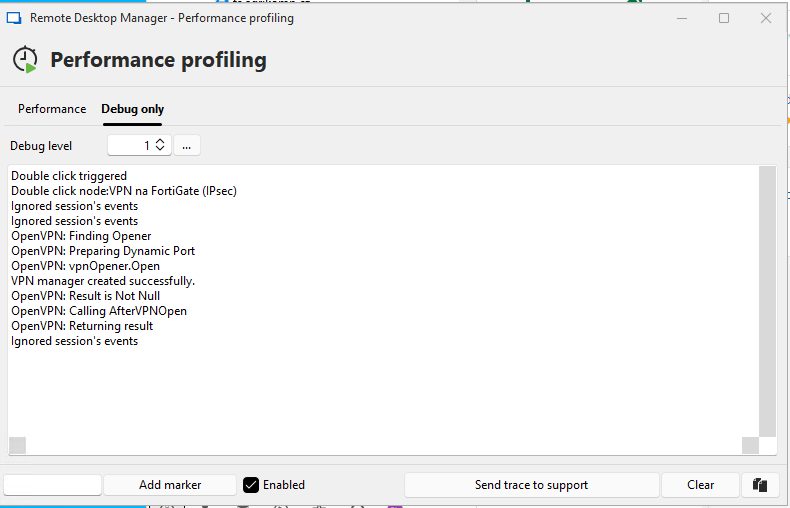
FortiClient IPsec
Hi.
This does not solve my problem. I have been using SSL VPN for a long time by calling FortiSSLVPNClient.exe from RDM.
But I need to solve IPsec and not SSL VPN. Fortinet has recently deprecated the use of SSL VPN tunnel mode across all FortiGate appliances starting with FortiOS 7.6.
FortiClient IPsec
I have installed RDM version 2025.1.41 and FortiClient version 7.4.3.1790. I can connect to the created VPN directly from the client without any problems, but when I try to connect from RDM, nothing happens. No error message is displayed. It seems that RDM does not cooperate with the client at all. What could be the problem?