
nathaniel7687
Keyboard feature is not working
Hi, Frederick
Sorry, the alternate functions are working correctly, I checked it incorrectly.
Please, add number pad insert and delete key also.
Best regards,
Nathaniel Kim
Keyboard feature is not working
Hi Carl,
I’ve confirmed that the extended keyboard layout buttons are responding.
However, the Number Lock key is still not functioning properly.
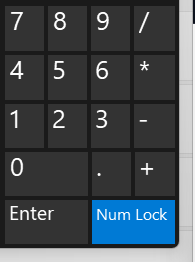
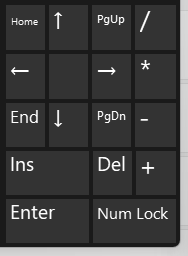
When I turn off the Number Lock, the keys are not mapped to alternative keys such as "home, end, arrows, page up/down, etc."
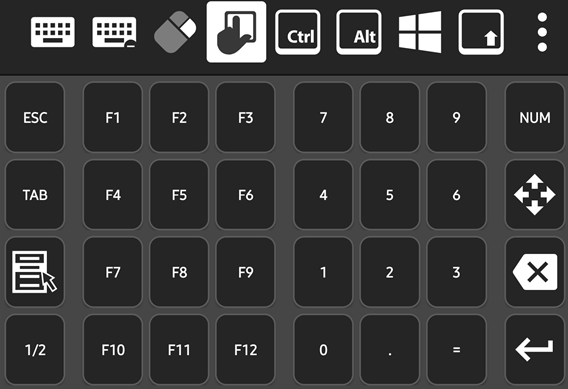
I believe the Number Lock key should both indicate its on/off state and toggle the behavior of the number pad keys as shown below.
Additionally, the keys '/', '*', '-', and '+' are still missing, as I mentioned earlier. These keys are also essential components of the number keypad.
Best regards,
Nathaniel Kim.
Keyboard feature is not working
Hi Nicolas,
Thanks for your reply.
For the next release, please include every key on the number pad.
In the version before the keyboard layout change, keys like “+” and “–” were missing, which was inconvenient.
Best regards.
Keyboard feature is not working
Hi,
I'm already using the Legacy Keyboard Processing due to the unicode issue.
Could you explain what those keys are used for?
I want to check if what I know is correct.
The "1/2" key is for switching to the second page of the keyboard layout, and the "123" key is for showing the number pad with digits and symbols like + and -, right?
Best regards.
Keyboard feature is not working
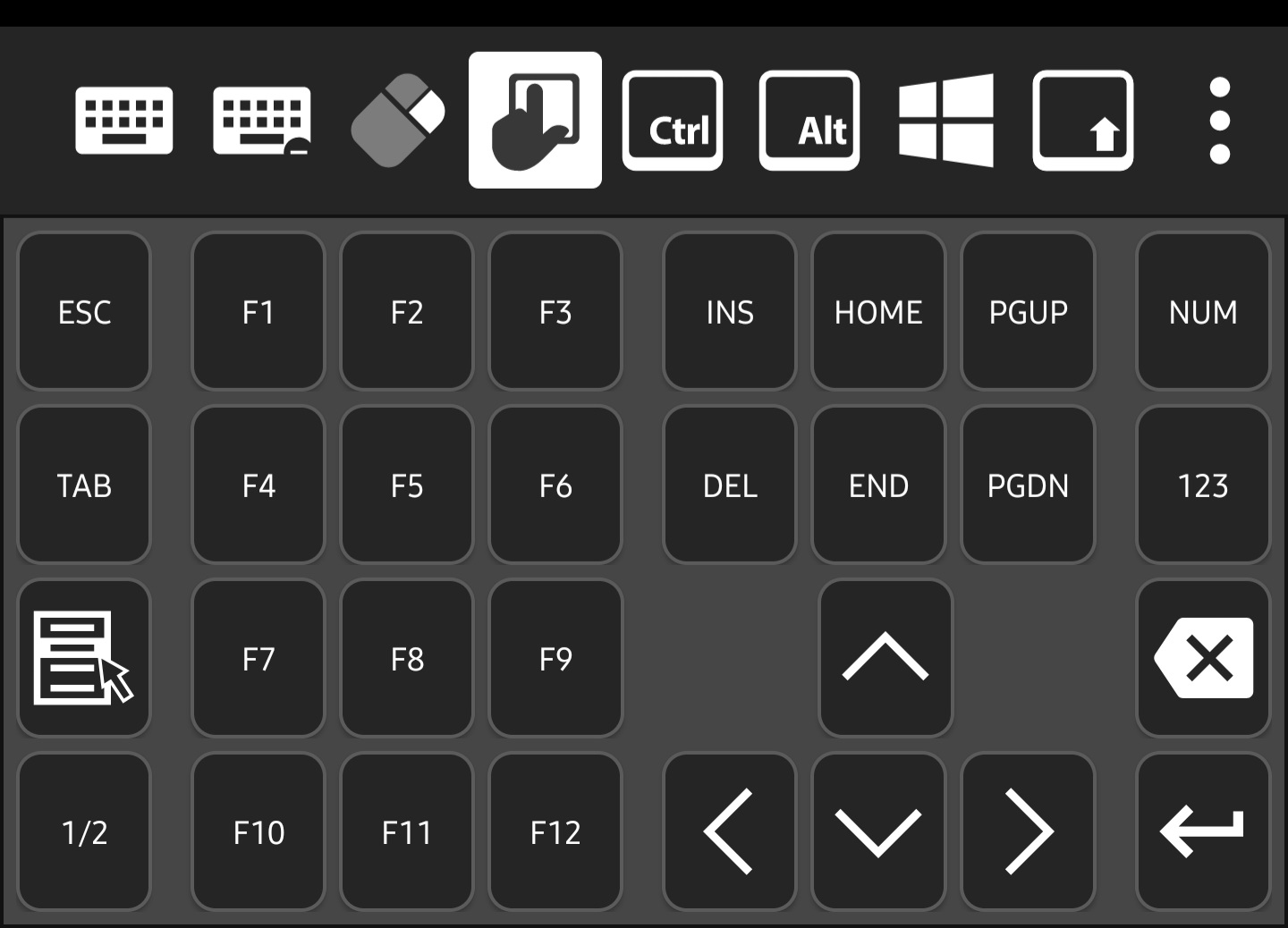
The left lower side "1/2" key and the right side "123" key are not working. When touched them, nothing happended.
Please, check not only the keys that I mentioned but also the entire keys.
RDP Frequently Stuck at Login Screen or Unable to Proceed Past Login
Hello
I tried again with windows update with Remote Desktop Manager v2025.1.1.0.
The connection is good with 24H2 (OS Build 26100).
Thanks for your reply.
Best regards,
Inseob Kim
Sends Alphabet Characters as Unicode in Microsoft Remote Desktop (RDP)
Hello,
This is the new standard behavior. If you prefer to revert to the previous method, you can do so by navigating to Application Settings > Sessions > Unified Remote Connection Settings. Under the Display section, enable "Legacy keyboard processing."
Best regards,
Frederick Simard
Hi, Simard.
Thank you so much it works.
I think it would be better if it could be set entry by entry.
Best regards,
Inseob Kim
RDP Frequently Stuck at Login Screen or Unable to Proceed Past Login
When attempting to connect via RDP, there is a frequent issue where the session remains stuck on the login screen, or the mouse cursor moves but fails to progress beyond the login screen.
Mouse Acceleration Cutoff
Hello,
We are aware of this issue and we currently have a fix for it internally. It still requires a bit more testing, but we expect the fix to be available later this month.
Best regards,
Frederick Simard
Please refer to Google Remote Desktop's mouse acceleration feature. I think it provides the best usability.
Sends Alphabet Characters as Unicode in Microsoft Remote Desktop (RDP)
Hi, I've recently encountered an issue when using the keyboard with RDP (Microsoft Remote Desktop). When typing alphabet characters using the Samsung keyboard on Android, the characters are sent as Unicode, even though the "Send input as unicode" option is set to "No" under Local Resources in entry setting.