
darren6
VMRC Session NumLock setting not preserved
English (US) on both client and in the VMRC sessions is the layout on a 104-key keyboard
VMRC Session NumLock setting not preserved
I just realized another issue: When you enable numlock, the arrow keys on the keyboard switch to acting like number pad numbers!
For example, pressing left arrow enters the number 4, down arrow enters the number 2, right arrow enters the number 6, up arrow enters the number 8.
Steps to reproduce:
Enable NumLock
Open Notepad or some other thing that lets you enter text
Press left arrow - expected: cursor should move left - actual result: the number 4 appears
Press down arrow - expected: cursor should move down - actual result: the number 2 appears
Press right arrow - expected: cursor should move right - actual result: the number 6 appears
Press up arrow - expected: cursor should move up - actual result: the number 8 appears
So while enabling Numlock does make the number pad work, it screws up the arrow keys.
Please also test that this issue is fixed.
Older version of Devolutions Password Manager
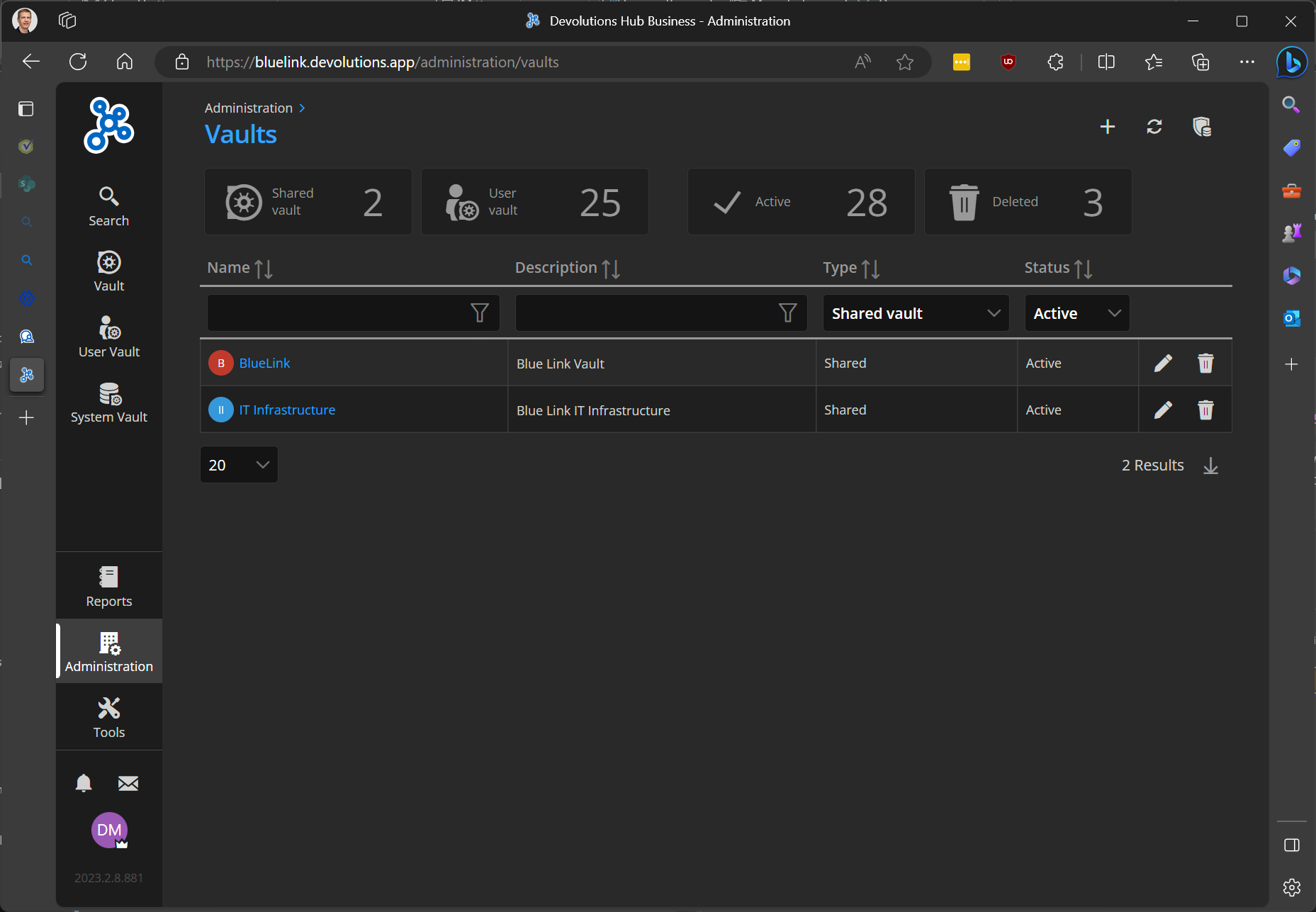
This is what I see in admin console for our vaults.
Older version of Devolutions Password Manager
I'm the administrator for our domain.
There is no button that looks like that for upgrading vaults.