
postmaster
Application password being requested after biometric authentication.
Hi Tachi,
Thank you for reporting this, and sorry to hear you are experiencing these issues.
Would you mind sharing a bit more information with us so we can better investigate and try to reproduce the behavior on our side?
Could you please let us know:
Which version of RDM you are currently using
Which platform you are using: Windows, macOS, Linux, Android, or iOS
What type of data source you are using
Also, if possible, could you send us a short video showing both issues:
the application password being requested after biometric authentication
the vault/entry launch issue you described
That would help us a lot in reproducing the problem from our side.
You can upload the video here: FOR-52596
Thank you in advance.
Best regards,
@Alexis Geller Peiro
latest Android version. The DUD session entry problem is intermittent. It seems to be doing it less lately, so it might already be fixed. Only ever experienced this with RDP session, though I don't use the other types as often.
I did go ahead and take a screen record of the launch > biometric followed by master password as you requested, It's uploaded
rDP entry has storage device pass through disabled, but storage device is still being passed through
This didn't used to occur. No changes were made on the particular RDP entry, but even after making a new one, it still behaves the same where if local resources, device application storage is not enabled, it's still passing through to the destination host. This is on latest Android version.
Application password being requested after biometric authentication.
Following your recent version update it seems like application password is erroneously being requested after successful biometric authentication
Also, continue to have this issue where, and even more annoyingly so with the above issue, but every time I authenticate the app, open the vault, click on any of my entries, or click on launch, one of those entries, it doesn't launch ****. I have to close the app, forcefully close the entire app, reopen it, the second time works for whatever reason.
moonlight support?
bump
Missing close button on sub-windows
Resizing the windows works fine, and just noticed the minimize button has the same problem on the sub-windows, so neither the minimize nor maximize buttons currently work there for me. The close/min/max buttons all work fine in the main window though.
ZorinOS18, GNOME 46.0, Wayland
Thanks
Missing close button on sub-windows
Only just discovered the linux version of the app, and first off, well done, very cool, love it.
Keep running upon this slight inconvenience, when trying to exit a sub window - entry properties, etc - I mouse up to the top right of the sub window looking for the X icon and find that it's actually a fullscreen button? for some reason that button doesn't actually do anything, but makes me wonder why there isn't a close button there at all. Thanks!

Selective Split View for Tabs
Hi Hubert,
Thanks for the reply, I'll give that a try in the meantime.
Selective Split View for Tabs
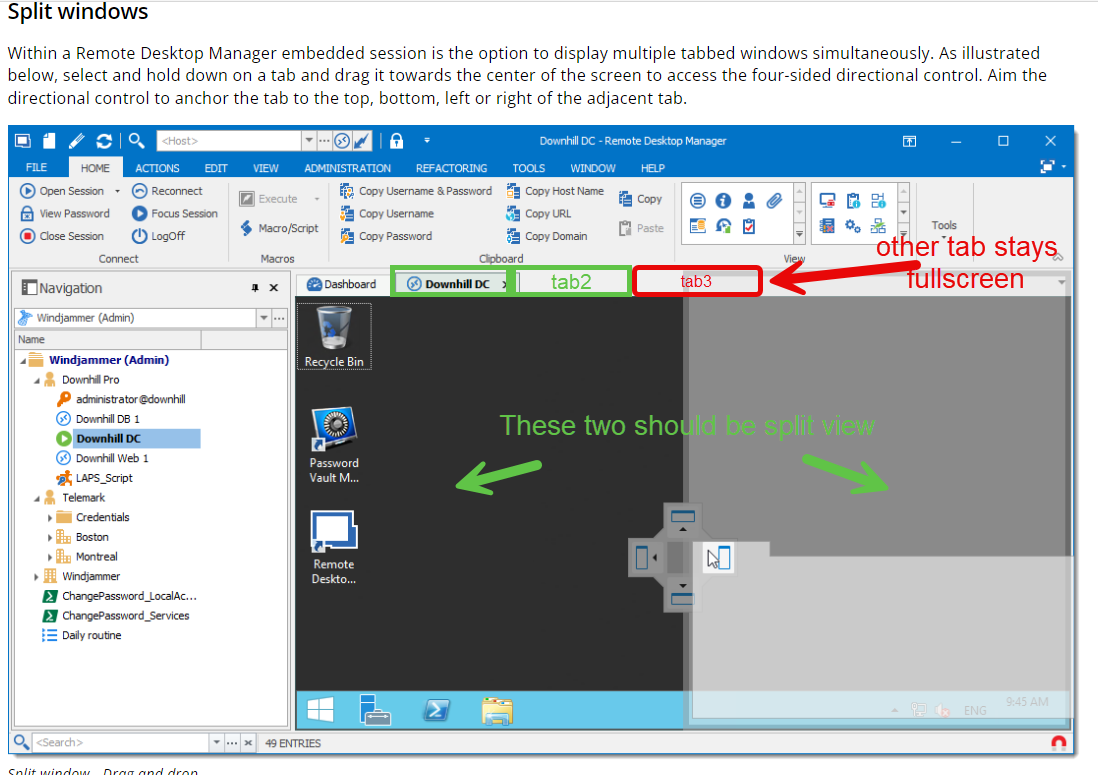
I looked around but didn't see this feature mentioned anywhere, I would love the ability to selectively split views for certain tabs within RDM.
Currently, when I split a view, it applies to the entire session. This can be inconvenient when I only need to split a specific tab, while others should remain full-screen.
A feature allowing me to choose which tabs to split would greatly enhance my workflow and productivity. For example:
* I could split two tabs for side-by-side comparison.
* I could split a tab to view multiple applications within a single session.
* I could keep other tabs full-screen for focused work.
I believe this feature would be highly valuable to many RDM users. Thank you for considering this suggestion.
Sincerely,
RDM fan
Allow focus switch back to main window when editing an entry
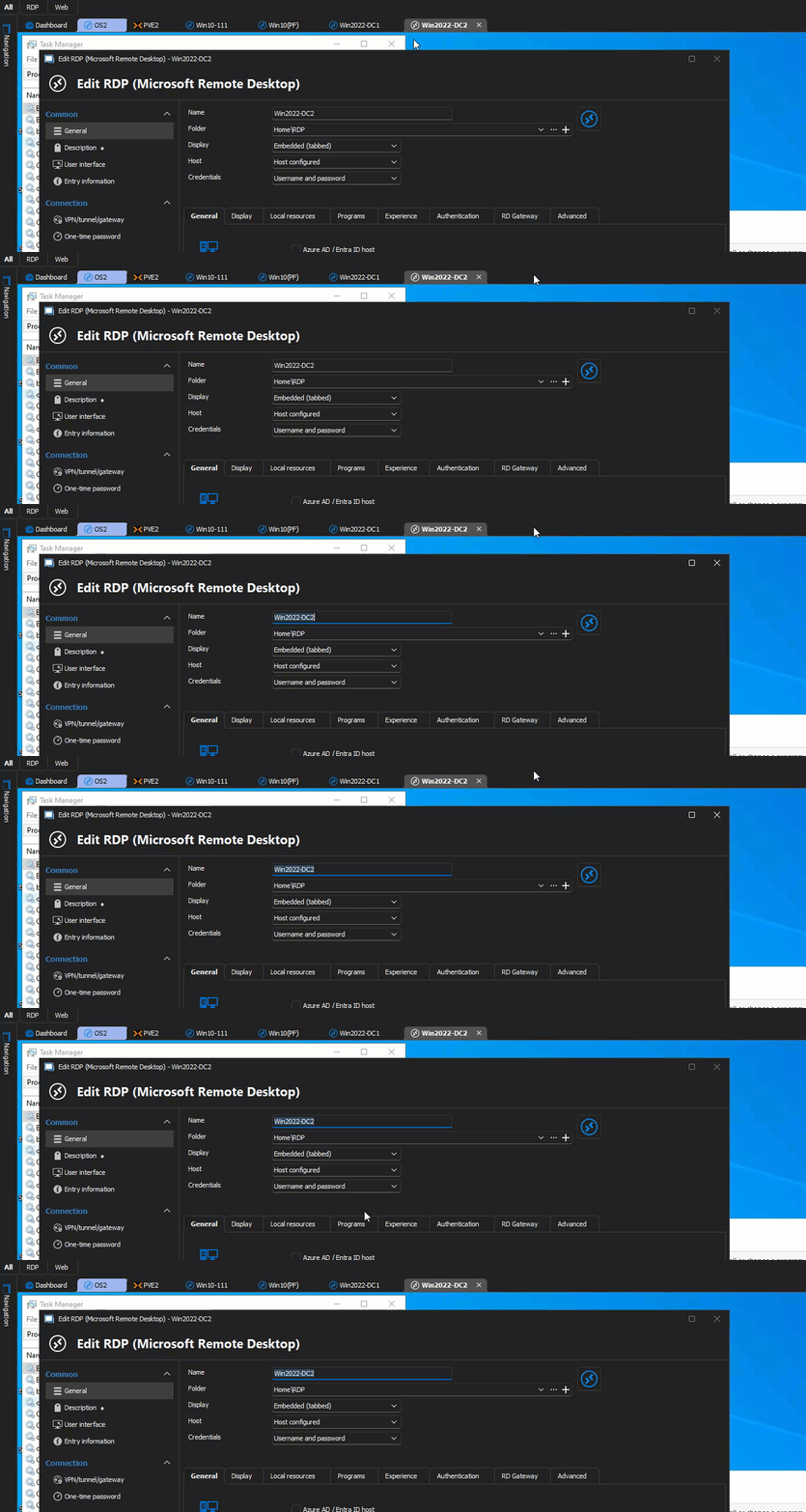
I find all too often that when I've opened an entry for editing, I need to go look at another entry, or go into one of the session tabs to find the info I'm looking for, but when the edit window is open it doesn't allow you to click focus back - instead I need to close/save the edit window I'm in, find the info I need, then re-open the edit. I've looked but couldn't find if this is currently an option. Thanks
LibreOffice Calc support
Ability to open/edit LibreOffice Calc documents