nalimleinad
Restore expired offline data source
Hello,
I've missed the expiration period for the offline data source and lost all the local modification changes. There are some important passwords I don't have in any other place.
Is there any way to restore this expired data ? At least for one time viewing, to be able to copy these passwords out.
I found some folder at \%localappdata%\Devolutions\RemoteDesktopManager\125eba82-5d34-49a8-8992-23e4cd6b727b which contains
offline.2022-19-8-14-56-08.mcdf2
offline.mcdf2
offline01.mcdf2
It corresponds with the expiration time.
Is there any way please ?
RDM datasource handling - same data source in GUI and PS module, datasource reference from GUI to PS
Hello Erica,
It started to work after the override of config file.
Thank you for your help.
RDM datasource handling - same data source in GUI and PS module, datasource reference from GUI to PS
Hello Erica,
I´m that person with issue finding the RDM session.
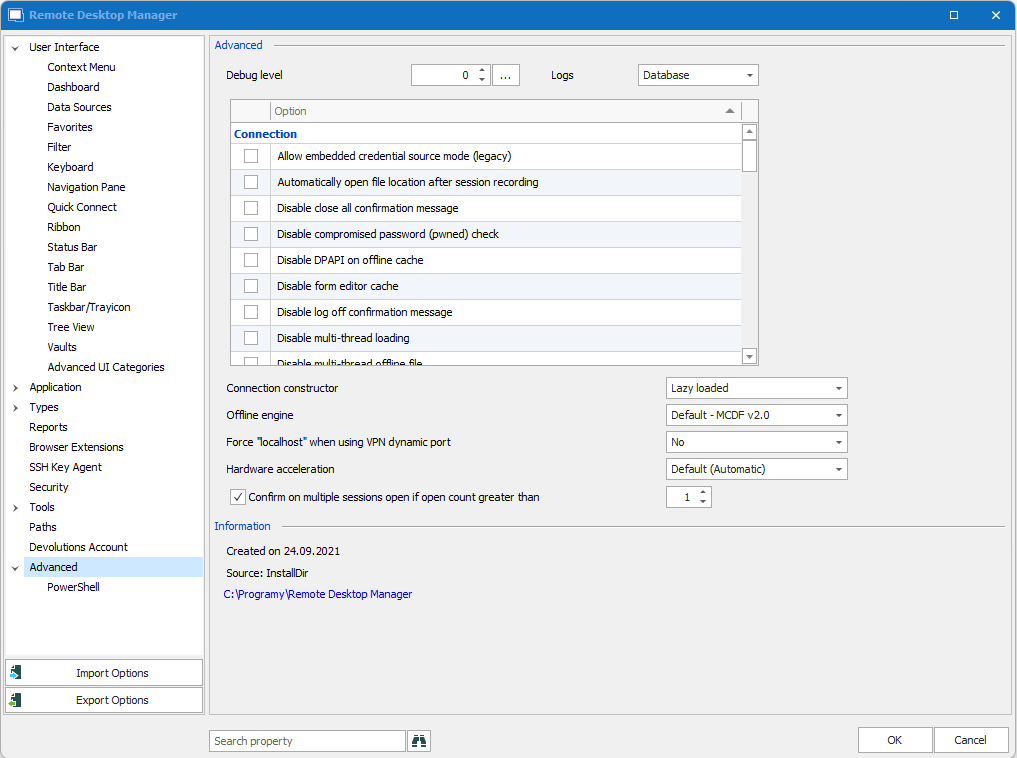
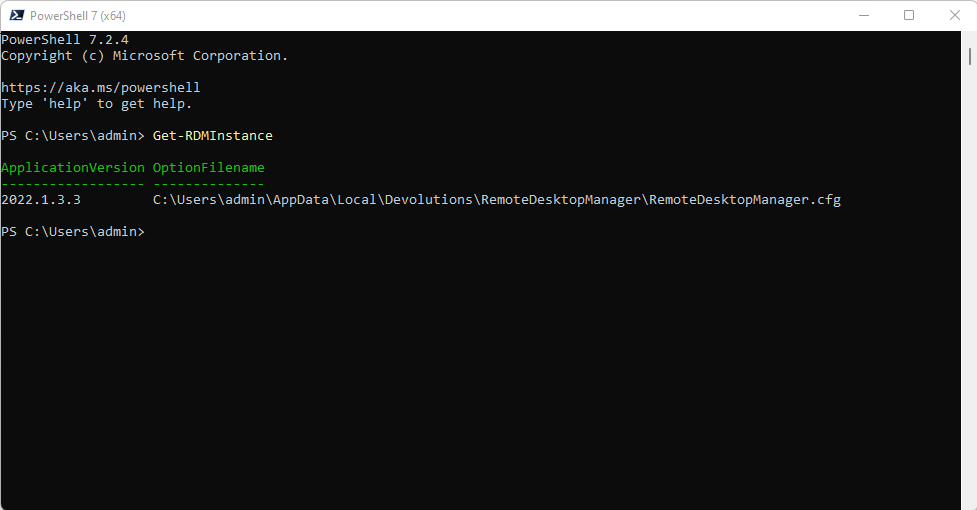
You can find screenshots of File - Options - Advanced and Get-RDMInstance in the attachments. RDM is not installed in the default location. It's installed in "C:\Programy\Remote Desktop Manager". It's a full installation (not portable).