
jmish1987
File Explorer baked into Tools when connection is RDP
I use RDM as just a remote desktop "portal", if you will. All of my entries are just sessions of remote desktop that I can double click and access someone's machine. It also serves as a password manager so that I don't have to type a password every time. Being that 90% of my entries are just RDP sessions, I would like to see an option for File Explorer built right into the Tools area, where Computer Management, Event Viewer, etc. already are, so that I can easily do remote file management.
I realize that "File Explorer" is one of the options for a session however I can't get that function to work - it just takes a really long time to open a file explorer embedded session to my desktop. Not only that, I don't want to have to create a sub entry for 50 machines for remote file explorer.
Thank you
New Install of RDM on fresh Windows 11 Pro Installation - Blank screen on first launch
And suddenly this morning it started to work!
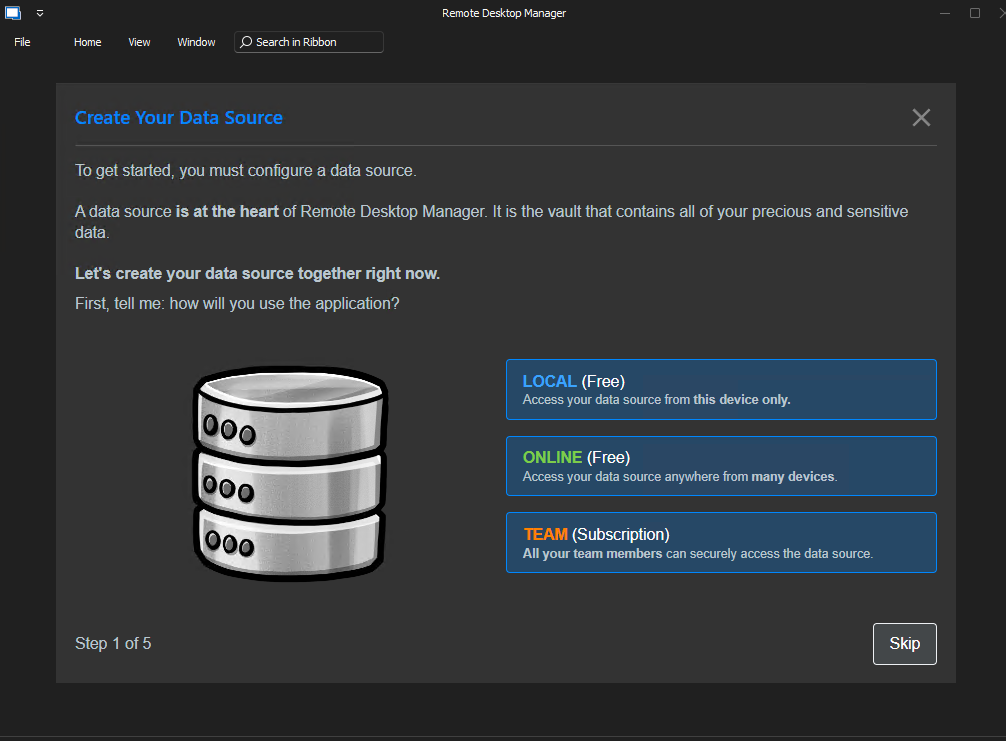
New Install of RDM on fresh Windows 11 Pro Installation - Blank screen on first launch
Hi there
Having the same issue and the webview2 is already installed on my system. Brand new installed Windows 11 Pro
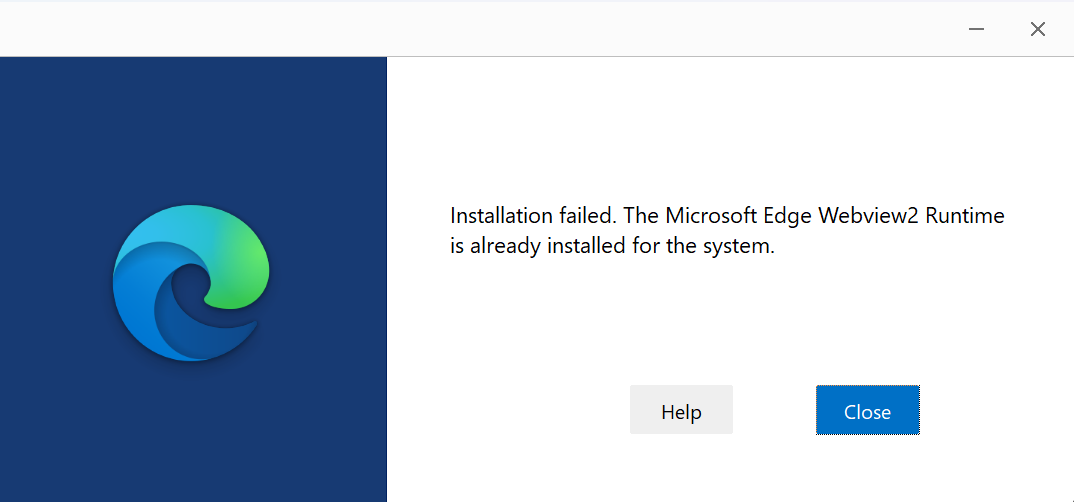
Build info:
Edition Windows 11 Pro
Version 22H2
Installed on 9/1/2023
OS build 22621.2134
Experience Windows Feature Experience Pack 1000.22659.1000.0
Just repaired it, uninstalled and reinstalled, no change.
Note: I have a Data Source/config that I have from a previous system since this is a new build for me. If a bandaid is to copy over config/data source files from the previous system I'm game.
Possible to add more columns available in the column chooser?
For example, some columns from the Contact tab of the Assets screen, like email, phone, last name, first name. We use it more as a connection manager than an asset manager and having the machine name be clean and then show who the machine's primary user is is helpful. Seeing that at a glance in the Navigation pane by storage column would be handy.
Perhaps an "opt-in" for more columns via Options? that way if you don't want to sift through tons of columns you don't have to.