Display scaling - UltraVNC

Display scaling when using UltraVNC, instead of the default, doesn't seem to work.
All Comments (7)
Hi,
I will verify and come back to you
David Hervieux
FYI - this is still a bug in 9.4.7.0
Could you post a print screen? We did some test but haven't seen the issue.
David Hervieux
This one shows that it's not scaling:
And these show the settings:
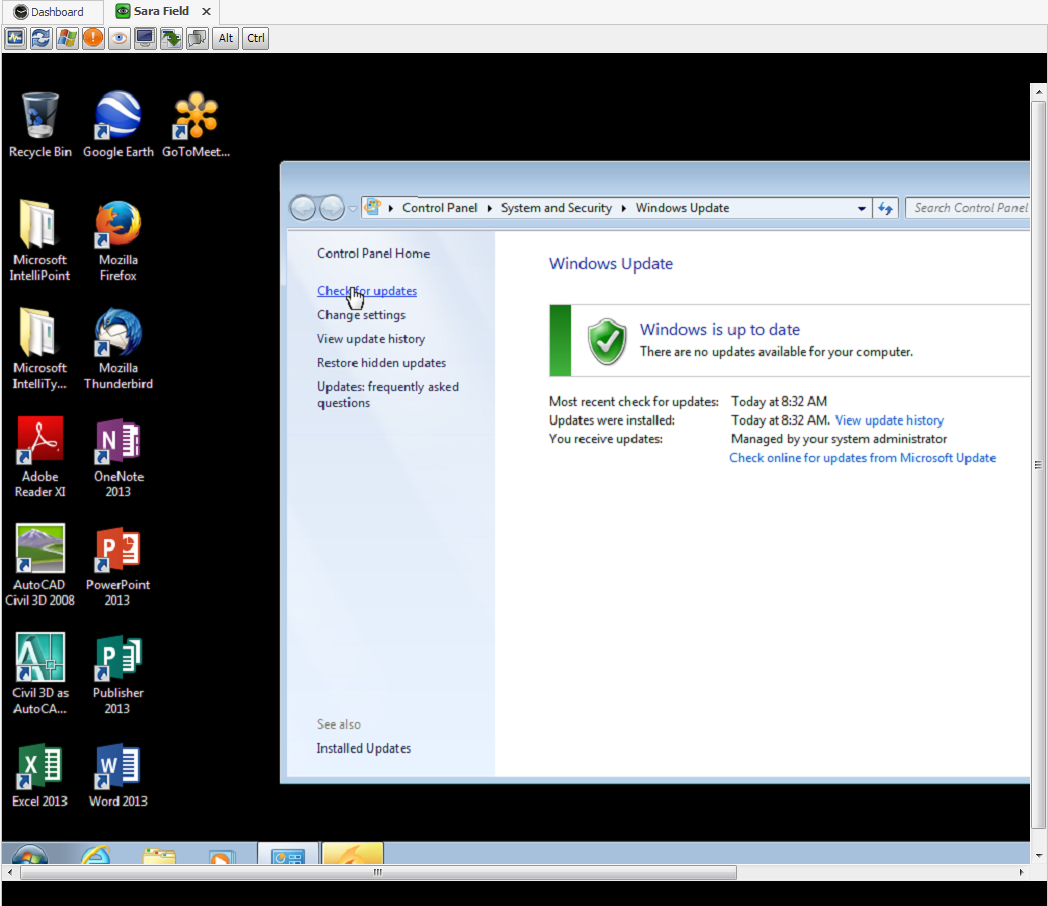
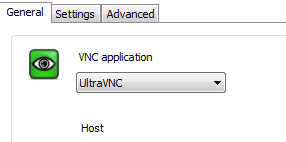
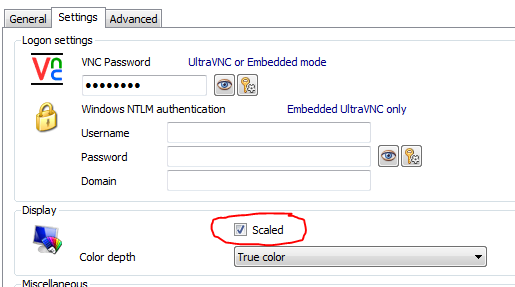
scaling3.PNG
scaling2.PNG
scaling1.PNG
Hi,
Are you using 32 or 64-bit version ?
Best regards,
André Sanscartier
32
Hi,
Unfortunately we use a third party for UltraVNC. I just tried to enhance that behavior but controls for scaling are limited. We will communicate with those who created that control.
Meanwhile to force the screen to fit the working area you could resize vertically the main window of RDM until the auto scale activates itself and then normally you should be able to put it back to its original size with no scrolling bar.
Sorry for any inconvenience
edited by asanscartier on 8/19/2014
André Sanscartier