Bug with AVD since upgrading to 2026.2.8.0 64-bit (PreJIT)
Bug with AVD since upgrading to 2026.2.8.0 64-bit (PreJIT)

Hi guys, there appears to be a bug in the latest version that was not in the previous versions.
When opening the AVD website https://windows.cloud.microsoft/ and logging in with it configured as embedded it gives the following error: 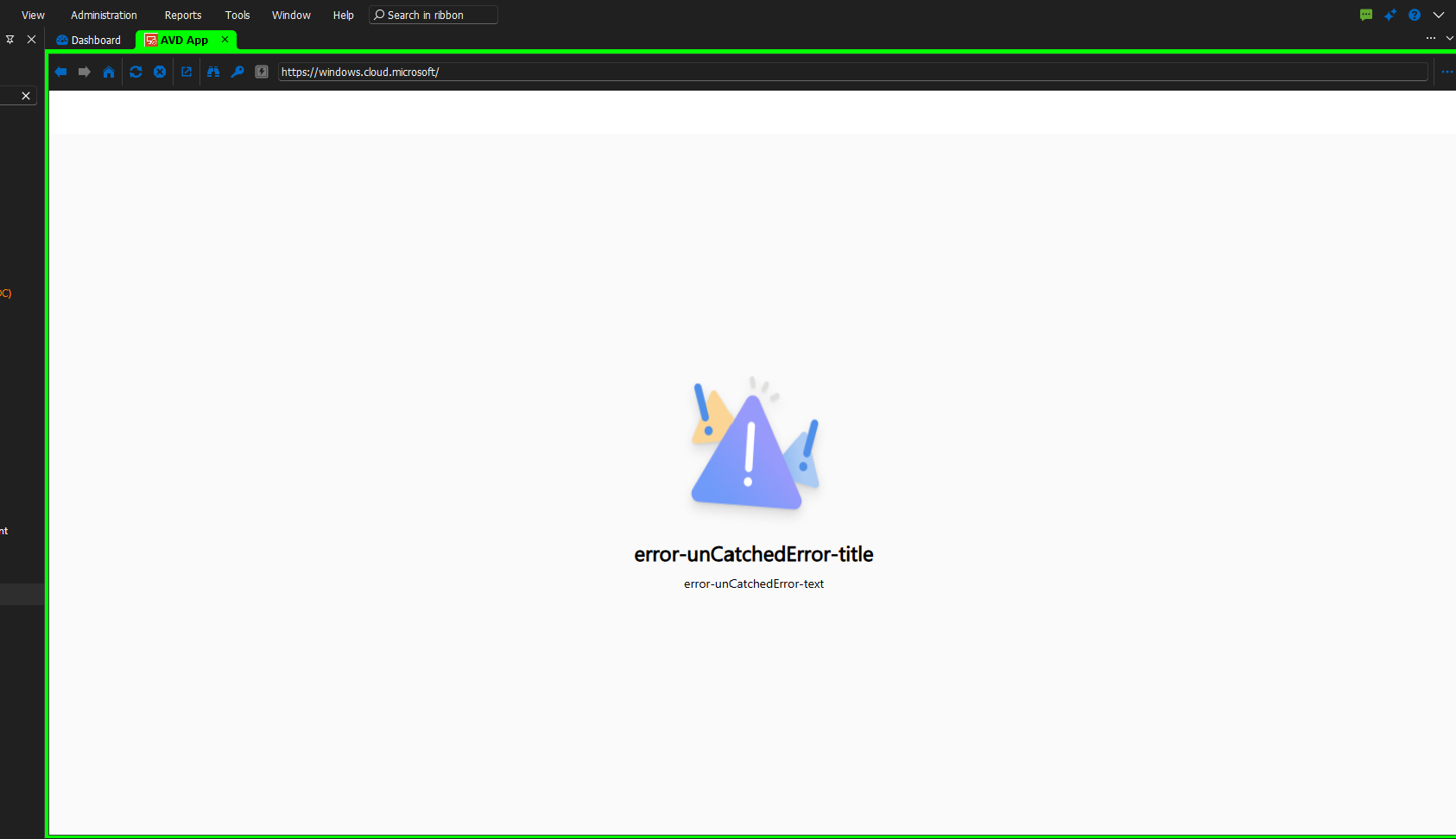
But if I run it undocked it works perfectly.
This didn't happen in the previous version, and I was able to run it embedded and login without any issues.
9708e84e-4f90-40c7-821e-71e0029a05d1.png
All Comments (2)
Hi guys, there appears to be a bug in the latest version that was not in the previous versions.
When opening the AVD website https://windows.cloud.microsoft/ and logging in with it configured as embedded it gives the following error:
But if I run it undocked it works perfectly.
This didn't happen in the previous version, and I was able to run it embedded and login without any issues.
@sy
Sorry, made a mistake on the last post, so it doesn't work embedded or undocked, it only works if I select external, it then works perfectly.
Previously it worked in all configurations.
Hi sy,
Thanks for the report and the follow-up correction. I attempted to reproduce this on 2026.2.8.0 with https://windows.cloud.microsoft/ in embedded mode, but in my environment the login works — so something in our configurations must differ.
Could you please share:
1. Your exact RDM version and the last version where embedded mode still worked.
2. Which workspace / data source you are connected to (SQL, DVLS, Devolutions Cloud, local, ...).
3. Screenshots of the entry properties (sensitive values redacted) so I can recreate your exact setup
Also worth one quick test: close RDM, delete the WebView2 cache folders under %LOCALAPPDATA%\Devolutions\RemoteDesktopManager, and retry embedded mode to rule out a stale browser profile.
Best regards,
Stephan
