SSL-VPN OpenVPN autofill does not transmit the caret character (^); it replaces it with an ampersand (&).
SSL-VPN OpenVPN autofill does not transmit the caret character (^); it replaces it with an ampersand (&).

Hello,
we use "autofill" to copy credentials into the OpenVPN credential-window.
Some passwords contain "^" (caret).
Only, when autofill is used into the OpenVPN credential-window, then it is pasted wrong.
"^" is substituted with a "&".
When using the “Clipboard > Type clipboard“ function the password will be typed as copied; only the Autofill function from the OpenVPN object does transmit it wrong.
Is this a bug?
Do we need to set a special setting?
Here is the configuration: 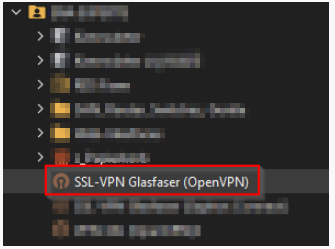
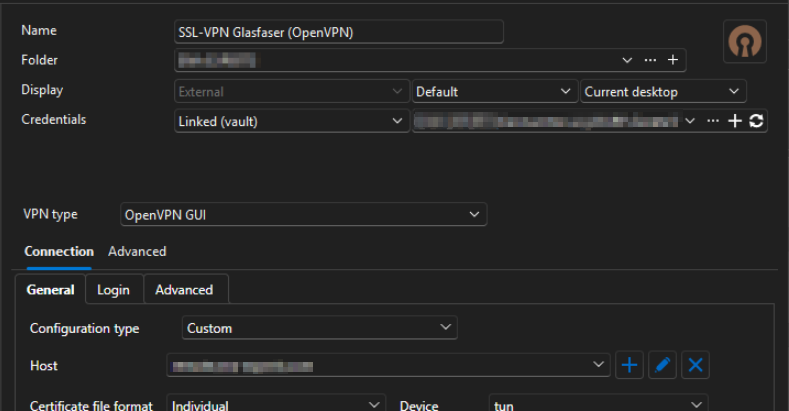
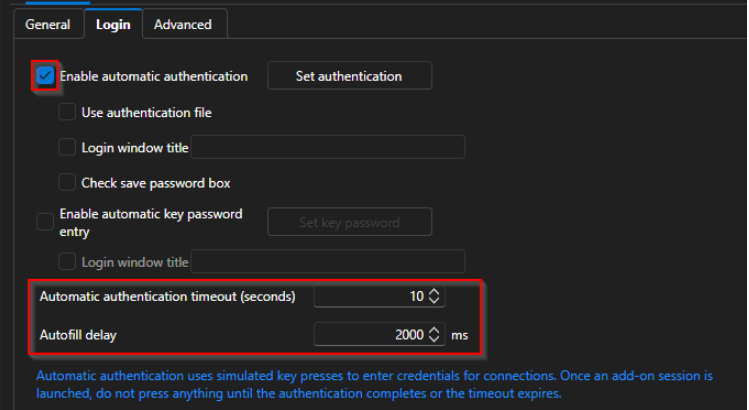
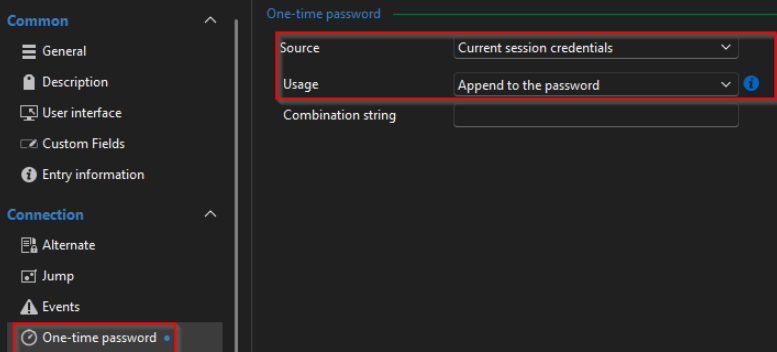
Thanks in advance.
Best regards,
Daniel
e29ba7bc-e02d-4292-85ce-b719b545d05a.png
e8383acc-2f02-49cc-adf5-85c5ed4c985c.png
94f040a1-5ac0-4570-b333-a7aa87ef173c.png
65c098c1-13da-47e1-8aa9-6eda739e2abc.png
All Comments (5)
Hello,
Thank you for contacting us regarding this matter.
Could you please let me know which version of RDM you are using, as well as the workspace involved?
In the meantime, could you confirm whether this issue started occurring after an update or a specific change, or if it began happening randomly?
Best regards,
Tommy Sanders
Hello,
version: 2026.1.16.0 64-bit (JIT)
What do you mean with "the workspace involved"?
"could you confirm whether this issue started occurring after an update or a specific change, or if it began happening randomly?"
It did not happen "before", because we did not use passwords with the caret.
So the issue could have been there for a long time. We discovered this by "luck/accident", as the RDM password generater generated passwords with the caret.
Best regards,
Daniel
Hello,
Thank you for your response.
When I referred to the workspace, I meant the data source. Could you please confirm which data source you are using: DVLS, Devolutions Cloud, SQL, or a Local data source?
This information will help me reproduce the issue on my end.
Best regards,
Tommy Sanders
Hi,
datasource is: SQL
Regards,
Daniel
Hello,
Thank you for your response.
I have created a case for further investigation and have sent you an email requesting a recording of the issue.
Best regards,
Tommy Sanders