Favorites dissapeared

I'm on the latest version (2026.2.1.2 on Mac and the latest available on my Windows system as well but I don't know what version it is exactly right now). Both systems are having the same issue, if I go into my Favorites folder, it's empty. I can see my the servers I've favorited in my main vault list, so I know they're in there, but I just can't see them in favorites (and removing/adding them to the favorites list doesn't make any difference).
Any ideas on what I can do to fix this?
All Comments (10)
The issue on my mac has been fixed by deleting the favorites files and recreating them. The windows issue has some more nuances, so I'll move that topic to the proper forum.
Hello,
Thank you for contacting us regarding this matter.
Could you please let me know which workspace or datasource you are using?
As a troubleshooting step, could you try removing the datasource from RDM and then adding it again?
If it is a cloud-based datasource, could you also try accessing it through the web interface and let me know whether the issue occurs there as well?
Best regards,
Tommy Sanders
I can confirm this happened to me as well after updating to 2026.2.8.0 on Windows.
Hello @adamsturdivant,
Thank you for your response,
Could you please respond to the questions in my previous message?
Best regards,
Tommy Sanders
Tommy,
I'm using the free personal cloud datasource. I've tried removing the datasource and re-adding it. Web interface works fine btw.
I've also tried uninstalling the app completely, and removing the devolutions folder in the application support folder on the mac, downloaded a fresh copy (2026.2.1.5) and it's still doing the same thing so I'm pretty sure it's something on your end.
Hello @adamsturdivant,
Thank you for your response,
Could you please respond to the questions in my previous message?
Best regards,
@Tommy Sanders
Web interface is showing my favorites with no issue. but the client continues to not load either favorites *or* recent entries.
Hello,
Thank you for your patience.
@adamsturdivant If possible, could you update RDM to the latest version (2026.2.9.0) and let us know whether the issue persists? This version should resolve the problem you are experiencing.
@izirdum Regarding the Mac version, I will check with our developers to determine whether this issue is also addressed there and will get back to you as soon as I have an update.
Best regards,
Tommy Sanders
Hello,
Thank you for your patience.
@adamsturdivant If possible, could you update RDM to the latest version (2026.2.9.0) and let us know whether the issue persists? This version should resolve the problem you are experiencing.
@izirdum Regarding the Mac version, I will check with our developers to determine whether this issue is also addressed there and will get back to you as soon as I have an update.
Best regards,
@Tommy Sanders
Favorites are restored but now I've lost recent connections: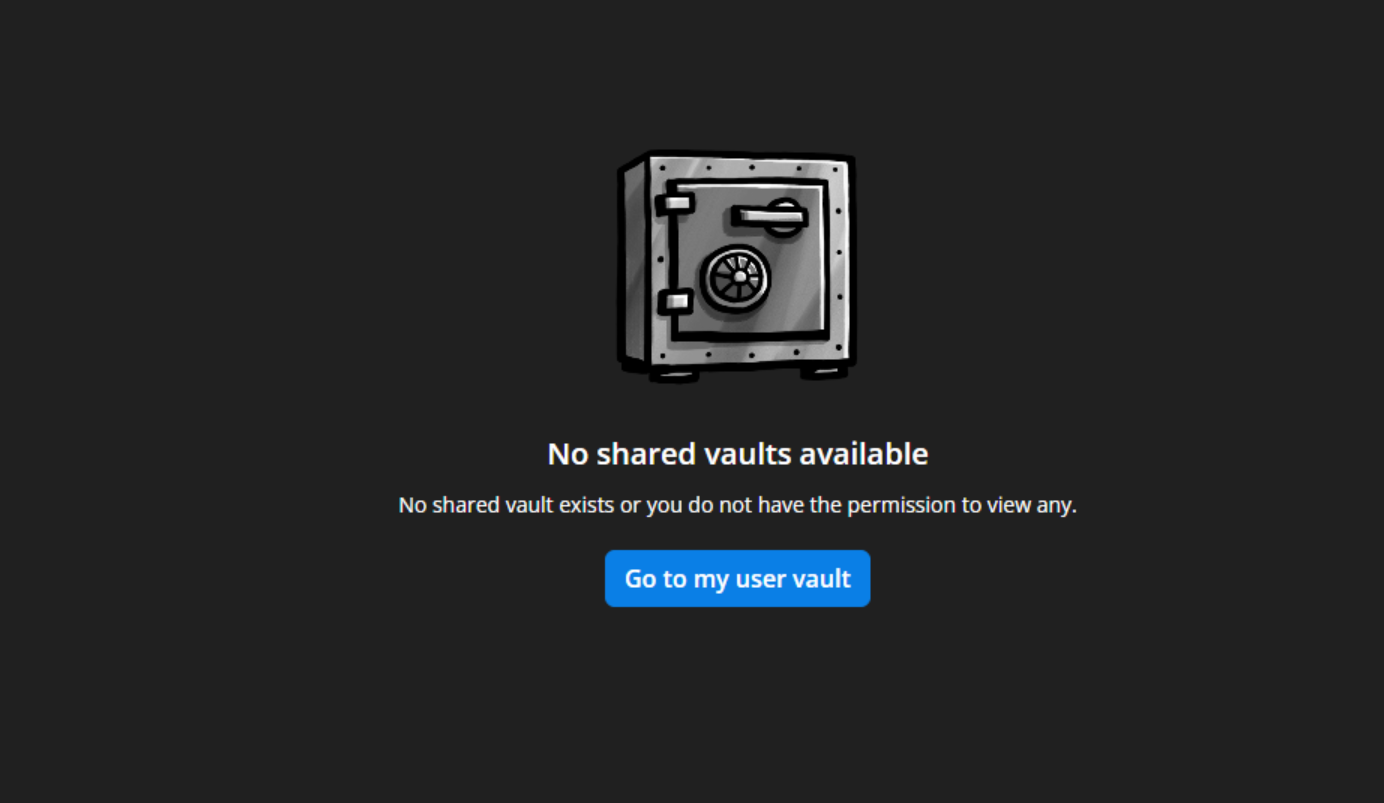
7154d75b-688b-4d51-b0f8-f4e7358750ed.png
2026.2.9.0 fixed it on Windows. Latest available on Mac still doesn't work (2026.2.1.5).
Hi,
Sorry for the inconvenience.
We are currently fixing this issue and expect it to be resolved in our next macOS release, which is scheduled for next week.
Best regards,
Jesse Galarneau