Issue with UDTextBox multiline

Apologies first off, I looked out on Github but there are now so many repos I wasn’t sure where to post current issues (love the Chuck Norris Jokes repo).
I ran into this issue today after upgrading to 3.2.6. I don’t believe it was an issue in the version I had installed before (3.2.0) but I could very well be wrong on that (will be checking tonight). It appears that the -RowsMax parameter is being ignored in a multiline UDTextBox. Below is a quick reproducer.
New-UDDashboard -Title 'Home' -Content {
    New-UDTextbox -Id "txtTest" -Label "Testing" -Multiline -Rows 3 -RowsMax 10 -Placeholder "3 Row, 10 Max" -FullWidth
}
Product: PowerShell Universal Version: 3.2.6
All Comments (7)
All issues end up in our Issues repo: GitHub - ironmansoftware/issues: Public Issue tracker for Ironman Software
@mjs461 - Can you open an issue for this in the tracker if it isn’t already there?
Adam Driscoll
PowerShell Expert and Software Architect at Devolutions
Thanks @Adam Driscoll
Sure thing.
I added a link to the tracker in the header.
Adam Driscoll
PowerShell Expert and Software Architect at Devolutions
@Adam Driscoll - Tracker Issue 1595 has been raised
Just using this param on 4.1.5 and I’m wondering if there’s a regression here? or if I’m maybe misunderstanding what the -maxrows param does? I’m wondering if I’m mistaking rows for rows the component takes vs rows inside the textbox and if there’s an alternative way to restrict/limit the input?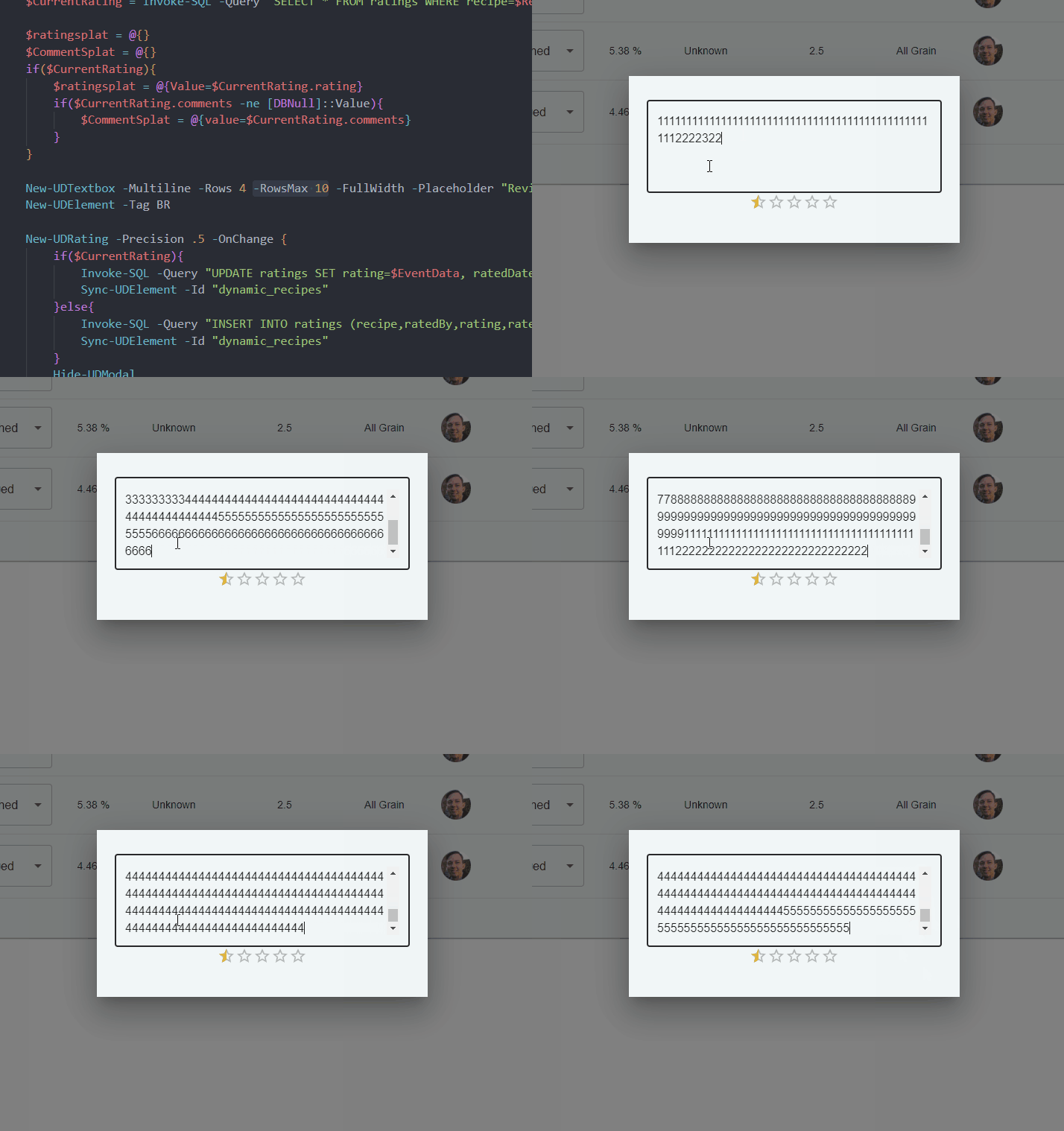
b88f6cca6527de6be316a44c818b71b4b9211677.gif
Rows max is just a visual thing and won’t restrict the actual content of the textbox.
See the example here: React Text Field component - Material UI
mui.com
It doesn’t look like there is anything built in for this but we could implement some sort of limiter in the PSU component.
Adam Driscoll
PowerShell Expert and Software Architect at Devolutions
That makes more sense, it’s just my bad interpretation
I’ve actually managed to add a limit using the -onvalidate parameter:
-OnValidate {
    if ($EventData.Length -ge 2000){
        New-UDValidationResult -ValidationError 'You have exceeded the maximum characters for this field (2000).'
     }
}
Happy with that method to be honest!