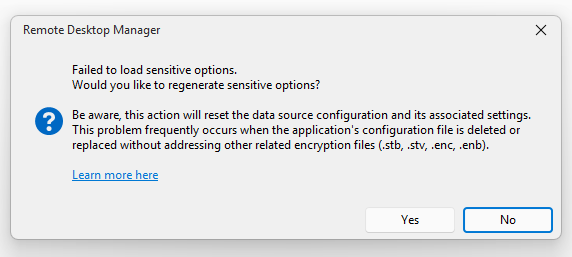
Failed to load sensitive options

One of my teammates is getting a similar issue: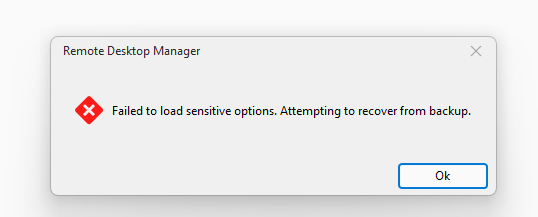
5593604d-c299-4c56-9cf8-3c16bf138269.png
4bcec1a2-501f-489f-b585-b3a1055fc841.png
All Comments (1)
Hello,
Thank you for contacting us on that matter,
Could you create a portable version of RDM and let us know if the issue still occurs?
The portable version will use the connection.db file, but it will not use the .stv, .cfg, and other configuration files.
Please follow the steps below:
(Please close RDM first.)
- Download the .zip file below:
- https://remotedesktopmanager.com/home/thankyou/rdmbin
- Create a new folder on your Desktop.
- Extract the contents of the .zip file into the folder created in step 2.
- Open the extracted folder and run remotedesktopmanager.exe.
- Try to reproduce the issue using the local data source first.
- If the issue does not occur, connect to your database and try again.
Best regards,
Tommy Sanders