Enter the private key password prompt

I have Key agent with my ssh key in it and autostarts on launch.
Recent version(s) have been now prompting me for key password: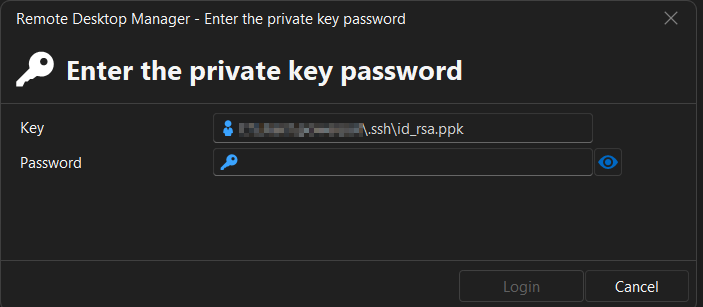 It never used to prompt for this, just wondering what has changed and how can I get it to stop prompting but store it.
Not sure if its related but in ssh Key manager it shows the ppk is insecure:
3ff90a7e-4654-4341-8b82-9f7b1a5572c8.png
ae0e37f7-a434-47db-a4ad-faf02115d915.png
All Comments (8)
Hello,
Thank you for reaching out.
To help us narrow down the cause of this issue, could you try the following and let us know if the prompt reappears?
- Create a new SSH Key entry in RDM and store your private key directly in it.
- Then by right clicking on the new entry, link it the SSH Key agent instead of referencing the key file directly.
Let us know if the behavior persists after making that change.
Best regards,
Carl Marien
"Create a new SSH Key entry in RDM and store your private key directly in it." Where? RDM is a big app with lots of places.
I removed from here and restarted app, still prompted: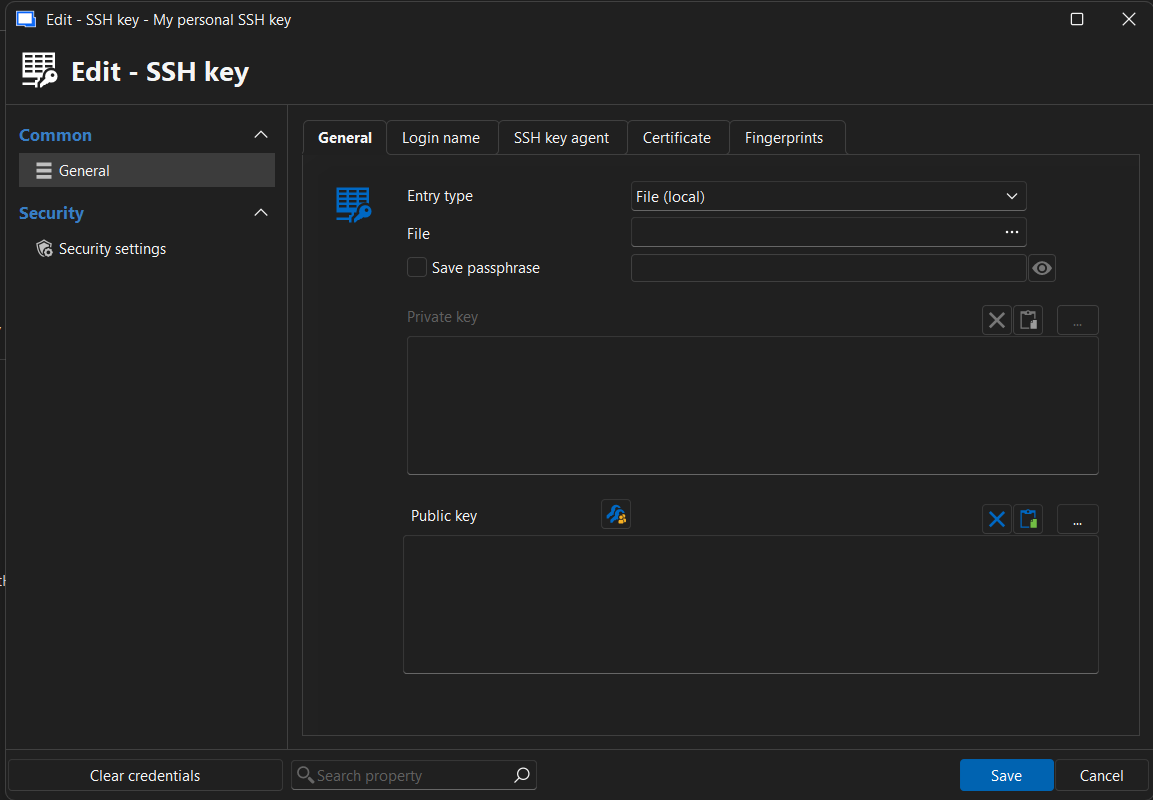 removed from key agent and restarted app
and it still prompts: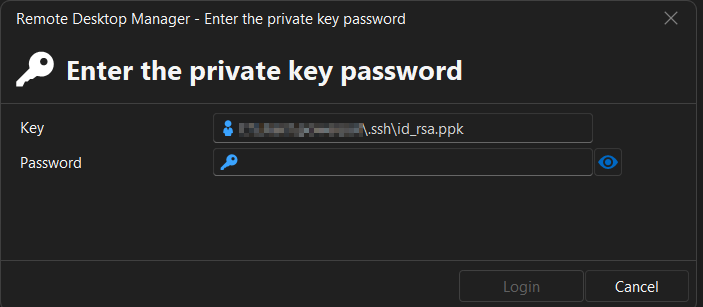
09f4fed6-7904-4dda-8d1c-c2fe0cd10b98.png
72f0900e-f3c7-4aee-bd27-c4a2f16f763e.png
Hello,
Thank you for the follow-up.
To store the private key directly in the SSH entry, open the entry properties, go to the SSH Key section, and use the dropdown to select one of the following options:
Embedded data: stores the private key directly inside the entry.
File (local): lets you point to a key file on the local computer.
Linked to vault: lets you link the entry to an existing SSH Key entry stored in the vault.
Any of these three options should let you keep the key associated with the entry without being prompted again.
Let us know how it goes.
Best regards,
Carl Marien
Hello,
Thank you for the follow-up.
To store the private key directly in the SSH entry, open the entry properties, go to the SSH Key section, and use the dropdown to select one of the following options:
Embedded data: stores the private key directly inside the entry.
File (local): lets you point to a key file on the local computer.
Linked to vault: lets you link the entry to an existing SSH Key entry stored in the vault.
Any of these three options should let you keep the key associated with the entry without being prompted again.
Let us know how it goes.
Best regards,
@Carl Marien
wouldnt that only matter if i tried to open a session using the key?
I am not not opening a session. I am opening RDM fresh. I enter app password, then i get prompted for this ssh key password, before the app has even loaded the left navigation menu.
Also nothing has changed with my sessions, they all use the same key but neither the key, the setup i already showed or the key setup in the configured sessions have been changes. Just the RDM updates.
Hello,
Thank you for the clarification.
Since the prompt appears immediately when launching RDM, before any session is opened, I would like to schedule a remote session with you so we can review the behavior directly and better understand what is triggering the prompt.
I will send you an email in a moment with the details so we can arrange a convenient time.
Best regards,
Carl Marien
Hello everyone,
A quick update on this issue. After working with one of the affected clients in a support session, we were able to reproduce the behavior on my end.
I have submitted a bug report to our development team and will update this thread once we have more information on a fix.
Thanks for your patience.
Carl Marien
Hello everyone,
A quick update on this issue. After working with one of the affected clients in a support session, we were able to reproduce the behavior on my end.
I have submitted a bug report to our development team and will update this thread once we have more information on a fix.
Thanks for your patience.
@Carl Marien
any updates on this one?
I now have multiple keys added.
the original one is still prompting on first launch, I enter password and it goes away.
If I open a 2nd instance of RDM, all 3 keys now prompt for password (probably because the first instance loaded them into key manager).
If I open a 3rd instance, again, all 3 keys prompt for password on launch(right after app password).
Hello,
Thank you for following up.
I wanted to let you know that the case on our end has been raised to High Priority with our development team.
We are still waiting for further updates regarding the fix, but I will make sure to update this thread as soon as we have more information available.
Thank you for your patience.
Best regards,
Carl Marien