Keyboard shortcuts only working on primary instance

I have keyboard shortcuts to toggle on/off broadcast.
When I open first instance of RDM this feature works.
When I open second, third, fourth, fifth + instances of RDM the keyboard shortcuts do not work.
But they still work in the first opened instance.
I have to manually open the broadcast options from menu for the other instances.
All Comments (6)
Hello,
Thank you for contacting us regarding this matter.
Could you please confirm your RDM version and the data source you are using?
In the meantime, please ensure that the magnet icon in the bottom-right corner is red.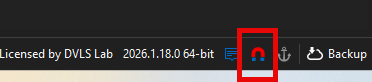
Best regards,
Tommy Sanders
bf7825d2-6c1f-4fee-a36a-88179fbb1f19.png
Hello,
Thank you for contacting us regarding this matter.
Could you please confirm your RDM version and the data source you are using?
In the meantime, please ensure that the magnet icon in the bottom-right corner is red.
Best regards,
@Tommy Sanders Same version and same red magnet in all instances open
e1706c00-ef21-4e0d-abba-ece9699da146.png
4978d039-0722-4956-afde-6b1a98b26127.png
Hello,
Thank you for your response.
When you refer to an “instance,” are you referring to entries? If so, which entry type do you mean? Also, was this working correctly in a previous version?
Best regards,
Tommy Sanders
Hello,
Thank you for your response.
When you refer to an “instance,” are you referring to entries? If so, which entry type do you mean? Also, was this working correctly in a previous version?
Best regards,
@Tommy Sanders
instance = open RDM window
multiple instances = multiple opened RDM windows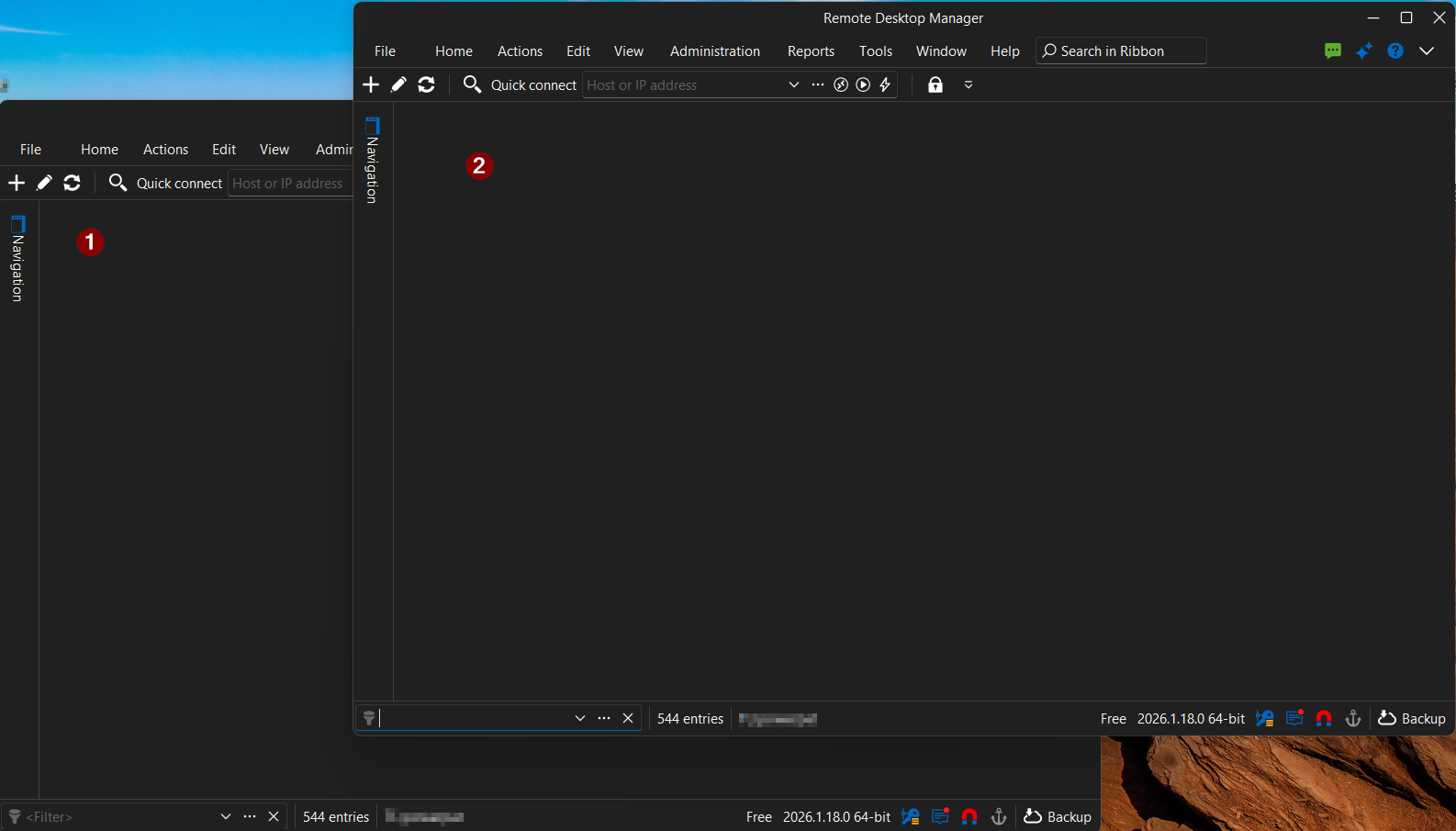
130fbe86-09b8-4193-a03f-0b176b20b80c.png
Hello,
I was wondering how the shortcuts were configured on your end.
My understanding is that in "Global" mode, whichever instance of RDM captures the shortcut first will execute it, which would explain the current behavior.
In the other modes, however, there might be an issue affecting how the shortcuts are handled.
Could you confirm how this is set up on your side?
Thanks,
Tommy Sanders
ok so they were both set to Global (I did not set that so either an update set that or it was broken before and now its fixed): I switched them both to "Default" and restarted app and now keyboard shortcuts work as expected in multiple instanced individual from each other (focused instance)
thanks
b9b0c8cf-1723-47df-b6e5-42bf5ce10995.png