Remote Desktop Manager Module Delinea - Configuring the Secret Server Cloud Integration
Remote Desktop Manager Module Delinea - Configuring the Secret Server Cloud Integration

Hi All,
How can I configure the RDM 2026.1.15.0 64-bit (PreJIT) to integrate with the Delinea Platform - Secret Server Cloud?
Because from this article: https://docs.delinea.com/online-help/integrations/devolutions/config/index.htm the Vault Selection is already there to select ?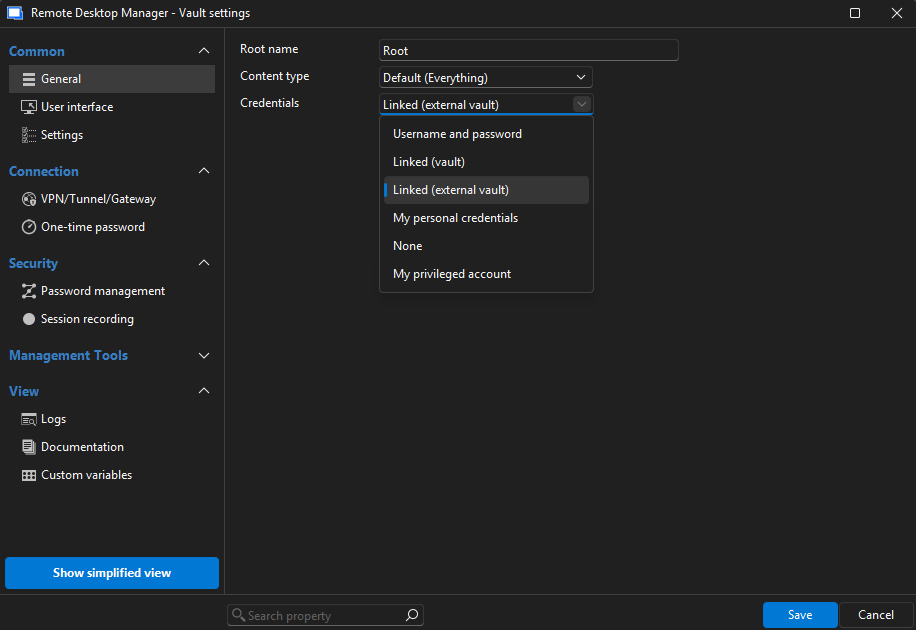
Thanks.
69ba761c-8da8-4302-9871-a7adea025f09.png
All Comments (3)
Hello,
Thank you for your feedback.
The Linked (external vault) option you are referring to links to another vault within RDM itself. Not an external vendor vault.
https://docs.devolutions.net/rdm/commands/edit/entry-credentials-options/
This Delinea documentation is missing important information on step one. You need to create a Delinea Secret Server entry type first. Then, you can link a server entry (RDP, SSH, etc) to this Delinea Secret Server entry.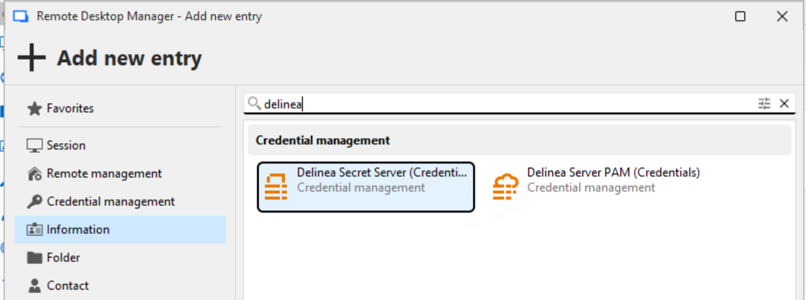
What license product do you have? The Delinea entry types require a PAM package license in order to work.
Let us know if that helps.
Best regards,
Érica Poirier
78b22a8f-3c6d-4e73-b5f2-601764a4f355.png
Hi @Erica Poirier,
Thank you for the clarification. Yes, it is quite confusing, hence I ask the question here.
My existing license is Remote Desktop Manager Module Delinea.
I was able to enter this: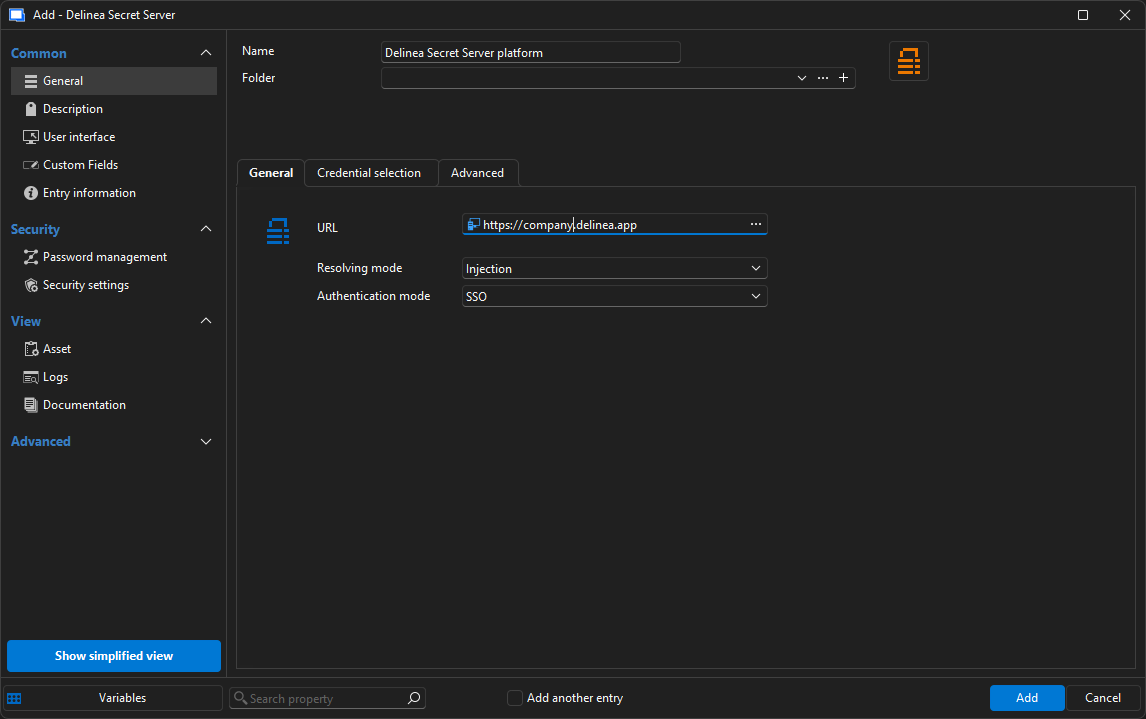
But not sure which entry I should select for this window after succesful login: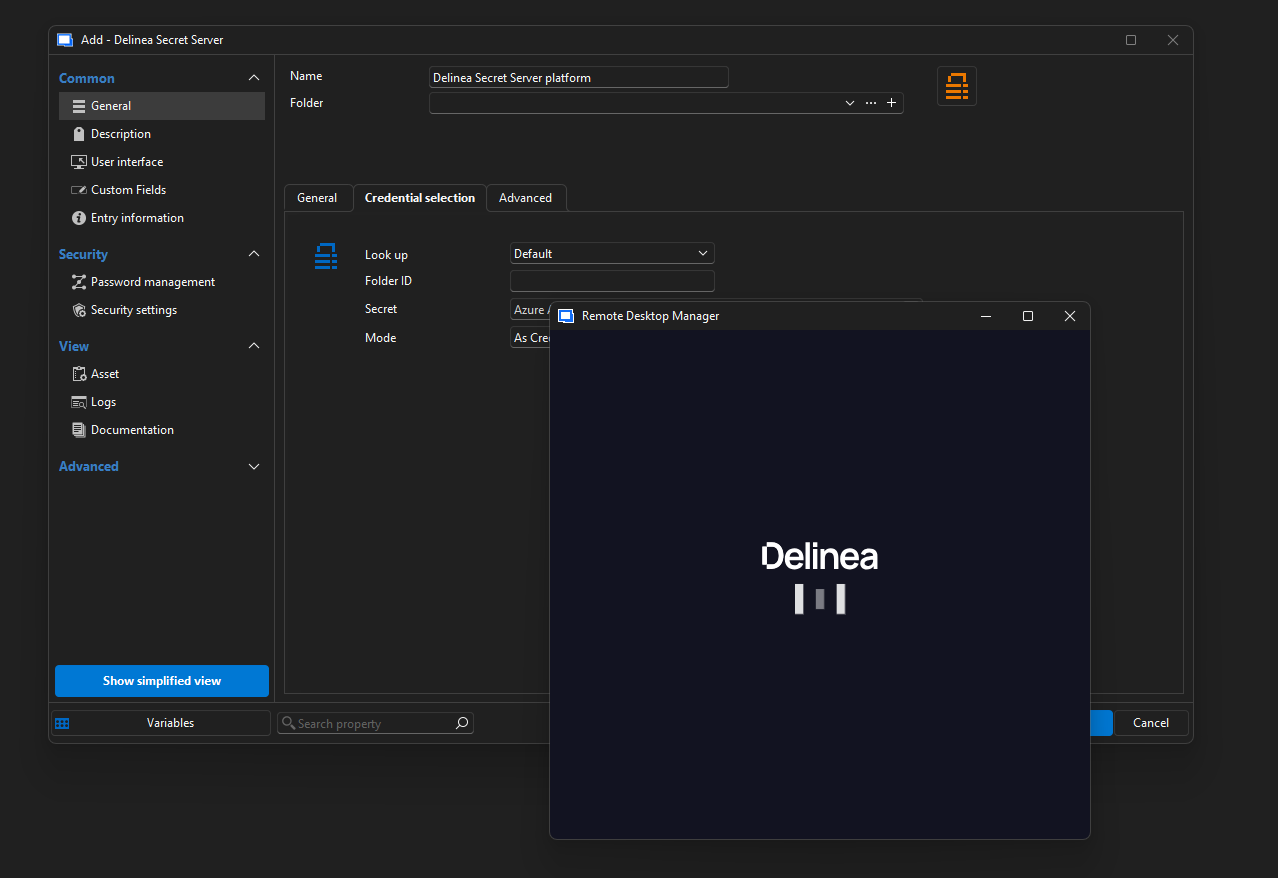
3baa04d5-5049-44f3-9be8-9e809763475a.png
c9480a9d-81f0-44b4-a0c1-e1335589c86e.png